Free entourage figure DWG files for renders (and how to use)
Free entourage figure DWG files — people, cars and bikes that bring renders to life. Where to find them, how to choose, and how to compose a scene.
Sumana KumarUpdated 26 May 20265 min read

What entourage means and why it matters
Entourage is the architect's word for the people, cars, bikes and other life that populate a drawing or render but are not the building itself. Its purpose is twofold: it establishes scale, so a viewer can read how big everything is, and it brings warmth, so a drawing reads as an inhabited place rather than an empty model. A render of a perfect facade with no entourage looks sterile; the same render with a few well-placed figures and a parked car looks like somewhere people live.
This site is a deep source of free entourage: human figures in plan and elevation, accessibility figures, families, and a full range of vehicles from sedans to bikes — all free entourage figure DWG files, no signup, free for commercial use. Because none of it carries licensing strings, you can populate a client's competition board or presentation render with people and cars without a moment's hesitation about terms.
Where to find it on the site
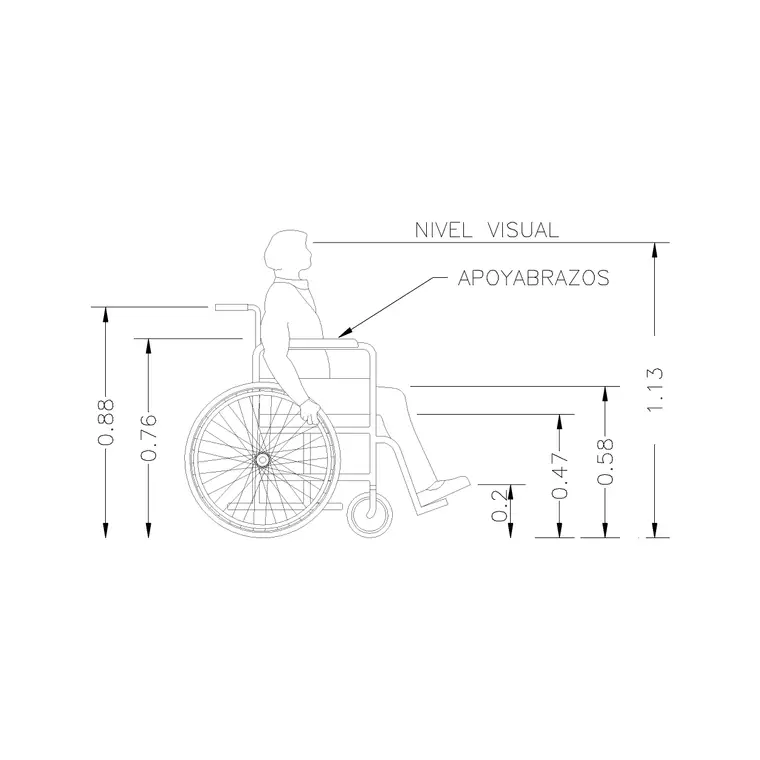
Entourage spans two categories. People holds every human figure — standing, seated, walking, plan-view, couples, families and accessibility figures — while Vehicles holds the cars, bikes and bicycles. Open either from the main menu, or use the search box to pull specific elements: "human figure" and "standing" for people, "car" or "bicycle" for vehicles, "family" for grouped figures.
Every block has its own page with a preview image, the DWG format and a one-click download — no cart, no email gate, straight to your Downloads folder. The smart approach for render work is to build a small kit in one session: several varied people, a couple of different cars, a bicycle, and a grouped figure or two. Kept in a personal entourage folder, that kit lets you dress any render or presentation drawing quickly rather than hunting for figures each time.
Choosing figures that suit the view
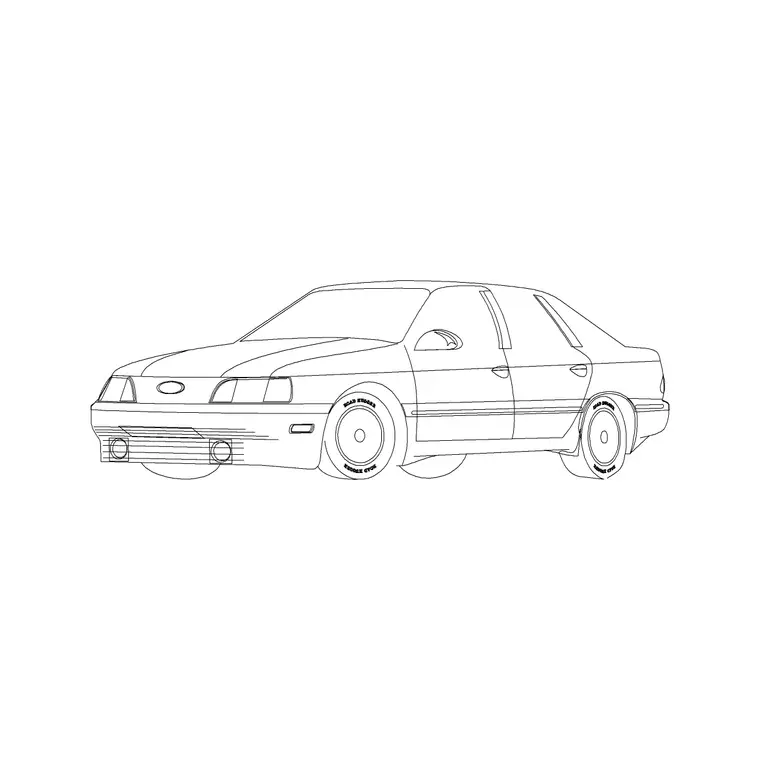
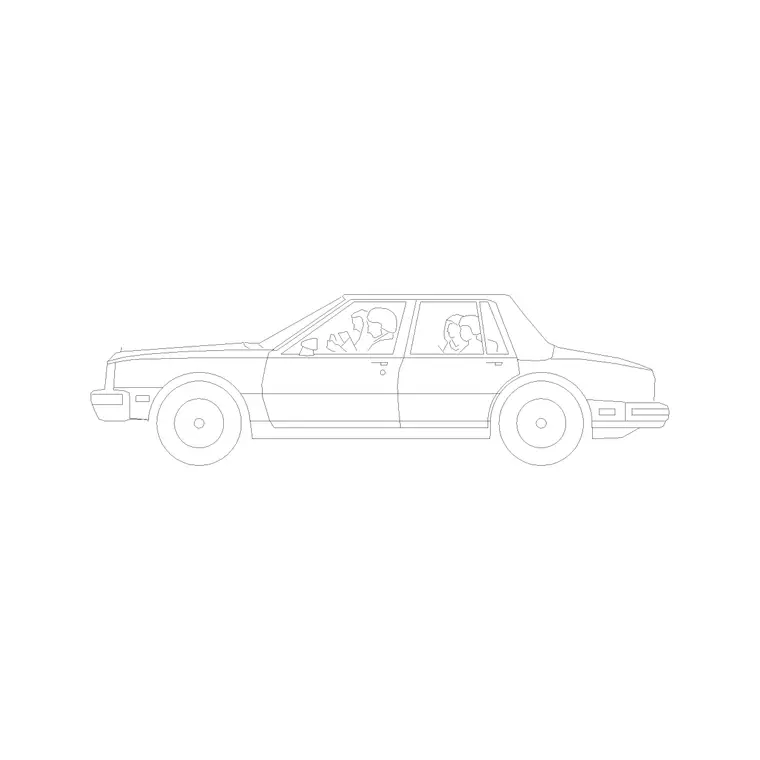
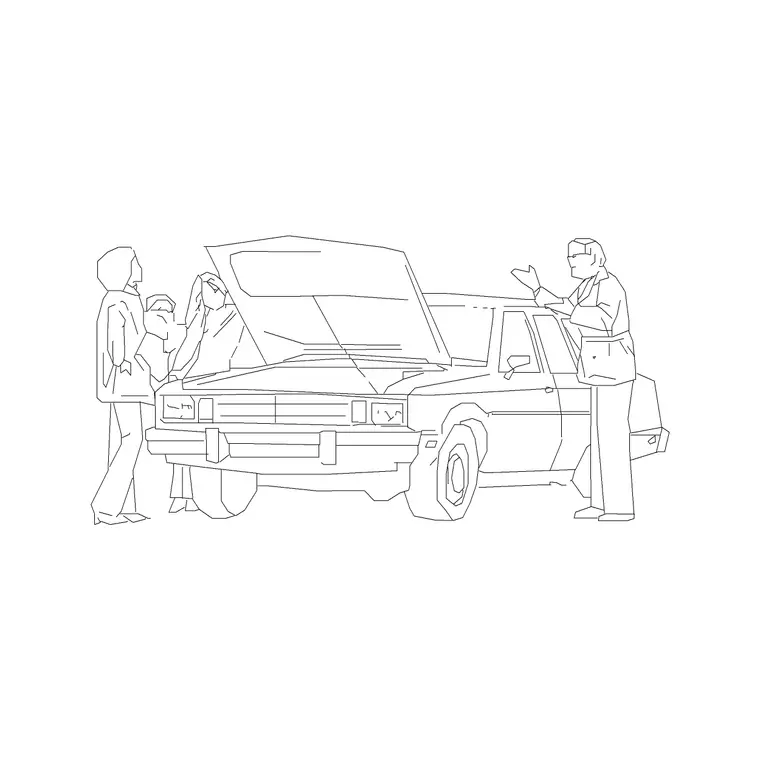
Entourage only works when the view matches the drawing. For a plan or aerial render, use plan-view figures and plan or top-down cars. For an eye-level perspective or a street elevation, use standing front-view people and side-profile or perspective cars, with everything anchored to the ground plane. A perspective car or a car-with-family block suits an angled hero view; a flat side-profile car suits a true elevation.
Variety is what sells it. Reach for different poses — standing, walking, seated, a couple, a family — and different vehicles rather than repeating one model. Mix ages and orientations, and include an accessibility figure where it reflects the real users of the space. The goal is a cast that looks like a genuine cross-section of people, not a row of identical silhouettes, because a trained eye reads repetition as fake immediately.
Insert, scale and place
Download the blocks, then in your drawing type INSERT (shortcut I), Browse to each DWG in the Blocks palette, and place it with the insertion point on-screen. Anchor people's feet and vehicles' wheels to the ground plane, keep scale at 1 and rotation at 0 to start, then rotate and mirror individual elements so they face different ways.
Scale is critical for entourage because wrong-sized people destroy the realism instantly. A standing adult is about 1.7 to 1.8 metres, a car about 4.5 metres long. If anything inserts oversized or invisible, that is a units mismatch — keep INSUNITS consistent so AutoCAD auto-scales, or SCALE by 0.001 to bring millimetre blocks into a metre drawing. Dimension a figure head to toe to confirm it reads about 1750mm. Put the whole cast on dedicated entourage and vehicle layers so you can dim or freeze it for a clean base drawing and restore it for the render.
Composing a scene that feels alive
Great entourage is arranged, not scattered. Place figures and vehicles the way life actually distributes them: clusters near entrances and gathering points, lone figures along routes, gaps of empty space in between. Let nearer elements partly overlap further ones to create depth, vary the heights and orientations, and resist the urge to fill every space — a few well-placed people read as more real than a crowd.
Match the activity to the place: people sitting where there is seating, walking where there are paths, a family near a home, customers near a shop entrance, cars at the kerb and bikes by the cycle stands. Keep everything on its own layers for easy control, and the same base drawing can serve as a clean technical sheet one moment and a warm, populated render the next. Handled with this restraint and intent, free entourage is one of the highest-impact, lowest-cost ways to make a presentation drawing or render feel genuinely alive.
Keep a render-ready entourage library
The professionals who dress renders fastest treat entourage as a standing library, not a per-project scramble. Once you have downloaded a good spread of figures and vehicles, organise them into clearly named folders — people-plan, people-elevation, vehicles — and build matching Tool Palettes so any element is a click away. Then every new render starts with a ready cast rather than an empty search.
Discipline keeps that library trustworthy. Insert blocks as named references rather than exploding them, so a busy scene stays light and any element can be swapped from one definition; run AUDIT and PURGE after importing unfamiliar files to strip stray layers; and keep each family on its own layer so you can dim the whole cast for a clean base drawing and restore it for the render. Because everything here is free for personal and commercial use with no signup and no attribution, the entire library carries no licensing strings into client work — nothing to credit, nothing to track. Built and maintained once, a render-ready entourage kit pays back on every visualisation you produce for years.
Questions
Frequently asked
Where can I download free entourage figures for renders?+
From the People and Vehicles categories on CADBlockDWG. People, cars and bikes all download instantly as DWG with no signup and are free for commercial use, ready for renders and presentation drawings.
What counts as entourage in an architectural drawing?+
Entourage is the people, cars, bikes and other life added around a building to give it scale and warmth. It is everything in the scene that is not the building itself, used to make a drawing read as an inhabited place.
How do I keep render entourage from looking fake?+
Vary poses, ages, vehicles and orientations; match figures to the view; anchor everyone to the ground plane at correct scale; cluster and overlap naturally; and avoid repeating one identical block across the scene.
Free downloads from this article
Free CAD block library
Download the blocks from this article — free, no signup


