Where to find free decorative lighting DWG files
Free decorative lighting DWG blocks — chandeliers, pendants, wall, floor and table lamps — where they are and how to use them in AutoCAD elevations.
Sumana KumarUpdated 15 June 20264 min read
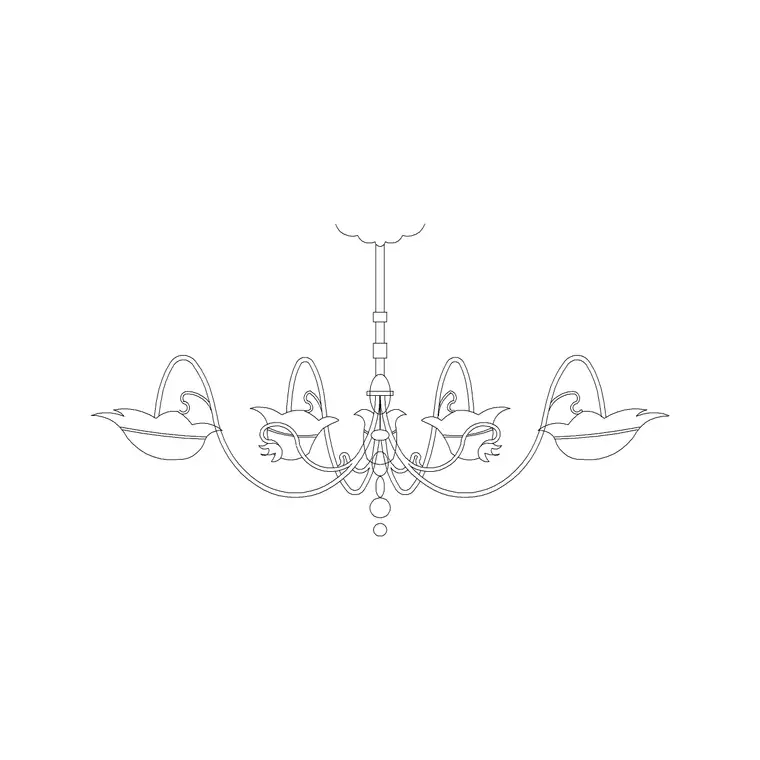
The decorative lighting on offer
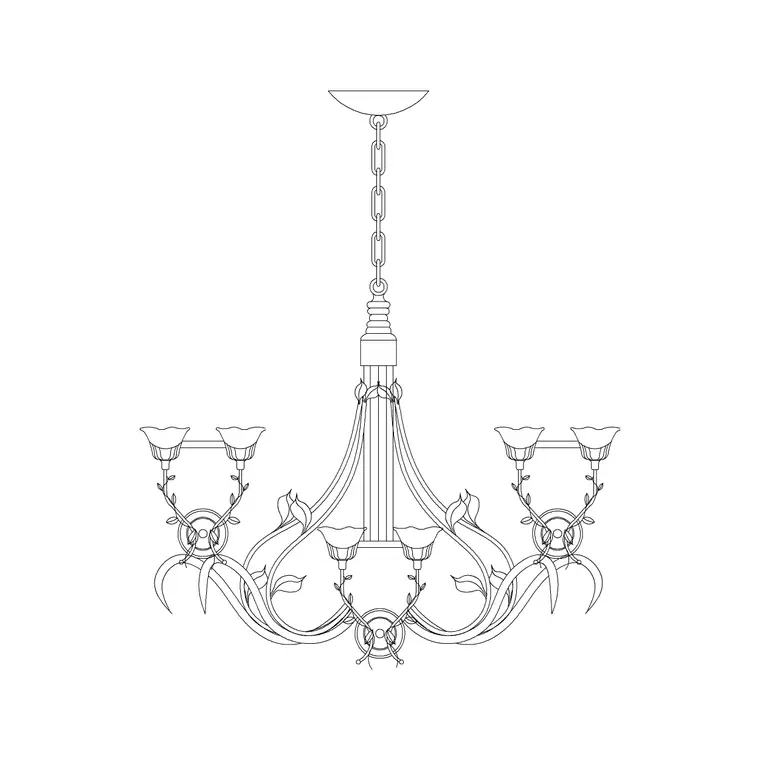
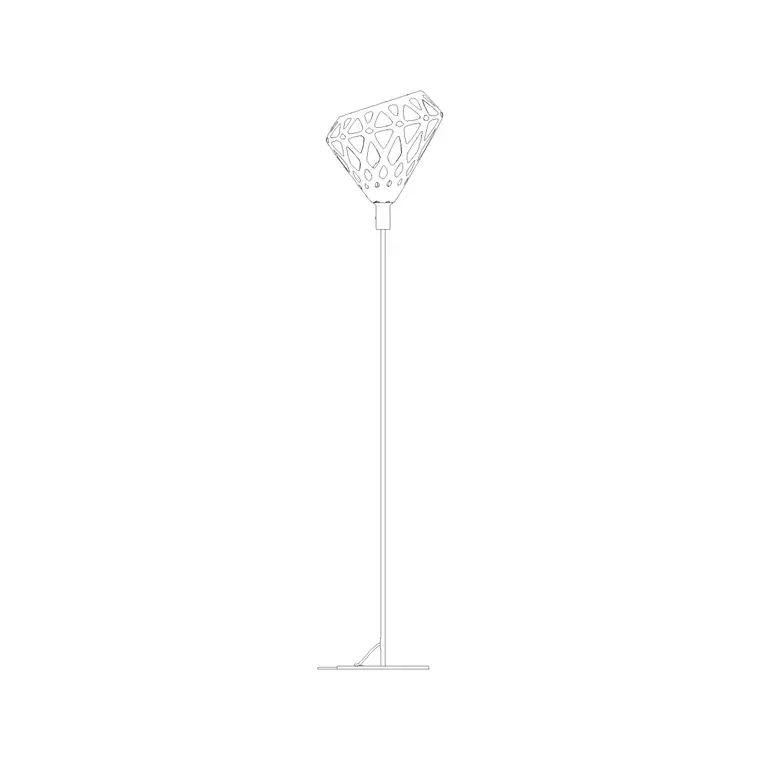
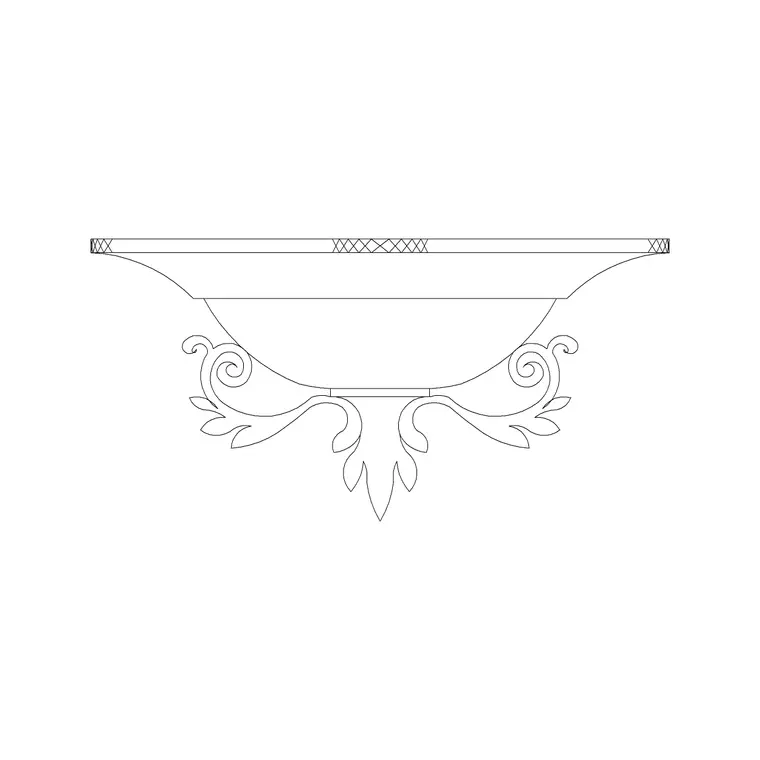
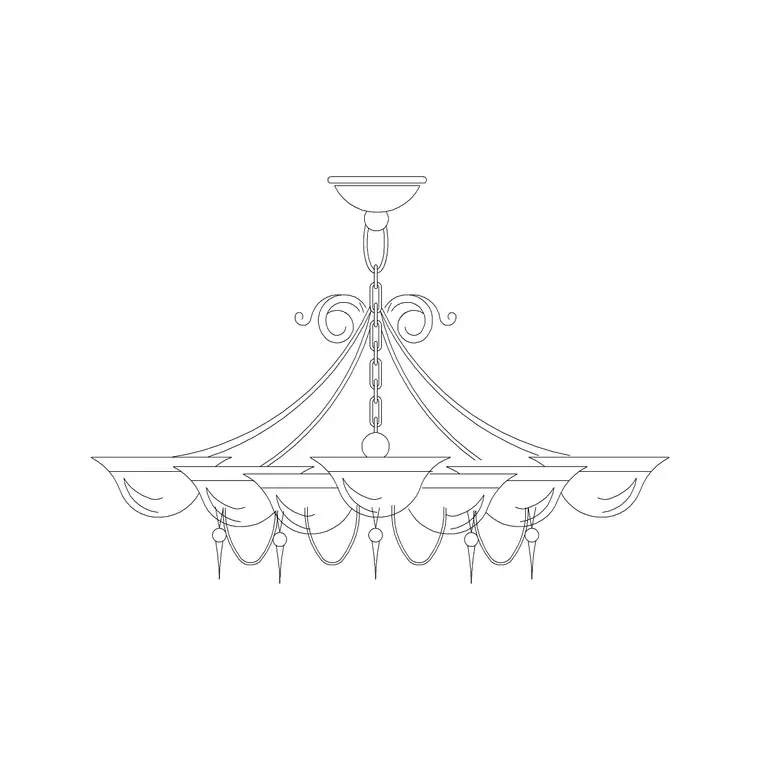
Decorative lighting is the layer of fittings chosen for how they look as much as what they light — chandeliers, pendants, wall sconces, floor lamps and table lamps. The Lighting category on CADBlockDWG carries the full spread: suspended and long suspended metal chandeliers, a small suspended fitting that reads as a pendant, the ceiling and wall lamps, and three floor lamp elevations. Open the Lighting hub and browse, or search by fitting type to go straight to what you need.
Everything downloads free as DWG with no signup, and the licence covers commercial use. Because decorative fittings are exactly what give an interior its character, having this range on hand means you can dress a set of elevations with feature lighting that actually suits the design, rather than dropping in one generic symbol everywhere.
What these blocks have in common
The decorative fittings here are elevation drawings — front-on views that show each fitting's silhouette, the feature that makes decorative lighting decorative. A chandelier's frame, a pendant's drop, a wall lamp's profile, a floor lamp's stem and shade: elevation is the view that communicates all of it, which is why these belong on interior elevations and sections rather than as plan dots.
They are all DWG, native to AutoCAD, and all editable vector geometry rather than images. That means you can snap to them, mirror them, adjust suspension lengths, restyle lineweights and combine portions of them. The consistency of format across the whole decorative range makes it easy to build a coherent lighting library you can reuse project after project.
That shared format is more useful than it first sounds. When every fitting comes as a clean DWG in the same view convention, you can mix and match across rooms knowing they will all sit at the same lineweight, snap the same way, and respond to your layers identically. A library cobbled together from inconsistent sources — some raster, some at random scales, some on locked layers — fights you at every turn. Drawing your decorative scheme from one consistent set removes that friction entirely.
Layering a decorative scheme
Good lighting design works in layers — ambient, task and accent — and decorative fittings span all three. A chandelier or long suspended fitting provides an ambient focal point over a table or island; wall lamps add task or accent light along a wall; floor and table lamps create accent pools beside seating and on surfaces. Showing all three in an interior elevation communicates a considered scheme rather than a single token light.
When you place these fittings, think about the relationships: a chandelier centred over the table, sconces flanking a mirror or fireplace in a mirrored pair, a floor lamp anchoring a reading corner. Mixing fitting types — and using the catalogue's different chandelier and lamp variants — keeps a set of rooms from looking like one fitting repeated, which is the hallmark of a real design.
Inserting, scaling and layering
Bring each fitting in with INSERT (shortcut I), Browse to the file, and tick "Specify On-screen". Anchor each to its real reference — chandeliers and pendants to the ceiling line, wall lamps at their mounting height, floor lamps to the floor, table lamps to a surface — using object snaps (F3) so nothing floats. Wrong-sized fittings are a units mismatch: match INSUNITS, or insert and SCALE by 0.001 or 1000, then sense-check each against the furniture and ceiling around it.
A useful discipline across a whole scheme is to anchor every fitting to a real datum rather than eyeballing heights. Ceiling-hung fittings reference the ceiling line, wall fittings reference a mounting-height guide, surface and floor fittings reference the furniture or floor they sit on. Once each fitting type has a consistent rule, an entire elevation comes together quickly and the heights stay coherent from room to room.
Put all the decorative fittings on a lighting layer. Blocks on layer 0 inherit the active layer at insertion, so set that layer current first. With every decorative fitting on one layer, you can dim the whole lot on a coordination drawing or feature it on a presentation elevation from the Layer Manager, without editing a single block.
Building a reusable lighting kit
Because the decorative range is broad and consistently formatted, it is worth assembling your favourites into a tool palette — a chandelier, a pendant, a wall lamp, a floor lamp, a table lamp — so you can dress any elevation with one-click placements. Over a project, and across projects, that turns lighting from a draw-it-each-time chore into a quick, repeatable step.
Pair the decorative fittings with the functional ones — downlights from the round ceiling light, fans where needed — and you have a complete lighting toolkit covering both the statement pieces and the workhorse fittings, all from free, editable, commercially-licensed blocks. Insert rather than copy, keep everything on sensible layers, and your lighting drawings stay light, consistent and easy to revise as the design develops.
Questions
Frequently asked
What counts as decorative lighting in the catalogue?+
Chandeliers, suspended pendants, wall lamps, floor lamps and table lamps — the fittings chosen for their look. All are free DWG downloads in the Lighting category with commercial use allowed.
Are the decorative lighting blocks plan or elevation?+
Elevation — front-on views that show each fitting's silhouette and profile — which is the right view for interior elevations and sections where the decorative form is the point.
How do I build a reusable decorative lighting kit?+
Download your favourite chandelier, pendant, wall, floor and table lamp blocks, drag them onto a tool palette, and place them with one click whenever you dress an elevation.
Free downloads from this article

Free CAD block library
Download the blocks from this article — free, no signup


