Where to find free car elevation DWG files (and how to use)
Free car elevation DWG files — side-profile cars for street views and sections. Where to find them, why elevation view matters, and how to place and scale them.
Saumyajit MaityUpdated 27 February 20264 min read
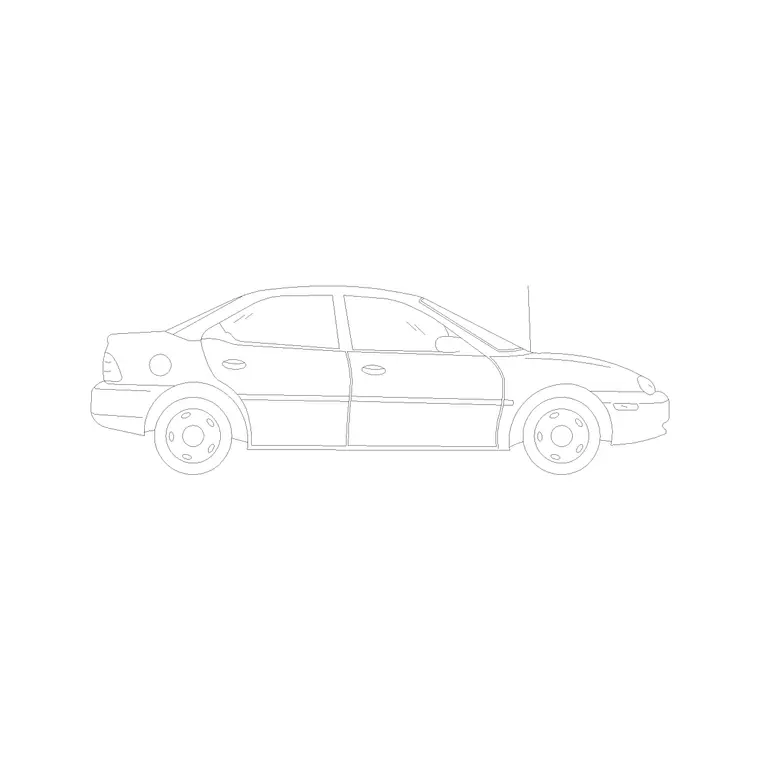
What a car elevation is for
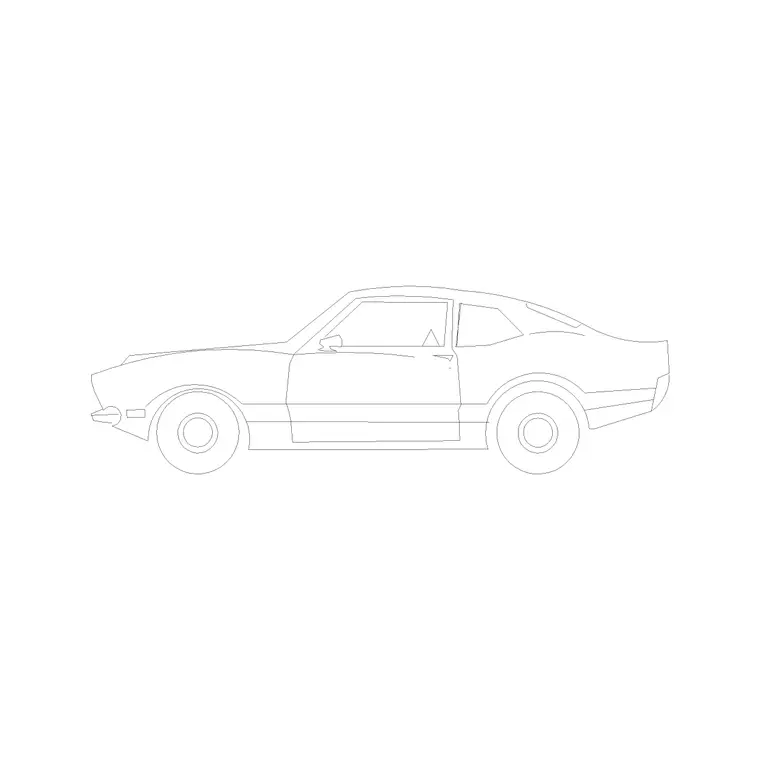
A car elevation is the side profile of a vehicle — the silhouette you see standing on the kerb looking across at a parked car, with the wheels, glazing and roofline in true proportion. It is the version of a car block you place on street elevations, building sections and face-on perspectives, where everything is drawn front-on rather than from above. Its job is to give a facade believable scale and a sense of an inhabited street.
The cars on this site are largely supplied as elevations, so they are exactly what you need for these face-on drawings. They are free car elevation DWG files, with no signup and free for commercial use, covering a range of body shapes from compact to luxury. Because they carry no licensing strings, you can line them along a client's street elevation or drop one into a section without any commercial worry.
Where to find them
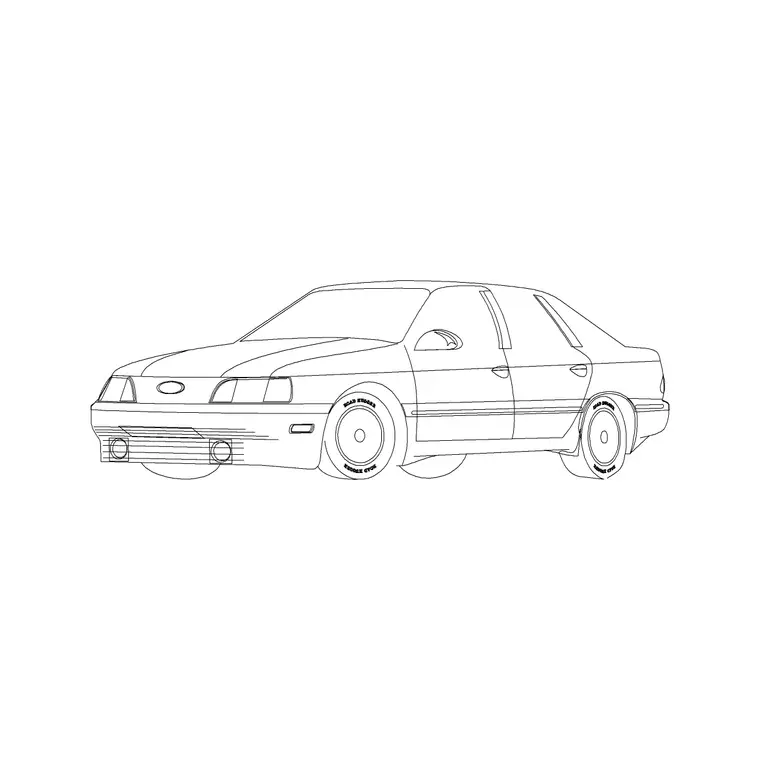
Open the Vehicles category from the main navigation and use the search box. Type "car elevation" to surface the side-profile blocks — there are numbered car-elevation variants to choose from — or "car" for the wider set. If you want a particular look, add a body word: "sedan", "luxury" or "perspective" narrows it further.
Each block has its own page with a preview image, the DWG format and a download button — no cart, no email gate, one click to your Downloads folder. Because a convincing street needs more than one model, download a few different car elevations in a single session: a couple of ordinary cars and perhaps a contrasting one. A small set of varied side-profile cars in a personal folder will furnish any number of elevations afterwards without the parked cars looking like clones.
Why the view has to match
The reason to use an elevation car on an elevation is consistency of view. A street elevation is drawn as if you stood directly in front of the scene; the cars in it must therefore be side-on, wheels on the ground line. A plan car — the top-down outline — laid into an elevation reads as a flat shape lying on the road, an obvious error to a trained eye.
Set each car's wheels on the same ground line as the building so the scales align honestly. A car at roughly 1.5 metres tall and 4.5 metres long parked beside a facade tells the viewer, at a glance, how tall the ground floor is and how the building meets the street. Match the view, anchor the wheels to the ground, and the cars reinforce the elevation rather than fighting it.
Insert, scale and align
Download the car DWG, then in your drawing type INSERT (shortcut I), Browse to the file in the Blocks palette, and place it with the insertion point on-screen. Snap the wheels to the ground line, keep scale at 1 and rotation at 0, and click. For a row of parked cars, place one and copy it along the kerb, then swap in different models so the line varies.
Check the footprint: a typical car elevation is about 4.5 metres long and 1.5 metres tall; a luxury saloon longer, a compact shorter. If it inserts enormous or tiny, that is units, not the block — keep INSUNITS consistent so AutoCAD auto-scales, or SCALE by 0.001 to bring a millimetre car into a metre drawing. Dimension it bumper to bumper to confirm. Mirroring a car flips which way it faces, useful for parking on both sides of a street.
Composing a believable street
A street elevation comes alive when the cars are arranged like real parking rather than a neat queue. Vary the models, leave the odd gap, mirror some so they face different ways, and let a nearer car slightly overlap one behind to suggest depth. Add a few standing figures on the pavement and the street reads as inhabited.
Keep all the cars on a dedicated vehicles layer so you can dim or freeze them for a clean technical elevation and restore them for the rendered or presented version. The combination — varied, correctly scaled cars on the ground line, a few people, the odd overlap — turns a flat elevation into a believable streetscape, which is exactly the impression a presentation elevation is meant to give a client or a planning authority.
Let cars confirm the building's scale
A car on an elevation is not only decoration — it is a second opinion on whether your facade is the height you think it is. Because almost everyone knows roughly how tall a car is, a vehicle parked against the ground floor instantly tells the viewer, and you, how the storey height reads. If the ground floor looks barely taller than the parked car, it is probably too low; if a single-storey shopfront towers over the vehicle, the proportions may have drifted.
Use this as a deliberate check. After placing a correctly scaled car at about 1.5 metres tall on the ground line, step back and read the elevation as a stranger would: does the door look like a door beside it, do the floor-to-floor heights feel right against a known object? Pair the car with a standing figure at roughly 1.75 metres and you have two independent human-scale references confirming the same thing. It is a quick, almost free sanity check that catches scale drift an experienced eye would otherwise spot only late in the process.
Questions
Frequently asked
Where can I download free car elevation DWG files?+
Search 'car elevation' in the Vehicles category on CADBlockDWG. The side-profile car blocks download instantly as DWG with no signup and are free for commercial use.
How tall is a car elevation block?+
A typical car is about 1.5 metres tall and 4.5 metres long in elevation. Dimension the block after inserting to confirm scale, and set the wheels on the building's ground line.
Why not use a plan car on an elevation?+
An elevation is a face-on view, so cars in it must be side-on. A plan (top-down) car laid into an elevation reads as a flat shape on the road — an obvious mistake. Use the elevation view instead.
Free downloads from this article

Free CAD block library
Download the blocks from this article — free, no signup


