Free DWG blocks for a conference room — what to download
Furnish a conference or boardroom with free DWG blocks: tables, chairs and a credenza. What to download, the clearances to hold, and how to insert it.
Sumana KumarUpdated 27 February 20264 min read
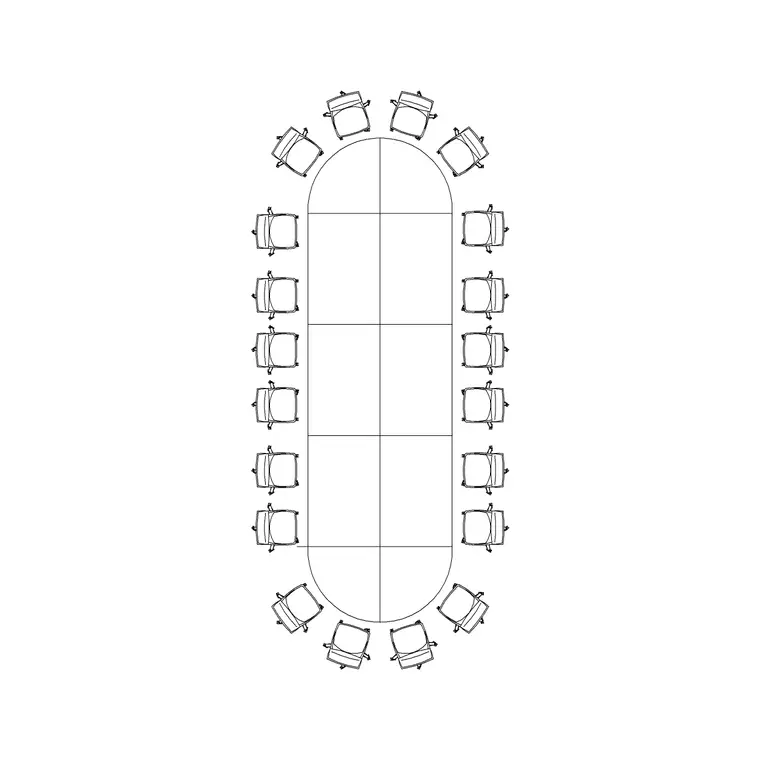
One table sets the whole conference room
A conference or boardroom is the rare layout that is dominated by a single block: the conference table. Choose the right table for the seat count and the room, centre it, and the rest — chairs, a credenza, an AV wall, maybe a sideboard — falls into place around it. So the most important thing to download is a correctly-sized conference table, and the good news is you can drop one in as a single insertion rather than drawing it.
Everything here is free DWG and DXF, no signup. The Office category holds conference and meeting tables in a range of sizes and shapes — round, rectangular, oval and boat-shaped. Start by matching the table to the room: a 10-seater round table suits a mid-size meeting room, while a 20-seater conference table fits out a full boardroom in one go.
What to download for a conference room
A conference/boardroom plan generally needs:
- A conference table sized to the room — a 10-seater for a meeting room, a 20-seater (often boat-shaped) for a boardroom. - Conference chairs around it, allowing about 600 to 750mm of width per seat and roughly 900mm of pull-out and pass-behind space. - A credenza or sideboard along one wall for power, refreshments and storage. - An AV wall: a screen or display line, sometimes a video-conference camera position. - Optional: a lectern, breakout chairs, planting and feature lighting over the table.
The table is the hero block. A 10- or 20-seater conference table plus chairs essentially is the room; the credenza, AV wall and planting are the supporting cast you add once the table is centred.
Clearances and the AV sightlines
The reason to furnish a conference room precisely is comfort and visibility. Keep at least 900mm of clear space all around the table so chairs pull out and people pass behind seated colleagues — more like 1.2m on the circulation side. Make sure every seat has a clear sightline to the AV wall, with no one craning around a colleague to see the screen; a boat-shaped table helps here by angling the end seats slightly inward.
Position the screen on the short wall the table addresses, and keep the door clear of the head and foot positions so latecomers do not walk through the presentation. Placing the real table and chair blocks lets you confirm the room seats the intended number with comfortable circulation and good sightlines — exactly what a boardroom layout needs to prove.
Screen size and viewing distance go together, and the table length is what sets them. As a rough rule the furthest seat should be no more than about six times the screen height away, so a long boardroom table needs either a large display or a second screen. Check the distance from the foot of the table to the screen against that, and size the display accordingly — there is no point seating twenty people if the four at the far end cannot read the slides. For video calls, position the camera and the near end of the table so remote participants see faces rather than the backs of heads, and keep a window from glaring straight into the lens.
Inserting the conference set in AutoCAD
Download the conference table and chairs, then INSERT the table and centre it in the room (often on the room's centre lines, or offset toward the AV wall). The blocks are real-world sized, so keep scale at 1; correct any wrong-sized insert through units (INSUNITS to millimetres, or scale 0.001 / 1000). Many conference table blocks arrive with chairs already arranged; if not, place one chair and array it evenly around the table edges.
Use object snaps to centre the table accurately and to align the credenza flush to its wall. Put the table, chairs, credenza and AV elements on separate layers so you can issue a furniture plan and a separate power-and-AV plan — boardrooms are services-heavy, with floor boxes for power and data usually landing under the table.
Finishing the boardroom drawing
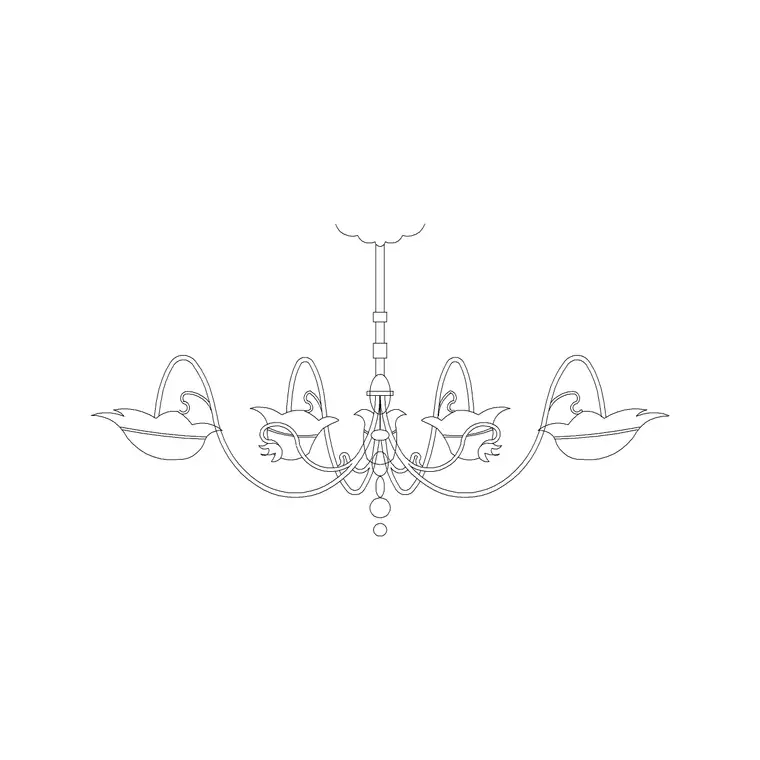
Add the finishing and services detail: a credenza, the AV/screen wall, floor boxes under the table for power and data, feature pendants over the table, planting, and any breakout seating. Dimension the table position and the surrounding clearances so the room sets out correctly and the floor boxes land where the table actually sits.
Because the catalogue is free for commercial use with no attribution, a conference kit — a couple of table sizes, conference chairs and a credenza — is worth saving and reusing across offices and meeting suites. Commercial fit-outs include conference rooms on nearly every floor, so a vetted, correctly-scaled set lets you furnish the next boardroom in a single insertion or two while keeping the clearances and sightlines right. Keep a couple of table sizes in the kit — a 10- and a 20-seater — and you can match the block to the room rather than forcing one table to suit every meeting space.
Questions
Frequently asked
What blocks do I need for a conference room?+
A conference table sized to the room (10- or 20-seater), conference chairs, a credenza and an AV/screen wall — tables are free in the Office category in DWG and DXF.
How much clearance should a conference table have?+
At least 900mm all around so chairs pull out and people pass behind, and about 1.2m on the main circulation side; keep the door clear of the head and foot seats.
How do I seat a boardroom in one step?+
Insert a conference table sized to the seat count — many blocks come with chairs arranged — and centre it; a 20-seater table furnishes a full boardroom in a single insertion.
Free downloads from this article
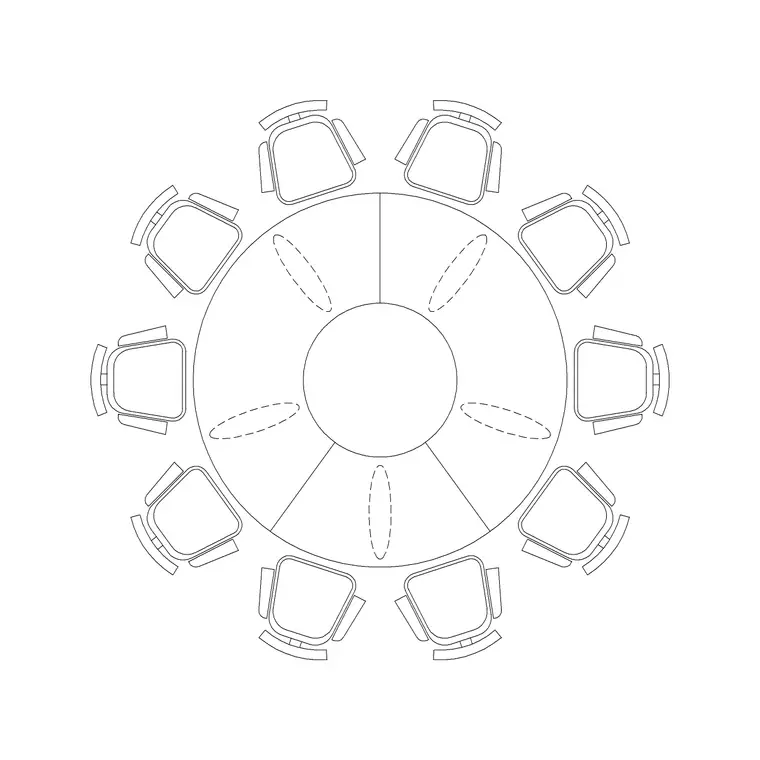
Free CAD block library
Download the blocks from this article — free, no signup


