How to download free wheelchair user CAD blocks for AutoCAD
Download free disabled / wheelchair user CAD blocks in DWG. Where to find them, the clearances they help you check, and how to insert and scale them in AutoCAD.
Sumana KumarUpdated 10 February 20265 min read
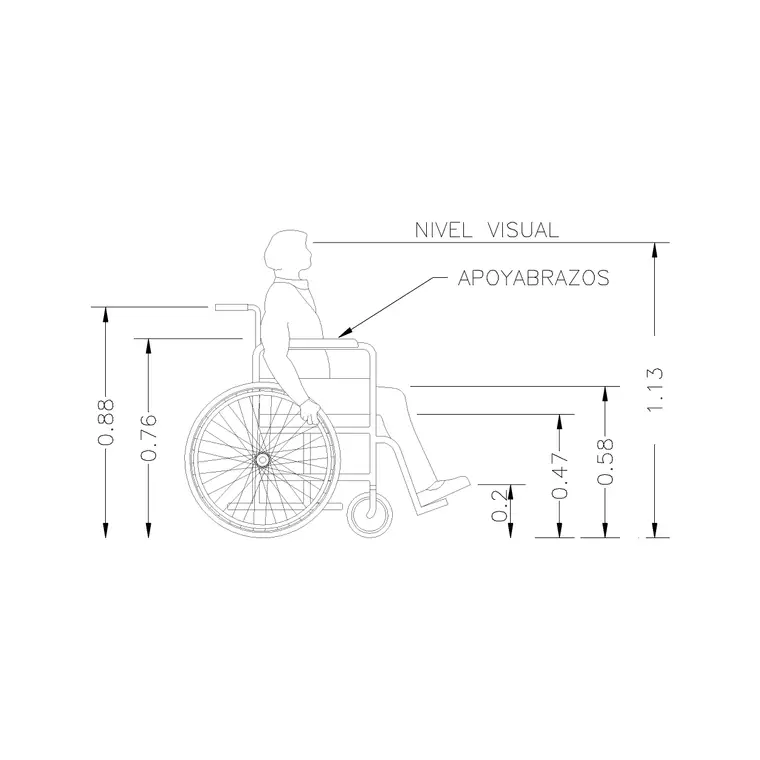
Why accessibility figures matter on a drawing
A wheelchair user block is not decoration — it is a checking tool. Drop a correctly scaled wheelchair figure into a doorway, a corridor or a bathroom and you can see immediately whether there is room to turn, to approach a basin, or to pass through a door. Accessibility is governed by real clearances, and the fastest way to test them on a plan is to place the very figure those clearances are written for.
The accessibility figures on this site are free disabled and wheelchair user CAD blocks supplied as DWG, with no signup and free for commercial use. They are exactly the kind of block you want unencumbered, because an accessible-WC layout or a ramp study may appear across many sheets and many projects, and you do not want a licensing question hanging over a compliance drawing.
Where to find them on the site
All of them live in the People category. Open People from the main menu and either browse the accessibility figures or, faster, use the search box. Type "disable" or "wheelchair" and the relevant blocks surface — there are several human-figure-disable variants to choose from, so you can pick the orientation and pose that suits your drawing.
Each figure has its own page with a preview image, the DWG format and a download button. There is no cart and no email gate: one click and the file is in your Downloads folder. Because there are multiple variants, it is worth grabbing two or three — a forward-facing figure for an approach study and a side or angled one for a circulation check — so you have the right view to hand whether you are testing a head-on approach to a counter or a turn within a room.
The clearances these figures help you check
A wheelchair figure is most useful placed against the dimensions you are trying to satisfy. A wheelchair turning circle is commonly taken as about 1.5 metres in diameter, so dropping the figure into a bathroom or lobby shows whether a clear turning space exists. A clear doorway width for wheelchair access is generally around 0.85 to 0.9 metres at minimum, and an accessible approach to a basin or counter needs clear knee and front space the figure makes visible.
The figure does not replace the code — always check the standard that applies to your project and region — but it turns an abstract number into something you can see. Place the wheelchair user at the door, beside the WC, in front of the basin, and the layout either works or it visibly does not, long before anything is built. That visual check is what catches a corridor that is technically a few centimetres too tight.
Insert and scale in AutoCAD
Download the DWG, then in your drawing type INSERT (shortcut I), press Enter, and Browse to the wheelchair figure in the Blocks palette. Keep the insertion point on-screen, scale at 1 and rotation at 0 to begin, and place the figure with object snaps where you want to test — centred in a turning space, squared to a door, facing a basin.
Scale matters here more than usual because the whole point is checking real clearances. If the figure inserts oversized or tiny, that is a units mismatch — keep INSUNITS consistent so AutoCAD auto-scales, or run SCALE by 0.001 to bring a millimetre figure into a metre drawing. Confirm by dimensioning: an occupied wheelchair is roughly 1.1 to 1.2 metres long and about 0.7 metres wide overall. Once it measures correctly, you can trust what it tells you about the turning circle and the door.
Rotate to test every approach
A single placement only tests one direction, so rotate copies of the figure to check the approaches that matter. In an accessible WC, place one figure approaching the pan and another in the turning space; at an entrance, place one squared to the door and another making the turn into the lobby beyond. Use ROTATE or set the angle on insertion so each figure faces the way a real user would travel.
Keep all the accessibility figures on a dedicated layer so you can dim or freeze them for a clean construction print and bring them back when you need to demonstrate compliance on a presentation or approval drawing. Used this way, the wheelchair user block stops being a symbol and becomes a quick, repeatable test you run on every space that has to be accessible.
Accessible parking and ramps
The wheelchair figure earns its keep outside the building too. An accessible parking bay needs more width than a standard one — commonly around 3.6 metres including the side transfer zone — so a user can deploy a ramp or open a door fully and move alongside the vehicle. Placing the figure beside a car in the bay shows whether that transfer space genuinely exists rather than just appearing on the dimension string.
On ramps and approaches, set the figure at the top and bottom landings to confirm there is clear level space to manoeuvre, and use it to sense-check that handrail zones and door swings do not eat the clear width. As always, the figure illustrates the geometry but does not replace the regulations — confirm gradients, widths and landing sizes against the accessibility code for your project and region. With the figure in place, though, a reviewer or client can see the accessible route working as a continuous, usable path, which is far more convincing than dimensions alone and catches the pinch points that numbers on their own tend to hide.
Questions
Frequently asked
Where do I download a free wheelchair user CAD block?+
Search 'wheelchair' or 'disable' in the People category on CADBlockDWG. The accessibility figures download instantly as DWG with no signup and are free for commercial use.
What turning circle should a wheelchair figure show?+
A wheelchair turning circle is commonly about 1.5 metres in diameter. Place a correctly scaled figure in the space to check the clearance, and always confirm against the code for your project and region.
How big is an occupied wheelchair block?+
Roughly 1.1 to 1.2 metres long and about 0.7 metres wide overall. Dimension the block after inserting to confirm it is at real scale before relying on it for clearance checks.
Free downloads from this article
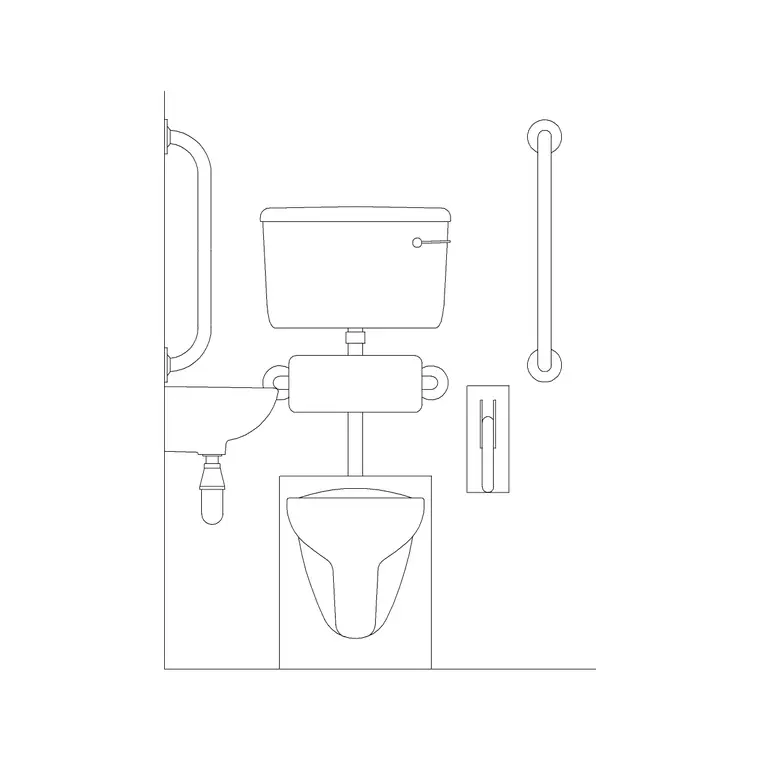
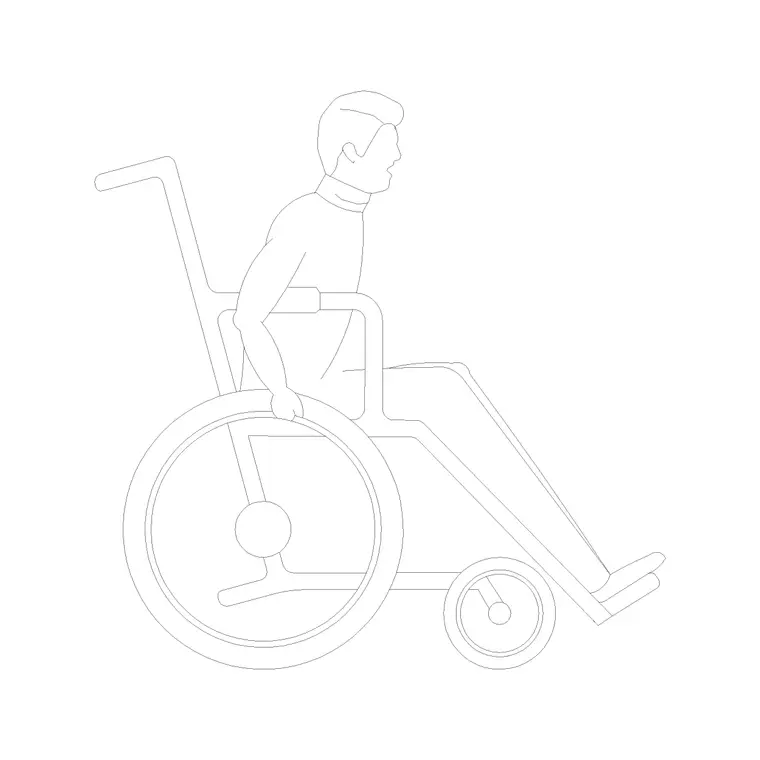

Free CAD block library
Download the blocks from this article — free, no signup


