How to download free pendant light CAD blocks for AutoCAD
Free suspended pendant light DWG blocks on CADBlockDWG — finding them, what the elevation includes, and how to hang a pendant at the right drop in AutoCAD.
Saumyajit MaityUpdated 26 May 20264 min read
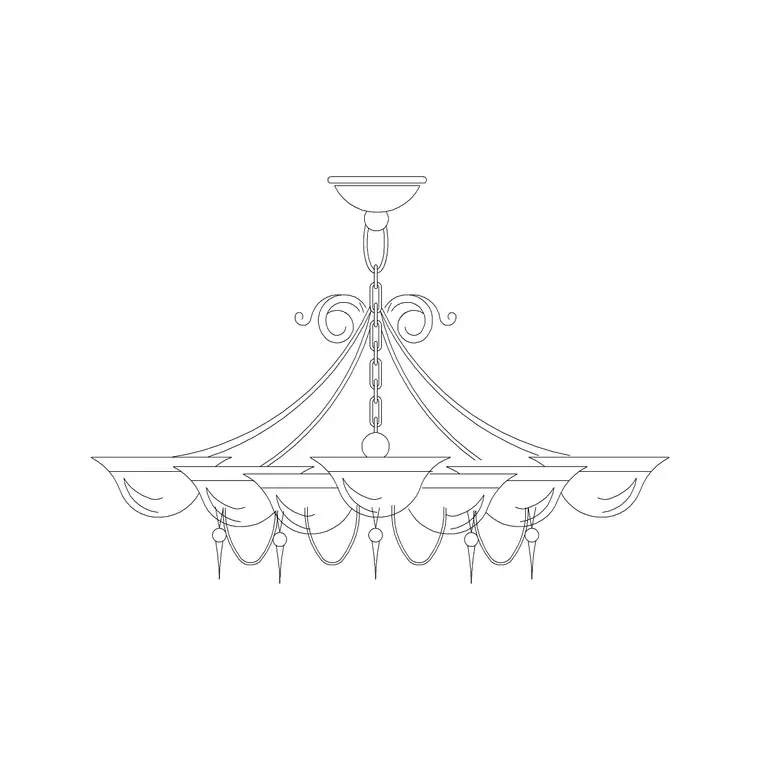
Finding suspended pendant blocks
Suspended pendant lights live in the Lighting category. The closest fittings to a classic pendant here are the suspended chandelier drawings — including a small suspended type that reads well as a single pendant or a tight cluster over an island or table. Open the Lighting hub and search "suspended" or "pendant" to surface them, and use the smaller suspended fitting where a full chandelier would be too much.
Everything downloads free as DWG with no signup, and the licence allows commercial use. Pendants are a workhorse of contemporary interiors — over kitchen islands, dining tables, stair voids and reception desks — so having a few suspended fittings ready saves real time when you are detailing those spaces in elevation.
What the drawing shows
These are elevation blocks: the front-on view of a fitting hanging from a ceiling on a chain or rod, showing the suspension, the body and the lamp in profile. Elevation is the only view that can communicate the one thing that matters most about a pendant — its drop — which is why you reach for it on interior elevations and sections rather than a plan dot.
The files are DWG, native to AutoCAD, so they open with no conversion. The linework is editable vector geometry, so you can lengthen or shorten the suspension to match your ceiling height, snap to the fixing point, and restyle the lineweight. That ability to adjust the drop is genuinely useful, because the right hang height over an island differs from the right hang height over a tall stair void.
To change the drop, the simplest method is to grip-edit the suspension: select the fitting, click the grip at the top of the chain or rod, and stretch it up to the ceiling line. If the block is a single definition you want to keep intact, you can instead place it and then use STRETCH on just the suspension portion with a crossing window. Either way you are working with real geometry, so the fitting lands at precisely the height your ceiling calls for rather than at whatever drop it happened to be drawn at.
Hanging it at the correct drop
Insert with INSERT (shortcut I), Browse to the file, and keep "Specify On-screen" ticked. Snap the top of the suspension to the ceiling line with object snaps on (F3). Then judge the drop: over a kitchen island or dining table, the base of a pendant typically hangs well clear of head height but low enough to light the surface — often the underside sits somewhere around 750 to 900 mm above the worktop or table, though it depends on the fitting and ceiling.
Because the suspension is editable geometry, you can stretch or trim the chain or rod so the fitting lands at exactly that height for your specific ceiling. For a row of pendants over a long island, place one at the right drop, then array it horizontally so the spacing and height stay identical across the run.
Scale, units and layer
If the pendant inserts oversized or tiny, it is a units mismatch — match INSUNITS in both files for auto-scaling, or insert and SCALE by 0.001 or 1000. Verify the fitting against your ceiling height and the surface it lights, since a pendant that looks fine in isolation can be wrong once you see it relative to a 2.4 or 3 metre ceiling.
Set your lighting or electrical layer current before inserting so a layer-0 block adopts it automatically; otherwise move the fitting to the right layer afterwards. With all the pendants on one layer, you can dim them on a coordination drawing or feature them on a presentation elevation from the Layer Manager, without editing the blocks themselves.
Clusters and runs
Pendants are frequently used in multiples — a trio over an island, a cluster at staggered heights in a stairwell, a line over a long counter — so think in terms of arraying or copying the inserted block rather than re-inserting each one. Keeping them as instances of one definition means the whole group updates if you redefine the fitting, and the file stays light.
For visual interest, the catalogue's different suspended types let you mix a small pendant with a larger chandelier in the same space, or stagger drops in a void so the cluster feels designed rather than repetitive. Add your go-to suspended fitting to a tool palette and you can place pendants across a project with a single click, then fine-tune each drop to its ceiling.
When you do place a row over an island, set out the spacing deliberately: an odd number of pendants centred on the island usually reads better than an even number, and equal gaps between them — and between the end fittings and the island ends — make the run look intentional. The ARRAY command handles the spacing; your job is just to decide the count and the centre-to-centre distance, then let AutoCAD keep every pendant identical and level along the run.
Questions
Frequently asked
Where are the free pendant light blocks on the site?+
In the Lighting category. Search "suspended" or "pendant" — the suspended chandelier and small suspended fittings work as pendants and download free as DWG, commercial use allowed.
How far should a pendant hang in my elevation?+
Over an island or table the underside often sits around 750–900 mm above the surface, but it depends on the fitting and ceiling. Edit the suspension geometry to land it at the height you want.
Can I change the length of the pendant's chain?+
Yes. The suspension is editable vector linework, so you can stretch or trim the chain or rod to match your ceiling height before or after inserting.
Free downloads from this article
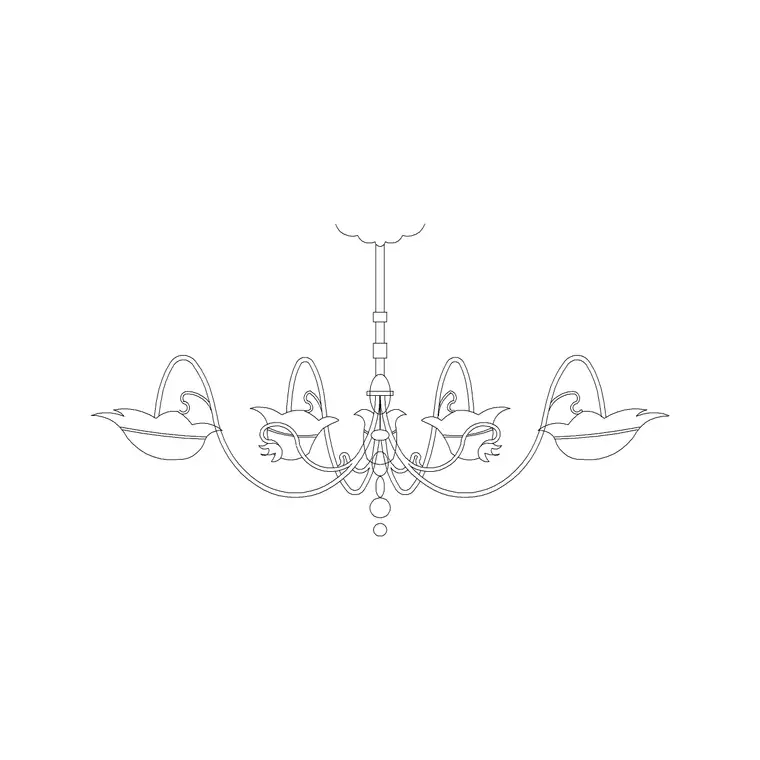
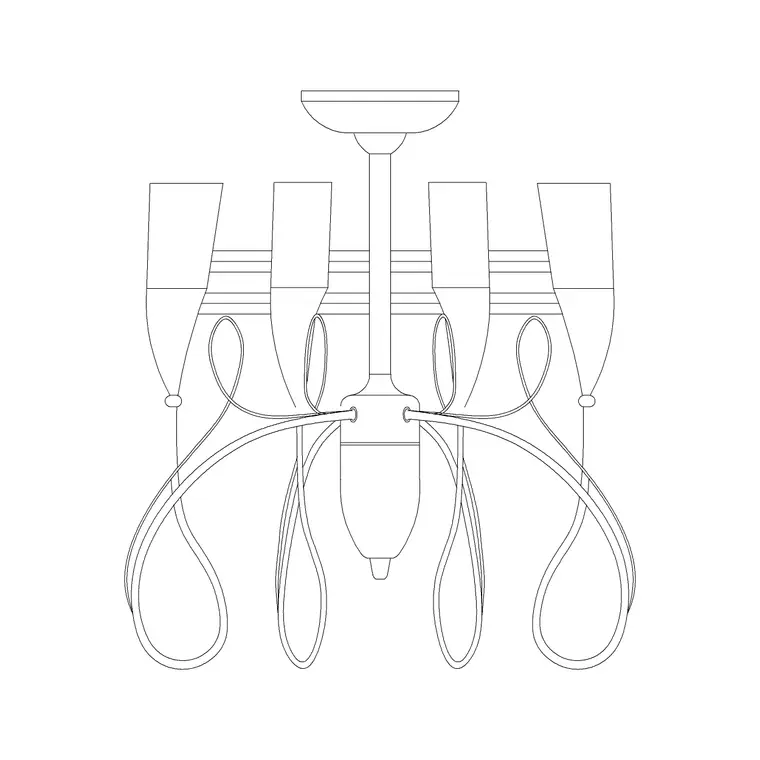
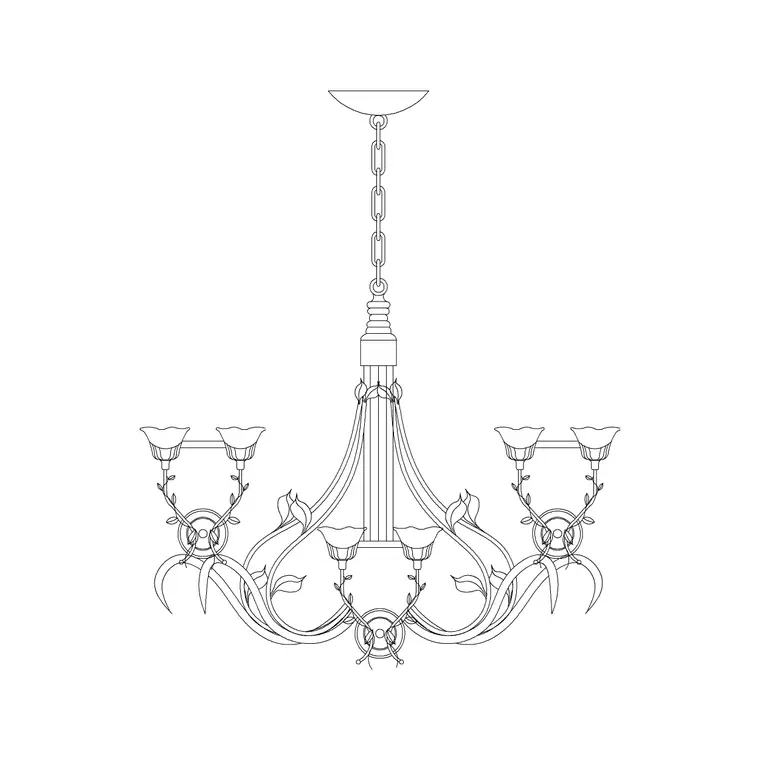
Free CAD block library
Download the blocks from this article — free, no signup


