How to download free metal chandelier CAD blocks
Free metal-frame chandelier DWG blocks on CADBlockDWG — the two metal types, what each elevation includes, and how to insert and scale them in AutoCAD.
Saumyajit MaityUpdated 20 May 20264 min read
Two metal chandelier types
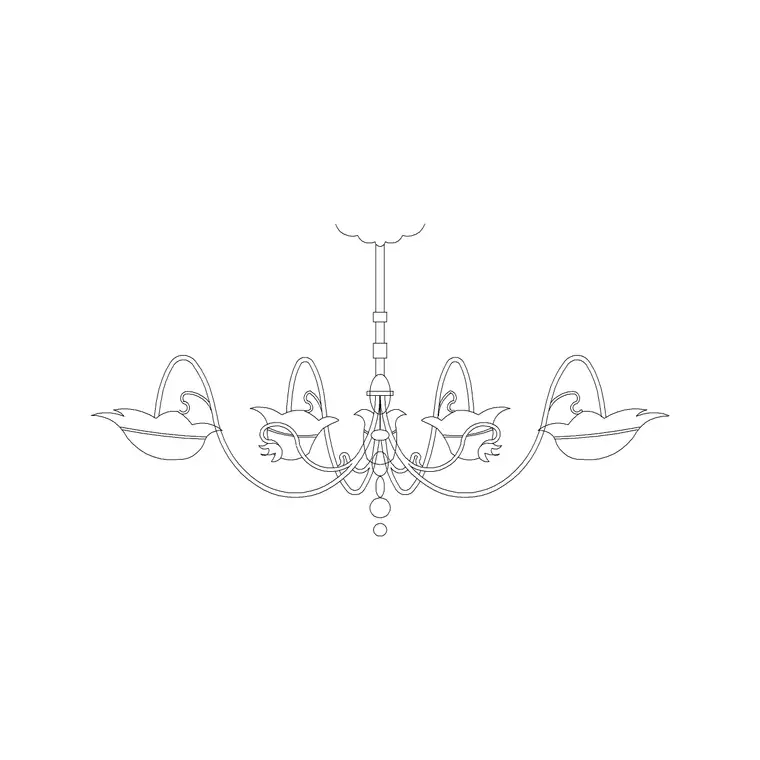
If you specifically want a metal-frame chandelier — the wrought-iron or steel-armed style rather than a crystal fitting — the Lighting category carries dedicated metal chandelier blocks, including a Type A and a Type B so you can pick the frame that suits the room. Open the Lighting hub and search "metal chandelier" or "chandelier" to find them, and choose between the two shapes for variety across a scheme.
Both download free as DWG with no signup, and the licence permits commercial use. Metal chandeliers suit a wide range of interiors — rustic dining rooms, industrial restaurants, traditional hotel lobbies, double-height living spaces — so having two frame styles ready means you can match the fitting to the mood rather than forcing one shape everywhere.
What the drawing includes
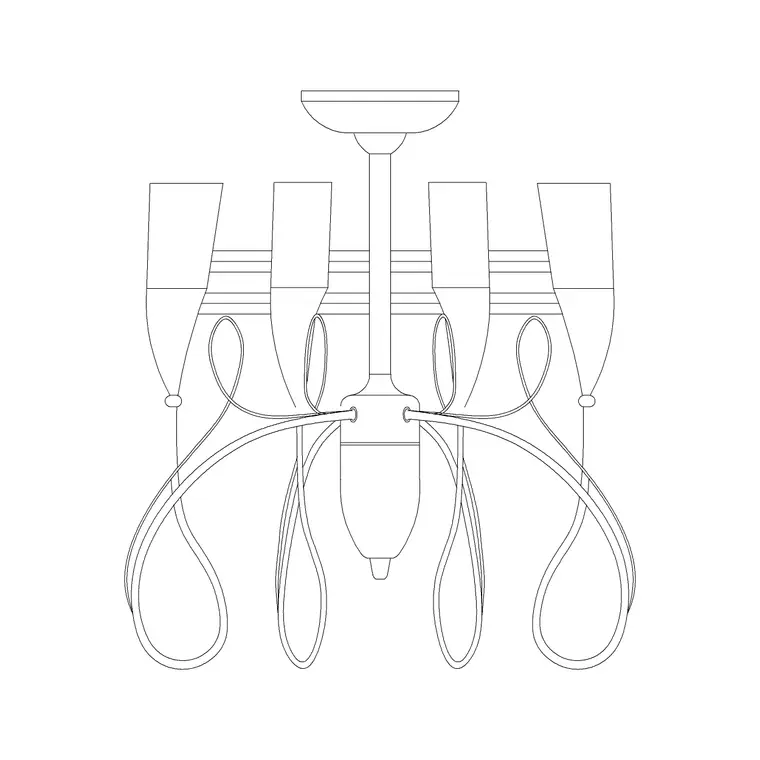
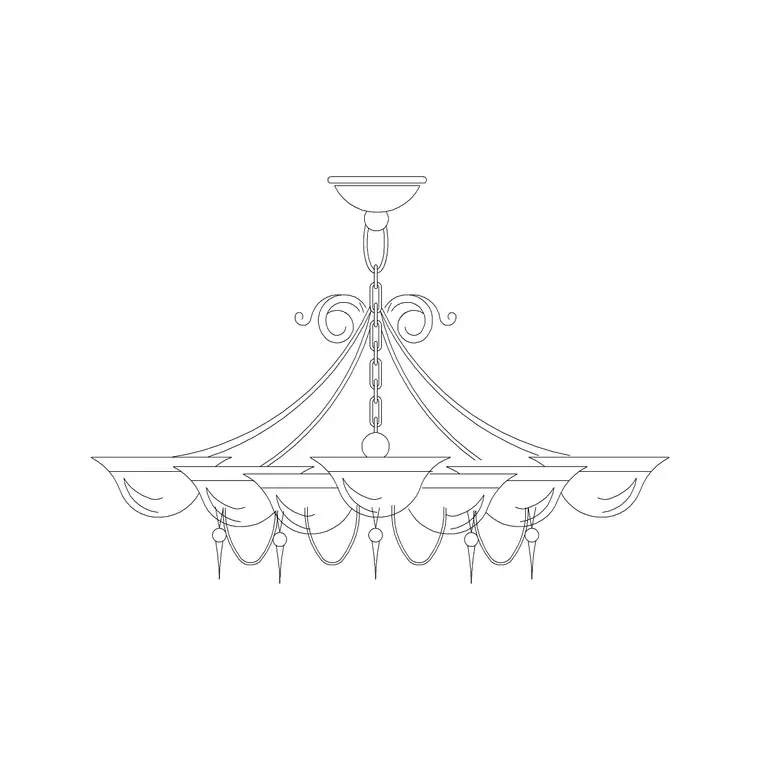
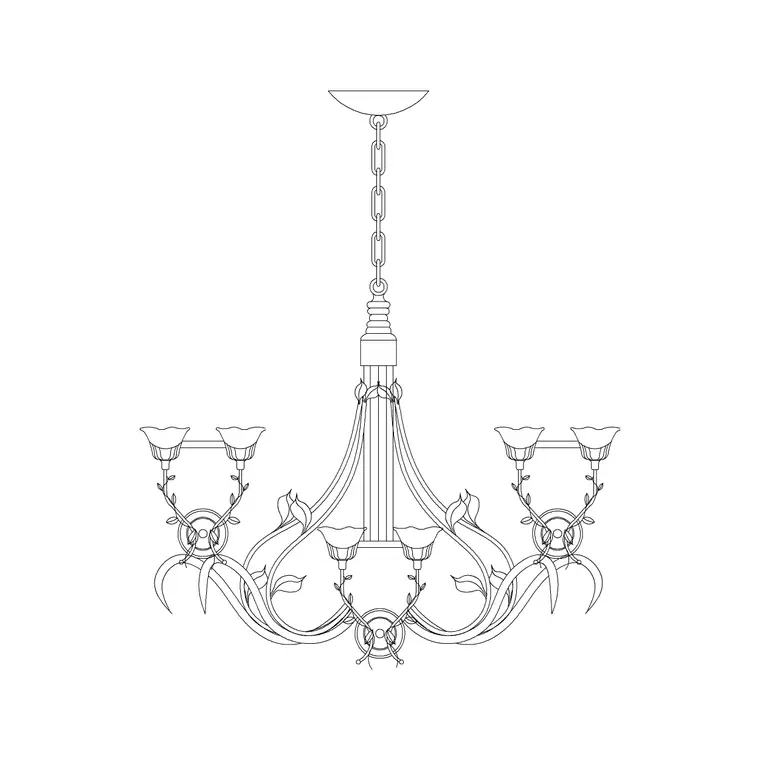
These metal chandelier blocks are elevation drawings — the front view of the fitting hanging on its chain, showing the metal frame, the radiating arms and the lamp positions in profile. Elevation is the correct view for a hanging fitting because it captures the drop and the silhouette, which is what a metal chandelier is all about: an open frame whose shape is the design.
The files are DWG and open natively in AutoCAD. The frame is editable vector geometry rather than an image, so you can snap to it, adjust the suspension length, restyle the lineweight, and even trim or simplify the arms for a small-scale sheet. Because the two types are separate drawings, you can use both in one project without any two spaces looking identical.
The open, linear nature of a metal frame is worth thinking about on the sheet. Unlike a solid shade, an open metal chandelier shows a lot of internal linework — arms, scrolls, candle lamps — which can look busy at a small scale. On a 1:50 elevation you might simplify the frame slightly; on a 1:20 feature elevation you can show it in full. Because it is editable geometry, you decide how much detail survives at each scale, rather than being stuck with whatever the block was drawn at.
Inserting and hanging it
Use INSERT (shortcut I), Browse to the file, and keep "Specify On-screen" ticked. Snap the top of the chain to the ceiling line with object snaps on (F3). For a dining-room or lobby chandelier, judge the drop so the base of the frame sits clear of head height but low enough to feel like a feature over the table or space below — in a double-height room you can let it hang lower into the void, which is exactly where a metal chandelier looks its best.
Since the suspension is editable geometry, lengthen or shorten the chain to land the fitting at the right height for your ceiling. A metal chandelier is symmetrical, so usually one clean insertion does it; if you want it facing differently, the frame mirrors cleanly about a vertical axis.
Scale, units and layer
A wrong-sized chandelier is a units mismatch — match INSUNITS in both files for auto-scaling, or insert and SCALE by 0.001 or 1000. Check the frame width against the table or space it crowns: a metal chandelier reads best when its spread relates sensibly to the table below, so correct the scale if it dwarfs or gets lost over the furniture.
Put it on your lighting or electrical layer. A block on layer 0 inherits the active layer at insertion, so set that layer first and the fitting picks up the right colour and lineweight. Keeping it on a dedicated layer lets you weight it as a focal point on a presentation elevation or dim it on a coordination drawing, all from the Layer Manager.
Choosing between Type A and Type B
With two metal frames available, let the room decide. A wider, more spreading frame suits a long dining table or a broad lobby; a tighter, taller frame suits a narrower space or a stair void. Using different types in different rooms of the same project keeps a set of elevations from looking like one fitting copied everywhere.
Add your preferred metal chandelier to a tool palette for one-click placement, and pair it with smaller suspended fittings or downlights elsewhere so the statement piece has a supporting cast. If the project later standardises on one frame, redefining the block updates every instance at once. The result is a lighting package built entirely from free blocks, with the metal chandelier as the focal fitting in the rooms that warrant one.
Metal chandeliers also tend to be heavier fittings, so where the drawing feeds into coordination it is worth flagging that the fixing point needs proper support — a noggin or a dedicated bracket rather than a bare plasterboard ceiling. You will not detail that on the lighting elevation itself, but showing the chandelier accurately, at its real size and weight-implying scale, is what prompts the conversation with the ceiling and structural drawings before the fitting is ordered.
Questions
Frequently asked
Are there free metal chandelier CAD blocks specifically?+
Yes. The Lighting category includes dedicated metal-frame chandelier blocks (Type A and Type B), each a free DWG download with no signup and commercial use allowed.
What is the difference between Type A and Type B?+
They are two different metal frame shapes. Choose the wider spread for a long table or broad lobby and the tighter frame for a narrower space or stair void.
Can I adjust how low the metal chandelier hangs?+
Yes. The chain is editable vector geometry, so you can lengthen or shorten the suspension to set the drop for your ceiling — useful in double-height rooms.
Free downloads from this article
Free CAD block library
Download the blocks from this article — free, no signup


