How to download free luxury car CAD blocks for AutoCAD
Download free luxury car CAD blocks in DWG for high-end forecourts and renders. Where to find them, when to use one, and how to insert and scale in AutoCAD.
Sumana KumarUpdated 21 June 20265 min read
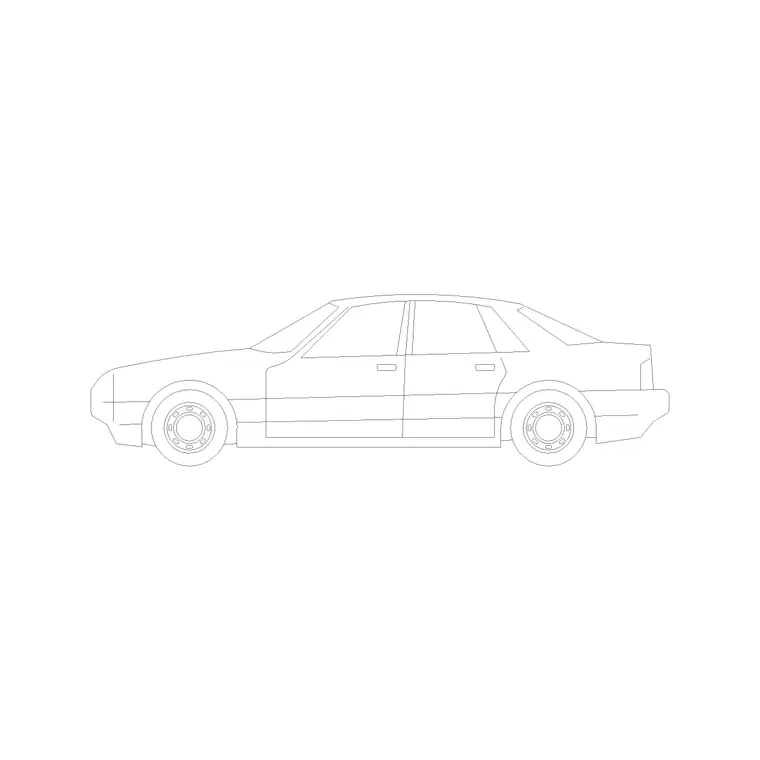
When a luxury car is the right choice
Most drawings are happy with a plain sedan, but some want a car that signals something. A hotel porte-cochere, an executive apartment forecourt, a high-end showroom, a luxury car park entrance — in these the vehicle is part of the story, and a long, low luxury saloon sets a tone that an everyday hatchback would not. Choosing the car deliberately is a small move that lifts the whole impression of a presentation drawing.
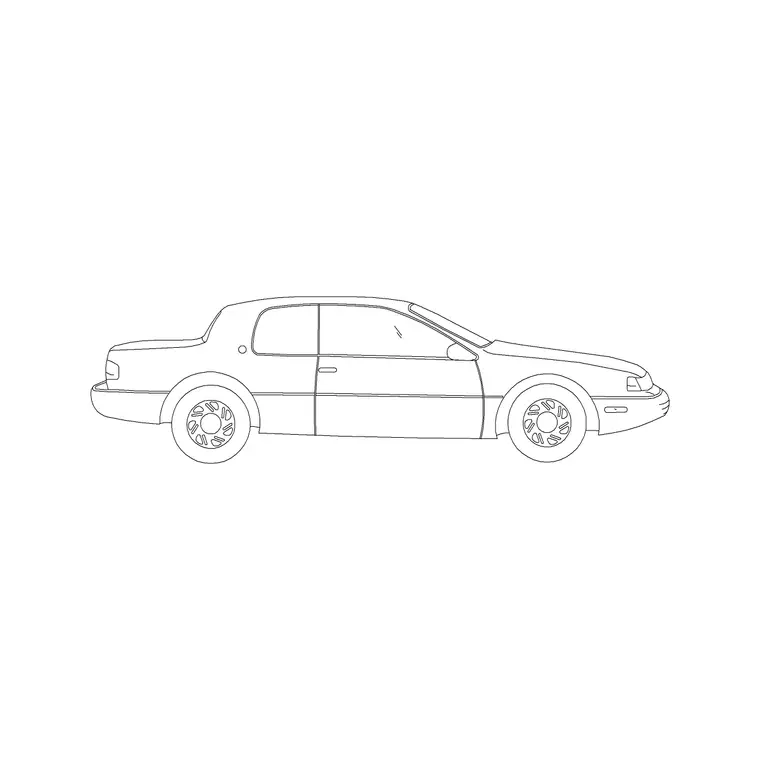
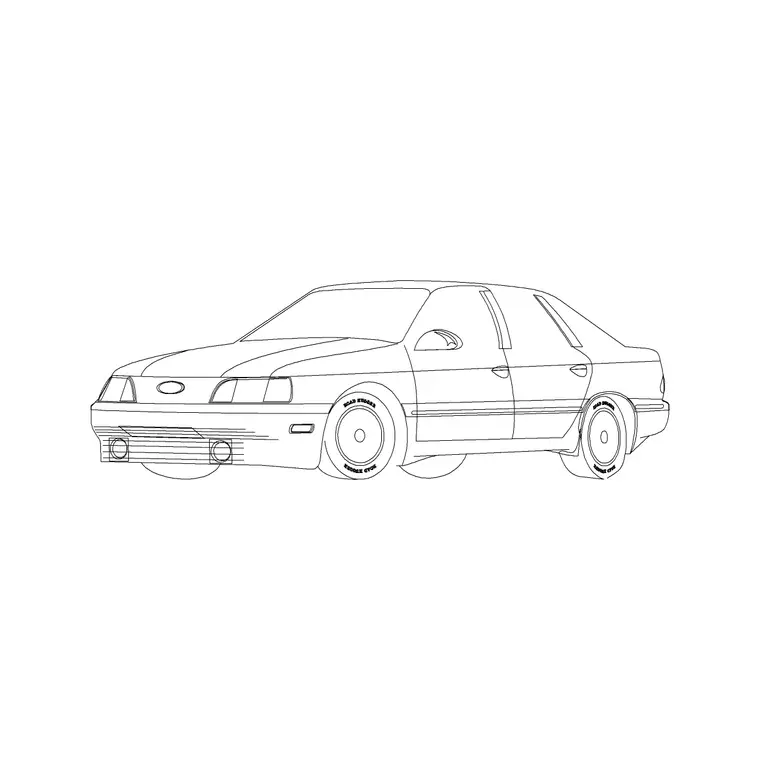
The luxury cars on this site are free luxury car CAD blocks in DWG, with no signup and free for commercial use. They sit in the Vehicles category alongside sedans, hatchbacks and other body shapes, including a five-door luxury car, so you can match the vehicle to a premium setting. Because the licensing is permissive, a luxury car you place in a client's render or forecourt plan carries no strings at all.
Where to find them on the site
Open the Vehicles category from the main menu and use the search box. Type "luxury" to surface the upmarket saloons, or "car" for the full set if you want to compare a luxury car against a standard sedan side by side before deciding.
Each block has its own page with a preview image, the DWG format and a download button — no cart, no email gate, one click to your Downloads folder. A useful habit is to download the luxury car together with a plain sedan, so a high-end forecourt can show one feature vehicle among ordinary cars rather than an unrealistic fleet of identical luxury models. One striking car reads as aspirational; a whole row of them reads as a brochure.
Insert and scale in AutoCAD
Download the DWG, then in your drawing type INSERT (shortcut I), Browse to the luxury car in the Blocks palette, and place it with the insertion point on-screen. Keep scale at 1 and rotation at 0 to start, and snap the car into position — wheels on the ground line for an elevation or perspective, squared to the bay for a plan.
Check the footprint: a luxury saloon is typically longer than a standard car, often around 5 to 5.3 metres bumper to bumper and about 1.9 metres wide. If it inserts enormous or tiny, that is units, not the block — keep INSUNITS consistent so AutoCAD auto-scales, or SCALE by 0.001 to bring a millimetre car into a metre drawing. Dimension it end to end to confirm. Note that a longer luxury car needs a slightly longer bay or canopy clearance than a compact, which the scaled block will reveal.
Using it in presentation drawings
A luxury car is most often a presentation move, so treat it as one. Place it as the hero vehicle at the entrance of a high-end scheme, then surround it with a couple of ordinary cars and some people for scale and realism. The contrast does the work: the feature car stands out precisely because it is not repeated.
Keep all vehicles on a dedicated layer so you can dim or freeze them for a clean technical print and restore them for the rendered or presented sheet. Combine the luxury car with scale figures, a sedan or two and some planting, and a forecourt or showroom drawing reads as a desirable, inhabited place rather than an empty plan — which is exactly the impression a premium project's presentation drawing is meant to leave.
Showroom layouts, and reuse without licensing worry
If you are laying out an actual car showroom or dealership rather than just dressing a render, the luxury car becomes a planning tool. Showroom display bays are usually more generous than parking bays so visitors can walk right around a vehicle — often allowing a metre or more of clear space on every side. Dropping a correctly scaled luxury car into a display position shows immediately whether that walk-around space exists and whether the longer body of a premium model still leaves room for circulation. Because a luxury saloon is longer than an average car, it is the right block to test the tightest display positions and the entrance threshold a delivered vehicle must pass through.
A feature car you like is also worth keeping. Download it once, scale it, and drag it onto a Tool Palette in your vehicles group so it is a single click on the next premium scheme, and store the source DWG in a clearly named folder. Because every vehicle block here is free for personal and commercial use with no signup and no attribution, the luxury car carries no strings into a client's competition board, brochure or planning submission. Keeping it as a named block rather than exploded lines means that if a later brief calls for a different hero vehicle, you can redefine or swap it across the whole drawing in one move, instead of redrawing from scratch.
Questions
Frequently asked
Where do I download a free luxury car CAD block?+
Search 'luxury' in the Vehicles category on CADBlockDWG. The luxury car blocks download instantly as DWG with no signup and are free for commercial use.
How long is a luxury car block compared to a normal car?+
A luxury saloon is usually longer — often around 5 to 5.3 metres versus about 4.5 for a standard car — and a little wider. Dimension the block end to end to confirm before sizing bays or canopies.
Should I fill a forecourt with luxury cars?+
No. One feature luxury car among ordinary vehicles reads as aspirational and realistic; a whole row of identical luxury cars reads like a brochure rather than a real place.
Free downloads from this article
Free CAD block library
Download the blocks from this article — free, no signup


