How to download free coffee table CAD blocks for AutoCAD
Free coffee table CAD blocks in DWG for AutoCAD, no signup. Where to find them, the size to expect, and how to insert and centre one in a seating group.
Saumyajit MaityUpdated 2 May 20264 min read
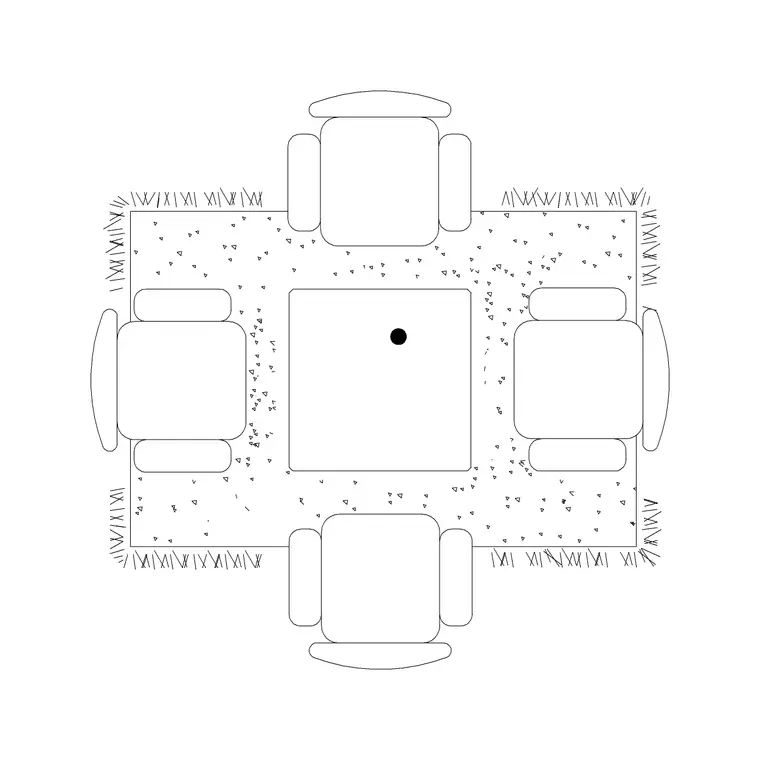
What a coffee table block is
A coffee table — the low centre table that anchors a seating group — is a small, simple block: a rectangle or oval outline, sometimes with a shelf line or a rug beneath it. Coffee tables are typically around 1100 by 600mm for a rectangular one, with round versions about 800 to 900mm across. It pairs with the sofa and armchairs to complete a living-room arrangement.
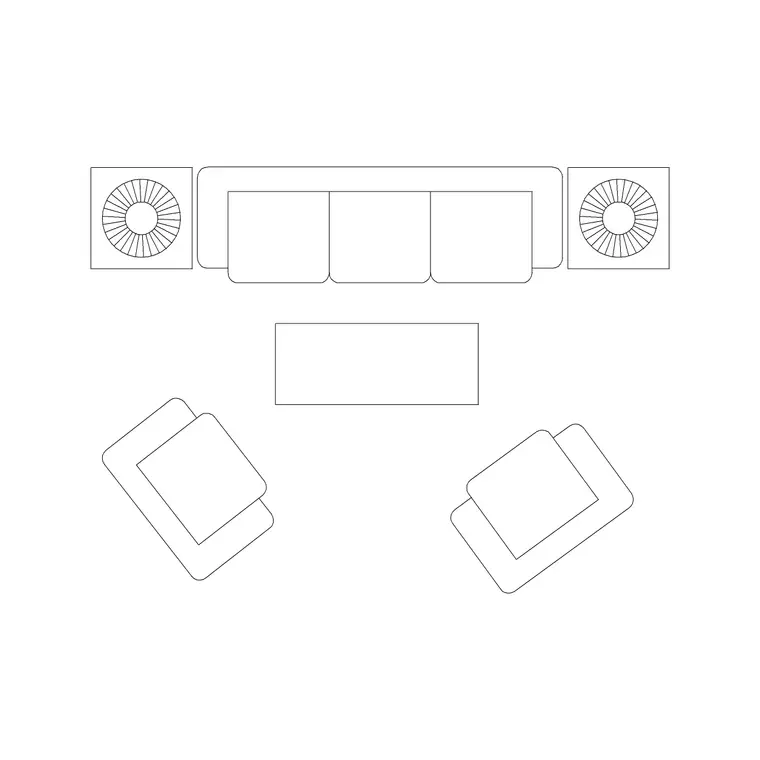
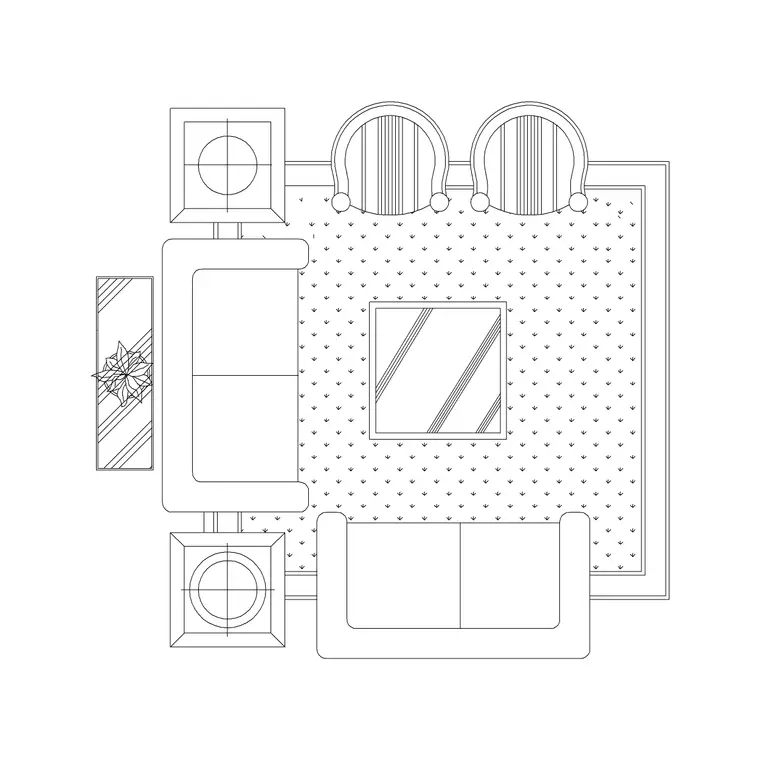
Because the download is a DWG, the geometry is AutoCAD-native and measures true, so you can verify that footprint with a quick dimension. Some blocks give you the coffee table on its own; others, like the sofa-and-table sets, place it already centred within a full seating cluster at the right spacing. There is also a table-with-rug block, which grounds the table on a rug outline and reads well in a presentation plan.
Every block is free, downloads instantly, and carries no login.
Where to find the coffee tables
The coffee tables sit in the Furniture category with the rest of the living-room pieces. Search 'table' to gather coffee, side and dining tables, or 'coffee table' to narrow to the low centre tables.
The Table With Rug block is a good standalone choice — the table sits on a rug, which helps define the seating zone on the plan. If you would rather place the whole group at once, the Sofa Set With Table block brings the settee, chairs and a centre table together at sensible relative spacing, so the coffee table lands centred on the sofa without you positioning it by hand.
Open the product page, check the preview, and click download. The DWG saves to Downloads with no account required.
Inserting the coffee table
Run INSERT (I), browse to the coffee-table DWG, and place it at scale 1, rotation 0 — it is drawn at real-world size. Use an object snap to centre it on the sofa group: snap to the midpoint of the sofa front, then offset the table forward so it sits centrally in front of the seat.
Keep the gap between the sofa front and the coffee table at roughly 300 to 450mm so legs have room and the table is still within easy reach. That is close enough to set a cup down without leaning awkwardly, and far enough that people can stand and pass.
If the table comes in the wrong size, set INSUNITS consistently or SCALE by 0.001 / 1000 to bridge millimetres and metres. Then move it onto your Furniture layer so it dims and freezes with the rest of the furnishings.
Using it to read the seating group
The coffee table is the visual centre of a living-room layout, and placing it correctly is what makes the whole group read as a designed space rather than scattered furniture. Centre it on the primary sofa, keep it within reach of every seat in the cluster (around 450mm from each), and let its footprint stay comfortably inside the ring of seating rather than crowding any one chair.
For an L-shaped sofa, shift the table toward the inside corner of the L so it serves both runs of seating. For a pair of facing sofas, centre it between them on the axis of the group. A table-with-rug block does extra communicative work here: the rug visually ties the seating together and tells the client where the room's social zone is.
As always, build the group on the Furniture layer so you can grey it back for a structural plan in one click.
Matching the table to the seating shape
A small change in coffee-table shape can tidy up a whole arrangement, and the block makes it free to try. A rectangular table suits a long sofa or a pair of facing settees, echoing the lines of the seating. A round or oval table softens a group of armchairs and removes the sharp corner that a rectangular table presents to a walkway — worth choosing in a tight room or a family space where people brush past.
Scale the table to the sofa, not the room: as a rough guide the coffee table reads best at around two-thirds the length of the sofa it serves, so a 2100mm three-seater pairs with a table near 1100 to 1400mm long. Too small and it looks lost in front of a big sofa; too large and it crowds the legroom. Drop a couple of options in and judge the proportion by eye against the seating.
Before relying on the block, give it the quick vet: dimension the top to confirm the footprint, check it sits on layer 0 so it inherits your Furniture layer, and confirm there is no stray geometry. A clean, correctly sized coffee table centred on a verified seating group is the small detail that makes a living-room plan read as resolved. Try a rectangular and a round version in front of the same sofa, keep whichever sits more comfortably within the legroom, and the table stops being an afterthought and becomes part of how the room is composed.
Questions
Frequently asked
What size is a coffee table block?+
Around 1100 by 600mm for a rectangular coffee table, with round versions roughly 800 to 900mm across. Measure the block after inserting to confirm the scale.
How far should a coffee table sit from the sofa?+
About 300 to 450mm from the sofa front — close enough to reach, far enough to pass. The Sofa Set With Table block sets this spacing for you.
Are the coffee table blocks free to download?+
Yes, every coffee table block downloads instantly in DWG with no signup and is free for personal and commercial use.
Free downloads from this article
Free CAD block library
Download the blocks from this article — free, no signup


