How to download free car-with-family CAD blocks for AutoCAD
Download free car-with-family CAD blocks in DWG — a car plus people in one block for scale and life. Where to find them, when to use, and how to insert them.
Sumana KumarUpdated 7 June 20264 min read
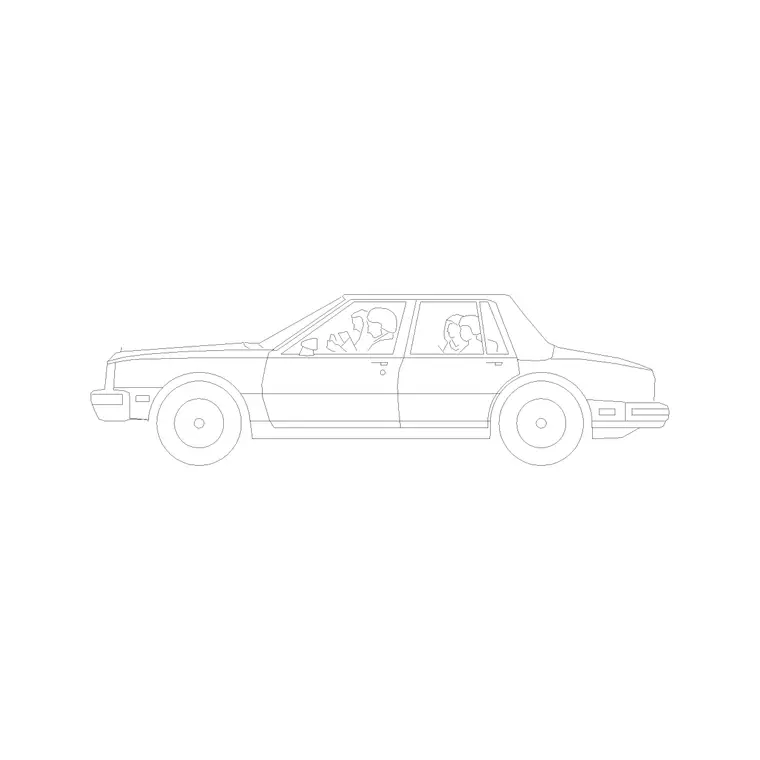
Two kinds of scale in one block
A car-with-family block is a clever shortcut: it combines a vehicle and a small group of people — a couple, a family, sometimes with a child — into a single block. That gives you two reliable scale references at once. The car anchors the vehicular scale of a driveway or forecourt, while the people anchor the human scale of the entrance or path beside it. Placing one block does the work of two and instantly tells a story about how the space is used.
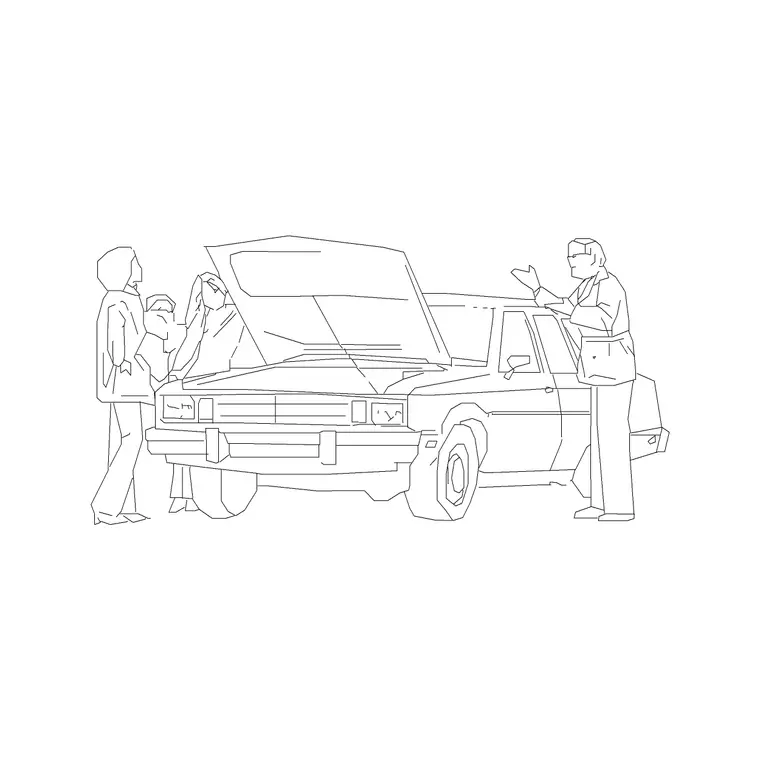
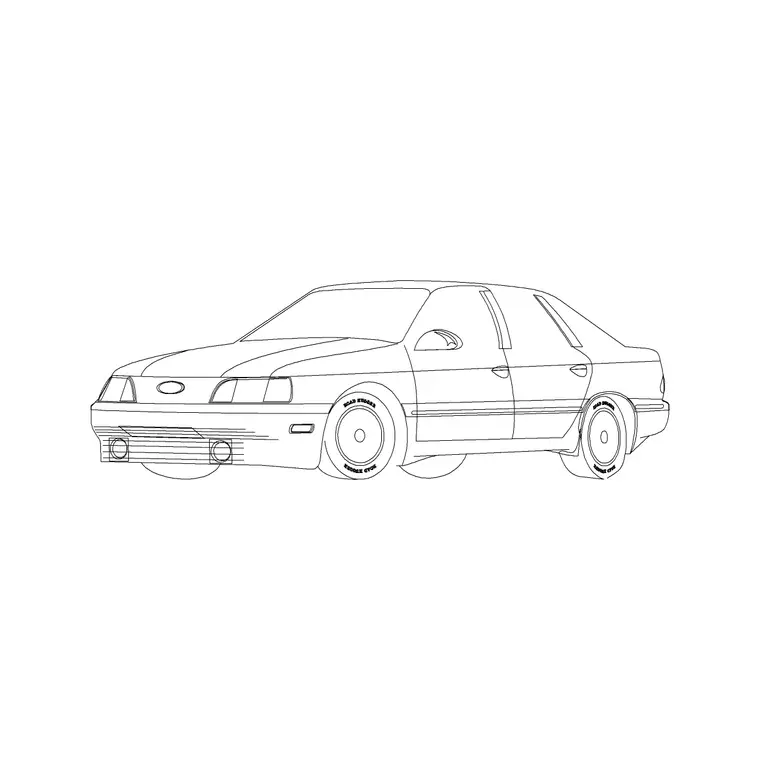
These are free car-with-family CAD blocks supplied as DWG, with no signup and free for commercial use. They sit in the Vehicles category and include a car with family and a perspective car with family, so you can pick the view that suits your drawing. Because they carry no licensing strings, they are ideal for the kind of warm, inhabited presentation drawing a residential or retail client responds to.
When to reach for one
A car-with-family block shines on drawings meant to sell a feeling, not just convey information. A house with a driveway, a townhouse forecourt, a retail or leisure entrance, a residential street view — anywhere you want the viewer to picture real life happening. The family arriving home or stepping out of the car turns a technical layout into a scene, which is often what wins a residential or community project.
Use a plain car block when you only need the vehicular footprint — a parking layout or a turning study, where people would just clutter the geometry. Reach for the car-with-family version when the drawing is a presentation or render and the human element adds warmth. Knowing which to use keeps your technical sheets clean and your presentation sheets alive.
Where to find them on the site
Open the Vehicles category from the main menu and use the search box. Type "family" to surface the car-with-family blocks, including the standard side-on version and the perspective version drawn at an angle; type "car" for the wider vehicle set if you want to compare.
Each block has its own page with a preview image, the DWG format and a download button — no cart, no email gate, one click to your Downloads folder. The preview matters more than usual here, because a car-with-family block is a composed little scene; glance at it to confirm the grouping and the view suit your drawing before downloading. Grab both the side-on and perspective versions if you draw both elevations and perspectives, so you always have the matching view to hand.
Insert and place in AutoCAD
Download the DWG, then in your drawing type INSERT (shortcut I), Browse to the car-with-family file in the Blocks palette, and place it with the insertion point on-screen. Keep scale at 1 and rotation at 0 to start, and snap it into position — the car's wheels and the people's feet on the same ground line for an elevation, the whole group squared to the driveway for a plan.
Because the block contains both a car and people, check both scales after inserting: the car should read around 4.5 metres long and the standing adults about 1.7 to 1.8 metres tall. If the block comes in oversized or tiny, that is a units mismatch affecting everything in it — keep INSUNITS consistent so AutoCAD auto-scales, or SCALE the whole block by 0.001 to bring a millimetre block into a metre drawing. Both the car and the people will resize together, keeping their relationship intact.
Building a scene around it
A car-with-family block is a centrepiece, so compose around it. Place it at the focal point — the driveway, the entrance, the forecourt — then add a plain car or two further off and a few separate scale figures so the scene has supporting life without competing with the main group. A little planting nearby completes the picture.
Keep everything on sensible entourage and vehicle layers so you can dim or freeze the people and cars for a clean technical print and restore them for the presentation sheet. The aim is a drawing that reads as a real moment — a family arriving home, customers pulling up to a shop — rather than an empty plan. Used as the warm heart of a composed scene, a single car-with-family block carries an enormous amount of that storytelling for very little effort.
Position it as the focal point
Because the block already contains a small story — people and a car together — it draws the eye, so put it where you want the viewer to look first. On a perspective, that is usually the foreground or the entrance the composition leads towards; on a plan, the main approach or the front door. Rotate the perspective version so the group faces into the scene rather than out of it, and the family reads as arriving at the building rather than leaving the frame.
Mind the layering as you build outward: keep the block as a single named object rather than exploding it, so the car and people stay grouped and move together if you reposition them. A quick AUDIT and PURGE after importing strips any stray layers the file carried in, and because the whole thing is free for commercial use with no signup, there is nothing to credit or track when the scene appears on a client's board. One well-placed car-with-family block, kept clean and grouped, anchors an entire presentation drawing around a single human moment.
Questions
Frequently asked
Where can I download a free car-with-family CAD block?+
Search 'family' in the Vehicles category on CADBlockDWG. The car-with-family blocks download instantly as DWG with no signup and are free for commercial use.
What does a car-with-family block contain?+
A vehicle plus a small group of people — typically a couple or family, sometimes with a child — combined in one block, giving you both vehicular and human scale from a single insertion.
When should I use a car-with-family block instead of a plain car?+
Use it on presentation and render drawings where human warmth helps — a driveway, forecourt or street view. Use a plain car for parking layouts and turning studies where people would clutter the geometry.
Free downloads from this article
Free CAD block library
Download the blocks from this article — free, no signup


