How to download free bicycle & car combo CAD blocks
Download free bicycle and car combo CAD blocks in DWG to show mixed mobility. Where to find them, when to use, and how to insert and scale in AutoCAD.
Saumyajit MaityUpdated 14 April 20265 min read
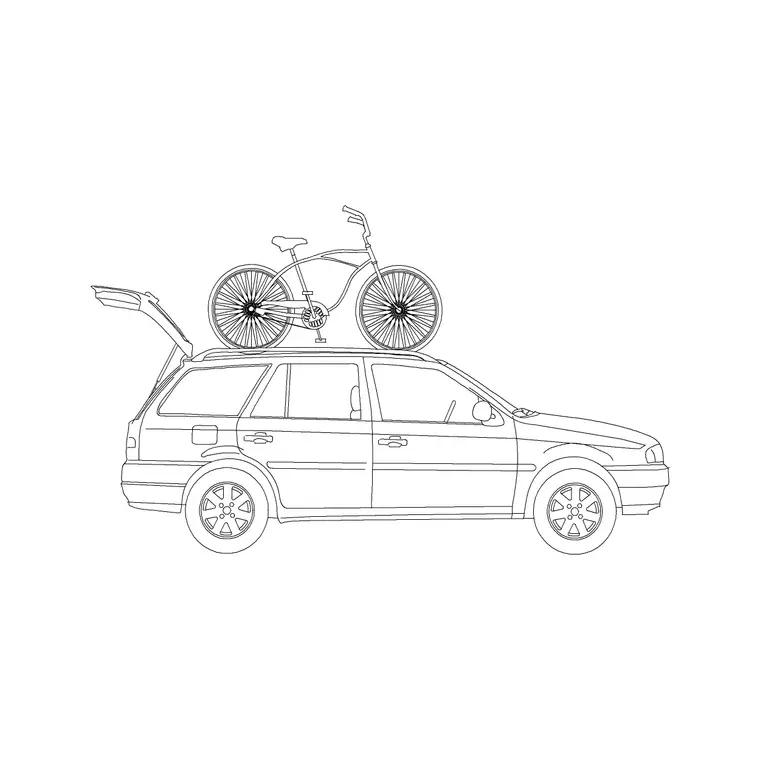
Why show a bike alongside a car
A drawing that shows both a car and a bicycle tells a richer story than one with just a parked vehicle. It signals mixed mobility — that a scheme is designed for people who drive and people who cycle — which matters for residential streets, mixed-use frontages, campus plans and any project where sustainable transport is part of the brief. A car-with-bicycle block puts both modes into a single composed element, so you communicate that intent with one insertion.
These are free bicycle and car combo CAD blocks supplied as DWG, with no signup and free for commercial use. They sit in the Vehicles category, which also holds standalone bicycles if you want to add more cycling activity around the combo. Because they carry no licensing strings, they suit the kind of presentation and planning drawing where showing a balanced, people-friendly transport mix is the whole point.
Where to find them on the site
Open the Vehicles category from the main menu and use the search box. Type "bicycle" to surface the cycling-related blocks, including the car-with-bicycle combo and standalone bikes; type "car" for the wider vehicle set if you want to combine the combo with other cars.
Each block has its own page with a preview image, the DWG format and a download button — no cart, no email gate, one click to your Downloads folder. The preview is worth a look here, since a combo block is a small composition; confirm the arrangement and view suit your drawing before downloading. Grab a standalone bicycle or two at the same time, so that around the main combo you can scatter a little more cycling activity and make the mixed-mobility story read as natural rather than staged.
Where a combo block belongs
A bicycle-and-car block is most useful on drawings about how people move and arrive. Think of a residential street showing a household that both drives and cycles, a mixed-use frontage with cycle parking beside the kerb, a campus or office plan demonstrating sustainable travel, or a public realm drawing where the balance of modes is part of the design narrative.
Use a plain car block where you only need the vehicular footprint, and a standalone bicycle where you only need cycling. Reach for the combo when the point is precisely the coexistence of the two — when the drawing needs to say, at a glance, that this is a place designed for more than just cars. That deliberate choice is what makes the mobility message land with a client or a reviewer.
Insert and scale in AutoCAD
Download the DWG, then in your drawing type INSERT (shortcut I), Browse to the car-with-bicycle file in the Blocks palette, and place it with the insertion point on-screen. Keep scale at 1 and rotation at 0 to start, and snap it into position — wheels of both the car and the bike on the same ground line for an elevation, the group squared to the kerb or cycle bay for a plan.
Because the block holds both a car and a bicycle, check both scales after inserting: the car should read around 4.5 metres long, and a bicycle is roughly 1.7 to 1.8 metres long and about 1 metre tall to the handlebars. If the block inserts oversized or tiny, that is a units mismatch affecting everything in it — keep INSUNITS consistent so AutoCAD auto-scales, or SCALE the whole block by 0.001 to take a millimetre block into a metre drawing. The car and bike resize together, keeping their relationship correct.
Completing the mixed-mobility scene
Build the combo into a fuller picture. Place it where the mobility story is strongest — a driveway, a frontage with cycle stands, a shared street — then add a standalone bicycle or two, a plain car further along, and a few standing figures so the scene shows people as well as vehicles. The mix of modes and the human presence together make the intent unmistakable.
Keep everything on sensible vehicle and entourage layers so you can dim or freeze it for a clean technical drawing and restore it for the presentation version. A correctly scaled car-with-bicycle block, supported by a little extra cycling activity and some people, turns a plain layout into a drawing that visibly champions balanced, sustainable movement — which is often exactly the message a modern scheme needs its drawings to send.
Sizing cycle parking too
If your drawing has to show real cycle provision rather than just the idea of it, the bicycle becomes a sizing tool the same way the car does. A parked bicycle needs a footprint of roughly 1.8 to 2 metres long by about 0.6 metres wide, and a stand such as a Sheffield hoop typically serves two bikes with a clear access aisle of around 1.5 metres or more in front so a cyclist can wheel a bike in and out. Dropping a correctly scaled bicycle into a stand position shows at a glance whether the spacing actually works.
Array the bicycle along a run of stands to check the whole cycle store, then thin it back to a representative few for the presentation view if the full rank looks cluttered. As always, confirm the exact cycle-parking dimensions and quantities against the standard for your project and region — the block illustrates the layout, but the numbers come from the brief. With bikes and a car both at true scale, the drawing demonstrates a genuinely workable mix of provision rather than a symbolic gesture, which is what a reviewer assessing sustainable transport actually wants to see.
Questions
Frequently asked
Where can I download a free car-with-bicycle CAD block?+
Search 'bicycle' in the Vehicles category on CADBlockDWG. The car-with-bicycle combo and standalone bikes download instantly as DWG with no signup and are free for commercial use.
How long is a bicycle block?+
A bicycle is roughly 1.7 to 1.8 metres long and about 1 metre tall to the handlebars. In a combo block, check both the bike and the car scale after inserting before relying on the drawing.
When should I use a car-and-bicycle combo block?+
When the drawing is about mixed mobility — a residential street, mixed-use frontage or campus plan where you want to show the scheme works for both drivers and cyclists in one element.
Free downloads from this article
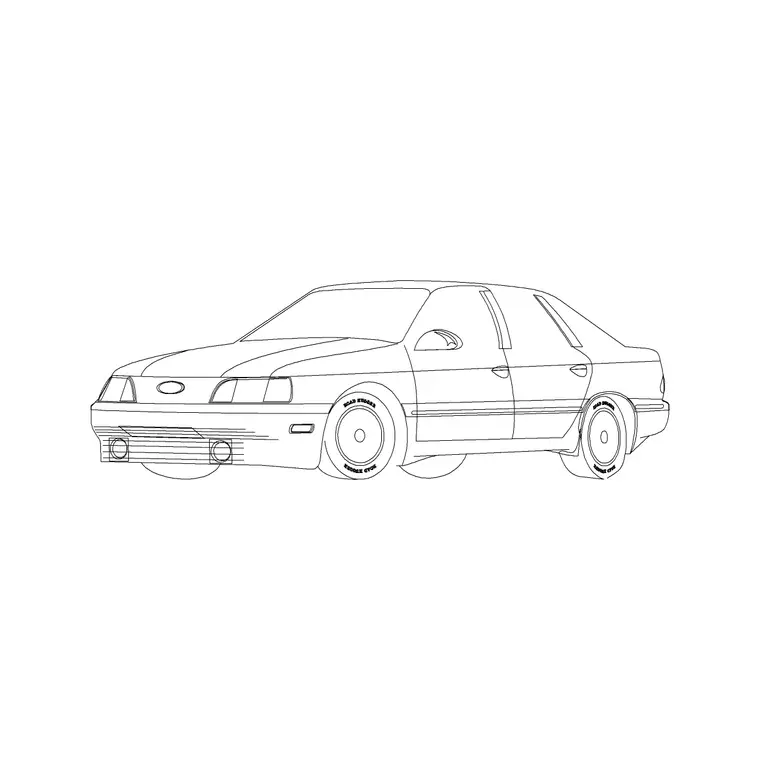
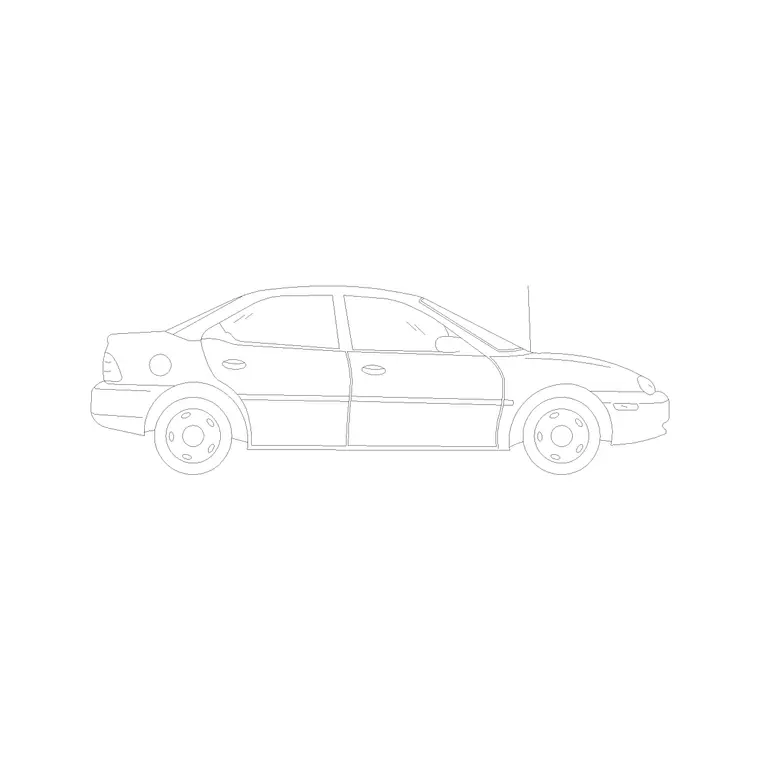
Free CAD block library
Download the blocks from this article — free, no signup


