Block library standards for a common data environment
How to structure a shared CAD block library so it works cleanly inside a common data environment alongside BIM content.
Saumyajit MaityUpdated 12 June 20265 min read

What a CDE actually expects from 2D content
A common data environment, the shared, structured platform most larger projects now use to manage information exchange between architecture, engineering and contractors, was designed with BIM models and their associated documents in mind first, but a huge amount of real project content still lives as 2D DWG, block libraries, detail drawings, furniture layouts. Getting that content to sit cleanly inside a CDE structure, rather than as an awkward pile of loose files nobody's sure how to file, takes a bit of deliberate setup.
The CDE itself, whether it follows the ISO 19650 work in progress, shared, published, archive structure or a simpler proprietary equivalent, cares about three things for any file entering it, consistent naming, a clear status, and a defined owner. A block library needs to satisfy all three just as much as a Revit model does, even though it's a very different kind of content.
Naming your block library files so the CDE can actually sort them
The single biggest practical fix is applying your project's file naming convention to block library files themselves, not just to sheet sets and models. If your CDE naming standard runs something like project, originator, volume, level, type, role, number, a shared block file for doors or office furniture should follow that same pattern rather than sitting in the system as a loosely named file with no version logic anyone else can decode.
This sounds like a small thing but it compounds, because a CDE's whole value is that anyone on the project can find current, correct content by following the naming logic rather than asking around, and a block library that breaks that convention becomes an island nobody trusts is actually current.
Status and revision control for content that changes less often than a model
Block libraries don't revise as often as a live BIM model, a door block might sit unchanged for a year while the model around it goes through a dozen revisions, but that doesn't mean it's exempt from status tracking. Every block library file entering the CDE should carry a clear status, work in progress while still being checked, shared once approved for general project use, and a revision marker so anyone using it knows they're pulling the current version rather than something superseded three months ago.
I've seen the opposite go wrong specifically, a block library sitting in shared status for so long everyone assumed it was permanently fixed, until a scale error was found and corrected, and half the project kept using the old cached copy because there was no clear revision signal telling them a new version existed.
Where block library ownership sits relative to model ownership
In most BIM execution plans, ownership is assigned discipline by discipline for the model itself, architecture owns the architectural model, structure owns theirs, and so on. A shared block library, especially one used across disciplines, furniture blocks used by both architecture and interior design for instance, needs its own explicit owner named in the same document, or it becomes genuinely unclear who's responsible when an error is found.
This is usually a lighter role than full model ownership, it's someone checking new additions against the office standard, managing the CDE folder structure for the library, and fielding the occasional is this the current version question, but it needs to be a named person, not an implied responsibility nobody actually holds.
Keeping the library from becoming a dumping ground
A CDE folder for block libraries tends to accumulate content fast if there's no gatekeeping, every project team member adding their own downloads without checking whether something equivalent already exists. The practical fix is a short intake process, new content gets checked against the office standard, scale verified, layers renamed if needed, before it's added to the shared, approved area, rather than every download landing directly in the shared folder the moment someone needs it for their current drawing.
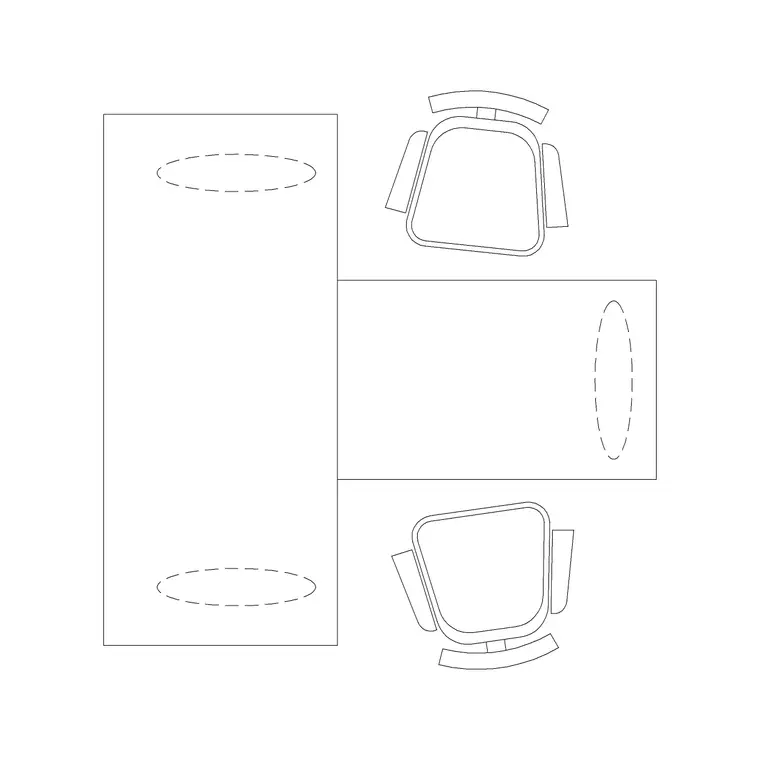
For instance, a workstation block or a conference table block downloaded for one project should get that same quick check before joining the shared library, real world dimensions confirmed against the actual furniture spec, layer renamed to the office standard, rather than assuming a download from a reputable source is automatically ready to become shared, standing content.
A practical structure that holds up on real projects
A short structure that consistently holds up once a project scales past a handful of people:
- A dedicated folder in the CDE structure for the block library, separate from project specific working files - File naming that follows the project's actual CDE convention, not an informal shortcut - A status field, even a simple work in progress, shared, archived marker, on every library file - A named owner responsible for intake review and periodic audits - A lightweight intake checklist, scale, layers, real dimensions, before anything joins the shared area
None of this needs to be elaborate, a CDE rewards consistency far more than it rewards sophistication, and a small, well maintained block library that everyone trusts beats a large, unmanaged one every time.
A short example of intake done right versus done poorly
Picture two versions of the same situation, a drafter needs a conference table block for a new boardroom layout and doesn't find one in the shared library. In the poor version, they download one from wherever's fastest, drop it straight into their working drawing, and move on, the block never gets checked against the office standard, never gets added to the shared CDE folder, and six months later someone else on a different project goes through the exact same search and download process because they had no way of knowing the first block existed.
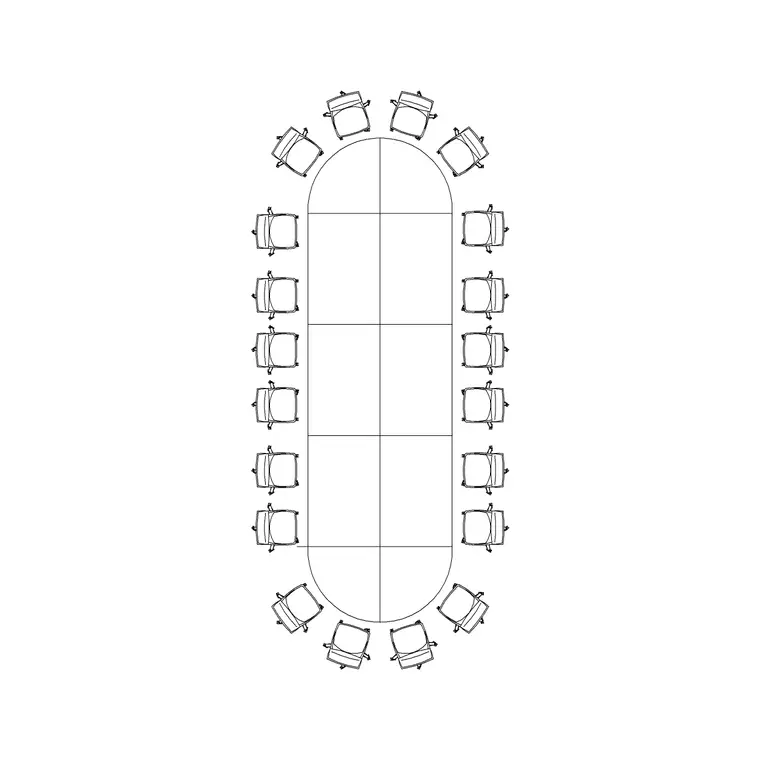
In the better version, the same drafter downloads the block, but before using it in a final layout runs it through the short intake checklist, confirms the table's real world length falls within the expected range for a twenty person layout, renames the layer to match the office standard, and hands it to whoever owns the shared library for a quick review before it gets added to the approved CDE folder with proper status and naming. That extra ten minutes means the next person who needs a twenty seater conference table block finds one already vetted, correctly scaled, and sitting exactly where the CDE structure says it should be, rather than repeating the same search from scratch.
The difference between these two outcomes isn't effort, it's roughly the same ten minutes either way, it's whether that ten minutes happens once and benefits the whole office, or happens repeatedly, once per person, per project, forever, because nobody built the habit of feeding useful downloads back into the shared system.
Further reading
Questions
Frequently asked
Does a shared block library need to follow ISO 19650 naming if the rest of the project does?+
If the project's CDE requires ISO 19650 style naming for all deliverables, yes, the block library should follow the same convention rather than being treated as an informal exception.
Who typically owns a shared CAD block library on a hybrid project?+
Usually a senior drafter or CAD/BIM coordinator, named explicitly in the project's execution plan rather than left as an implied responsibility, since ownership without a name tends to quietly disappear.
How often should content in a shared block library be reviewed?+
A periodic audit, quarterly on an active project, catches drift and duplicate content before it accumulates into a real cleanup problem.
Free downloads from this article
Free CAD block library
Download the blocks from this article — free, no signup
