12 best free conference & office table CAD blocks
Twelve free DWG conference and office table blocks for boardroom and open-plan layouts — round, rectangular and boat-shaped, sized for 6 to 20 people.
Sumana KumarUpdated 2 March 20264 min read
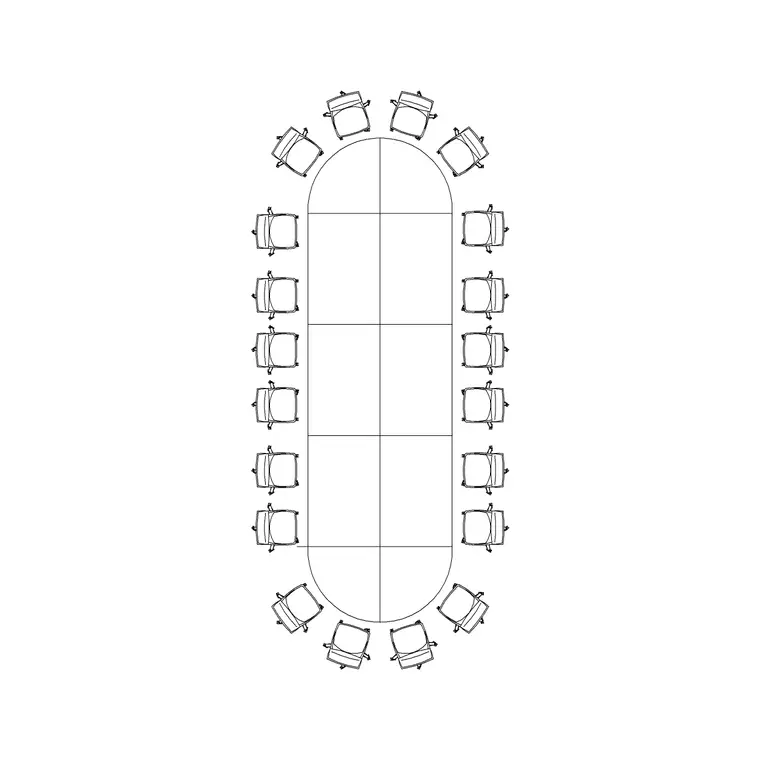
Why a conference-table block saves a whole afternoon
Laying out a boardroom or an open-plan office means placing tables that seat the right number of people with enough room to push chairs back and walk behind them. Draw each table from scratch and a single floor takes hours; insert a ready-made block sized for the seat count and the room is done in one move. That is the appeal of keeping a good range of office and conference tables on hand.
The twelve blocks below are free DWG downloads from the Office category here — no login, free for commercial use. They are plan symbols seen from above, often with chair positions indicated. The number that matters most around any meeting table is circulation: leave about 900mm from the table edge to the nearest wall so chairs can pull out and people can pass behind seated colleagues.
1–4: Rectangular boardroom tables
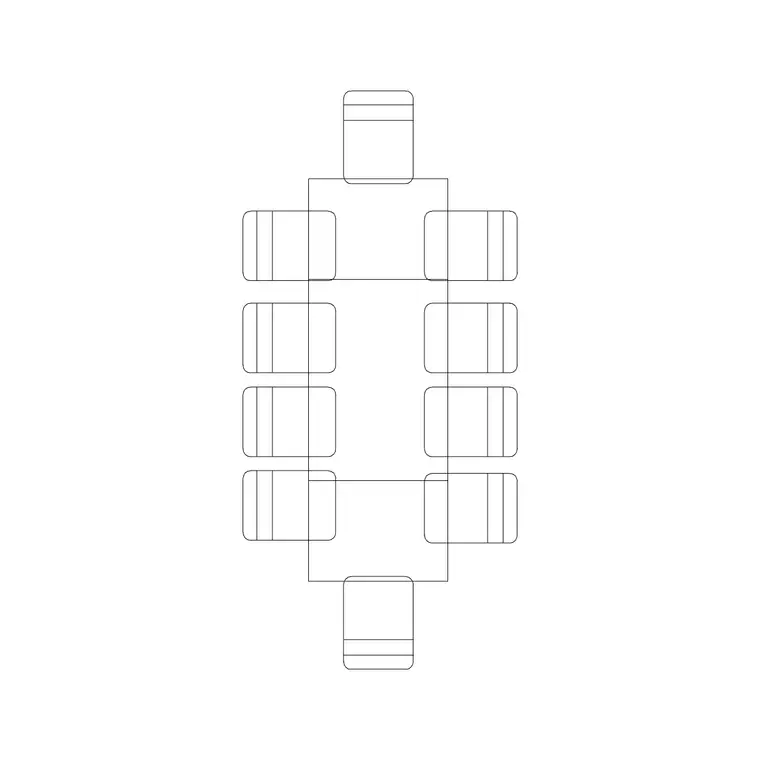
The classic boardroom table is rectangular. A six-seater runs roughly 1800 by 1000mm, an eight-seater about 2400 by 1100mm, and a ten-seater like our 10-Seater Rec Table around 3000 by 1200mm. Keep all the way up to the large 20-Seater Conference Table block for full boardrooms and council chambers.
These are the bread and butter of meeting-room layouts. Allow roughly 600-700mm of table edge per seated person so the chairs do not crowd, and confirm the 900mm circulation gap on all sides — a long table jammed against a wall leaves the chairs on that side unusable, which a drawn block makes obvious.
5–7: Round and oval meeting tables
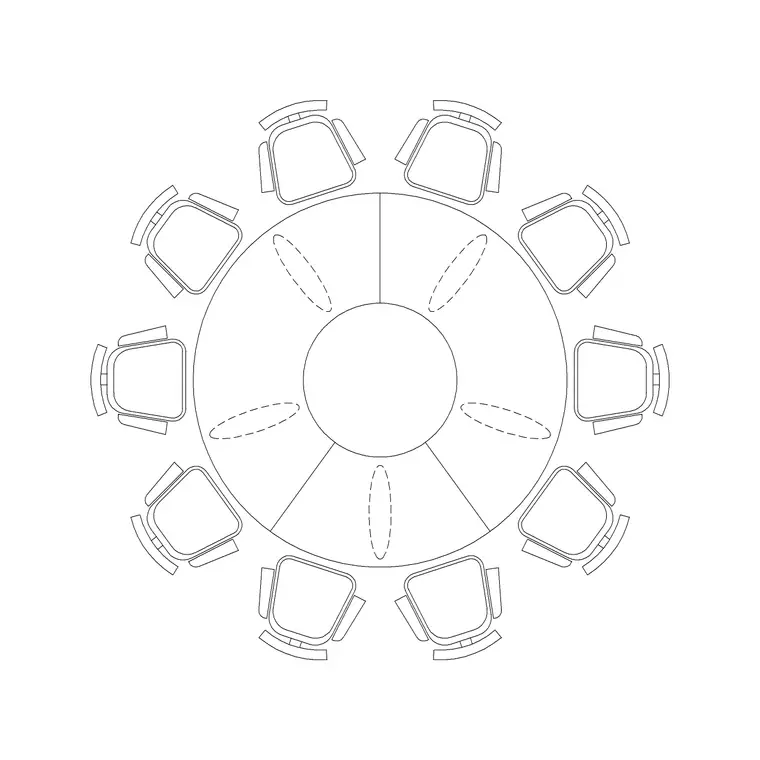
Round tables suit smaller, more collaborative meetings where everyone needs to see everyone. A four-seater round is about 1100mm in diameter, a six-seater around 1500mm, and a ten-seater like our 10-Seater Round Table larger again. Oval tables split the difference, seating more people than a round of the same width while keeping the softer, no-head-of-table feel.
Keep a couple of rounds and an oval. They are ideal for breakout rooms and informal meeting points dotted through an open-plan floor, and because there is no hard corner, they ease circulation in tight rooms — useful when you are fitting a meeting point into a leftover space.
8–10: Boat-shaped and curved boardroom tables
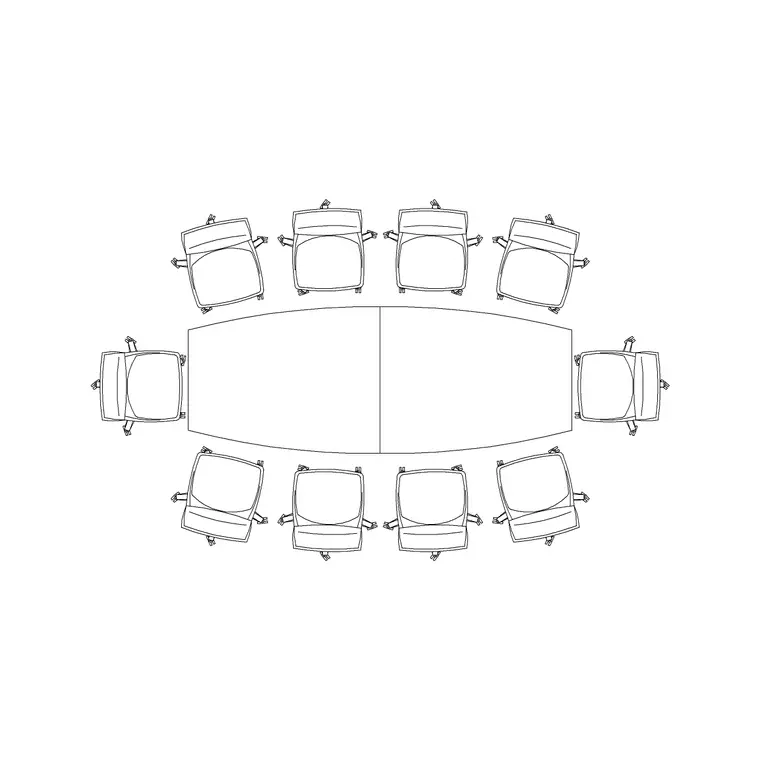
High-spec boardrooms often use a boat-shaped (barrel) or curved table, where the middle is wider than the ends so every seat has a clear sightline to a screen at one end. Our 10-Seater Curve Table block covers the curved case. These tables look more considered on a plan and signal a premium fit-out.
Keep a boat-shaped block and a curved-segment block. When you place one, orient the wider middle toward the long axis of the room and put the presentation screen at the narrow end, then check the 900mm circulation still holds at the widest point — that is where it is tightest.
11–12: Modular and bench desks for open-plan
Finish with two for the open-plan floor itself. A modular desk cluster — a pod of four or six workstations butted together — lets you tile a whole floor by copying one block, and a long bench-desk run does the same for hot-desking. A single workstation is typically 1400-1600mm wide by 700-800mm deep, with about 600mm of chair swing behind it.
With these twelve in your Office folder you can fit out any workplace: rectangular and round meeting tables at every seat count, boat-shaped tables for the executive boardroom, and modular desk pods for the open floor. Download what the room needs, allow 600-700mm per person at the table and 900mm of circulation around it, and a blank office shell becomes a working floor plan in minutes.
Downloading and laying out the tables
Each table downloads as a single DWG from the Office category — click download, no account, free for commercial work. Insert with the INSERT command (type I, Enter, browse to the file) and centre the table in the room, then array or copy the desk pods to tile an open-plan floor. Put furniture on its own layer so you can grey it back for a services or structural plan without deleting anything.
If a table comes in at the wrong size it is a units mismatch — these are millimetre blocks, so set INSUNITS to match your drawing or apply a SCALE factor of 0.001 for a metre-based file.
An office-planning tip specific to meeting rooms: the table is not the constraint — the pulled-out chair is. Before you sign off a boardroom, check that someone seated at the far end can push their chair back the full 600mm and still leave the 900mm walking gap to the wall behind them. It is easy to size a room to the static table footprint and discover on site that nobody on the window side can actually get out of their seat. Drawing the circulation envelope, not just the tabletop, is what makes the layout genuinely work.
Questions
Frequently asked
How big is a conference table CAD block?+
As a guide, a six-seater is about 1800x1000mm, an eight-seater 2400x1100mm and a ten-seater around 3000x1200mm. Allow roughly 600-700mm of table edge per seated person.
How much space should I leave around a boardroom table?+
About 900mm from the table edge to the nearest wall on all sides, so chairs can pull out and people can walk behind seated colleagues.
Where do I download these office table blocks?+
All of them are in the Office category here, free in DWG with no signup and free for commercial use.
Free downloads from this article
Free CAD block library
Download the blocks from this article — free, no signup


