10 best free chandelier CAD blocks for ceiling plans
Ten free DWG chandelier and pendant blocks for reflected ceiling plans and elevations — suspended metal fixtures, drops and clusters, with hanging-height tips.
Sumana KumarUpdated 3 April 20264 min read
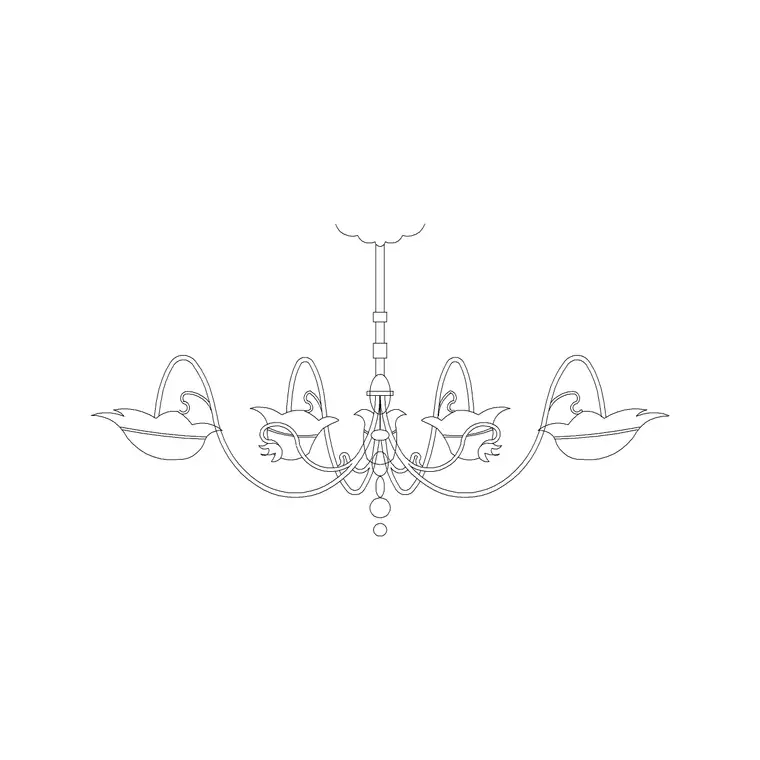
Where chandelier blocks earn their place
Lighting is one of the last layers to go onto a drawing and one of the first things a client notices. A reflected ceiling plan (RCP) without fixtures reads as unfinished; the same plan with chandeliers, pendants and downlights marked reads as a designed scheme. Chandelier blocks also do useful work in interior elevations and sections, where the drop length and the clearance above a table actually matter.
All ten fixtures below are free DWG downloads from the Lighting category here — no account, no email, free for commercial use. Most chandelier blocks are drawn in elevation (the side view, showing the drop and the form), which is what you want for an elevation or section. For an RCP you typically use a simpler symbol seen from below, so keep both views in mind as you build your set.
1–3: Single suspended metal fixtures
Begin with the clean, modern staples. Our Suspended Chandelier Metal Type A is a compact elevation block — a metal frame on a slim drop — that suits a hallway, a stairwell or above a bedside. A typical single pendant like this hangs so its lowest point sits around 2000mm above the floor in a circulation space, higher where people walk beneath it.
Add two more single fixtures in different silhouettes so your rooms do not repeat the same lamp. Because these are elevation blocks, place them on an interior elevation or section and dimension the drop from the ceiling line — that is the number a contractor needs, not just the symbol on the plan.
4–6: Long drops for double-height and stairwells
Double-height voids, stair atria and entrance halls call for a long-drop fixture, and the Long Suspended Chandelier Metal Type A block is drawn exactly for that — an extended cascade of elements on a tall drop. The whole point of a long-drop block is to show the vertical extent honestly, so it is most useful in section and elevation where you can confirm the bottom of the fixture clears head height on any landing or stair below it.
Keep two or three long-drop variants of different lengths. In a stairwell, the rule of thumb is that the lowest element should never be reachable from a landing and should clear the tallest door swing — drawing it to real length is the only way to verify that.
7–8: Dining and cluster chandeliers
Over a dining table, a chandelier wants to hang lower than elsewhere — roughly 750 to 850mm above the tabletop — so the pool of light frames the table without blocking sightlines across it. A wider cluster or linear bar fixture suits a long dining table, while a single round chandelier suits a square or round one. Match the fixture's footprint to the table beneath it: as a guide, keep it noticeably narrower than the table so nobody knocks it leaning in.
Drop a dining chandelier block into your interior elevation of the dining wall and you can check the hanging height against the table and the seated eye line in one move.
9–10: RCP symbols and decorative crystal styles
Finish with two for the ceiling plan itself. A simple plan-view chandelier symbol — the fixture seen from below, often a circle with radial spokes — is what populates a reflected ceiling plan cleanly without the visual weight of a full elevation block. Keep one generic RCP symbol you can use throughout, plus one more decorative crystal-style elevation block for the rooms that deserve a statement fixture.
With these ten in your Lighting folder you can light a whole project: single pendants for circulation, long drops for voids, dining clusters over tables and tidy symbols for the RCP. Download what each room needs, place elevation blocks on elevations and symbols on the plan, and dimension every drop from the ceiling so the scheme is buildable, not just pretty.
How to download and use these in your drawing
Each fixture downloads as a single DWG straight from the Lighting category — click download and it is in your Downloads folder, no login required and free for commercial work. For an elevation or section, insert the elevation block with the INSERT command (type I, Enter, browse to the file) and snap the top of the drop to your ceiling line, then dimension down to the lowest element so the contractor has the hanging height.
For the reflected ceiling plan, use the simpler symbol version and place it at the fixture's centre, on a dedicated lighting layer so the RCP can be isolated from the architecture. These blocks are drawn in millimetres; if one inserts at the wrong size set INSUNITS to match your drawing or scale by 0.001 for a metre-based file.
A lighting-specific tip: a chandelier is the one fixture where the drop is a design decision, not a default. Before you commit, place the block in both the plan and the matching elevation and check the two agree — a fixture that looks balanced on the RCP but hangs into a doorway in elevation is a clash you only catch by drawing both views, which is exactly why keeping the elevation block, not just the symbol, is worth it.
Questions
Frequently asked
How high should a chandelier hang in a CAD elevation?+
As a guide, about 2000mm to the lowest point in circulation spaces, and roughly 750-850mm above a dining tabletop. Draw the drop to real length so you can verify clearance.
Are chandelier blocks drawn in plan or elevation?+
Most are elevation (side-view) blocks showing the drop and form, for elevations and sections. For a reflected ceiling plan you use a simpler symbol seen from below.
Where do I download these chandelier blocks free?+
All of them are in the Lighting category here, free in DWG with no signup and free for commercial use.
Free downloads from this article
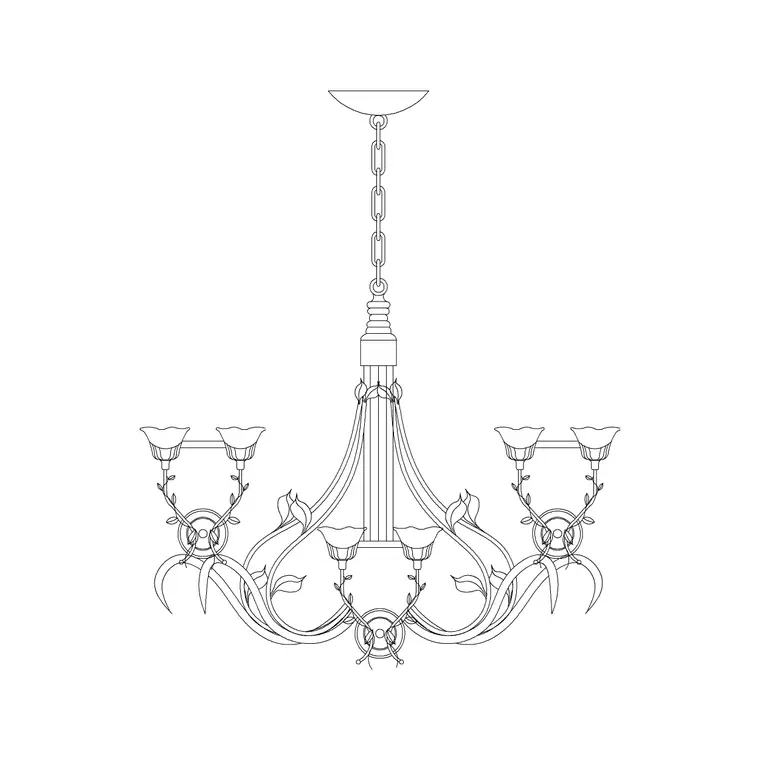
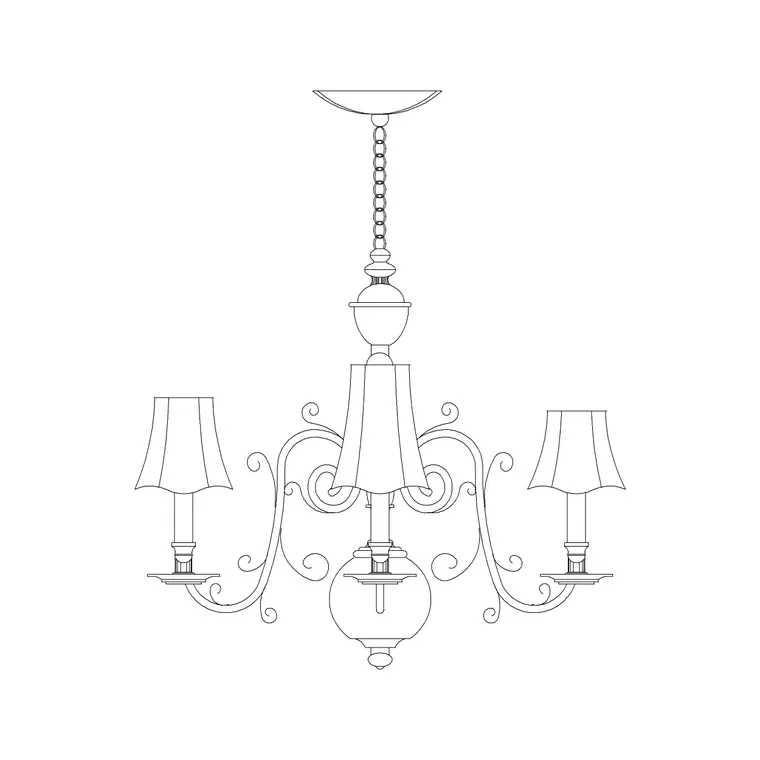
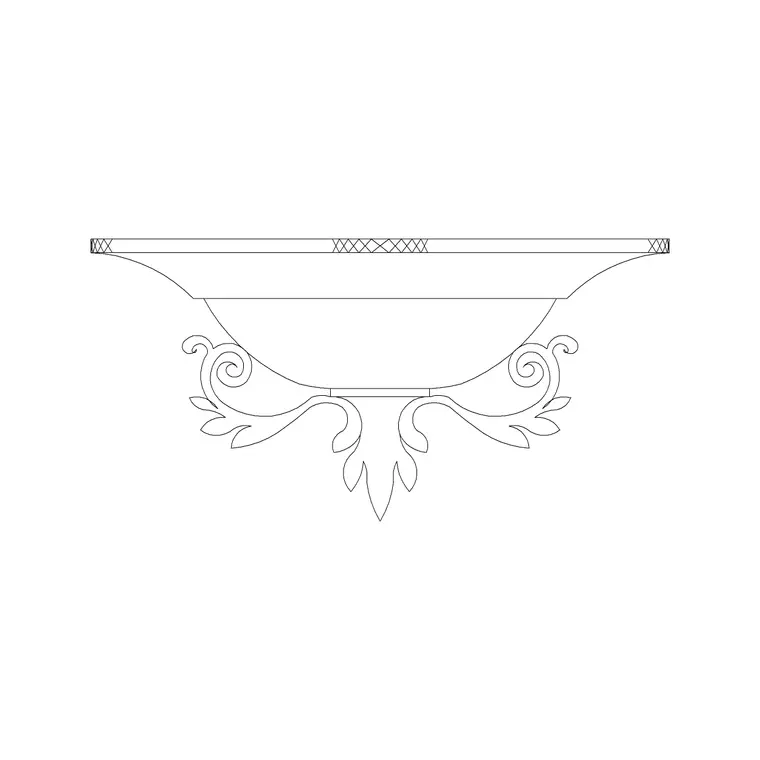
Free CAD block library
Download the blocks from this article — free, no signup


