10 best free car CAD blocks for site plans (free)
Ten free DWG car and vehicle blocks for site plans and parking layouts — sedans, SUVs and more in plan and elevation, with real parking-bay dimensions.
Saumyajit MaityUpdated 15 April 20264 min read
Cars give a site plan instant scale
Drop a car onto a site plan and the whole drawing suddenly has scale — everyone knows roughly how big a car is, so it acts as a built-in measuring stick. Vehicle blocks also do the serious job of proving a parking layout: do the bays fit, can a car actually swing into the space, is the aisle wide enough to turn? A site plan with cars reads as real and tests itself at the same time.
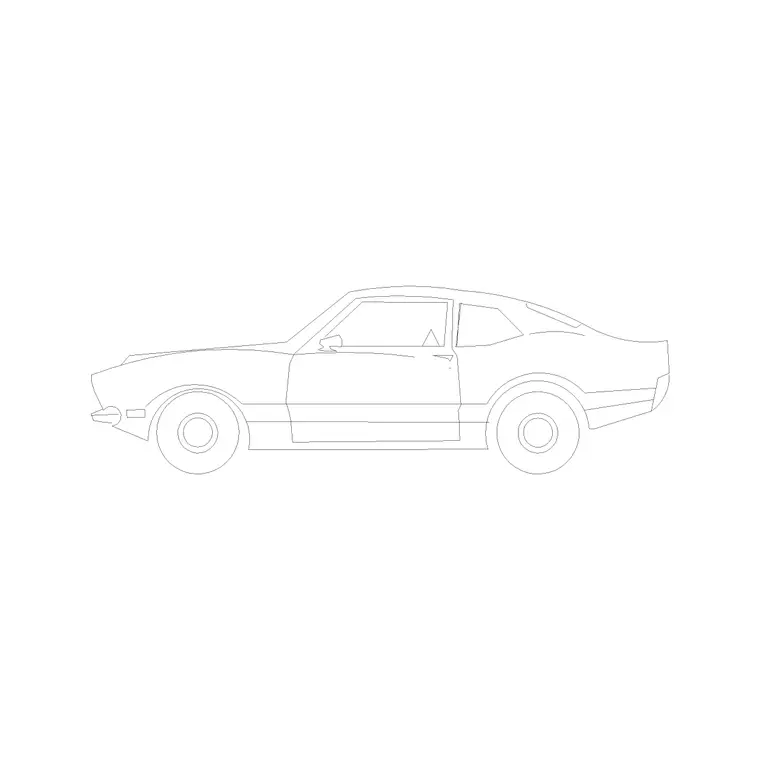
The ten blocks below are free DWG downloads from the Vehicles category here — no signup, free for commercial use. Cars come in two views: a plan symbol (top-down, for site plans and parking layouts) and an elevation (the side profile, for street elevations). A typical car is about 4500mm long by 1800mm wide; a standard parking bay is around 2400-2500mm wide by 4800-5000mm long. Confirm a block sits near those figures before you lay out bays around it.
1–3: Standard sedans and hatchbacks
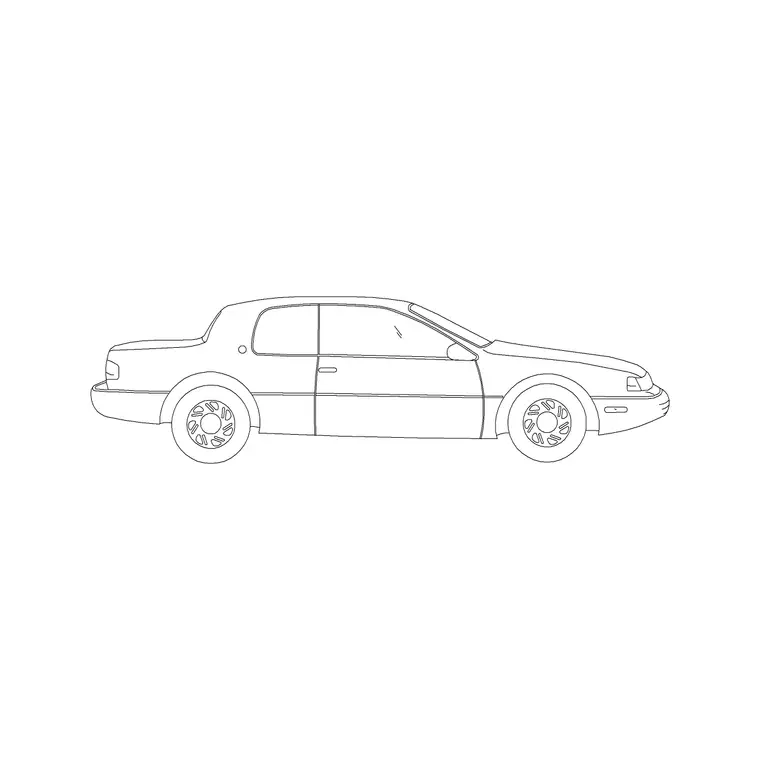
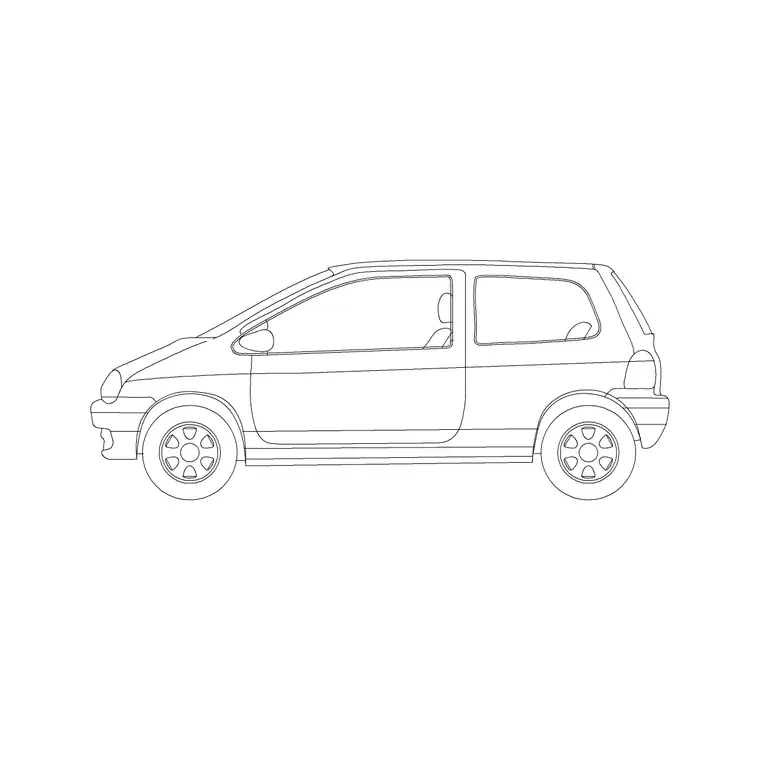
Start with the everyday cars. Our 2 Door Sedan Car is an elevation block — a clean side profile useful for street scenes and entrance elevations — and the 2-Door and 3-Door Car blocks round out the common shapes. For site plans you will mostly want the plan (top-down) versions, so keep both views of a standard sedan and a hatchback.
These are the cars to populate a residential driveway, a small car park or a street elevation. Vary the models a little so a car park does not show twenty identical vehicles, which looks as artificial as a grid of identical trees. One or two cars placed in bays is usually enough to communicate the parking intent without cluttering the drawing.
4–6: SUVs, estates and larger vehicles
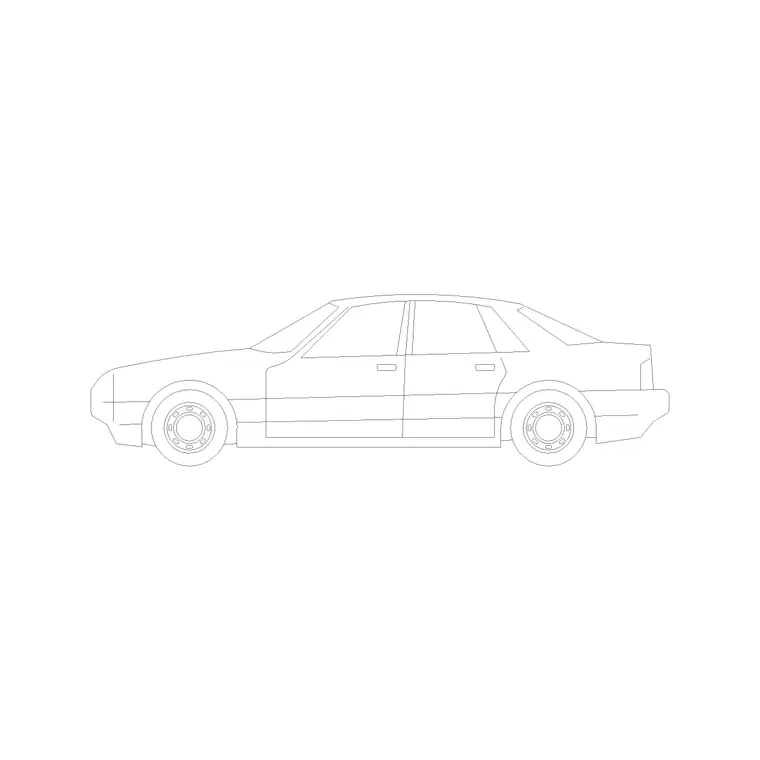
Larger vehicles test tighter constraints. An SUV or estate is longer and wider than a sedan — our 5-Door Luxury Car block suits this — and using one to check a bay or an aisle is the honest way to confirm the layout works for real cars, not just compact ones. If your bays only fit a small hatchback, the layout will fail the day someone parks a 4x4.
Keep a couple of larger vehicles for exactly this stress test. They are also useful in elevations where a bigger car in the foreground sets a believable street scale. Draw them to real length so the parking geometry you sign off is the geometry that gets built.
7–8: Accessible and parent-child parking bays
Accessible parking is wider than a standard bay — typically around 3600mm including the hatched transfer zone alongside — so an accessible bay needs its own treatment, not a stretched standard car. Place a standard car block within an accessible bay and you can show that the extra width is genuinely available beside the door. Parent-and-child bays are similarly oversized.
Keep a car block dedicated to demonstrating these special bays. The point is to prove the clear space exists where regulations require it, and a correctly scaled vehicle sitting in the bay is the clearest possible evidence on the drawing.
9–10: Motorcycles, vans and turning checks
Finish with two for completeness. A motorcycle block fits the smaller bays many schemes provide, and a van or light-commercial block tests delivery and service access, which often needs a wider aisle and a deeper bay than cars. Both are worth keeping for mixed-use and commercial sites.
With these ten in your Vehicles folder you can populate and prove any site plan: sedans and hatchbacks for general parking, SUVs to stress-test bay sizes, accessible and parent-child cars for special bays, and bikes and vans for the rest. Download both the plan and elevation versions you need, keep them at real length, and use them to verify every bay and aisle before the layout is final.
Downloading and using car blocks on a site plan
Each vehicle downloads as a single DWG from the Vehicles category — click download, no account, free for commercial work. Insert with the INSERT command (type I, Enter, browse to the file). For a parking layout use the plan (top-down) block and drop one into a bay to confirm it fits; for a street scene use the elevation (side-profile) block on the ground line. Put cars on their own layer so you can hide them when you only want the bay grid.
If a car comes in at the wrong size it is a units mismatch — these are millimetre blocks, so set INSUNITS or scale by 0.001 for a metre drawing.
A site-planning tip: you do not need a car in every bay, and a full car park of them clutters the drawing. Place one or two vehicles to set scale and to prove the tightest cases — the bay against a wall, the corner space, the accessible bay — and leave the rest as empty marked bays. The real test a car block exists to pass is the swept turn into the space and the aisle width to manoeuvre; drop the SUV block, not just a compact, into that worst-case bay so the layout you sign off works for the biggest car that will actually use it.
Questions
Frequently asked
What size is a car block and a parking bay?+
A typical car is about 4500mm long by 1800mm wide. A standard parking bay is around 2400-2500mm wide by 4800-5000mm long; accessible bays are wider, around 3600mm including the transfer zone.
Should I use plan or elevation car blocks?+
Use plan (top-down) car blocks on site plans and parking layouts, and elevation (side-profile) blocks on street elevations. Keep both views for a standard car.
Are these car blocks free for commercial use?+
Yes. Every vehicle DWG in the Vehicles category here is free for personal and commercial projects with no signup.
Free downloads from this article
Free CAD block library
Download the blocks from this article — free, no signup


