Where to find free wardrobe DWG files (and how to use them)
Free wardrobe DWG files for AutoCAD — 2, 3, 4, 5 and 6-door plan blocks. Where they live, the depths and widths to expect, and how to place them in a bedroom.
Sumana KumarUpdated 12 May 20264 min read
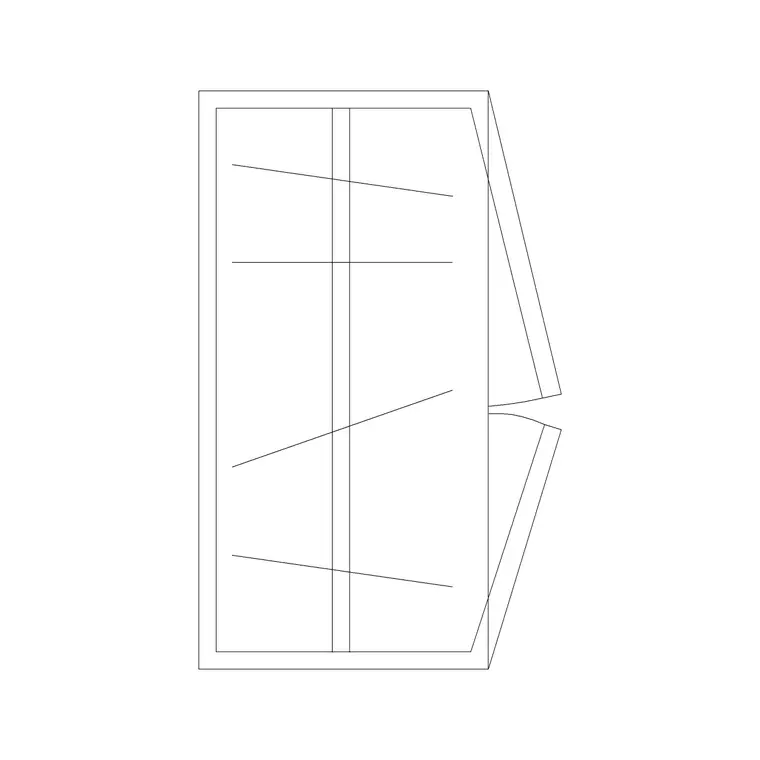
What the wardrobe blocks cover
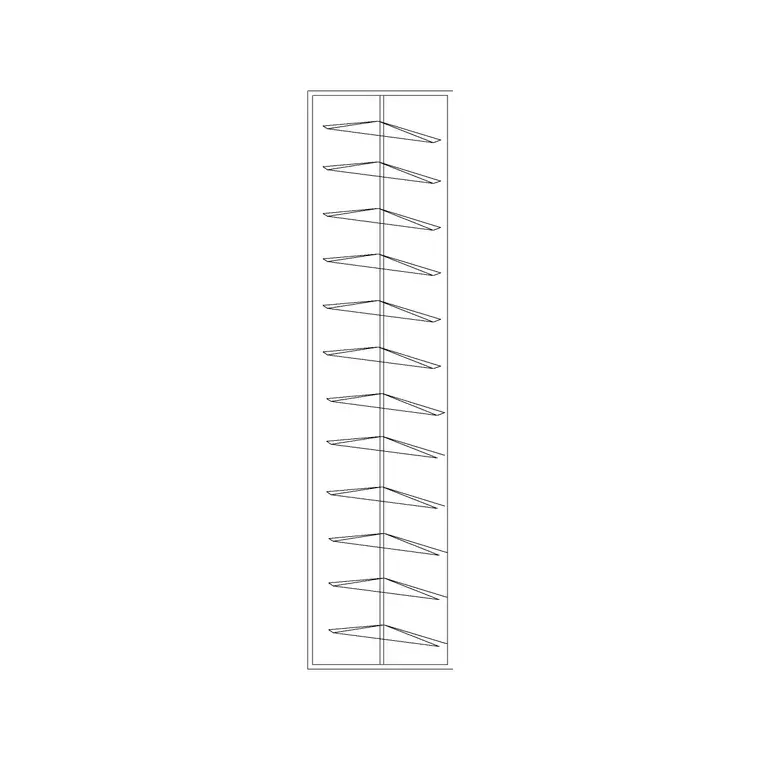
Wardrobes are the storage family people forget on a plan, and they are exactly where bedroom layouts quietly fail. The wardrobe DWG files here come in a tidy range by door count — two, three, four, five and six-door — so you can match the run of storage to the wall you have. Each is a plan-view block: the carcass outline plus the door swings or sliding-panel lines, drawn from above the way it appears on a floor plan.
Wardrobes are commonly 600mm deep, with widths stepping up in roughly 600mm modules as the door count rises — so a two-door unit is around 1200mm wide and a six-door around 3600mm. Because the blocks are DWG, they measure true, and you can confirm that depth with a quick dimension. Everything is free, downloads on click, and needs no account.
Finding the right wardrobe on the site
The wardrobes are in the Furniture category, and because they belong to a bedroom, the Bedroom category is the natural place to browse them alongside beds and bedside tables. Search 'wardrobe' to pull the whole door-count range together.
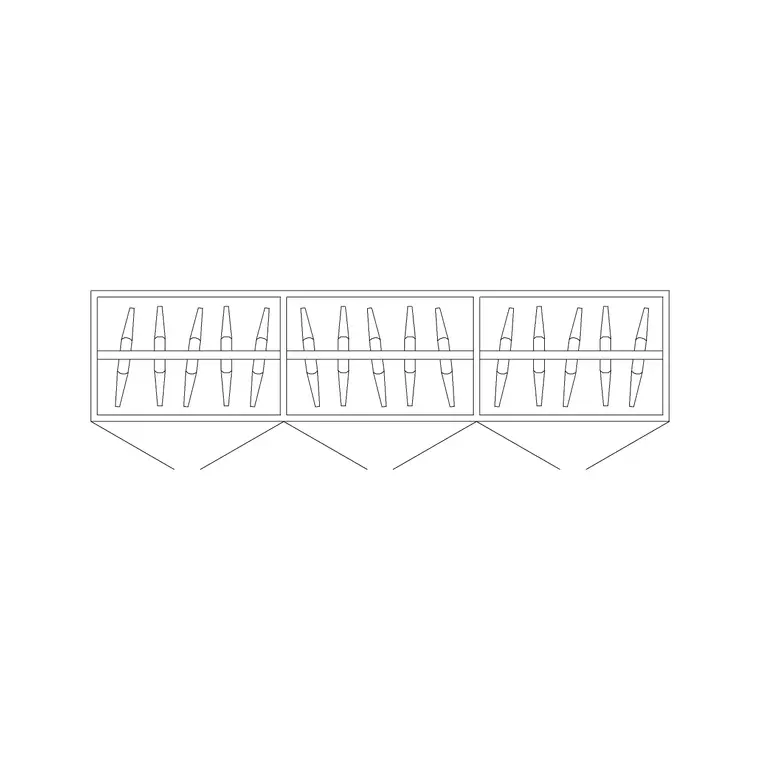
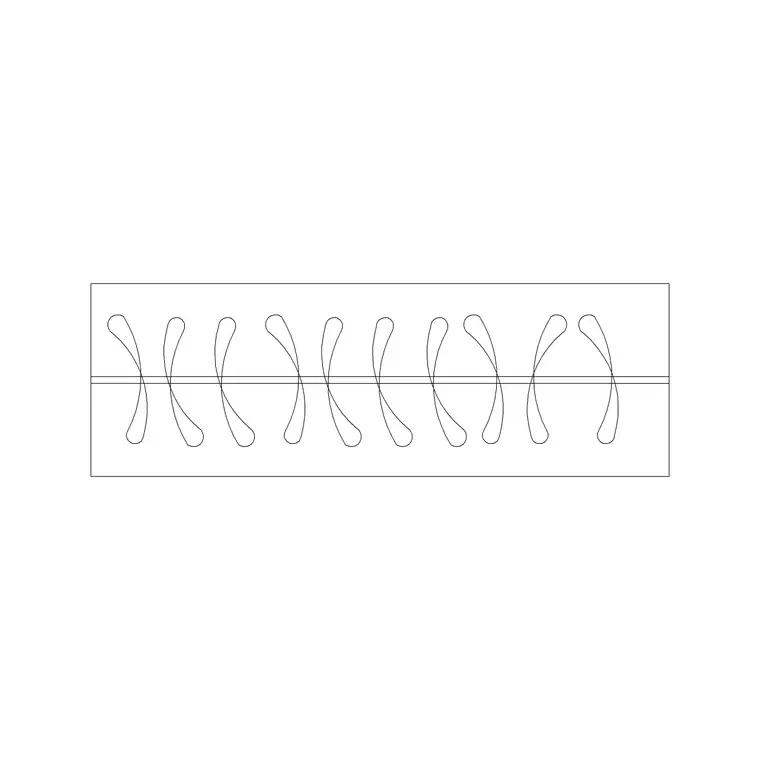
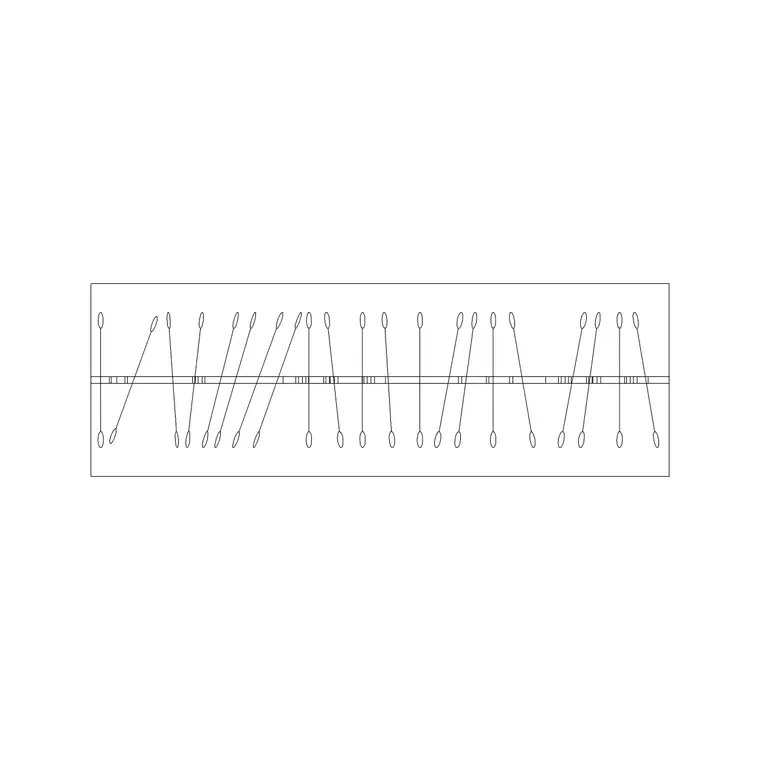
Pick by the wall length you are fitting: the 2 Door Small Wardrobe Plan for a compact niche, the 3 Door or 4 Door Wardrobe Plan for a standard bedroom wall, and the 5 Door or 6 Door Wardrobe Plan for a long fitted run or a dressing room. Each product page shows the preview, the plan view, and the download button.
There is nothing to sign up for. Click the download and the DWG saves to your Downloads folder, ready to insert.
Inserting and placing the wardrobe
Run INSERT (I), browse to the wardrobe DWG, and place it at scale 1, rotation 0. The block is drawn at real size, so scale 1 is correct in a millimetre drawing. Use an object snap to set the back of the carcass flush against the bedroom wall — wardrobes almost always sit hard against a wall, so snap to the wall line rather than eyeballing it.
Watch the door swing. A hinged-door wardrobe needs clear floor in front for the doors to open — roughly the door width again — whereas a sliding-door run needs none, which is why sliding wardrobes win in tight rooms. The plan block shows the swing or the slide so you can judge this directly. If the doors clash with a bed or a walkway, that is the cue to switch to a sliding type or a different door count.
If the wardrobe comes in mis-scaled, set INSUNITS consistently or SCALE by 0.001 / 1000 to fix the millimetre-versus-metre gap, then move it onto your Furniture or Joinery layer.
Fitting wardrobes into the bedroom layout
A 600mm-deep wardrobe placed without thought can eat the clearance a doorway needs, so draw it early and check the room around it. Leave at least 600 to 750mm of standing space in front of the doors so someone can open them and reach inside, and keep the wardrobe clear of the door swing into the room.
For a fitted run, butt the units together end to end and let the door count add up to the wall length — two three-door units, or a four plus a two, often fits a wall more neatly than a single odd-sized block. The modular widths make this easy to mix and match in plan. In a dressing room, line two runs along facing walls and confirm at least 900mm of aisle between them so the doors on both sides can open without colliding.
Keep the wardrobes on a consistent furniture or joinery layer so you can produce a clean joinery-only drawing when the bedroom package needs one.
Reading the door type on the plan
The single biggest planning decision a wardrobe block carries is the door type, because it changes how much floor the wardrobe needs in front of it. A hinged-door block shows the swing arcs on the plan — each door needs roughly its own width of clear floor to open, which adds up fast on a wide unit and can clash with a bed, a walkway or another door. A sliding-door run shows panels that pass each other and need no floor clearance at all, which is why sliding wardrobes win in tight bedrooms and along circulation walls.
Use the swing or slide drawn on the block to test the conflict directly: if the open doors overlap the bed or block the route to the ensuite, switch door types or reduce the door count. It is far cheaper to catch that on the plan than on site.
Before you trust any wardrobe block, run the quick vet — dimension the depth to confirm roughly 600mm, check the geometry is on sensible layers ideally layer 0, and confirm there are no stray lines or proxy objects. A clean, correctly scaled wardrobe that shows its door behaviour honestly is one you can rely on for the clearances that make or break a bedroom layout.
Questions
Frequently asked
How deep is a wardrobe in a CAD plan?+
Commonly 600mm deep, with widths stepping up in roughly 600mm modules — so a two-door unit is around 1200mm wide and a six-door around 3600mm. Confirm with a dimension after inserting.
Which wardrobe block should I use?+
Match the door count to your wall: 2 Door for a niche, 3 or 4 Door for a standard bedroom wall, 5 or 6 Door for a long fitted run or dressing room. All are free plan-view DWGs.
Do sliding wardrobes save space on a plan?+
Yes. Sliding doors need no floor clearance to open, unlike hinged doors which need roughly their own width in front. The plan block shows the swing or slide so you can judge the fit.
Free downloads from this article
Free CAD block library
Download the blocks from this article — free, no signup


