Where to find free treadmill & bike DWG files
Free treadmill and exercise-bike DWG blocks for gym plans — where to download them, the footprints to expect, and how to space cardio equipment that works.
Sumana KumarUpdated 4 April 20264 min read
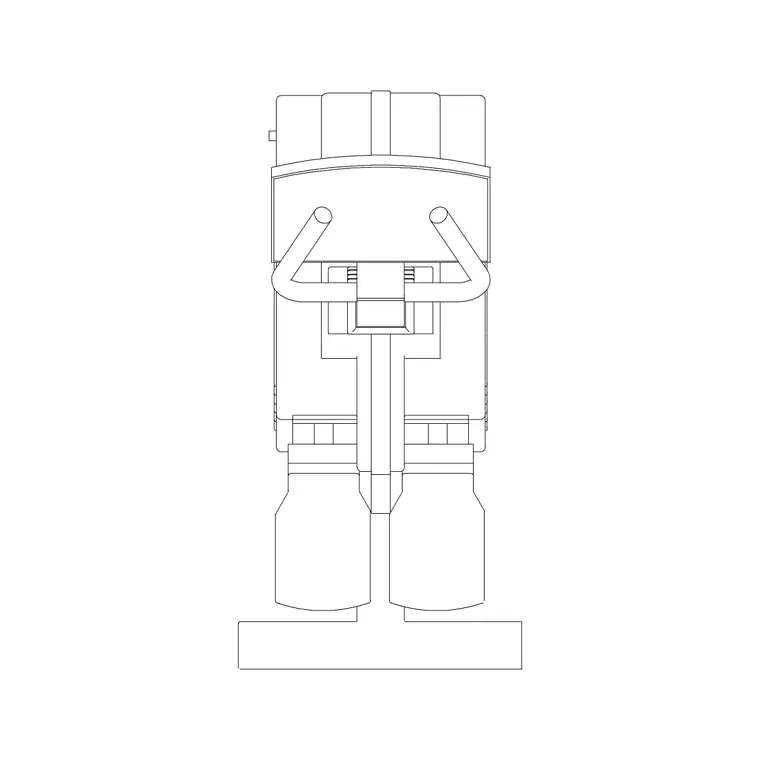
Finding the cardio blocks
Treadmills and exercise bikes both live in the Fitness & Sports category. The quickest route is the on-site search — type 'treadmill' or 'bike' and the matching blocks surface immediately — but you can also browse the category and scan the thumbnails. Downloads are instant: no login, no email gate, no countdown. Click download and the DWG is yours.
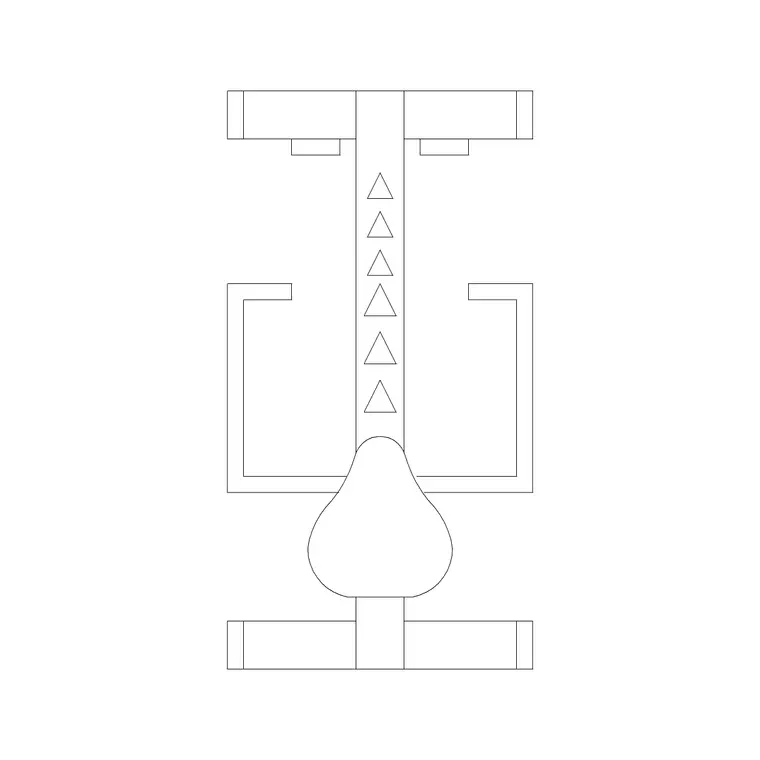
For bikes you will find both upright exercise-bike footprints and plan views aimed at cardio rooms; for treadmills the blocks are the running-deck-plus-console outline seen from above. These are generic machines rather than branded models, which is what most layouts call for. You are communicating that a cardio station goes here, with the right footprint and clearance, not specifying a particular manufacturer — and that keeps the drawing flexible if the equipment schedule changes later.
What the files contain
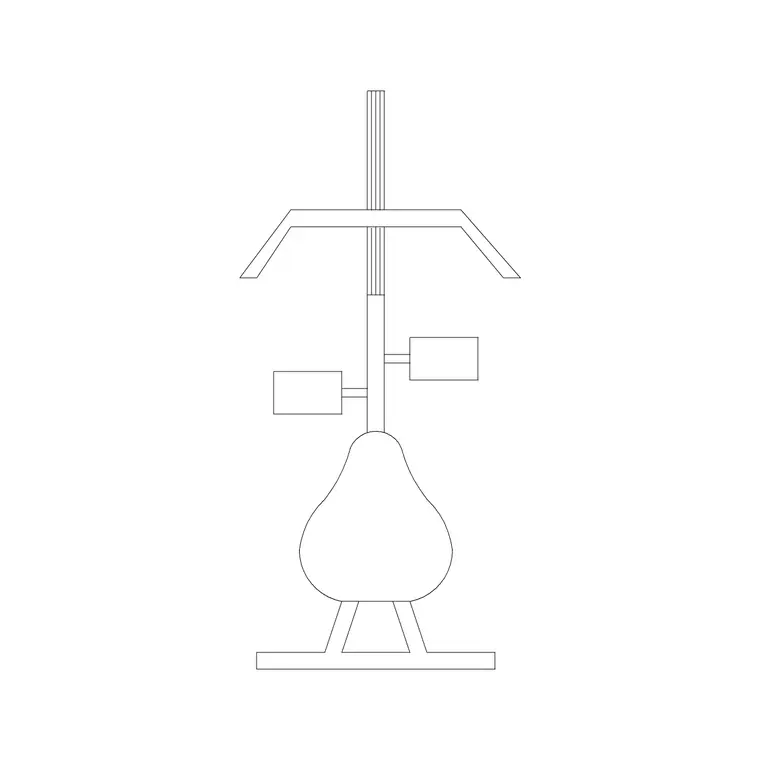
Each download is a compact DWG with the machine drawn as flat 2D linework, ready to drop in as a block. A treadmill block is essentially the deck outline with the handrails and console end marked; a bike block is the footprint with the saddle and handlebars indicated. Both are plan views, because a gym layout is a plan drawing and you need the top-down footprint to judge spacing.
The files save to a broadly compatible AutoCAD format that opens in any modern CAD tool, and most are offered in DXF as well as DWG. There is nothing exotic inside — no proxy objects, no 3D — so they insert cleanly and keep your drawing light even if you line up twenty of them. That makes them ideal for the repetitive rows a real cardio floor needs.
Inserting and rotating the machines
Bring a treadmill or bike in with INSERT, browse to the downloaded DWG, and place it with object snaps so it sits square against a wall or on a grid line. Cardio machines are almost always arranged in neat rows, so rotation matters: set the rotation on insertion, or place first and use ROTATE afterwards once you can see the machine in context against the wall it faces.
If the footprint comes in absurdly large or tiny, it is a units issue — fix INSUNITS in both files, or scale by 0.001 or 1000 as needed. Once one machine is placed and oriented correctly, copy it along the row with a fixed spacing rather than re-inserting each time. That keeps the centres even and the row tidy, exactly the way a real equipment supplier would set the machines out.
Copy along the row the smart way
A cardio floor is repetition, so lean on AutoCAD's array and copy tools rather than placing each machine by hand. Once your first treadmill is positioned and rotated correctly against the wall, use a rectangular ARRAY or a COPY with a set spacing to run the rest of the row at even centres. Pick a spacing that includes the machine width plus the side gap a user needs, and the whole bank lines up consistently in one operation.
This matters for accuracy as much as speed: arraying from one correctly placed block guarantees every machine shares the same footprint and orientation, so the row you draw is the row that will fit. If you later need to nudge the spacing, edit the array rather than dragging machines individually, and the entire bank re-spaces cleanly while staying aligned to the wall.
Spacing cardio equipment properly
The reason to draw the machines to real footprints is so you can test the spacing honestly. Treadmills in particular need run-off room: leave clear space behind each deck so a user stepping back has somewhere to go, and keep a usable aisle — around 900mm to 1000mm as a working minimum — between rows so people can pass behind someone mid-workout. Bikes pack tighter than treadmills but still need elbow room and a route in and out of each station.
With correctly scaled blocks you can literally see whether a row of six treadmills fits the wall you have given it, or whether the aisle behind them has been squeezed to nothing. That visibility is the whole value of furnishing the plan — it turns 'I think this fits' into 'I can measure that it fits' before anything is ordered or built.
Layer it and reuse it
Keep all the cardio blocks on a fitness-equipment layer so you can freeze or grey them back when you are working on the architecture, and isolate them for a clean equipment plan when the fit-out package needs one. The blocks inherit whatever layer you insert them onto, so set that layer current before placing and they fall into line automatically.
Once you have a treadmill and a bike you trust, save them onto a tool palette. From then on a cardio station is a single click from any drawing, and you can rough out a gym's cardio zone in a couple of minutes. Pair that with the spacing habits above and your cardio layouts will be fast to produce and genuinely buildable rather than just decorative.
Questions
Frequently asked
Where do I download free treadmill and exercise bike DWG files?+
From the Fitness & Sports category on CADBlockDWG. Search 'treadmill' or 'bike', open the block, and download the DWG free with no signup.
Are treadmill blocks drawn in plan or elevation?+
Plan view — the top-down deck-and-console footprint — because gym layouts are plan drawings and you need the footprint to judge spacing and run-off.
How much space should I leave behind a treadmill?+
Leave clear run-off behind each deck and keep a usable aisle of roughly 900-1000mm between rows so people can pass behind someone who is running. Accurately scaled blocks let you check this on the plan.
Free downloads from this article
Free CAD block library
Download the blocks from this article — free, no signup


