Block landing · gym equipment cad block
Free gym equipment CAD blocks in DWG and DXF
By Saumyajit Maity · Published 19 Apr 2026 · Updated 14 May 2026
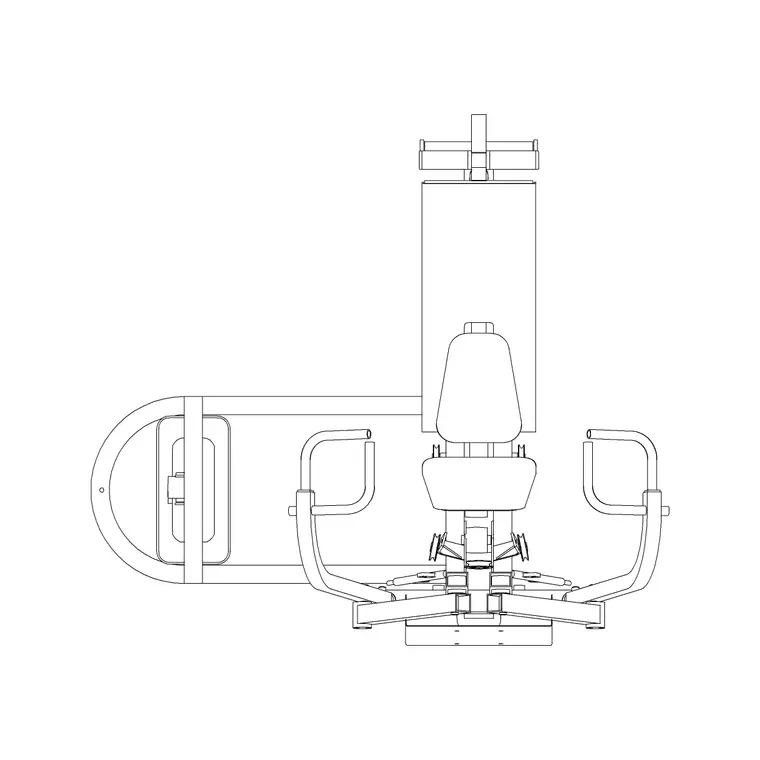
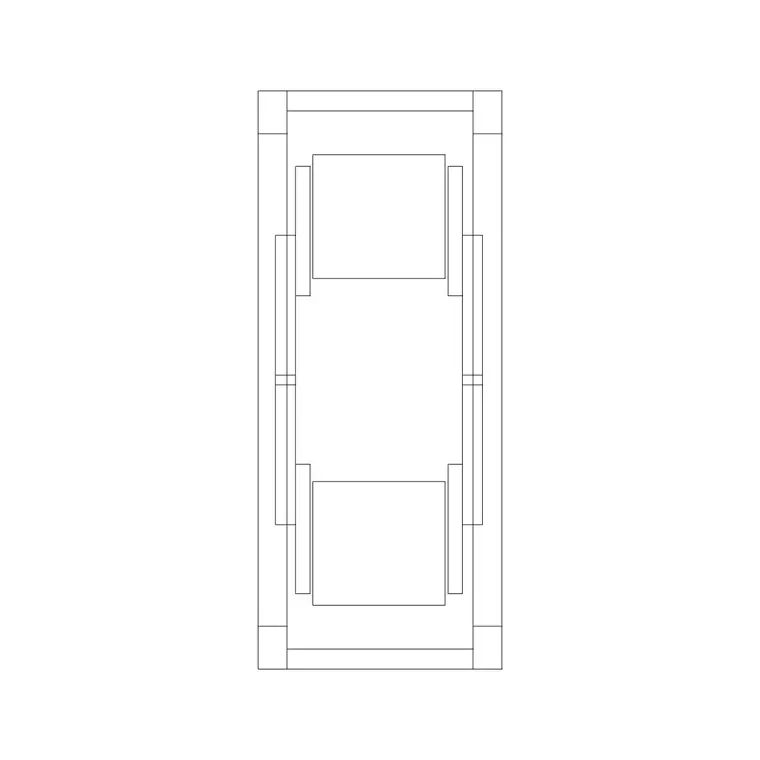
Laying out a gym or fitness suite in AutoCAD means placing dozens of machines, each with its own footprint and the safety zone a user needs around it. A ready set of gym equipment CAD blocks turns that from a measuring exercise into a placement exercise. This page collects free gym equipment CAD blocks in DWG and DXF — cardio machines, resistance machines, free-weight stations, racks and benches — drawn at true millimetre dimensions and ready to drop into AutoCAD 2004 or later. Every file is free for personal and commercial work, with no signup, no watermark and no credit required.
Gym blocks earn their keep at the layout stage, where the question is never just 'does the machine fit' but 'does the machine fit with its user envelope, its circulation and the next machine's envelope too'. Drawing each piece to its real footprint lets you answer all three at a glance, which is exactly what an equipment supplier, a fit-out contractor or a building-control reviewer wants to see.
What a gym equipment block should include
A gym layout block is most useful when it carries more than the machine outline. The best plan-view blocks show the equipment footprint plus a dashed 'use zone' — the space a person occupies while exercising and the run-off behind a machine. For a treadmill that means the belt plus a clear run-off behind it; for a cable station it means the radius a user sweeps. Drawing those zones keeps your spacing honest instead of optimistic.
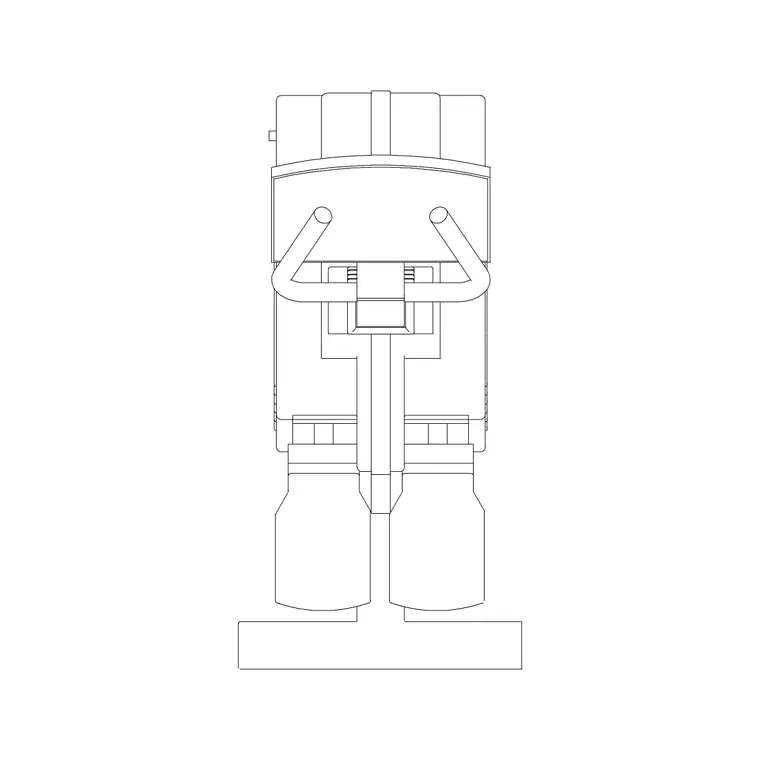
Elevation blocks matter for the machines that stack vertically: smith machines, cable crossovers, lat pulldowns and power racks reach well above head height, so an elevation view lets you check ceiling clearance and the position of any wall fixings. The blocks here sit on sensible layers, so you can freeze the use-zone dashes for a clean equipment plan and thaw them again when you need to prove circulation.
Plan and elevation: which view for which drawing
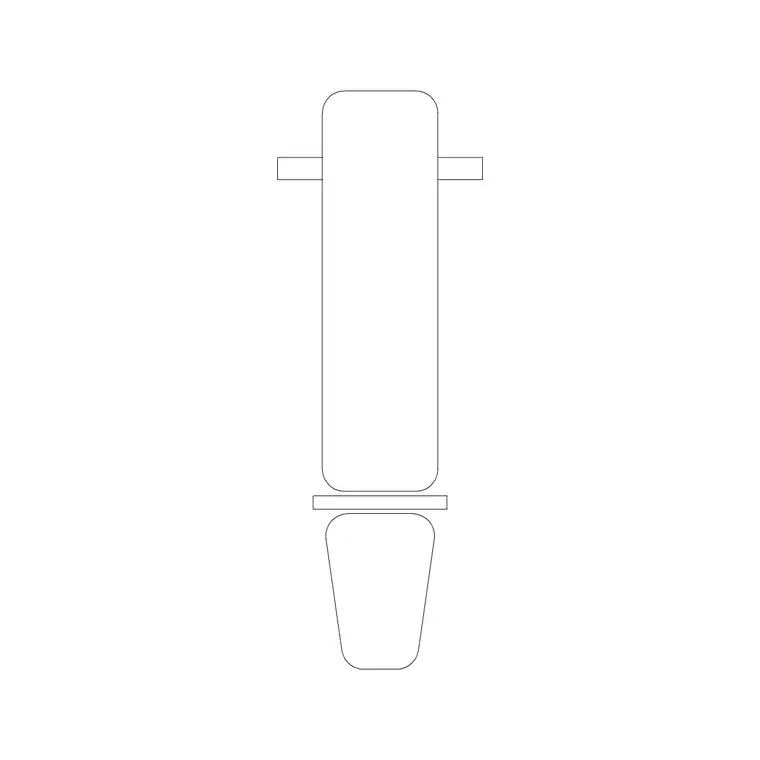
Gym fit-outs are planned almost entirely in plan view. The plan block is what you array down a row of treadmills, mirror across a free-weights bay, or rotate to face a wall of mirrors. Keep the equipment on its own layer so you can hand the landlord a bare shell plan and the operator a fully equipped one from the same file.
Elevation and side views come in for the mirror-wall elevations, the rig and rack details, and any drawing where ceiling height is tight. A side-view machine is also handy on a section through a mezzanine gym, where you need to show that a tall cable machine clears the underside of the floor above.
Typical gym equipment footprints to design around
Reach for these ranges when you are spacing a layout. Treadmill: roughly 2000 × 900 mm plus a 600–1000 mm run-off behind. Cross trainer / elliptical: around 2000 × 700 mm. Upright or recumbent bike: 1100–1700 × 600 mm. Multi-station cable machine: 2500–4000 mm long. Power rack: 1200–1500 mm square footprint with a 2200 mm+ height. Weight bench: 1200–1800 × 600 mm with a working zone around it.
For circulation, a main walkway through a gym floor wants 1200 mm clear, and you generally allow 600 mm minimum between adjacent cardio machines so users do not clash elbows. Drop the scaled blocks in and these checks become a visual scan rather than a spreadsheet.
How to insert and arrange the blocks
These gym blocks are drawn full size in millimetres. In a millimetre drawing, insert at scale 1 and the machine lands at real size; in a metre drawing, insert at 0.001, or simply set INSUNITS to millimetres so AutoCAD rescales on insertion. Run INSERT (or drag the DWG from a tool palette), snap the insertion point to the front edge of the machine, and rotate it to face the mirror wall or window.
Because each machine is a single block reference, you can array a row of identical treadmills with ARRAY, then mirror a whole free-weights bay across a centreline. Tag each block with a simple attribute — a machine code — and you can extract an equipment schedule straight from the drawing for the supplier to price.
Where gym equipment blocks are used
These blocks appear in commercial gym fit-outs, hotel and residential leisure suites, corporate wellness rooms, physiotherapy gyms and school sports halls. Equipment suppliers use them to produce the layout drawings that come with a quotation; architects use them to prove a leisure brief fits a shell; fit-out contractors use them to coordinate power and ventilation with the equipment positions.
Pair them with the fitness and sports category for the individual machines, and with the people category for scale figures that make a presentation layout read instantly. Because they are licence-clear, they suit student leisure-centre projects and competition boards as readily as a paid commercial scheme.
Keeping the gym layout coordinated
A gym is a services-heavy room, so the equipment plan needs to talk to the electrical and mechanical drawings. Cardio machines need power, so keeping each machine as a tagged block lets you overlay a small-power layout and confirm a socket sits where the treadmill plug reaches. Mirrors, wall-mounted rigs and pull-up frames need solid backing, so an elevation that shows the fixing heights stops the steel going in at the wrong level.
Layer discipline is what makes all of this work from one file: put the equipment, the use zones, the mirrors and the setting-out dimensions on separate layers, and you can produce the supplier's equipment plan, the architect's GA and the services coordination overlay without ever redrawing a machine. When a bay is finalised, WBLOCK the whole free-weights run as a single reusable unit so the next branch of the same gym brand starts from a proven layout.
Free download
Browse the full library — DWG & DXF, no signup.
Questions
Frequently asked
Are these gym equipment CAD blocks really free?+
Yes. Every gym block on this page downloads free in DWG and, where available, DXF — no signup, no watermark and no attribution. They are cleared for commercial fit-out and project use.
Do the blocks show the user safety zone around each machine?+
The best plan blocks include a dashed use-zone showing the run-off and working space a person needs. Where it is on a separate layer you can freeze it for a clean equipment plan and thaw it to prove circulation.
What scale are the gym blocks drawn at?+
Full size in millimetres. Insert at scale 1 in a millimetre drawing, 0.001 in a metre drawing, or set INSUNITS to millimetres so AutoCAD rescales automatically on insertion.
Can I build an equipment schedule from these blocks?+
Yes. Insert each machine as a tagged block with a code attribute, then extract the attributes to a table. That gives you a count and schedule of equipment straight from the layout for the supplier to price.
Related downloads
Blocks for this guide
Related categories
Related guides
Block landing
Free Treadmill CAD Block — DWG & DXF Download
Download a free treadmill CAD block in DWG and DXF — drawn in plan and elevation with the run-off zone, true to size for AutoCAD gym layouts. No signup.
Block landing
Free Exercise Bike CAD Block — DWG Download
Download a free exercise bike CAD block in DWG and DXF — upright, spin and recumbent bikes in plan and elevation, true to size for gym layouts. No signup.
Block landing
Free Elliptical Trainer CAD Block — DWG Download
Download a free elliptical trainer CAD block in DWG and DXF — cross trainer drawn in plan and elevation, true to size for AutoCAD gym layouts. No signup.