Where to find free emergency exit & fire symbol DWG files
Free emergency exit and fire safety symbol DWG blocks — where to download them, what the set covers, and how to place them on fire and escape plans.
Sumana KumarUpdated 4 February 20264 min read
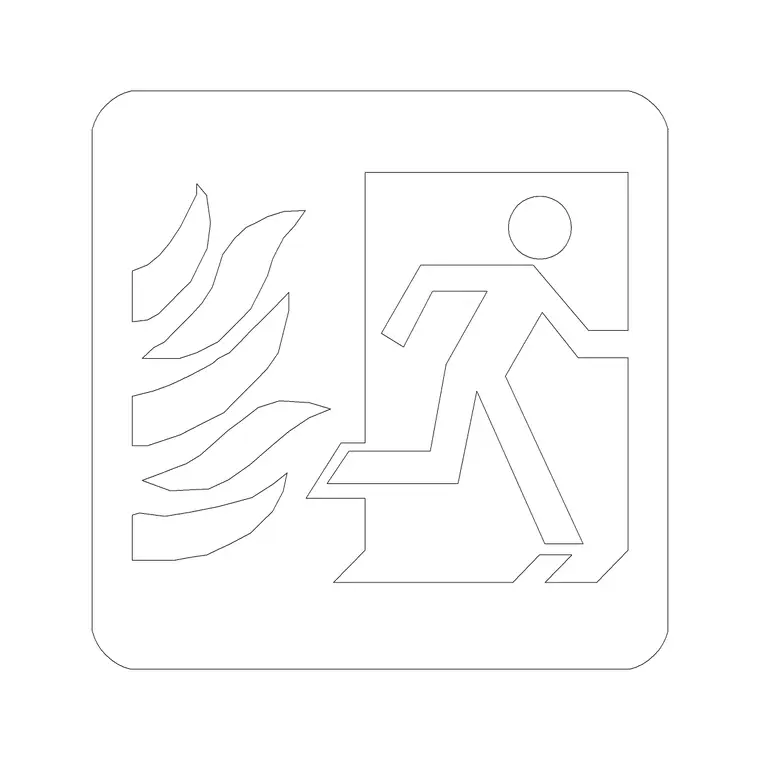
Finding the fire and exit symbols
Emergency exit and fire safety symbols live in the Building Symbols category on CADBlockDWG. Search 'fire', 'exit' or 'first aid' and the relevant blocks surface — fire symbols, an emergency exit marker, a first-aid sign and the directional arrows that pair with them on an escape plan. As with everything on the site, the download is free and immediate: no account, no email gate, no countdown. Open the block and click download.
These are generic, standard-style life-safety graphics rather than a specific sign maker's artwork, which is exactly what fire strategy and escape-plan drawings need. You are marking where the exits, fire points, extinguishers and first-aid stations are and how the escape routes flow — communicating the life-safety intent on the drawing. The compliant sign hardware itself is specified and sized separately according to the applicable regulations.
What the symbols cover
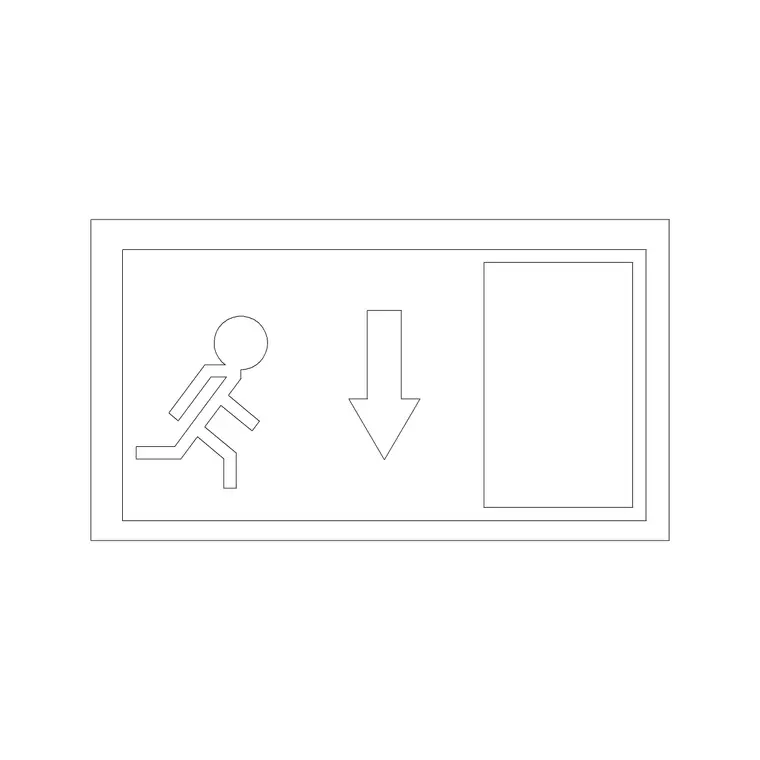
Each download is a small DWG with the symbol drawn as clean 2D linework — a compact, self-contained graphic ready to drop onto a plan. The set typically includes fire-related symbols, an emergency or fire exit marker, and a first-aid sign, plus the directional arrows that show which way an escape route runs. Used together they let you build up a readable fire and escape-route layout across a floor plate.
The files open in any modern CAD program thanks to a widely compatible AutoCAD format, with DXF offered where available. The symbols are deliberately simple inside — no 3D, no clutter — so they insert cleanly and keep even a heavily annotated life-safety plan light. Because each is a reusable block, updating the definition once updates every instance, which keeps a large set of exit markers consistent across the whole drawing.
Placing life-safety symbols clearly
Fire and exit symbols are annotation, so the priority is that they read unambiguously at the plotted scale. Insert a symbol with INSERT, place it at the exit, fire point or first-aid station it represents, and check it against the printed sheet — a life-safety symbol that is too small to read defeats its purpose. Scale the block so it is clearly legible at your drawing scale rather than leaving it at the default.
Pair the exit markers with directional arrows so the escape route is obvious: an arrow at each decision point pointing toward the nearest exit, building a continuous path to safety. As always, an absurd insert size usually means a units mismatch first — fix INSUNITS or scale by 0.001 or 1000 before adjusting the annotation size. Place the symbol, confirm it reads on the print, and continue around the floor plate.
Make the symbols stand out on the sheet
A life-safety plan only works if the safety information jumps off the page, so give the fire layer a colour and lineweight that reads clearly against the greyed-back architecture. A common approach is to dim the building background and let the fire, exit and first-aid symbols sit in a strong, distinct colour on their own layer, so an occupant or a fire officer can take in the escape strategy at a glance without hunting for it.
Because the symbols are blocks built to inherit their layer, you control all of this from one place: set the fire layer's colour and lineweight, and every symbol on it updates together. That lets you produce a clear, high-contrast fire plan from the same model as your general arrangement, simply by isolating the fire layer and dimming everything else. The clarity is not cosmetic — under pressure, a plan that reads instantly is the whole point of life-safety annotation.
Building a readable escape plan
An escape plan has to communicate at a glance under pressure, so clarity beats decoration. Mark every final exit with the exit symbol, place fire-point and extinguisher symbols where the equipment is, show first-aid stations, and trace the escape routes with arrows from every part of the floor to the nearest exit. Keeping these as consistent blocks means the same symbol means the same thing everywhere in the set, which is exactly what a life-safety drawing demands.
Build a small legend once — each symbol with its meaning — and reuse it across every floor and every project, so the whole fire strategy package speaks one language. Because the symbols are reusable blocks placed on their own layer, you can isolate them to produce a clean fire plan from a busy general arrangement without redrawing anything. The result is an escape plan that reads instantly to a building manager, a fire officer or an occupant.
Layer them for a dedicated fire plan
Put all fire and exit symbols on a dedicated life-safety or fire layer, separate from the building geometry, so you can isolate them to generate a clean fire strategy or escape plan, and freeze them when they are not the focus. The symbols inherit the layer you insert them onto, so set your fire layer current before placing and they adopt it automatically.
Once you have gathered the exit, fire and first-aid symbols you use most, save them to a tool palette so marking up a life-safety plan is a one-click job. Combine that with clear annotation sizing and a dedicated layer and you can produce a readable, consistent fire and escape-route drawing from this free Building Symbols category efficiently — then isolate or restyle the layer whenever the fire package needs it. Remember that the symbols document the strategy on the drawing; always size and specify the physical signage to the regulations that apply to the building.
Questions
Frequently asked
Where do I download free emergency exit and fire symbol DWG files?+
From the Building Symbols category on CADBlockDWG. Search 'fire', 'exit' or 'first aid' for fire symbols, an emergency exit marker and a first-aid sign, then download the DWG free with no signup.
How should I show an escape route on a fire plan?+
Mark each final exit with the exit symbol and trace the route with directional arrows from every part of the floor to the nearest exit, keeping the symbols as consistent blocks so each means the same thing throughout.
Do these symbols meet fire signage regulations?+
They are generic drawing symbols that document the fire strategy on the plan. The physical signage must be specified and sized to the regulations applicable to your building; the blocks communicate intent, not compliance.
Free downloads from this article


Free CAD block library
Download the blocks from this article — free, no signup

