12 must-download free door blocks for floor plans (2026)
Twelve free DWG door blocks for floor plans in 2026 — single, double, sliding, pocket and bi-fold, all with the swing and leaf widths to look for.
Saumyajit MaityUpdated 9 January 20264 min read
The door is the most repeated block in any plan
Count the doors in a single floor plan and you will see why a good door block matters more than almost any other family. Every room has at least one, and each carries a swing arc that has to clear furniture, walls and other doors. Draw them by hand and you waste hours; drop in a clean block and the plan reads correctly the moment it lands.
The twelve blocks below are free DWG downloads from the Doors category here — no login, free for commercial work. Door blocks are plan symbols: a leaf, a swing arc and the opening in the wall. The most useful thing you can do before relying on one is confirm the leaf width matches the door it represents, because the swing arc is only honest if the leaf is the right length.
1–4: Single hinged doors at standard widths
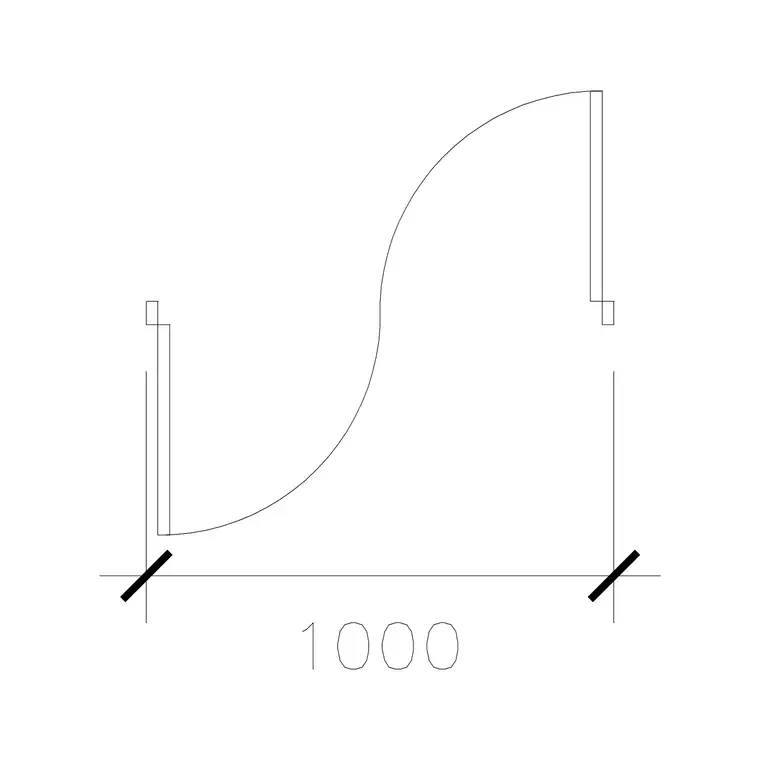
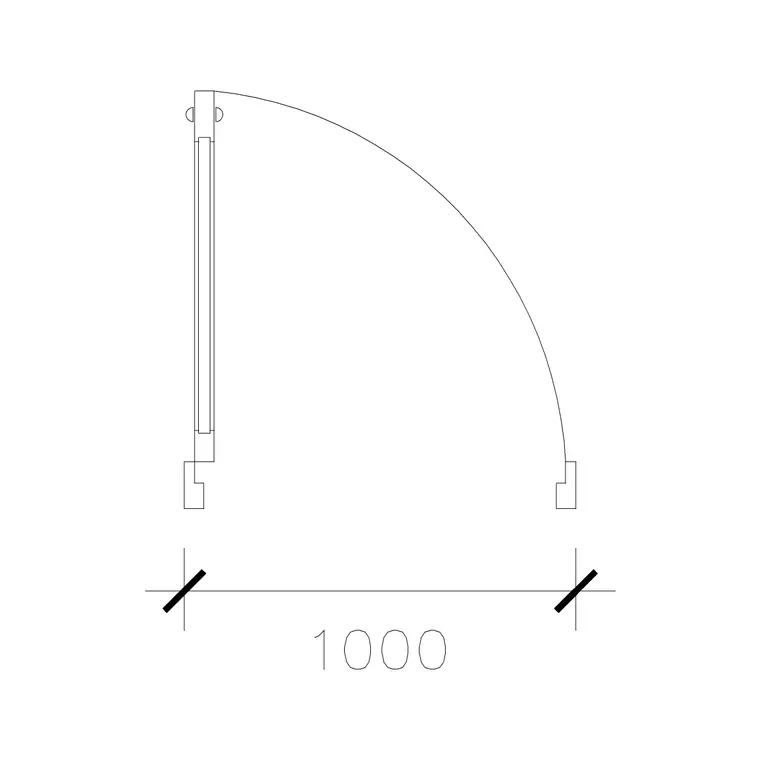
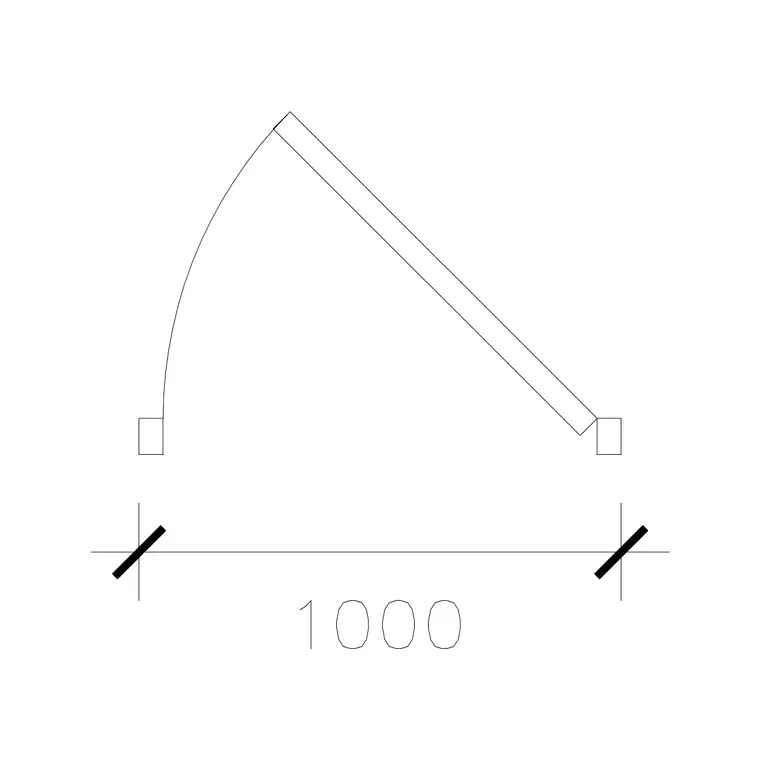
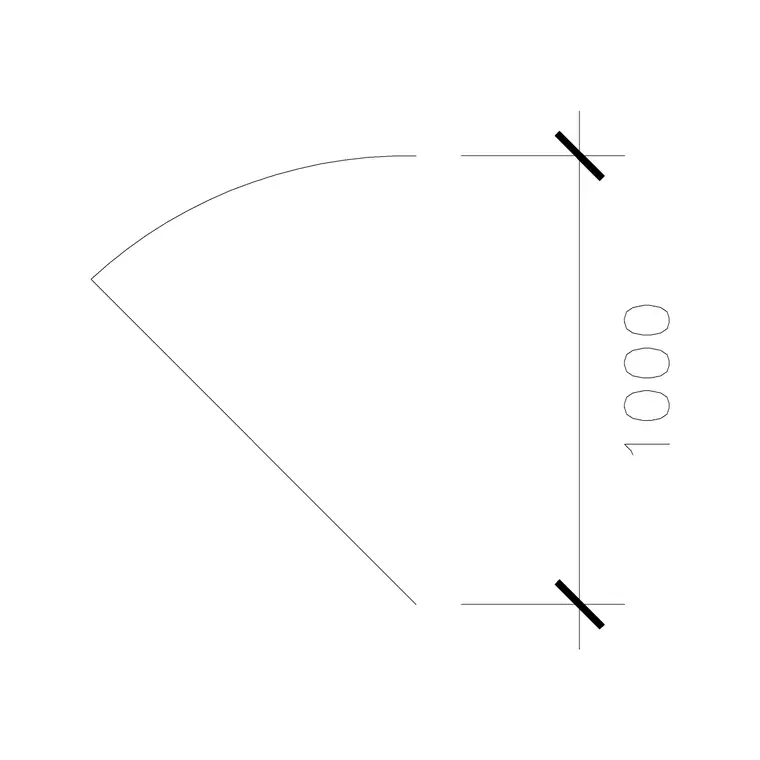
The backbone of any door library is the single hinged door at common leaf widths: 700mm for a small bathroom or store, 800mm and 900mm for habitable rooms, and 1000mm for a generous or accessible doorway. Our 1000 Mm Door Type 1 is a clean single-leaf block with the swing arc drawn so you can immediately test clearance.
Keep all four widths so you are not stretching one block to fake another — a scaled door has the wrong leaf-to-arc relationship and reads as wrong to anyone trained. Place each with the hinge on the correct side; the easiest way to flip handing is to mirror the block rather than redraw it. The arc should sweep into the room, and you should be able to see it clearing the nearest furniture.
5–7: Double and French doors
Double doors suit wide openings, main entrances and rooms that open onto a terrace. A pair of 800mm leaves gives a 1600mm clear opening; French doors are the same geometry with glazed leaves. The thing a double-door block tests is the combined swing — two arcs that must both clear whatever sits beyond the opening, which is often a tighter constraint than people expect.
Keep a standard double, a French (glazed) double and one unequal-leaf set for openings where a main leaf is used daily and a secondary leaf opens only for furniture. Draw both arcs and you can confirm the doors do not clash with each other or foul a wall when fully open.
8–10: Sliding and pocket doors
Where swing space is tight, sliding and pocket doors save the day, and a 2026 plan increasingly uses them. A sliding door block shows the leaf and the track it runs along; a pocket door shows the leaf disappearing into a wall cavity, which means you must reserve that cavity in the wall when you draw it. Our 1000 Mm Sl Dd block covers the sliding case cleanly.
Keep a single slider, a pocket door and a double slider. The advantage these blocks make visible is the recovered floor area — drop a pocket door where a hinged door's arc was eating circulation and the plan immediately breathes. Just remember the pocket needs a clear stud bay with nothing else in it.
11–12: Bi-fold and cavity sliders for openings
Finish with two for larger and special openings. A bi-fold block — a run of narrow leaves that concertina to one side — suits wide internal openings and wardrobes, stacking into a small parked depth you should show on the plan. A laminated or flush door block, like our 1000 Mm Laminated Door, rounds out the set for clean modern interiors where the leaf face matters in elevation too.
With these twelve in your Doors folder you can door-up any plan in 2026: singles at every standard width, doubles and French sets, sliders and pockets for tight spaces, and bi-folds for the wide ones. Download what each opening needs, mirror to set the handing, and always check the swing or stack clears the surrounding furniture before you move on.
Inserting and handing a door block correctly
These download as individual DWG files from the Doors category in a couple of clicks — no signup, free for commercial use. The fast way to place one is to INSERT it (type I, Enter, browse to the file) and snap the hinge jamb to the corner of your wall opening so the leaf and arc land exactly in the gap. Because doors are the block you place most, it pays to drag your four standard widths onto a tool palette once; after that, a door is a single click from anywhere in any drawing.
Handing is the step beginners get wrong. Rather than redrawing, mirror the block to flip the hinge side and the swing together — that keeps the leaf-to-arc geometry correct. If a door inserts at the wrong size it is a units issue: these are millimetre blocks, so set INSUNITS or scale by 0.001 for a metre drawing.
One door-specific habit saves rework: place the door, then immediately swing your eye around the full arc and confirm it clears the light switch, the adjacent door and any furniture. Two doors that clash when both open is one of the most common plan errors, and it is invisible until you actually draw both arcs.
Questions
Frequently asked
What is the standard door leaf width to use in a plan?+
Common leaf widths are 700mm (stores/WCs), 800-900mm (habitable rooms) and 1000mm (generous or accessible doorways). Use the block that matches the real leaf rather than scaling one to fake another.
How do I change which side a door is hinged on?+
Mirror the block rather than redrawing it. Mirroring flips the handing and the swing arc together so the leaf-to-arc relationship stays correct.
Do pocket and sliding door blocks need anything special?+
Yes. A pocket door needs a clear wall cavity (an empty stud bay) reserved for the leaf to slide into, so draw that void into the wall when you place the block.
Free downloads from this article
Free CAD block library
Download the blocks from this article — free, no signup


