How to download free weight bench CAD blocks for AutoCAD
Free weight bench DWG blocks for gym plans — how to download them, what the footprints include, and how to lay out a strength zone with safe clearances.
Sumana KumarUpdated 7 March 20264 min read
Where to grab the bench blocks
Weight benches sit in the Fitness & Sports category alongside the cardio machines. Search the site for 'bench' and you will find flat and adjustable benches, plus benches drawn with a barbell and weight plates loaded — useful when you want the strength zone to read clearly on a plan. Downloads are immediate and free: no account, no email, no wait. Open the block and click download.
These are generic gym benches rather than a specific brand, which suits most layout work — you are showing that a bench station belongs here with the right footprint and swing room, not specifying a catalogue model. If a particular manufacturer's bench is later locked in, swap in their CAD download then. For roughing out and pricing a free-weights area, the generic blocks do everything you need.
What each bench block includes
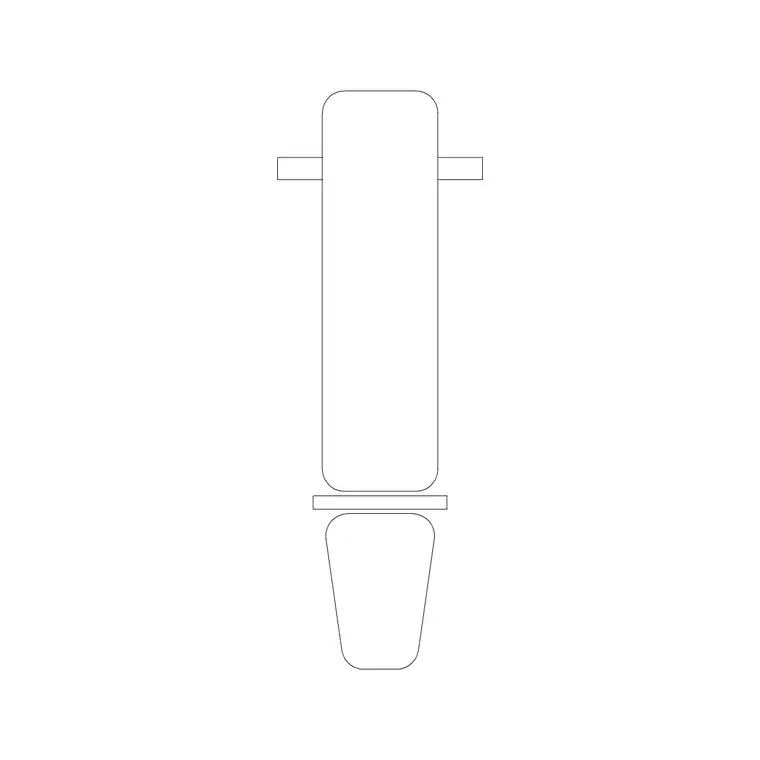
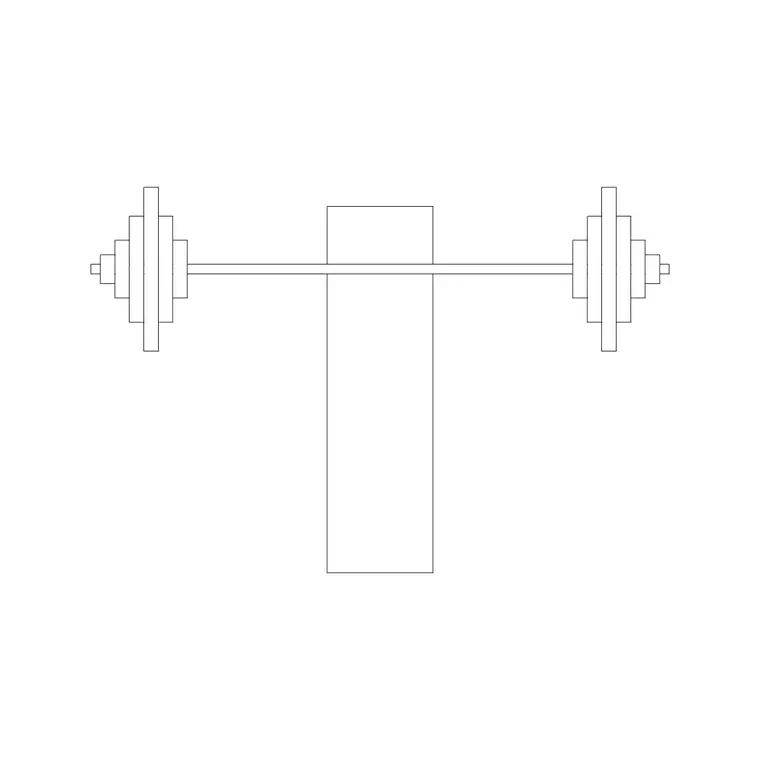
A download is a small DWG with the bench drawn as clean 2D linework. A plain flat bench is a simple footprint; an adjustable bench shows the seat and backrest split; the benches drawn with weights add the barbell and plate outlines so the loaded footprint — the real space a user and bar occupy — is visible. That loaded outline matters, because a bare bench rectangle understates how much floor a bench press actually needs once the bar and plates are in play.
The files open in any modern CAD program thanks to a widely compatible AutoCAD format, and DXF is offered where available. There is no 3D and no clutter inside, so the blocks insert cleanly and a row of them keeps the drawing light. Drawn to real footprints, they let you judge clearances honestly rather than guessing.
Inserting a bench into your layout
In your gym drawing, run INSERT, browse to the downloaded bench DWG, and place it with object snaps so it sits square to the surrounding equipment or wall. Keep scale at 1 and rotation at 0 to start, then rotate to orient the bench the way the user will face — benches in a free-weights row are usually aligned to a mirror wall or a rack.
If the bench arrives wildly over- or under-sized, it is the usual units mismatch: align INSUNITS in both files, or scale by 0.001 or 1000 after inserting. Place one bench, confirm the footprint reads correctly against the room, then copy it along the row at a fixed spacing so the centres stay even. That mirrors how a real gym sets benches out and keeps the strength zone tidy.
Build the strength zone from a kit of blocks
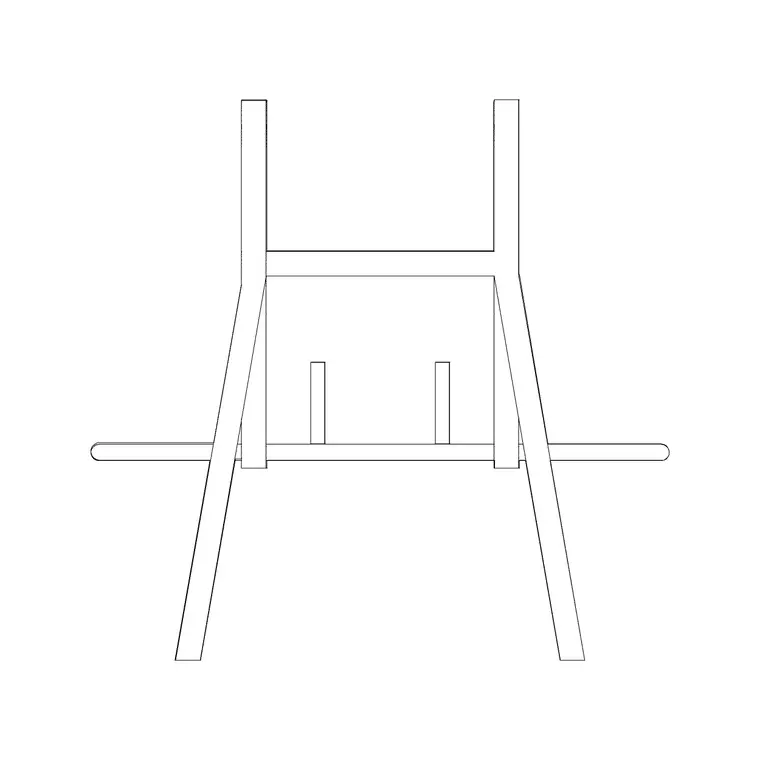
A free-weights area is rarely just benches. Combine the bench blocks with the other fitness blocks in the category — racks, machines and the loaded-barbell benches — so the zone reads as a complete strength area rather than a row of isolated seats. Group a flat bench under a rack, set an adjustable bench beside it, and add a clear floor zone for dumbbell work, and the plan starts to communicate how the space is actually used.
The advantage of assembling the zone from individual blocks is flexibility: you can rearrange a bench, swap a flat for an adjustable, or open up the floor for a deadlift platform without redrawing anything. Keep each piece as its own block so you can count them for an equipment schedule later, and the same layout doubles as both a design drawing and a procurement reference for the gym fit-out.
Clearances for a free-weights zone
The free-weights area is where clearances are easiest to get wrong, and an accurately drawn bench is what stops that happening on paper. Allow room at the head of each bench for a spotter to stand, keep a clear gap between adjacent benches so loaded bars do not clash, and leave a usable circulation route through the zone. The benches that come loaded with a barbell make these gaps obvious — you can see the bar ends and judge whether two stations are too close.
Because the geometry is to scale, you can lay out a row of benches and immediately read whether the spotter space and bar clearance survive, or whether the zone is over-packed. That is the value of furnishing the plan: the crowding shows up as a drawing problem now, not as a safety problem on the gym floor later.
Layer, palette, repeat
Put the benches on your gym-equipment layer so the whole strength zone can be dimmed, frozen or recoloured from one place, and so you can isolate an equipment-only plan for the fit-out package. The blocks inherit the layer you insert them onto, so set that layer current before placing and they adopt it without extra steps.
Once you have a flat bench and an adjustable bench you trust, drop them onto a tool palette so a bench station is a one-click placement in any future gym drawing. Combine that with the clearance habits above and you can lay out a credible, buildable free-weights zone quickly — and restyle the equipment layer whenever a presentation or a structural plan calls for it.
Questions
Frequently asked
Where can I download a free weight bench CAD block?+
In the Fitness & Sports category on CADBlockDWG. Search 'bench' for flat, adjustable and weight-loaded benches, then download the DWG free with no signup.
Do the bench blocks show the barbell and plates?+
Some do. A few benches are drawn with a loaded barbell and plates so the real footprint a user and bar occupy is visible, which helps you set safe clearances on the plan.
How much clearance should a weight bench have?+
Allow space at the head for a spotter, keep loaded bars from clashing between adjacent benches, and leave a usable circulation route. Scaled blocks let you confirm these gaps on the drawing.
Free downloads from this article
Free CAD block library
Download the blocks from this article — free, no signup


