Where to find free wide-door DWG files (and how to use them)
Free wide-door DWG blocks for AutoCAD: where to download 1000mm and 1050mm leaves, why width matters, and how to place and verify a wide door.
Saumyajit MaityUpdated 11 March 20265 min read
Why a wide door is worth specifying
A wide door — anything beyond the standard 800 to 900mm leaf — exists to move people and things through an opening comfortably. The reasons stack up quickly: wheelchair and mobility access, moving furniture and equipment, a generous principal entrance, a feeling of openness between rooms. Once you go past 900mm into 1000mm and 1050mm leaves, you are buying clear width that pays off in everyday use and in meeting accessibility targets where the clear opening is checked.
A wide door still reads in plan like any single hinged door — a gap in the wall, the leaf swung open, the swing arc — but its larger sweep is the thing to watch. A wider leaf carves out a bigger quarter-circle, so the clearance you have to keep free of furniture and obstructions grows with the width. Drawing it at true size is what makes both the benefit and the clearance demand honest on the page.
Downloading wide-door blocks
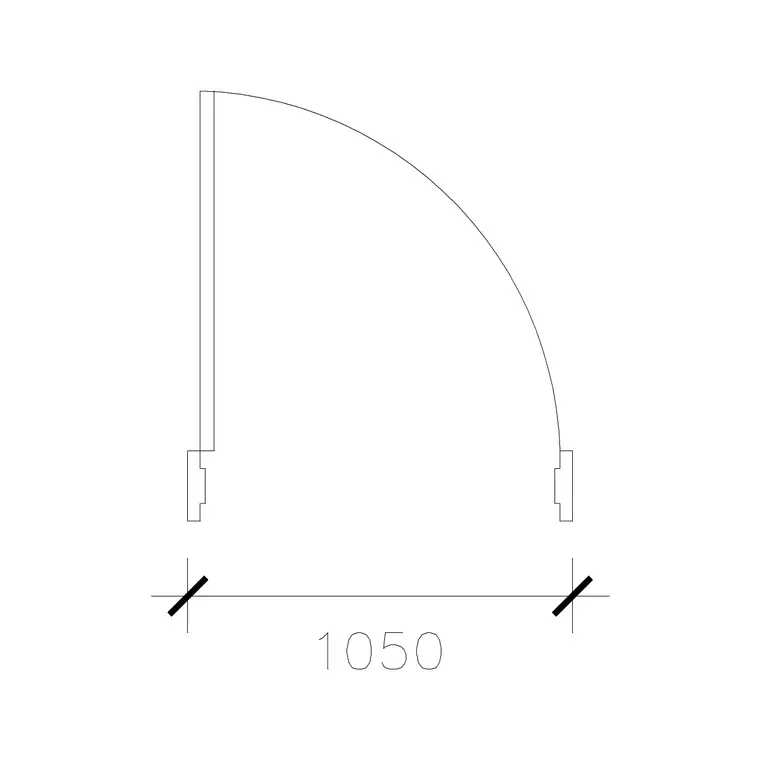
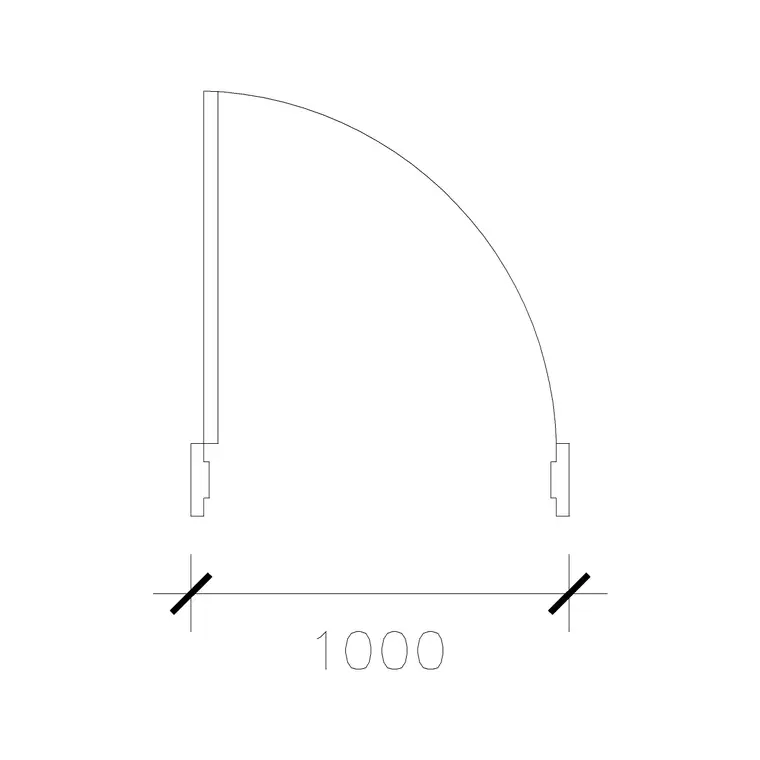
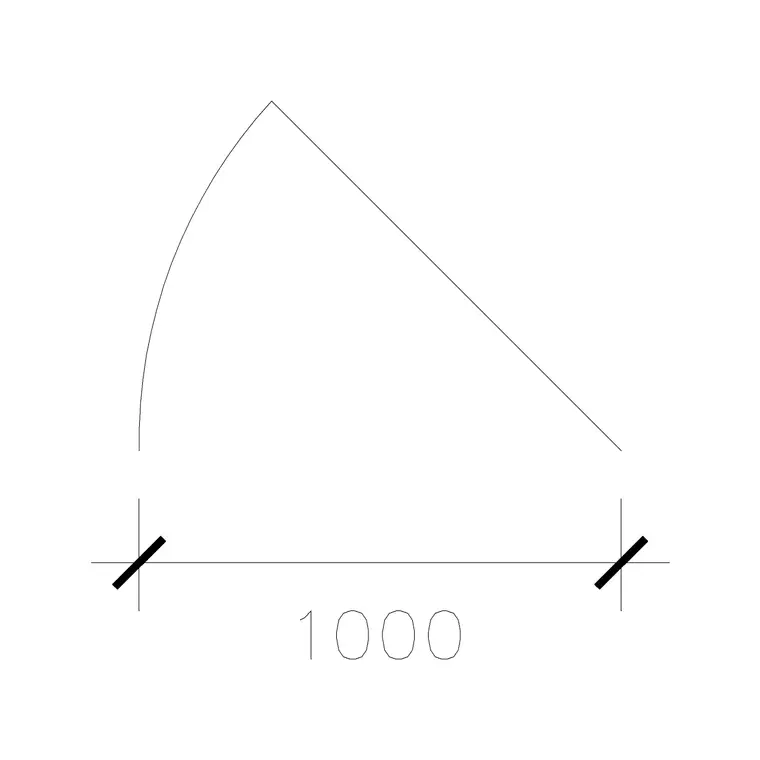
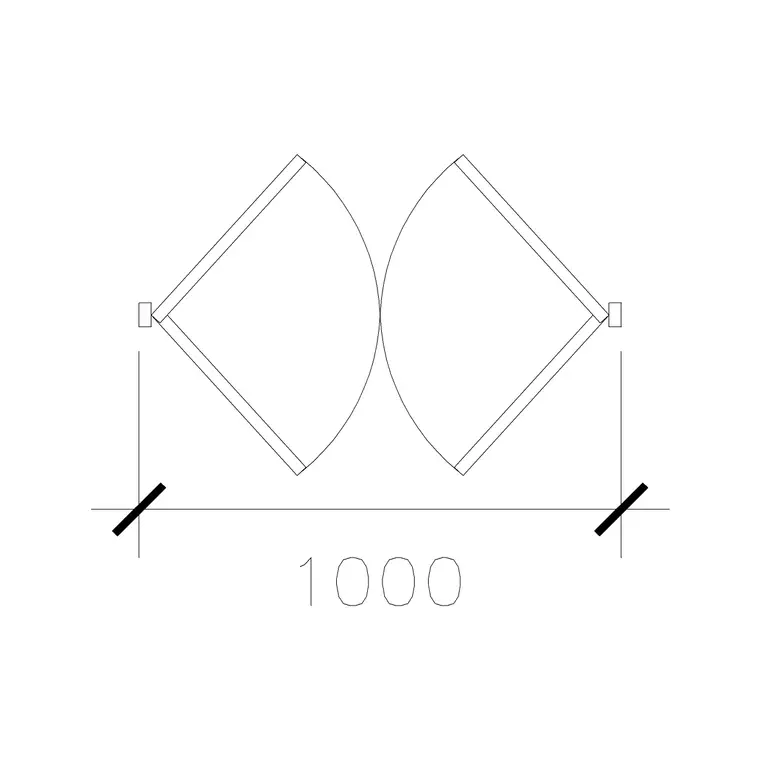
The Doors category groups doors by width, so wide leaves are easy to find. There are several: a 1000mm wide door and a 1050mm wide door for plain wide single leaves, plus wide variants in other actions — a 1000mm wide sliding door and a 1000mm wide double-acting double door. All are free, download as DWG, and need no signup; click and the file lands in Downloads.
Having the width available across hinged, sliding and double-acting types means you can keep a consistent wide opening while choosing the action that suits each location — a wide hinged door for an accessible bedroom, a wide slider where a swing would steal floor, a wide double-acting door for a busy through-route. Pick the width first to satisfy the clear-opening requirement, then the action to suit the room.
Placing and orienting a wide door
Insert the DWG with INSERT (I, Enter) or by dragging it onto the canvas, scale 1, rotation 0, and snap the hinge point to the wall opening with object snaps (F3). If the swing faces the wrong way, MIRROR across the jamb; ROTATE if the door serves a different wall. This is the same routine as any single door — the extra width simply means the swing arc is larger, so check it more carefully.
With a wide leaf, the swing-clearance check is the main event. The larger arc is more likely to collide with furniture, a perpendicular wall, or another door, so confirm the full quarter-circle is clear before you commit. Place the door first, then study the arc against everything around it — a wide door that cannot fully open is worse than useless, because it neither swings freely nor saves the floor a slider would.
Verifying the width and clear opening
Wide doors are specified for their width, so verify it. Run DIST or DIM across the opening: a 1050mm wide door should read 1050, a 1000mm one 1000 (or 1.05 and 1.0 in a metre drawing). A wildly wrong size is a units mismatch — set INSUNITS to millimetres in both files for auto-scaling, or SCALE by 0.001 to bring a millimetre block into a metre drawing.
Then remember the distinction between leaf width and clear opening. The door stop and the open leaf reduce the actual passable width, so for accessibility-critical doors, draw the leaf open and dimension the real clear gap between the open leaf face and the opposite jamb. If that clear width falls short of your target, step up — a 1050mm leaf gives more clear opening than a 1000mm one, and it is far cheaper to choose the wider block now than to rework the opening later.
Putting wide doors to work
Keep wide doors on the Doors layer so you can isolate and check every wide or accessible opening at once during a Part M or ADA-style review — verifying clear widths across a whole floor in one move is exactly what that discipline enables.
If the scheme uses wide doors repeatedly, save your chosen width and action to a Tool Palette for one-click placement, and record the leaf width and clear opening in the door schedule so each opening is specified without ambiguity. Used consistently, wide doors are one of the simplest ways to make a building genuinely usable for everyone — and drawing them at true width, with the swing clearance confirmed, is what turns that intention into something a builder can actually deliver.
When the swing won't fit — switch the action
A wide single leaf carves out a large quarter-circle, and there are rooms where that arc simply cannot be kept clear — a compact accessible bathroom, a tight lobby, a narrow corridor. The mistake is to shrink the door to make the swing fit, which sacrifices the very clear width you specified the wide door for. The better move is to keep the width and change the action: a wide sliding door reclaims the floor the swing would have used, and a wide double-acting pair suits a busy through-route. This is why the wide-door family here spans hinged, sliding and double-acting forms at the same opening width.
So treat the swing-clearance check as a decision point, not just a pass-or-fail. If the arc is clear, a hinged wide leaf is the simplest and cheapest choice. If it is not, hold the width and swap to a slider or a double-acting unit rather than narrowing the opening. Recording the chosen action alongside the width in the door schedule keeps the accessibility intent intact while solving the geometry — the opening stays generous, and the door still opens fully in the space available.
Questions
Frequently asked
What counts as a wide door?+
Anything beyond the standard 800–900mm leaf — typically 1000mm and 1050mm here. The extra width helps wheelchair access, moving furniture, and creating a generous entrance.
What's the difference between leaf width and clear opening?+
The leaf width is the door size; the clear opening is the actual gap you pass through once the door is open, reduced by the stop and the leaf thickness. Dimension the open leaf for accessibility-critical doors.
Are wide-door DWG files free to download here?+
Yes — the Doors category has 1000mm and 1050mm wide leaves in hinged, sliding and double-acting forms, free in DWG with no signup, for personal and commercial use.
Free downloads from this article
Free CAD block library
Download the blocks from this article — free, no signup


