Free DWG blocks for a gym / fitness center — what to download
Plan a gym or fitness center with free DWG blocks: cardio machines, resistance equipment and free weights. What to download and how to zone the floor.
Sumana KumarUpdated 22 March 20264 min read
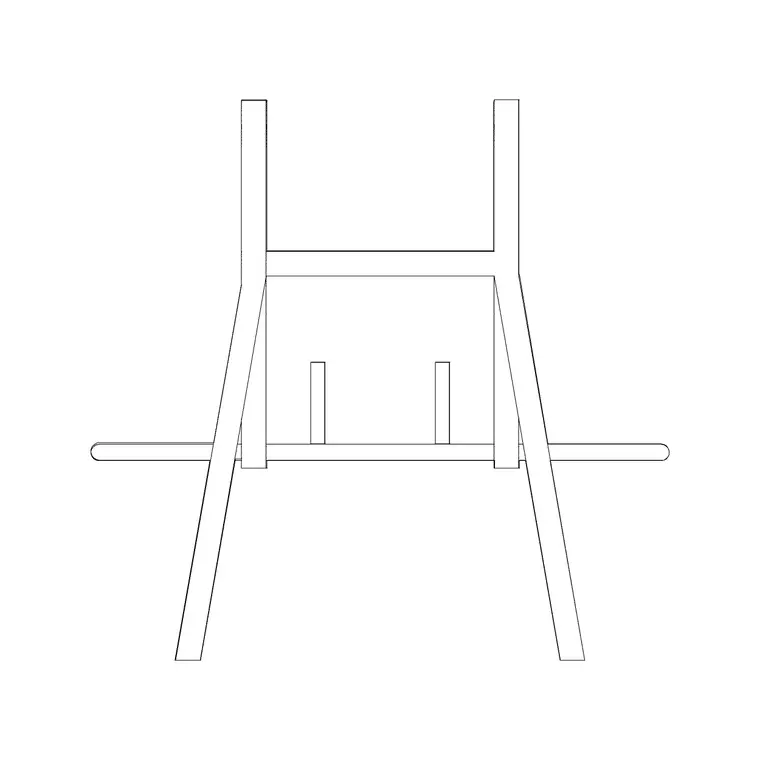
A gym plan is zoning plus equipment footprints
Laying out a gym is an exercise in zoning — cardio, resistance machines, free weights, functional and studio areas each want their own space — and then dropping accurate equipment footprints into those zones with enough clearance to use each machine safely. So the blocks you download are equipment plans, and the skill is spacing them rather than just placing them.
Everything here is free DWG and DXF, no account. The Fitness & Sports category is the home base for gym equipment blocks. Mirrors, planting and reception furniture come from other categories. Start by gathering your equipment blocks for each zone, because the equipment footprints and the access space around them drive the entire floor layout.
What to download for a fitness floor
A typical gym floor needs equipment blocks across several zones:
- Cardio: treadmills (about 2000 by 900mm each), bikes, cross-trainers and rowers. - Resistance: a row of pin-loaded machines, each needing access space front and at the working side. - Free weights: benches, racks, a dumbbell run and a lifting platform. - Functional: an open matted area with a rig. - A stretching / studio zone, often a separate room. - Reception, lockers and planting for the front-of-house.
Grab a general gym-equipment block as a representative footprint and use it to populate the cardio and resistance rows, swapping in specific machine outlines where you have them. The equipment blocks plus accurate clearances are what make the plan a usable fitness floor rather than a furniture sketch.
A sensible flow puts cardio near the entrance and the windows, where members warming up enjoy the view and the daylight; resistance machines in the middle; and free weights and functional training toward the back or against a solid wall where the floor can take the load and dropped weights do not disturb anyone. Sketching the zones as simple rectangles first, before you place a single machine, makes the whole layout far quicker to resolve.
Clearances that keep equipment safe
The reason to furnish a gym plan with real footprints is safety and flow. Cardio machines want roughly 600mm between units and a clear space behind treadmills (around 1.5 to 2m) so a fall lands safely. Resistance machines need access to the seat and clearance at the moving parts. Free-weight benches want about 900mm around them, and a lifting platform needs generous clear space on all sides.
Keep main circulation routes through the floor at roughly 1.2m or more so members move between zones without crossing someone's working space, and keep those routes clear as egress. Placing real equipment blocks makes the danger points visible — you can see whether a treadmill run-off is protected or a bench crowds a walkway before anyone trains there.
Think about loading and servicing as well. Heavy resistance stacks and the free-weight area put real point loads on the floor, so coordinate the heaviest equipment with the structural plan rather than scattering it. Plan a route wide enough to wheel machines in and out for maintenance or replacement — equipment turns over, and a gym you cannot re-kit without dismantling half the floor is a poor design. Group the noisiest, highest-impact zone (free weights, where weights get dropped) away from any quiet studio or from neighbouring tenancies, and the layout will work for the operator long after opening.
Inserting gym equipment in AutoCAD
Download your equipment blocks, then INSERT them zone by zone — cardio row first, then resistance, then the free-weight area. The blocks are real-world sized, so keep scale at 1; correct any wrong-sized insert through units (INSUNITS to millimetres, or scale 0.001 / 1000). For repeating rows of identical cardio machines, array the block rather than placing each one, keeping the inter-unit spacing consistent.
Use object snaps to align machine rows neatly and to set the access gaps deliberately rather than by eye. Put each zone on its own layer — cardio, resistance, free weights, functional — so you can colour-code the floor by zone for a presentation and isolate equipment for a power and AV plan, since most machines need power and many need screens.
Finishing the fitness drawing
Add the front-of-house and finishing detail: a reception desk, lockers, mirror lines along the free-weight and studio walls, planting, and water points. Dimension the equipment grid and the key clearances so the floor sets out correctly and meets the operator's safety standards.
Because the catalogue is free for commercial use with no attribution, a gym kit — a few cardio footprints, a resistance machine, a bench and a rig — is worth assembling once. Fitness fit-outs reuse the same equipment families across sites, so a vetted, correctly-scaled set lets you zone and populate the next gym quickly while keeping the safety clearances honest throughout. If the operator supplies a specific equipment schedule, swap your representative footprints for their actual machine sizes before you finalise — the clearances only mean something if the footprints are the real ones going in.
Questions
Frequently asked
What blocks do I need to plan a gym?+
Cardio machines, resistance machines, free-weight benches and racks, a functional rig and reception/locker furniture — gym equipment is free in the Fitness & Sports category.
How much clearance should treadmills have?+
Roughly 600mm between units and a clear run-off behind each treadmill of about 1.5 to 2m so a fall lands in safe space.
How do I lay out a row of identical machines quickly?+
Insert one equipment block, then array it along the row to keep the inter-unit spacing consistent, rather than placing each machine by hand.
Free downloads from this article

Free CAD block library
Download the blocks from this article — free, no signup


