How to download free dresser CAD blocks for AutoCAD
Free dresser and chest-of-drawers CAD blocks in DWG for AutoCAD. Where to look, the depth to plan for, and how to place a dresser in a bedroom.
Sumana KumarUpdated 29 January 20264 min read
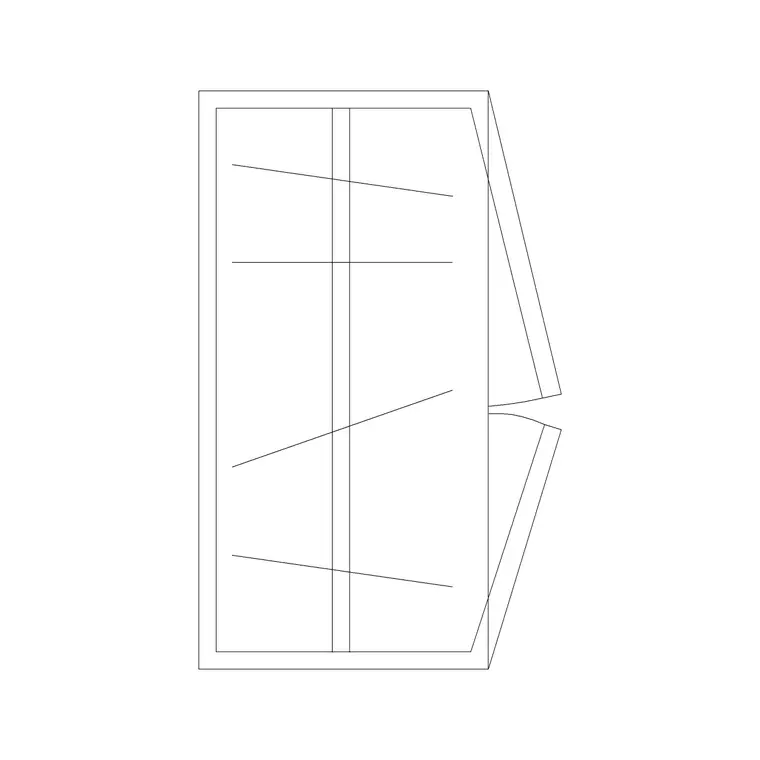
What a dresser block represents
A dresser — a chest of drawers, sometimes with a mirror — is bedroom storage drawn in plan as a shallow rectangle against the wall. Dressers are typically 450 to 550mm deep and 800 to 1500mm wide depending on the number of drawers, sitting low along a bedroom wall like a wardrobe's smaller relative. In plan it is mostly about that footprint and the wall it lines, with the drawer pull-out as the clearance to keep in mind.
The blocks are vector DWGs that measure true, so you can confirm the depth with a quick dimension. The catalogue's storage strength is its wardrobe range, which shares the dresser's job of bedroom storage; a narrow wardrobe-plan block, or a shallow cabinet outline, stands in well for a chest of drawers on a layout. Everything is free, downloads on click, and needs no login. The Bedroom category is the place to browse for storage that belongs in the room.
Finding bedroom storage on the site
Browse the Bedroom category, which gathers the pieces that belong in a bedroom, and the Furniture category for the wider storage range. Search 'wardrobe' or 'storage' to find the closet and chest-style outlines.
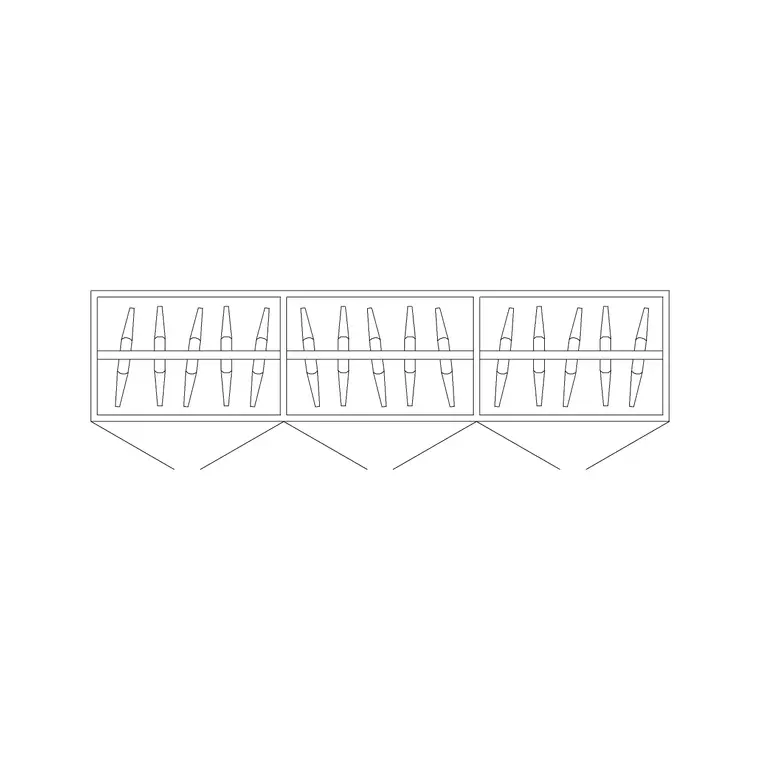
The wardrobe plan blocks — particularly the smaller 2 Door Small Wardrobe Plan and the 3 Door Wardrobe Plan — read as a dresser or a narrow chest when scaled to a chest's width, and they bring the same clean carcass-and-front geometry. For a complete bedroom, place the dresser alongside the wardrobe and a bed so the storage reads in context.
Open the product page, check the preview, and download the DWG. There is no signup, and the blocks are free for commercial use. For an exact branded dresser with catalogue dimensions, the manufacturer's CAD is the right source; for a generic chest of drawers on a plan, a shallow wardrobe or cabinet block does the job.
Inserting the dresser
Run INSERT (I), browse to the chosen DWG, and place it at scale 1, rotation 0 — it is drawn at real-world size. If you are repurposing a wider wardrobe block as a chest, you can SCALE it down to the chest width you want, or simply pick the narrowest wardrobe-plan block to start closer to size. Snap the back flush to the bedroom wall using an object snap.
If the block comes in the wrong size from the units gap, set INSUNITS consistently or SCALE by 0.001 / 1000 to bridge millimetres and metres. Then move the dresser onto your Furniture or Joinery layer so it groups with the wardrobe and other bedroom storage.
If the block carries a mirror line above it, keep that on the plan as a reminder of the mirror's position; if not, you can add a short line to indicate where a mirror or a TV sits over the dresser.
Placing the dresser in the bedroom
A dresser lines a wall like a wardrobe, but its drawers pull toward you, so leave clear floor in front. Allow at least 750mm of standing space ahead of the drawers so they can open fully and someone can stand to use them — more if there is a bed close by that the open drawer might reach.
Keep the dresser clear of the door swing and out of the main walkway between the bed and the door. A common spot is the wall opposite or adjacent to the bed, where it doubles as a surface for a mirror or a television. Check that it does not crowd the wardrobe's own door clearance if the two share a wall.
Show the dresser on the plan so the bedroom storage is fully accounted for, and keep it on the Furniture or Joinery layer so you can produce a clean joinery drawing and grey the furniture back for a structural sheet.
Sizing a wardrobe block down to a chest
Because the catalogue's storage strength is its wardrobe range, the practical trick is to size a narrow wardrobe-plan block down to a chest of drawers. Start with the smallest unit — the 2 Door Small Wardrobe Plan — which is already close to a wide chest in width, or take a wider block and run SCALE to bring it to the 800 to 1500mm you want. Keep the depth honest at around 450 to 550mm, which is shallower than a hanging wardrobe, so the block reads as a chest rather than a closet on the plan.
A chest of drawers and a wardrobe do the same job in a bedroom — concealed storage against a wall — so the same clean carcass-and-front geometry serves both. What changes is the proportion and the clearance in front, since a chest's drawers pull toward you rather than swinging on a door.
Vet the result before you trust it: dimension the depth to confirm it reads as a shallow chest, check the geometry sits on layer 0 so it inherits your Furniture or Joinery layer, and confirm there is no stray geometry. A correctly proportioned chest, placed with its drawer pull-out clearance shown, completes the bedroom storage story alongside the wardrobe and the bed.
Questions
Frequently asked
How deep is a dresser on a plan?+
Typically 450 to 550mm deep and 800 to 1500mm wide depending on the drawer count. Snap the back flush to the wall and measure the block to confirm its size.
Is there a dedicated dresser block?+
The catalogue's storage strength is its wardrobe range, which shares the dresser's job. A narrow wardrobe-plan block or shallow cabinet outline works as a chest of drawers. Browse the Bedroom category.
How much clearance does a dresser need?+
At least 750mm of standing space in front so the drawers open fully and someone can use them. Keep it clear of the door swing and the main walkway.
Free downloads from this article
Free CAD block library
Download the blocks from this article — free, no signup


