How to download free 1000mm door CAD blocks for AutoCAD
Free 1000mm door DWG blocks for AutoCAD: why this wide leaf width matters for accessibility, where to download it, and how to insert it at true scale.
Saumyajit MaityUpdated 15 January 20264 min read
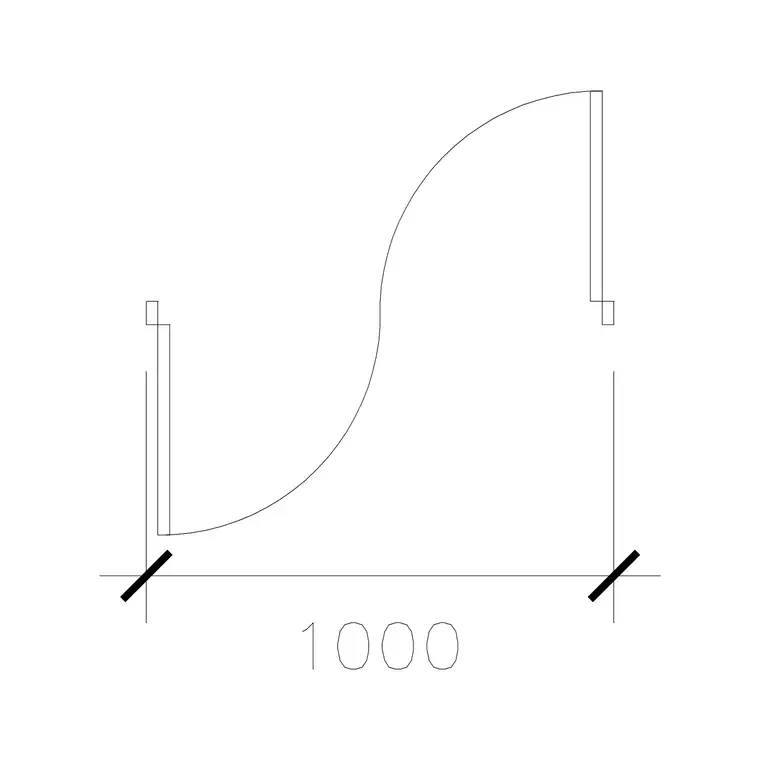
Why 1000mm is a useful door width
Most internal doors are 800 or 900mm, so a 1000mm door is deliberately generous. That extra width is not a stylistic flourish — it is what makes a doorway comfortable for a wheelchair, a walking frame, a hospital bed, or simply moving furniture through without scraping the frame. In accessible design, clear opening width is one of the numbers that gets checked, and starting from a 1000mm leaf gives you headroom against the clear-width requirement once the door stop and ironmongery eat into the opening.
A 1000mm door is also a quiet luxury cue in residential work — a wider master-suite or principal entrance door reads as more generous than the standard 900. Whatever the reason, drawing it at the true 1000mm width on the plan is what makes the benefit real rather than implied.
Where to find 1000mm door blocks free
The Doors category groups doors by width, so 1000mm variants are easy to locate. There is more than one: a plain 1000mm door type for a standard single leaf, a 1000mm laminated door where the leaf finish is specified, a 1000mm wide sliding door, a 1000mm single pocket door, and a 1000mm double-acting door. All are free, download as DWG, and need no signup — click and the file is yours.
That range means you can keep the same 1000mm opening width while switching the door type to suit the room — hinged for a bedroom, sliding for a tight ensuite, pocket where you want a clear threshold, double-acting for a busy through-route. Pick the action first, then confirm the width reads 1000mm, and the opening stays consistent across the plan.
Inserting at true 1000mm scale
Download the DWG and insert it with INSERT (I, Enter) or by dragging it onto the canvas, scale 1, rotation 0. Snap the hinge or track point to the wall opening with object snaps (F3). Then verify the width: run DIST or drop a DIM across the opening and confirm it reads 1000 (in a millimetre drawing) or 1.0 (in a metre drawing).
If it measures 1000000 or 0.001, you have a units mismatch — set INSUNITS to millimetres in both files so it auto-scales, or SCALE by 0.001 to bring a millimetre block into a metre drawing. Because the whole point of a 1000mm door is its exact clear width, this verification step matters more here than for a decorative block; a 1000mm door that actually measures 900 defeats the reason you chose it.
Checking clear opening, not just leaf width
A subtlety worth knowing: the leaf width and the clear opening are not identical. The door stop, the leaf thickness when open, and the ironmongery all reduce the actual clear width a person passes through. A 1000mm leaf typically yields a clear opening a little under that once the door is open to 90 degrees.
For accessibility-critical doors, draw the leaf open and dimension the genuine clear gap between the open leaf face and the opposite jamb, rather than just the structural opening. The plan block, shown swung open, lets you measure this directly. If the clear width falls short of your target, step up to a wider opening — it is much cheaper to fix on the drawing than after the frame is fitted.
Putting 1000mm doors to work
Keep these doors on the Doors layer so you can isolate every accessible door at once for a Part M or ADA-style review — being able to highlight and check clear widths across a whole floor in one move is exactly what that layer discipline buys you.
If the scheme uses 1000mm doors repeatedly — an accessible hotel, a clinic, a care home — drag your chosen variant onto a Tool Palette for one-click placement, and note the type (hinged, sliding, pocket) in the door schedule so each opening is specified unambiguously. Consistency at this width is what keeps an accessibility strategy coherent from the first sketch plan to the final door schedule.
Why standardise on one wide width
There is a quiet benefit to picking a single wide opening — 1000mm — and using it everywhere accessibility matters, rather than mixing 900s and 1000s across a plan. A consistent door width means consistent frames, consistent lintels, and a door schedule that repeats cleanly instead of listing a dozen near-identical sizes. It also removes a whole category of mistake: when every accessible door is the same width, you never have to wonder whether a particular opening met the target, because they all do.
That is why the 1000mm family here spans actions rather than sizes — a standard leaf, a laminated leaf, a slider, a pocket, a double-acting pair — all at the same opening width. You choose the action to suit each room while the clear width stays fixed across the building. On the drawing, that uniformity reads as deliberate: a reviewer scanning the plan sees one accessible standard applied consistently, which is far more convincing than a scatter of widths that each have to be checked individually against the requirement.
Questions
Frequently asked
Is a 1000mm door wide enough for wheelchair access?+
A 1000mm leaf gives good headroom against typical clear-opening requirements, but always dimension the actual clear gap with the door open — the stop and ironmongery reduce the leaf width slightly.
How do I confirm a downloaded door is really 1000mm?+
Run DIST or DIM across the opening after inserting. It should read 1000 in a millimetre drawing or 1.0 in metres. If not, fix INSUNITS or SCALE by 0.001.
What 1000mm door types can I download here?+
Standard single, laminated, wide sliding, single pocket and double-acting — all at the 1000mm opening width, free in DWG with no signup.
Free downloads from this article
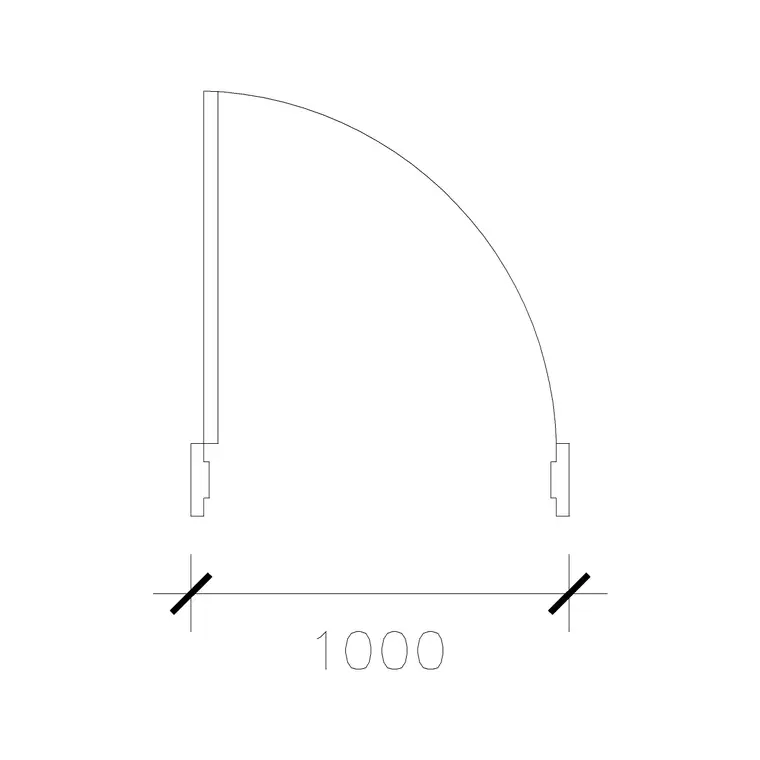
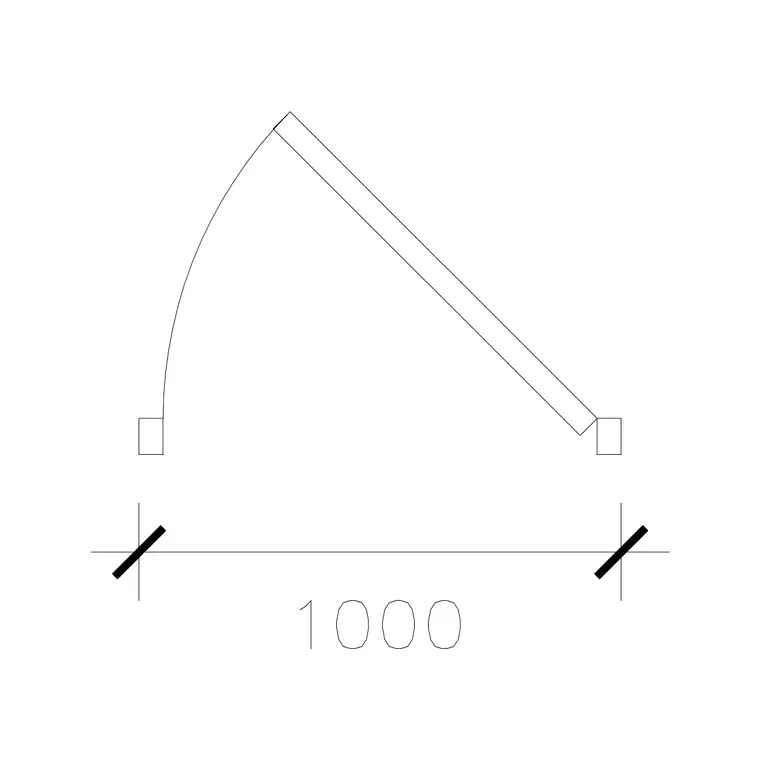
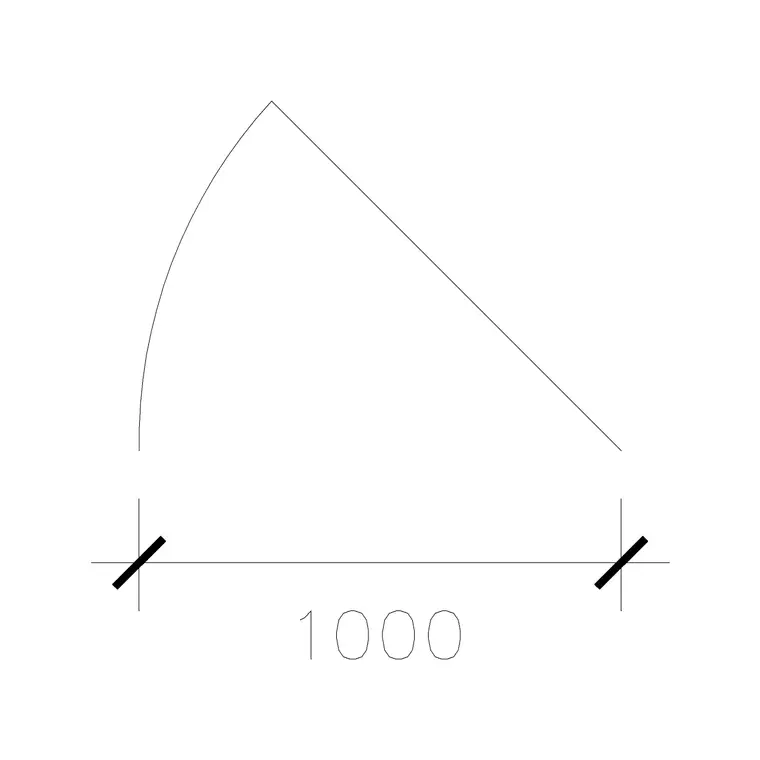
Free CAD block library
Download the blocks from this article — free, no signup


