Room guide · yoga studio cad blocks
Free yoga studio CAD blocks for AutoCAD
By Saumyajit Maity · Published 23 May 2023 · Updated 18 May 2026
A yoga studio is unusual among fitness spaces because the most important thing on the plan is empty floor. The design is really about how many mats fit comfortably with clear space around each, how the instructor sees and reaches every student, and how people arrive, change and settle without disturbing a class. These free yoga studio CAD blocks give you the scale figures, seating and support furniture you need to lay that out in DWG and DXF for AutoCAD 2004 or later, free for personal and commercial use with no signup and no watermark.
Unlike a gym, a yoga studio has almost no fixed equipment in the practice room — so the plan is driven by the mat grid and the clearances between mats, the sightlines from the front of the room, and the support spaces (reception, seating, changing) around it. Using scale figures to set out the mat grid lets you size the room to a real class capacity rather than a hopeful guess, and protect the airy feel that defines a good studio.
Use the set for dedicated yoga and meditation studios, hot-yoga and flow rooms, the studios inside gyms and wellness centres, and home or boutique practice spaces. Set the mat grid first, leave the front clear for the instructor, and build reception and seating around the practice room.
The practice room is mostly clear floor
Plan the studio as a clear practice room plus a support zone. The practice room is an open floor laid out as a grid of mats with space between them and a clear strip at the front for the instructor. The support zone is the entrance, reception, a little seating where people wait or rest, and the route to changing.
The key blocks here are scale figures to set out the mat grid and prove the spacing, reception or lounge seating for arrivals, and a small table for the reception or retail point. The practice room itself stays deliberately empty of furniture — the figures and the mat spacing are what you design, not the kit.
Mat grid, spacing and capacity
Hold these as ranges. A yoga mat is roughly 1700–1800 mm by 600 mm. The number that sets the room is the clear space around each mat: leave enough between mats — commonly a few hundred millimetres on each side and a bit more front-to-back — so students can extend arms and legs into poses without touching a neighbour, and so the instructor can walk between rows to adjust.
Capacity falls straight out of the grid: room area divided by mat-plus-spacing gives a realistic class size, and it is almost always lower than a bare floor suggests. Leave a clear instructor strip across the front — a couple of metres deep — so every student can see and follow. Draw the mat grid with scale figures and the studio's true capacity and comfort become visible before you size the room.
Setting out the studio in AutoCAD
Start with the empty practice room and lay a grid of mats using a mat-sized rectangle plus a scale figure, spaced at the clearance you have chosen, with rows facing the front. Reserve the front strip for the instructor and keep it clear of the grid. Check the sightlines — every mat should see the front without a column or row in the way.
Then build the support zone outside the practice room: reception desk and seating at the entrance, a waiting bench, and the route to changing that does not cross the practice floor. Use scale figures both on the mats and in the seating to size everything to real people. Keep the mat grid, instructor strip, support furniture and circulation on separate layers so you can issue a clean studio plan and read capacity directly from the grid.
Sightlines, calm and the support spaces
Two things make a yoga studio feel right and both are planned, not decorated. Sightlines: every student must see the instructor and, often, a mirror or focal wall at the front — so keep columns out of the grid and orient rows cleanly. Calm: the practice room should be insulated from the bustle of arrivals, so the reception, seating and changing sit between the entrance and the practice floor as a buffer.
The seating and reception blocks let you draw that buffer properly — a place to wait, remove shoes and settle before entering. Keeping the practice room a quiet, near-empty rectangle, with the support furniture handling everything else, is the move that separates a real studio plan from a fitness room with mats thrown in.
Per-item notes for yoga studio blocks
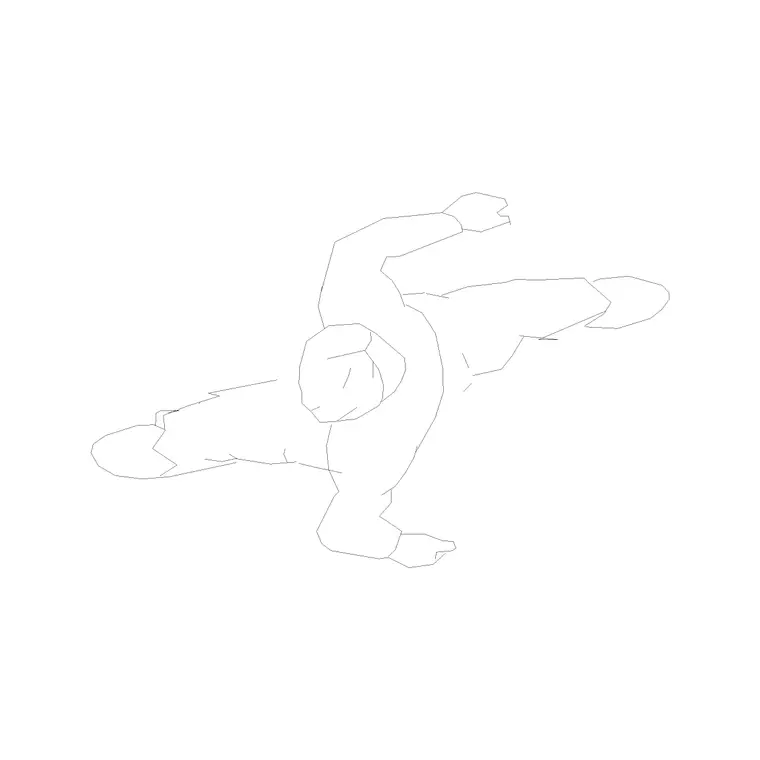
Human figures (plan) — your primary design tool here; place one per mat in the grid to set spacing and prove capacity, and in the seating to size the lounge.
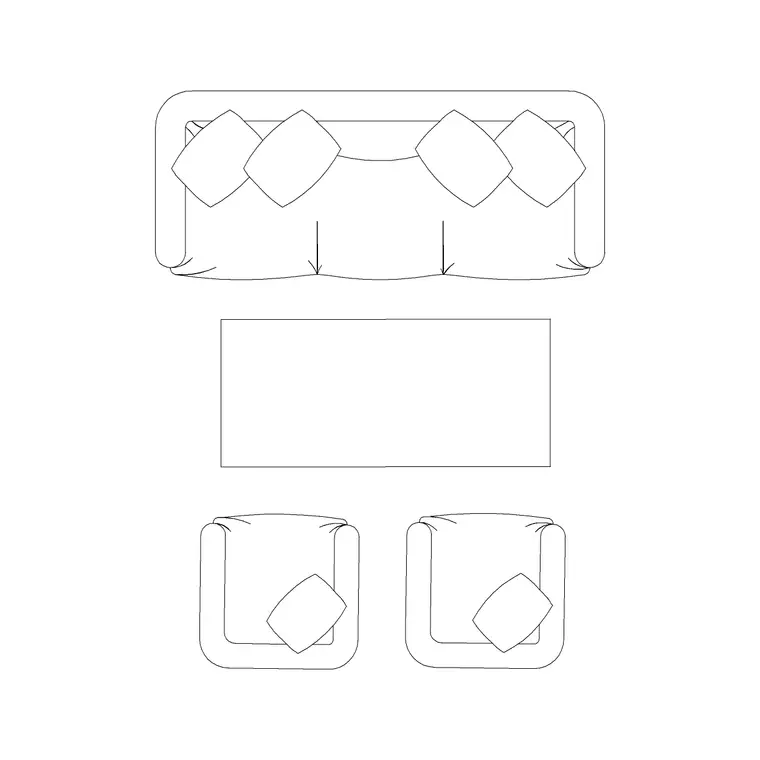
Reception / lounge seating (sofa or chairs) — for the arrival and waiting buffer outside the practice room; gives people somewhere to settle before class.
Table — for the reception or small retail point at the entrance; keep it clear of the route into the practice room.
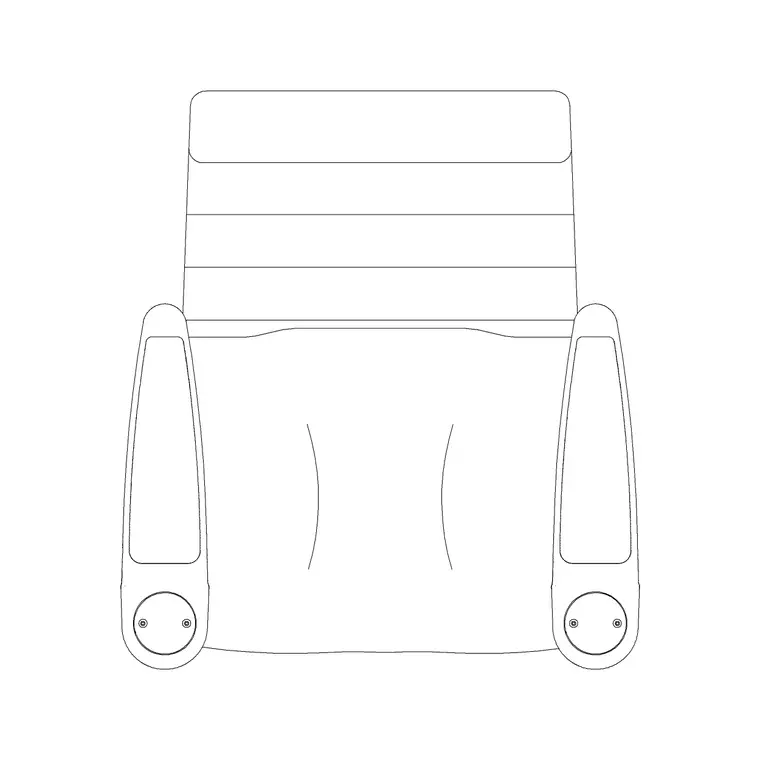
Bench — a simple waiting or changing-area bench in the support zone. Keep all of it out of the practice room so the floor stays open.
Why plan view fits a studio
A yoga studio is designed in plan — the mat grid, spacing, instructor strip, sightlines and support layout all read from above, which is exactly what a studio floor plan and a capacity check need. The figure and furniture blocks insert at true size for that work, so the grid you draw is the class size you can actually run.
Because the practice room is a clean rectangle, the mat grid is trivially repeatable: lay one mat-and-figure, array it to fill the floor at your chosen spacing, and the capacity falls out. That makes it easy to test different mat counts and spacings on the same plan and choose the one that keeps the studio comfortable rather than crammed.
Free download
Browse the full library — DWG & DXF, no signup.
Questions
Frequently asked
How much space should I leave around each yoga mat?+
Leave enough clear space — commonly a few hundred millimetres each side and a bit more front-to-back — so students can extend into poses without touching a neighbour and the instructor can walk between rows. Set it out with mat-sized rectangles and scale figures.
How do I work out a yoga studio's capacity?+
Lay a mat grid at your chosen spacing across the practice floor and count the mats. Room area divided by mat-plus-spacing gives a realistic class size, usually lower than a bare floor suggests.
What CAD blocks do I need for a yoga studio?+
Mainly scale figures to set out the mat grid, plus reception and lounge seating and a small table for the support zone. The practice room itself stays clear. All download free in DWG and DXF.
Are the yoga studio blocks free for commercial projects?+
Yes. Every block downloads free in DWG and DXF with no signup, no watermark and no attribution requirement, and is cleared for commercial use.
Related downloads
Blocks for this guide

Related categories
Related guides
Room guide
Pilates Studio CAD Blocks — DWG Download
Free pilates studio CAD blocks in DWG and DXF — bench/reformer footprints, mat figures and reception seating for a pilates studio plan. No signup.
Room guide
Free Classroom CAD Blocks — DWG Download
Free classroom CAD blocks in DWG and DXF — student desks, chairs, teacher tables and figures to lay out a teaching room in AutoCAD. No signup.
Room guide
Free Lecture Hall CAD Blocks — DWG Download
Free lecture hall CAD blocks in DWG and DXF — tiered seats, lectern, figures and exit symbols to plan a raked university theatre in AutoCAD. No signup.