Room guide · pilates studio cad blocks
Free pilates studio CAD blocks for AutoCAD
By Sumana Kumar · Published 23 Sep 2022 · Updated 21 Mar 2026
A pilates studio sits between a yoga studio and a small gym. Mat pilates needs the same kind of open, mat-gridded floor as yoga, but reformer pilates introduces a piece of equipment with a definite footprint — a long bench-like apparatus a client lies and slides on — that has to be arrayed in rows with clear access on each side. These free pilates studio CAD blocks give you the bench-and-figure footprints, mat-grid figures and support furniture to plan both, drawn to true scale in DWG and DXF for AutoCAD 2004 or later, free for personal and commercial use with no signup and no watermark.
The planning challenge is the reformer row: each reformer is long and narrow, clients lie and move on it, and the instructor must walk all the way around to teach and adjust — so the spacing between reformers and the access at each end set the room far more than the apparatus footprint does. Drawing the reformer footprint with a scale figure and the access aisles at true size lets you fit a real class without cramming the apparatus together.
Use the set for reformer and mat pilates studios, combined yoga-pilates spaces, the pilates rooms inside gyms and wellness centres, and boutique studio fit-outs. Decide whether the room is reformer, mat, or both, set the apparatus or mat grid accordingly, then build reception and seating around it.
Reformer studio versus mat studio
Pilates plans split by what the room runs. A reformer studio arrays the reformer apparatus in rows, each client on a machine, with the instructor circulating — this is an equipment layout closer to a small gym. A mat studio is an open floor on a mat grid like a yoga room. Many studios do both, so the plan often combines a reformer zone with a mat zone.
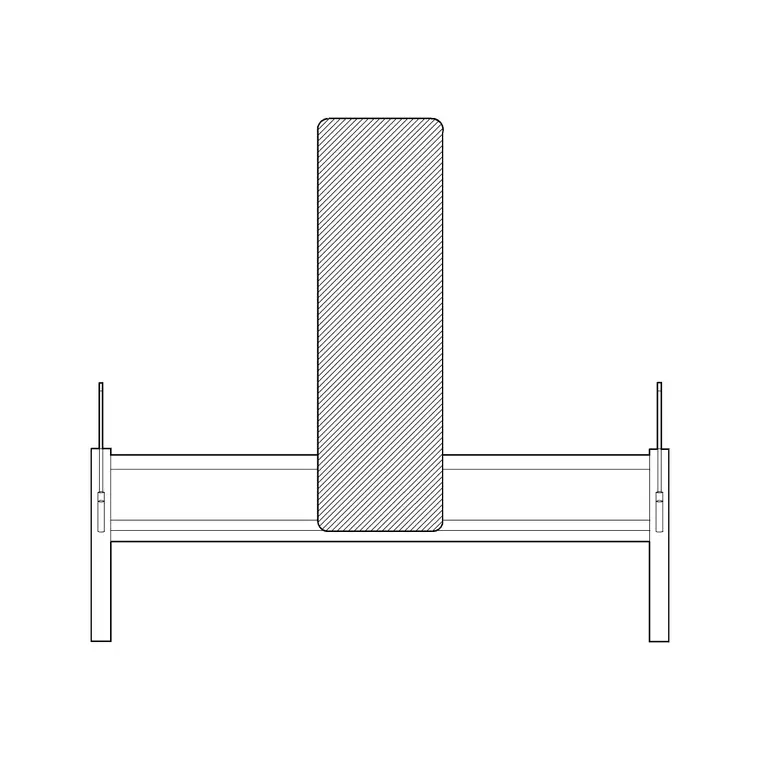
The blocks that suit this are a bench-style footprint to stand in for the reformer apparatus (a long, narrow rectangle a client lies on), scale figures both on the apparatus and on the mat grid, and reception and lounge seating for the support zone. Use the apparatus footprint and figure to set the reformer row, and the figures alone to set the mat grid.
Reformer spacing and apparatus access
Keep these as ranges. A reformer apparatus is long and narrow — broadly a couple of metres long and well under a metre wide — and a client lies and slides along it, so the working length is greater than the apparatus itself. The number that sets the room is the access on each side and at the ends: leave enough between reformers for the instructor to walk and adjust on both sides, and clear space at the foot end where the carriage and the client's legs travel.
Array the reformers in rows facing the front, like cardio machines but with more side access, and protect the instructor's circulation around the whole row. For a mat zone, use the same mat-grid spacing as a yoga room. Draw the apparatus footprints with figures and the access aisles at true scale, and the studio's real capacity appears.
Building the pilates studio in AutoCAD
Decide the split first: all reformer, all mat, or a reformer zone plus a mat zone. For the reformer zone, place one apparatus footprint with a scale figure, draw the side and end access, then array it into a row at that spacing, rows facing the front. For the mat zone, lay a mat grid with figures at yoga-style spacing.
Reserve a clear instructor strip at the front and confirm sightlines down every row. Then add the support zone — reception desk and seating, waiting bench, route to changing — outside the practice floor. Use scale figures throughout to size everything to real people. Keep the reformer row, mat grid, instructor strip, support furniture and circulation on separate layers so the studio plan and the capacity read cleanly from one DWG.
Capacity, sightlines and the instructor's path
A reformer class is taught by an instructor moving continuously between machines, so the plan must protect a path that reaches every client from a useful side. Pack the reformers too tight and the instructor cannot teach safely; space them well and the room's capacity drops — that trade-off is the whole design, and it is only honest when drawn at true scale.
Sightlines matter as much as in yoga: every client should see the instructor at the front. Keep columns out of the rows, orient the apparatus cleanly toward the front, and leave the front strip clear. Drawing the instructor's circulation as a zone around the reformer row, with scale figures on the machines, shows immediately whether the class size you want is teachable.
Per-item notes for pilates studio blocks
Bench (reformer stand-in) — use the bench footprint with a scale figure to represent a reformer; array it in a row with side and end access for the instructor and the carriage travel.
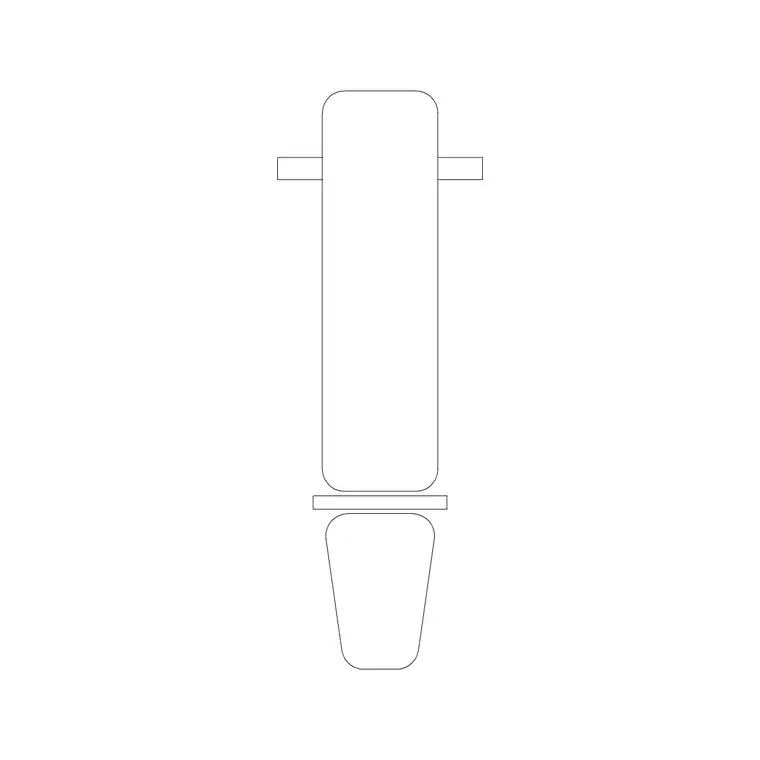
Adjustable bench — for spotting equipment or as a second apparatus footprint in a mixed studio.
Human figures (plan) — on each reformer to set spacing and on the mat grid to set the mat zone; also in the seating to size the lounge.
Reception / lounge seating and table — for the arrival and waiting buffer outside the practice floor; keep it clear of the route into the studio.
Why plan view suits a pilates studio
A pilates studio is laid out in plan — the reformer rows, access aisles, mat grid, instructor path and sightlines all read from above, which is what the studio floor plan and the capacity check need. The apparatus footprints and figures insert at true size for that work, so the rows you draw are the class size you can teach.
Because the reformer row repeats, one resolved apparatus-plus-access arrays cleanly into the full row, and a mat zone arrays the same way. That makes it easy to test different reformer counts and spacings, or to swap a reformer zone for a mat zone, on the same plan — choosing the layout that keeps the class teachable rather than crammed.
Free download
Browse the full library — DWG & DXF, no signup.
Questions
Frequently asked
How much space do reformers need between them?+
Leave enough access on each side and at the ends for the instructor to walk and adjust and for the carriage and client's legs to travel, then array the reformers in rows. The apparatus footprint plus a scale figure lets you set the spacing on the plan.
What CAD blocks do I need for a pilates studio?+
A bench-style footprint to stand in for the reformer apparatus, scale figures for both the reformer rows and any mat grid, and reception and lounge seating for the support zone. All download free in DWG and DXF.
Can I plan both reformer and mat pilates in one studio?+
Yes — zone the floor with a reformer row at one end and a mat grid at the other, each set out with figures at the right spacing, with a shared instructor strip at the front.
Are the pilates studio blocks free for commercial use?+
Yes. Every block downloads free in DWG and DXF with no signup, no watermark and no attribution requirement, and is cleared for commercial project use.
Related downloads
Blocks for this guide


Related categories
Related guides
Room guide
Yoga Studio CAD Blocks — DWG Download
Free yoga studio CAD blocks in DWG and DXF — mat-grid figures, reception seating and bench blocks for planning a yoga studio floor. No signup.
Room guide
Free Classroom CAD Blocks — DWG Download
Free classroom CAD blocks in DWG and DXF — student desks, chairs, teacher tables and figures to lay out a teaching room in AutoCAD. No signup.
Room guide
Free Lecture Hall CAD Blocks — DWG Download
Free lecture hall CAD blocks in DWG and DXF — tiered seats, lectern, figures and exit symbols to plan a raked university theatre in AutoCAD. No signup.