Room guide · lecture hall cad blocks
Free lecture hall CAD blocks for AutoCAD
By Sumana Kumar · Published 1 Jul 2024 · Updated 29 Mar 2026
A lecture hall is a classroom scaled up and tipped on a slope. Where a classroom seats a class, a lecture hall seats a year group, and the design problem shifts from packing desks to giving two hundred people a clear sightline to one speaker and one screen. That is why lecture halls rake: the floor steps up so each row sees over the heads in front. Getting that geometry right in plan, then checking it in section, is the whole job.
This page gathers free lecture hall CAD blocks in DWG and DXF — fixed tiered seats, a lectern and presentation zone, human figures and emergency-exit symbols — drawn to scale and ready for AutoCAD 2004 or later. All free for personal and commercial use, no signup, no watermark.
Use the blocks to lay out a raked university theatre, a flat-floor seminar hall, or a fan-shaped auditorium-style teaching room. Because the seats and aisles are scaled, you can test row counts, aisle widths and the curved-row geometry that keeps every seat pointed at the speaker.
What a lecture hall has to deliver
A lecture hall exists to move information from one person to many, so every decision serves sightline and audibility. Unlike a classroom, the audience is largely passive and the furniture is usually fixed: bench seating or tip-up seats on stepped tiers, a continuous writing ledge, and a defined speaker zone at the bottom with a lectern, screen and board.
The room is read from the worst seat, not the best. If the back-corner seat can see the whole screen and hear clearly, the hall works. That single constraint drives the rake (how steeply the floor climbs), the maximum width before side seats lose the screen, and the depth before the back row is too far away. Lay the speaker zone and screen first, then build the seating up and back from it.
Raked tiers, curved rows and the sightline problem
The defining feature is the rake. Each row sits on a step higher than the one in front so the audience sees over the row ahead. In plan this reads as a series of parallel — or gently curved — rows marching back and up. Curving the rows so they arc around the speaker keeps the end seats angled toward the screen rather than staring along the front wall.
In plan you set out the row spacing and seat positions; in section you prove the rake actually clears sightlines. The two drawings work together. Drop seat blocks along each row line, then array the row up the slope, adjusting the row-to-row spacing (the going) to match the step the section requires. Human figures placed in a few seats let you confirm the angle to the screen looks right from front, middle and back.
The blocks that build a lecture hall
Lecture-hall furniture is fixed and repetitive, so blocks do the heavy lifting.
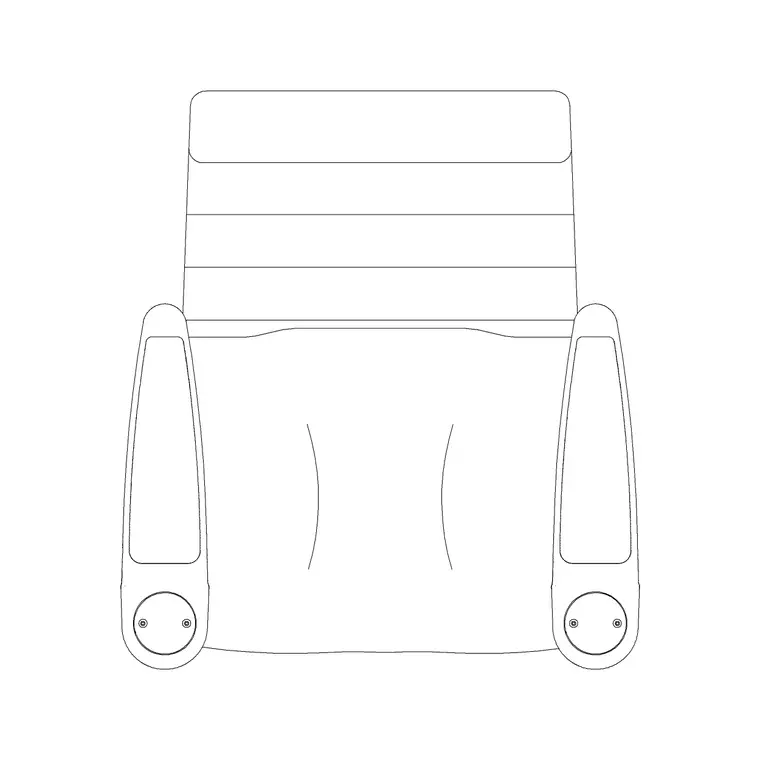
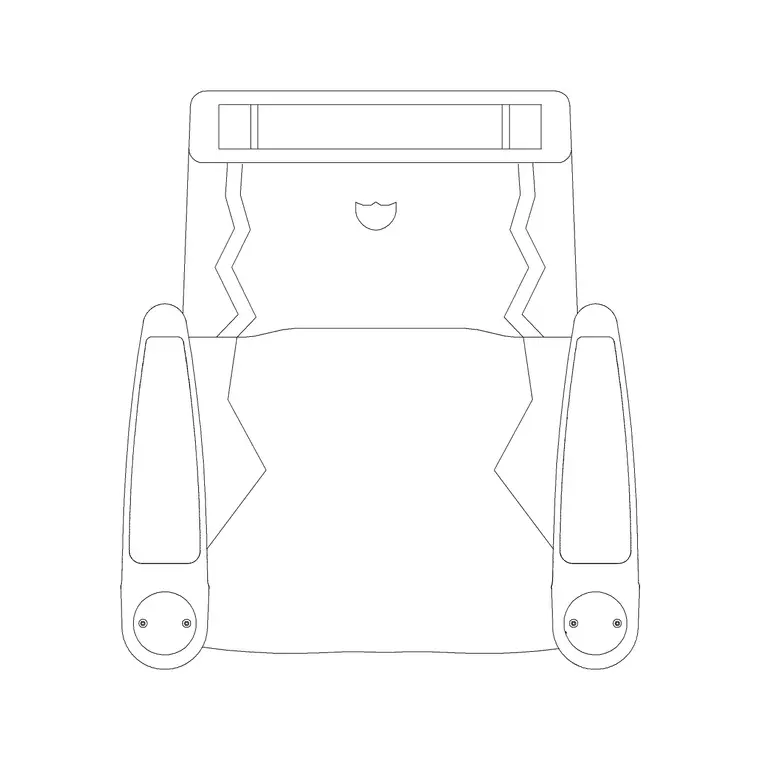
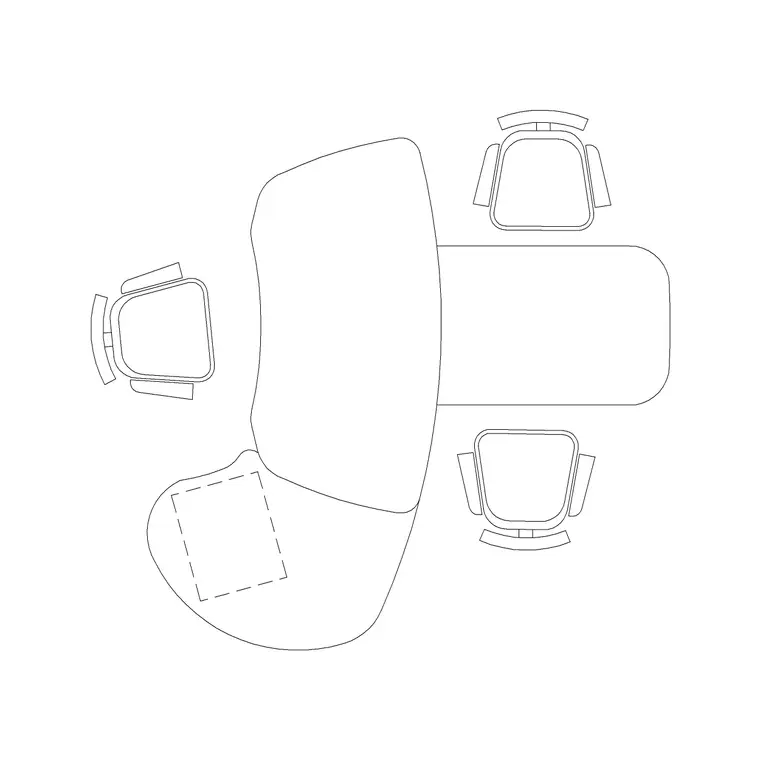
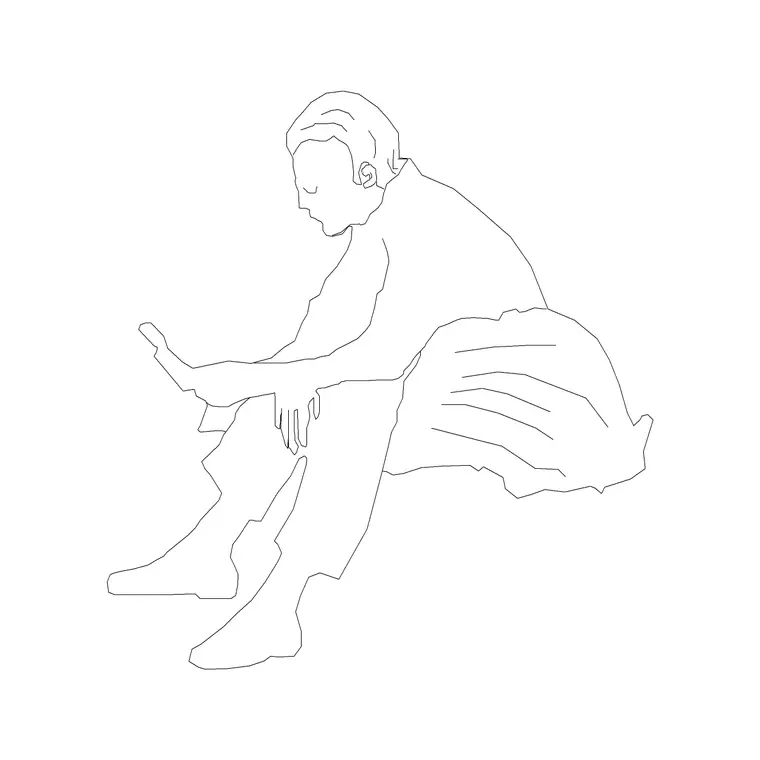
- Seats — a fixed auditorium-style seat in plan, arrayed along each row. The audi chair plan blocks suit tip-up theatre seating; repeat them along a row line and array the row up the tiers. - Lectern and speaker table — an office table or reception-style desk stands in for the lectern and demonstration bench in the speaker zone. - Human figures — seated figures to test sightlines and density, standing figures to check the aisles and the speaker's space. - Building symbols — emergency-exit, stair and accessibility symbols, which a hall of this size genuinely needs marked on the plan.
Keep seats, structure, the speaker zone and symbols on separate layers so the seating plan, the egress plan and the section all come off one drawing.
Dimensions and clearances for tiered seating
Use these ranges as a starting point, not a code substitute. Seat width: roughly 500–600 mm per person for fixed seating. Row-to-row spacing (back of seat to back of seat): around 800–1000 mm, more where a writing ledge is fitted. Clear passage between a tip-up seat and the row in front: enough to pass without the seat down, typically 350–500 mm of clearway.
Aisles serving large seat counts need to be generous — main aisles often 1100 mm or wider — because the whole hall empties through them. Limit the number of seats between aisles so no one is trapped far from an exit. At the speaker end, keep a clear zone several metres deep for the lectern, screen throw and a person presenting. Scaled blocks let you test all of this before committing to the rake.
Assembling the hall plan and checking it in section
Start with the speaker zone and screen at the low end. Draw the first row line at a comfortable distance back, then place seat blocks along it at your chosen seat width — straight, or arced around the speaker. Array that row backward to build the tiers, increasing or holding the row spacing to match the rake.
Cut a section line through the seating and draw the stepped floor; place a seated figure on each tier and draw sightlines from each eye to the screen top and bottom. If a sightline grazes the head in front, steepen the rake or increase row spacing and update the plan to match. Add aisles, mark exits and stairs with building-symbol blocks, and put everything on layered structure so the egress drawing is just the symbol and aisle layers thawed.
Mistakes that ruin a lecture hall layout
The classic failure is a flat or under-raked floor that looks fine in plan but blocks the back rows in section — always prove the rake in section, never in plan alone. The second is over-wide rows with no centre or side aisle, leaving end seats with a poor screen angle and a long shuffle to leave. The third is forgetting egress: a 200-seat hall with one narrow exit is unusable, so mark exits and stairs early and size aisles to the seat count.
Other traps include a speaker zone too shallow for the screen throw, a lectern that blocks a sightline, and arraying seats so tightly that no one can pass to a middle seat without everyone standing. Dropping figures into worst-case seats — back corner, far end of a long row — surfaces these before they reach a contractor.
Free download
Browse the full library — DWG & DXF, no signup.
Questions
Frequently asked
How do I check sightlines in a lecture hall in AutoCAD?+
Sightlines are a section problem, not a plan one. Cut a section through the seating, place a seated figure on each raked tier, and draw a line from each eye to the top and bottom of the screen. If a line clips the head in front, steepen the rake or widen the row spacing, then update the plan.
Should lecture hall rows be straight or curved?+
Curved rows that arc around the speaker keep the end seats angled toward the screen, which improves the viewing angle for wide halls. Straight rows are simpler and fine for narrow rooms. Lay one row line, place the seat blocks along it, then array the row up the tiers.
Why do I need exit and stair symbols on a lecture hall plan?+
A hall packs many people into one space, so egress is a primary design driver, not an afterthought. Marking emergency-exit, stair and accessibility symbols from the building-symbols set lets you size aisles to the seat count and show a clear escape route on the plan.
Are the seat blocks suitable for tip-up theatre seating?+
Yes. The auditorium chair plan blocks represent fixed, tip-up style seats viewed from above, which is what you array along each row and step up the tiers. They keep the seat width and row spacing honest so your capacity and aisle checks hold.
Related downloads
Blocks for this guide
Related categories
Related guides
Room guide
Free Auditorium CAD Blocks — DWG Download
Free auditorium CAD blocks in DWG and DXF — fixed seats, stage, figures and exit symbols to plan a fan-shaped auditorium seating layout in AutoCAD. No signup.
Room guide
Free Bank Branch CAD Blocks — DWG Download
Free bank branch CAD blocks in DWG and DXF — teller counters, advisory desks, seating and figures to plan a branch interior in AutoCAD. No signup.
Room guide
Free Cinema Theatre CAD Blocks — DWG Download
Free cinema theatre CAD blocks in DWG and DXF — recliner seats, screen, figures and exit symbols to plan a movie auditorium in AutoCAD. No signup.