Block landing · wooden fence cad block
Free wooden fence CAD block in DWG and DXF
By Saumyajit Maity · Published 18 Apr 2023 · Updated 17 Jun 2026
A wooden fence is the quiet workhorse of garden and boundary drawings: a run of timber boards or pickets fixed between posts, simple to draw but tedious to repeat by hand. This page offers a free wooden fence CAD block in DWG and DXF, drawn so you can set the line of posts and let the panels follow. The file is free for personal and commercial work — no signup, no watermark, no credit required.
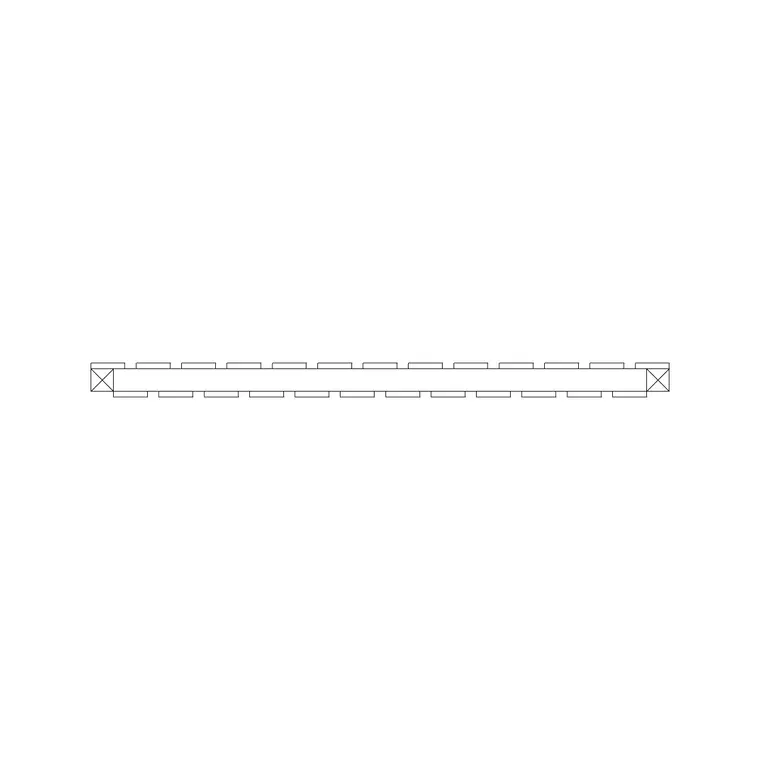
The download is built around plan-view panels, which is how timber fencing is most often set out on landscape and site plans: a thin line for the boards with post markers at regular centres. From that plan line you fix planting beds, paving edges, gate openings and the relationship between the private garden and the boundary. It carries equally well into a section or elevation when you want to show board direction and height.
Because the panel is a block, the post spacing stays honest the whole way along the run, and one edit to the definition ripples through every bay you have placed.
What a wooden fence block should show
In plan, a wooden fence reads as the board line plus the posts. A close-board or feather-edge fence draws as a continuous thin line with square post markers at centres; a picket or paling fence reads as a dashed or ticked line that signals you can partly see through it. Post centres on timber fencing commonly sit around 1.8–2.4 m, which is the practical span for a standard arris-rail panel, so drawing the markers at that pitch keeps the setting-out realistic.
Keep the boards, posts and any gravel-board base on separate layers. That lets you fade the timber to a background line on a planting plan, or pull it forward as the dominant boundary on a site layout, all from one block.
Plan, section and elevation of timber fencing
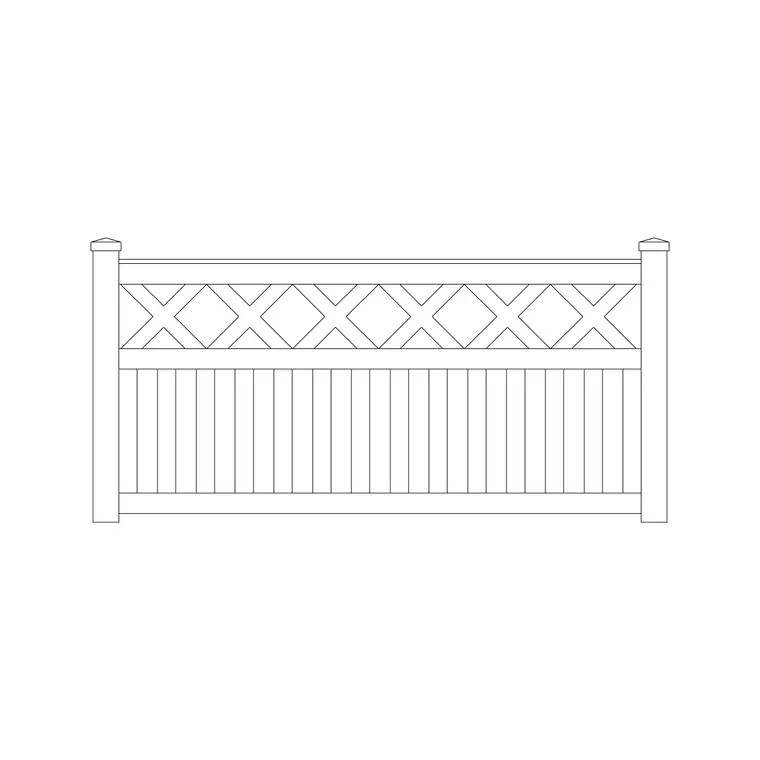
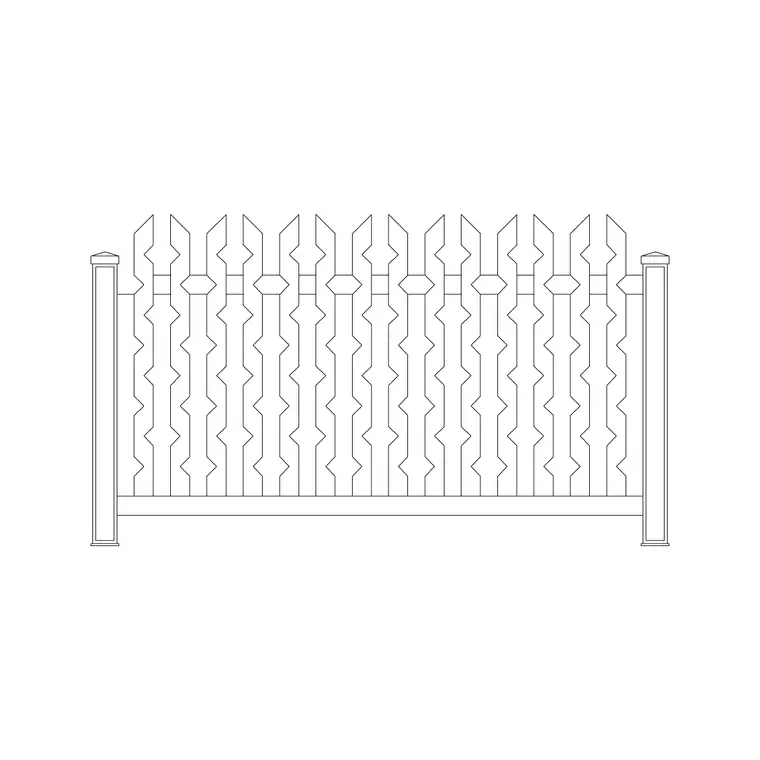
Plan is the default for setting out a garden, and the supplied panels are tuned for it. For a section or elevation you switch to showing the board run vertically (for close-board and picket) or horizontally (for slatted and hit-and-miss fences), the rail positions and the post caps.
It is worth deciding the board orientation early, because it changes the look of the elevation completely — vertical close-board reads as a solid private screen, horizontal slats read as a contemporary open screen. Drawing the boundary once in plan to set the posts, then building the elevation from those same post centres, keeps both sheets honest.
Typical wooden fence heights and post spacing
Use these as planning ranges. A low picket or garden-edge fence sits around 600–900 mm; a standard rear-garden boundary fence around 1500–1800 mm; a tall screen or trellis-topped fence can reach 1800–2100 mm. Posts are usually spaced at 1.8–2.4 m centres to suit a standard panel, with intermediate gravel boards at the base to lift the timber off the ground.
These figures vary with the panel system, the wind exposure and any local boundary-height rule, so treat them as a sketching guide rather than a fixed spec. The block exists to let you test height and rhythm at a believable size before you commit to a particular fence system.
Inserting and repeating the fence
The block is drawn full size in millimetres: insert at scale 1 in a millimetre drawing, 0.001 in a metre drawing, or set INSUNITS to millimetres for automatic rescaling. Snap the insertion point to a post centre on your boundary line and step the panel along the run.
For a long straight boundary, place one bay and use a measured COPY or rectangular ARRAY at the post spacing. On a sloping garden, timber fencing is normally stepped — each panel sits level and drops a course at each post — so place the bays individually and let them stair down the slope rather than raking the boards.
Where wooden fence blocks fit
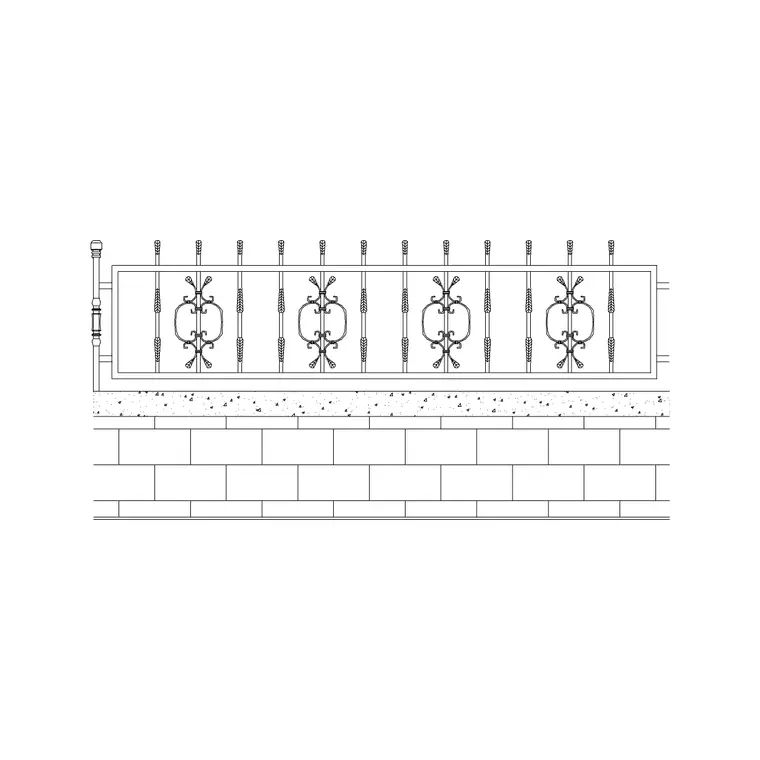
Timber fencing turns up in rear and side garden boundaries, allotment and vegetable-plot edges, screening to bin and utility stores, pool and play-area enclosures, rural and agricultural post-and-rail runs, and decorative front-garden picket lines. Pair it with the gate, decking, planting and pergola blocks in the outdoor set to build a full garden layout quickly.
The file is licence-clear, so it suits planning submissions, landscape tender drawings, self-build plans and student schemes alike. The same panel carries from concept to a coordinated landscape drawing without redrawing the boundary at each step.
Keeping timber fencing on its own layer
Put the wooden fence on a dedicated boundary or hardscape layer rather than layer 0. A separate colour and lineweight lets you produce a clean planting plan by fading the fence, and a boundary-emphasis site plan by thickening it — from the same geometry. If you give each panel a block attribute, an extraction returns the panel and post count as a quick fencing take-off straight from the drawing.
The same habit helps when a project mixes timber with other boundary types — a close-board run to the rear, a picket line to the front, a trellis screen between garden rooms. Keeping each fence type as its own block on the boundary layer lets the take-off separate them by type, so the quantities reflect what is actually being built rather than a single lumped length of fencing.
Free download
Browse the full library — DWG & DXF, no signup.
Questions
Frequently asked
Is the wooden fence CAD block free to use commercially?+
Yes. It downloads free in DWG and, where available, DXF, with no signup, no watermark and no attribution clause, cleared for commercial project use.
Is the block drawn in plan or elevation?+
It is built around plan-view panels for setting out boundaries, but the true post centres let you raise a matching elevation or section showing the board run and height.
What scale should I insert it at?+
It is drawn full size in millimetres. Insert at scale 1 in a millimetre drawing, 0.001 in a metre drawing, or set INSUNITS to millimetres so AutoCAD rescales it on insertion.
Can I use it for a sloping garden?+
Yes. Timber fencing is normally stepped on a slope, so place the bays individually at each post centre and let them stair down rather than arraying a single level run.
Which programs open the DWG?+
The DWG targets AutoCAD 2004 and later and opens in current AutoCAD, AutoCAD LT, BricsCAD, DraftSight and free online DWG viewers.
Related downloads
Blocks for this guide
Related categories
Related guides
Block landing
Free Bar Table CAD Blocks — DWG Download
Download free bar table CAD blocks in DWG and DXF — round, square and rectangular high bar tables in plan and elevation for AutoCAD. No signup, commercial-use OK.
Block landing
Free Restaurant Table CAD Blocks — DWG Download
Download free restaurant table CAD blocks in DWG and DXF — 2, 4 and 6 cover tables with chairs drawn in plan and elevation for AutoCAD. No signup, commercial-use OK.
Block landing
Free Restaurant Chair CAD Blocks — DWG Download
Download free restaurant chair CAD blocks in DWG and DXF — dining, cafe and side chairs plus baby high chairs in plan and elevation. No signup, commercial-use OK.