Block landing · restaurant chair cad block
Free restaurant chair CAD blocks in DWG and DXF
By Saumyajit Maity · Published 8 May 2024 · Updated 16 Feb 2026
The chair is the single most-repeated object in a restaurant drawing — there are four or six of them around every table — so a clean, correctly-scaled restaurant chair CAD block quietly saves more time than almost any other block in a hospitality set. This page collects free restaurant chair blocks in DWG and DXF: side dining chairs, armchairs, cafe chairs, stacking chairs and baby high chairs, each drawn at true millimetre dimensions and ready to insert into AutoCAD 2004 or later. Free for personal and commercial work, with no signup and no watermark.
What matters about a chair block in a dining layout is the pulled-out footprint, not the tucked-in one. A chair against the table edge takes very little plan space; the same chair pulled out for someone to sit takes a good 450–550 mm more, and that pulled-out zone is what actually sets your table spacing and aisle widths. The blocks here are drawn so you can show either state, which means you can lay out covers honestly instead of discovering on site that two tables are too close once everyone is seated.
What's in a restaurant chair block
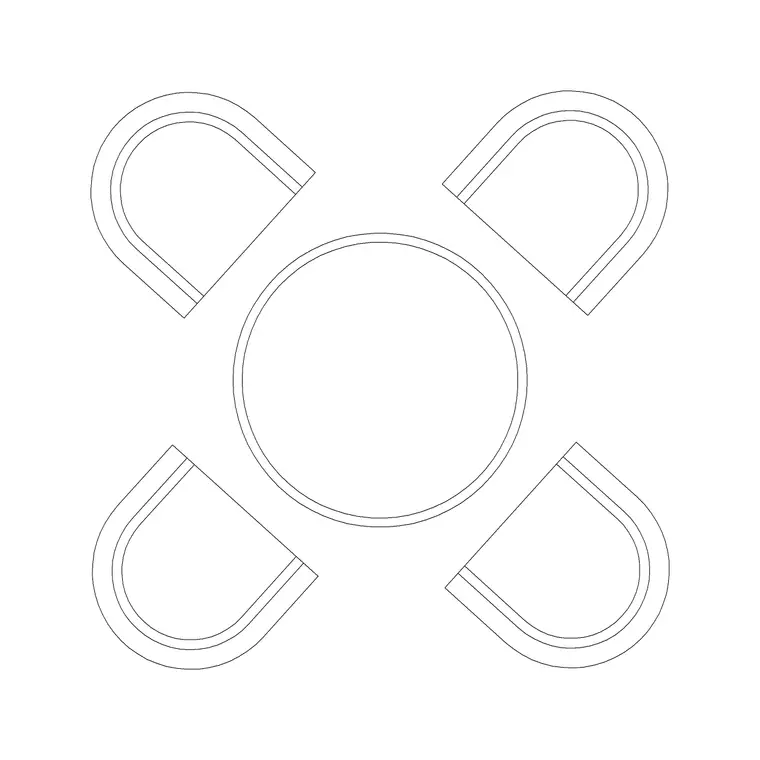
A restaurant chair block carries the seat outline and the backrest, and in plan it is the chair-plus-occupied-zone that matters for spacing. The plan view is what you place around a table block and array down a banquette; the side or front elevation is what you use in interior elevations and presentation sheets where the chair is seen against a table and wall.
Because restaurants use several chair types — a basic side chair for most covers, an armchair at the head of a table, a stackable chair for function rooms, a high chair for families — the blocks come in those variants so the drawing reflects the real mix. They are drawn on a furniture layer convention so the seat outline and any detail can be controlled independently, and so the chairs freeze cleanly when you want a bare table plan.
Views and what's included
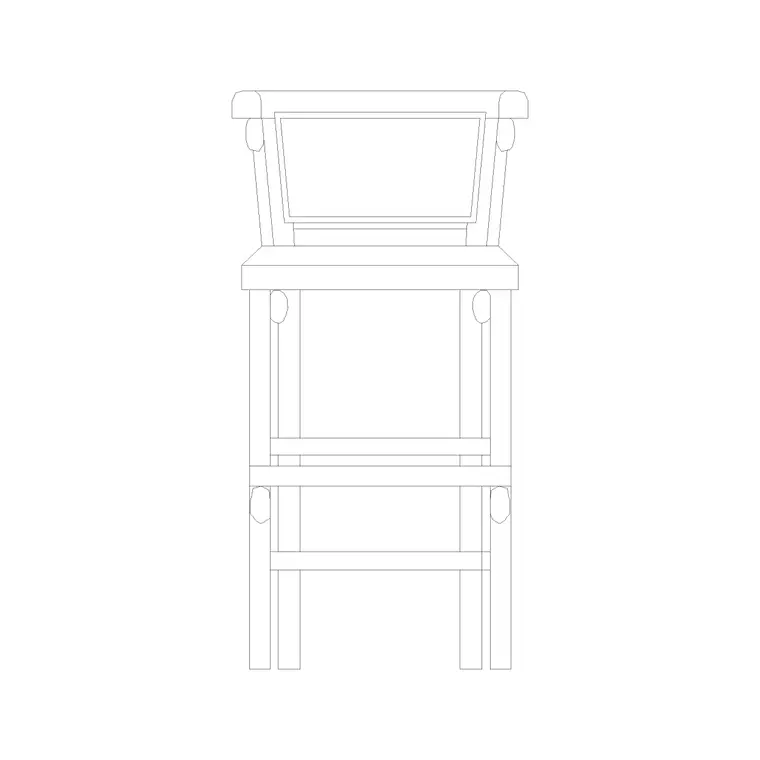
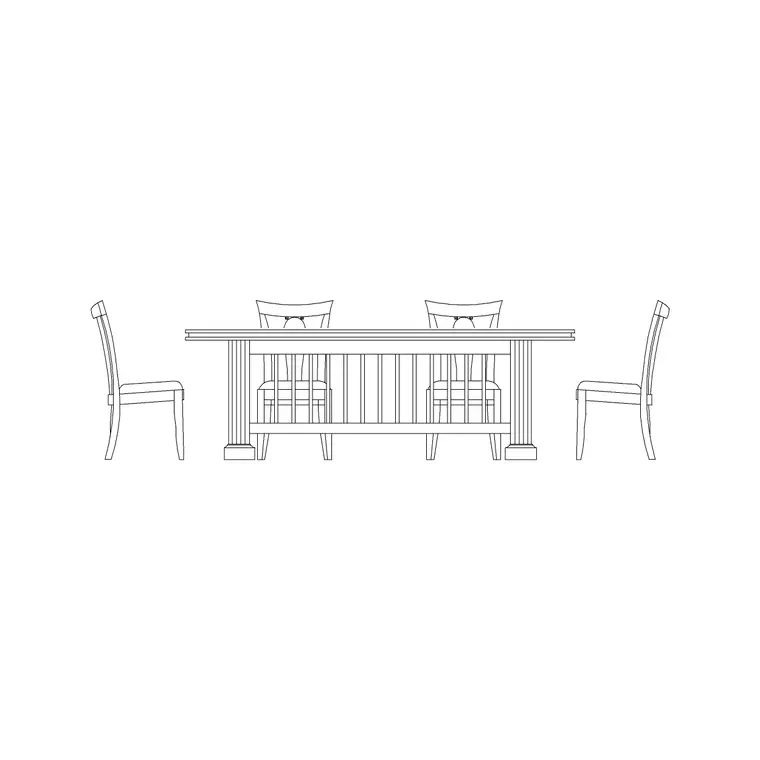
Restaurant chair downloads here ship a plan view as standard, since that is what you place around tables, and many include a side and/or front elevation for elevation sheets. The side view is particularly useful when you draw a table in elevation and want to show a seated diner posture against it.
Where a chair has arms, the plan shows the arm footprint, which eats into how tightly chairs can sit around a table — worth keeping in mind when you mix armchairs and side chairs at the same table. Files that carry multiple views in one DWG let you insert the view you need and freeze the rest.
Typical restaurant chair sizing to design around
Design around these ranges. Seat height: about 450 mm, set to meet a 740 mm table. Seat width: 450–500 mm for a side chair, 550–600 mm overall for an armchair. Seat depth: 450–500 mm. Backrest top height: 800–950 mm from the floor for a typical dining chair, lower for a cafe chair. A pulled-out chair occupies roughly 450–550 mm of clear depth behind the table edge.
Around a table, allow about 600 mm of table edge per chair so place settings and elbows don't crowd. Behind a seated diner, keep at least 450 mm for the chair pull-out, and more where a server or another diner has to pass. Dropping the scaled chair block in makes every one of those checks visual.
How to insert and place chairs around a table
The blocks are full size in millimetres. Insert at scale 1 in a millimetre drawing, 0.001 in a metre template, or set INSUNITS to millimetres so AutoCAD rescales automatically. Snap the insertion point to the centre of the seat, then rotate the chair to face the table.
The fast way to seat a table is to insert one chair at the table edge, then ARRAY it — a polar array around a round table to space the covers evenly, or COPY and MIRROR for a rectangular table. Keep the chairs on the same furniture layer as the tables so you can freeze the whole seating layer for a clean shell plan. If you want a covers count, tag the chairs and extract a quick schedule from the drawing.
Where restaurant chair blocks are used
Restaurant chair blocks appear wherever people eat: restaurants and bistros, cafes and coffee shops, hotel dining and breakfast rooms, canteens, function and banqueting suites, and bar areas where dining chairs mix with stools. They also carry into adjacent residential work — a dining chair block is a dining chair block whether the room is commercial or domestic.
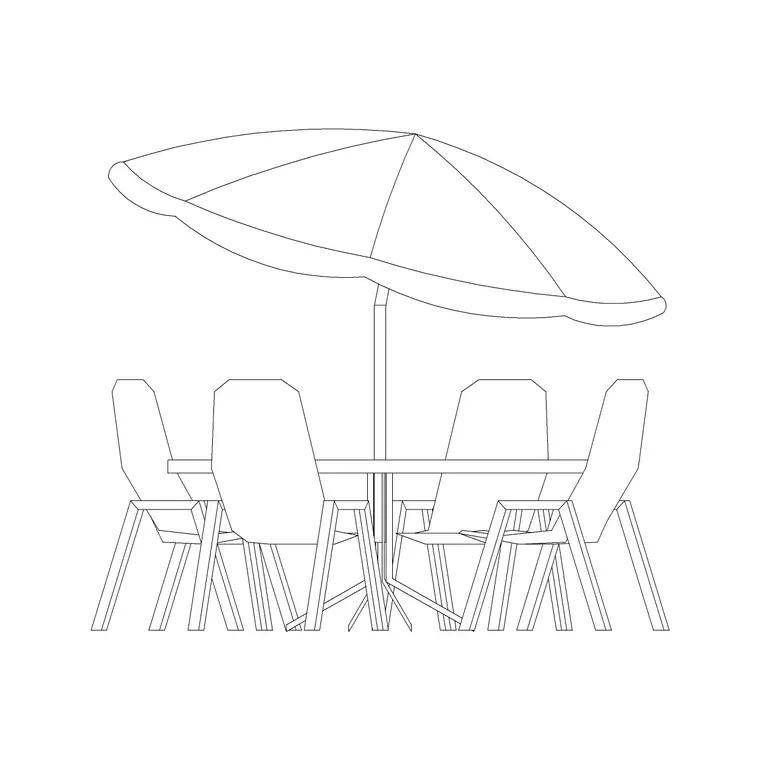
Pair them with the restaurant table blocks to build complete covers, and with the baby high chair where the venue is family-friendly. For the terrace, swap to the outdoor chair from the outdoor table-and-chair set so the inside and outside read consistently, all from one free, scaled library.
Free download
Browse the full library — DWG & DXF, no signup.
Questions
Frequently asked
How much space does a pulled-out restaurant chair need?+
Roughly 450–550 mm of clear depth behind the table edge for the chair to be pulled out and a diner to sit. That pulled-out zone, not the tucked-in chair, is what sets your table spacing and aisle widths, so the blocks let you show either state.
Do the chair blocks come in plan and elevation?+
Plan view comes as standard, since that is what you array around tables, and many blocks also include a side and/or front elevation for interior-elevation and presentation sheets. The views available are listed on each block's download page.
What seat height are restaurant chairs drawn at?+
About 450 mm, which is set to meet a standard 740 mm dining table. Because the blocks are drawn at true size you can verify the seat-to-table relationship directly in the elevation.
Are the restaurant chair blocks free to use commercially?+
Yes. Every chair block downloads free in DWG and, where available, DXF, with no signup, no watermark and no attribution requirement, and they are cleared for commercial project use.
Related downloads
Blocks for this guide
Related categories
Related guides
Block landing
Free Bar Table CAD Blocks — DWG Download
Download free bar table CAD blocks in DWG and DXF — round, square and rectangular high bar tables in plan and elevation for AutoCAD. No signup, commercial-use OK.
Block landing
Free Restaurant Table CAD Blocks — DWG Download
Download free restaurant table CAD blocks in DWG and DXF — 2, 4 and 6 cover tables with chairs drawn in plan and elevation for AutoCAD. No signup, commercial-use OK.
Block landing
Free Lounge & Waiting Seating CAD Blocks DWG
Download free lounge and waiting-area seating CAD blocks in DWG and DXF — reception sofas, lounge chairs and tandem bench seating in plan and elevation. No signup.