Block landing · restaurant table cad block
Free restaurant table CAD blocks for AutoCAD
By Saumyajit Maity · Published 17 Sep 2022 · Updated 27 Jan 2026
Restaurant and cafe layouts are built table by table, so a clean set of restaurant table CAD blocks — drawn with their covers set and chairs in place — is one of the most reused things in a hospitality drawing. This page collects free restaurant table blocks in DWG and DXF: two-tops, four-tops, six-seaters and longer banquet runs, in round, square and rectangular tops, all drawn to true millimetre sizes and ready to insert into AutoCAD 2004 or later. Free for personal and commercial use, with no signup and no watermark.
The value of a proper restaurant table block is that it shows the table and its place settings together, so you are laying out covers, not just furniture. A four-top isn't really a 900 mm square — it is that square plus the four chairs pulled out, plus the elbow room a diner needs, plus the gap to the next table that a server has to walk through. Drop a scaled block in and all of those clearances are already drawn, which is exactly what you need when you are squeezing the maximum number of covers into a dining room without making it feel cramped.
What's in a restaurant table block
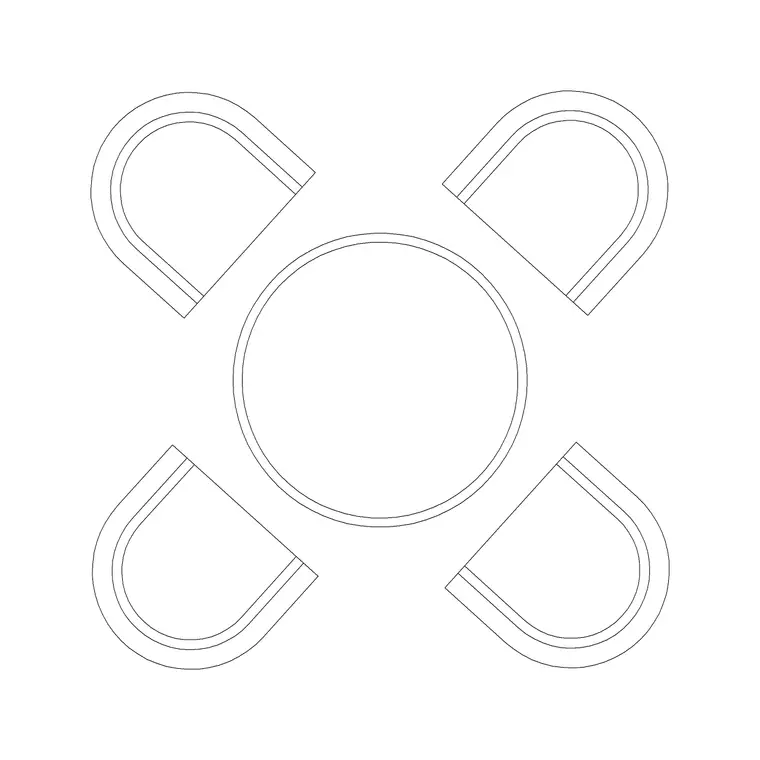
A good restaurant table block is really a table-and-chairs assembly: the top plus the chairs arranged for the number of covers it seats. The plan view is the workhorse — it shows the top footprint and the chair positions from above, which is what you array and mirror across a dining floor. A two-top might be a 600–700 mm square; a four-top a 900 mm square or 1200 × 800 mm rectangle; a six-top a 1500–1800 mm rectangle or an 1100–1200 mm round.
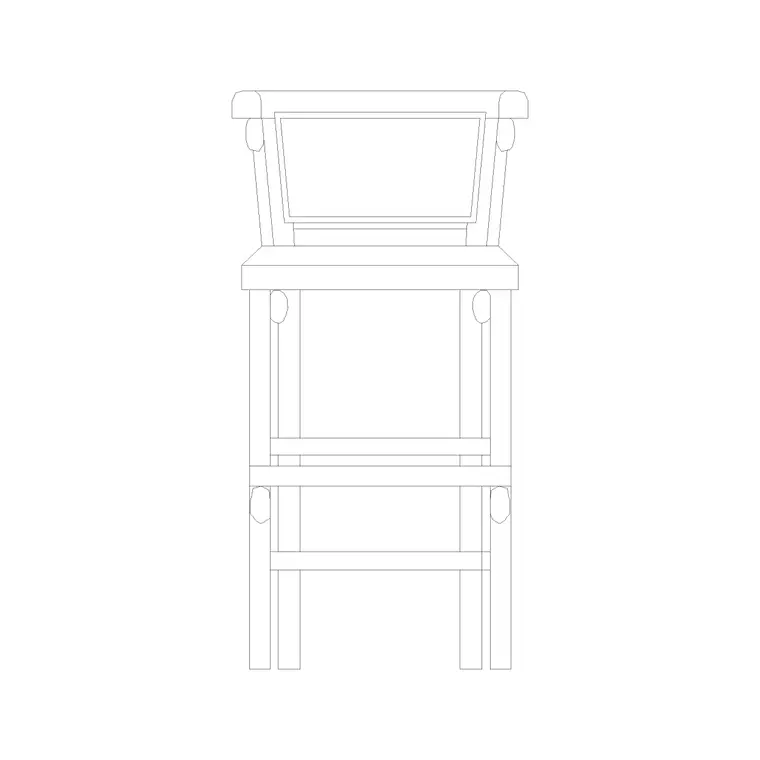
The blocks here keep the table and the chairs distinguishable on layers so you can show the bare table run for a joinery drawing and the fully-set covers for the seating plan, both from the same block. Some downloads also carry a front elevation for interior-elevation sheets.
Views and what's included
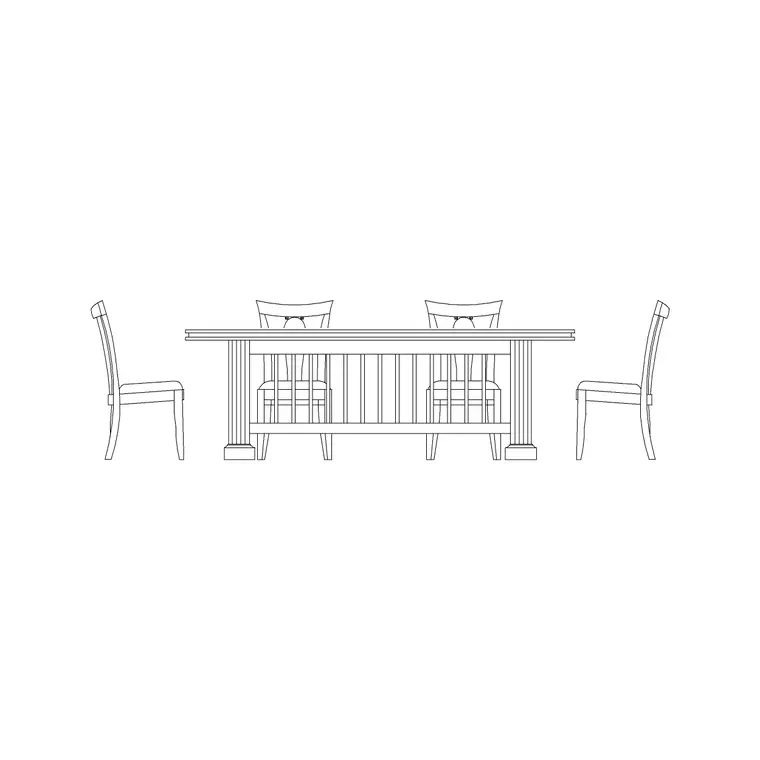
Most restaurant table downloads ship a plan view with the chairs set, since plan is where the covers and circulation are planned. Where an elevation is included, it shows the table height (typically around 740 mm) with the chairs face-on, which is useful for interior elevations and presentation sheets that need a seated setting against a wall or banquette.
Because a restaurant table is defined by its cover count, the blocks come in the standard configurations — 2, 4 and 6 covers — so you can mix table sizes across a room the way a real dining floor does, rather than forcing everything onto one size. Insert the cover count you need and copy or mirror it along the room.
Typical restaurant table sizing to design around
Keep these figures handy when you set out a dining room. Table height: about 740 mm. Two-cover (deuce): 600–700 mm square or round. Four-cover: 900 mm square, or 1200 × 800 mm rectangle. Six-cover: 1500–1800 mm × 800 mm rectangle, or 1100–1200 mm diameter round. Allow roughly 600 mm of table edge per cover so place settings don't crowd.
For circulation, the figure that governs a layout is the aisle: allow about 900 mm between the backs of chairs at adjacent tables for a comfortable casual restaurant, more where it doubles as a main service route, and a minimum of around 450 mm of chair pull-out behind each diner. The scaled blocks make these checks a glance rather than a calculation, which is the whole point when you are maximising covers.
How to insert and lay out a dining floor
The blocks are drawn full size in millimetres. Insert at scale 1 in a millimetre drawing, 0.001 in a metre template, or set INSUNITS to millimetres so AutoCAD rescales on insertion. Snap the insertion point to the centre of the top, then rotate the table to the grid of the room.
Lay the room out by deciding the aisles first — draw the service and customer circulation as guidelines — then drop tables into the bays between them. Use ARRAY to repeat a deuce down a banquette wall, and MIRROR to flip a four-top across a centre aisle. Keep the tables on a furniture layer so you can freeze them for a clean shell drawing, and tag each table with a cover count as an attribute if you want to extract a quick covers schedule from the plan.
Where restaurant table blocks are used
These blocks populate the full range of food-and-beverage layouts: restaurants and bistros, cafes and coffee shops, hotel breakfast rooms, canteens and staff dining, function and banqueting rooms, and the indoor side of any venue that also has a terrace. They are equally at home in a fast turnaround concept plan and a coordinated FF&E drawing that a contractor builds from.
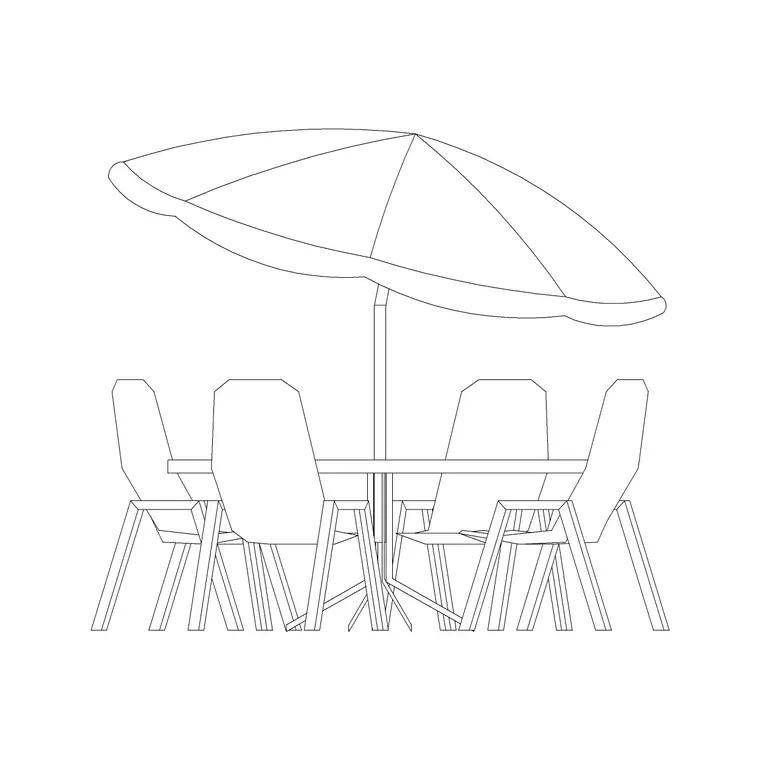
Mix the cover counts to suit the operation — deuces along the walls, four-tops through the middle, a couple of six-tops for groups — and pair the indoor tables with the outdoor table-and-chair set for the terrace so the whole venue draws from one consistent, licence-clear library.
Free download
Browse the full library — DWG & DXF, no signup.
Questions
Frequently asked
Do the restaurant table blocks include chairs?+
Most do — they are drawn as a table-and-chairs assembly with the chairs set for the cover count, which is what you array across a dining floor. The table and chairs sit on separate layers so you can show the bare table run or the fully-set covers from the same block.
What sizes do the restaurant tables come in?+
The standard cover counts: two-cover deuces (around 600–700 mm), four-covers (900 mm square or 1200 × 800 mm) and six-covers (1500–1800 mm rectangle or 1100–1200 mm round). Mixing sizes across a room mirrors how a real dining floor is laid out.
How much aisle space should I leave between tables?+
Around 900 mm between the backs of chairs at adjacent tables is comfortable for a casual restaurant, with more where it doubles as a service route. Because the blocks are drawn at true size with chairs set, you can check the aisle visually the moment you place them.
Are the restaurant table blocks free for commercial use?+
Yes. Every block downloads free in DWG and, where available, DXF, with no signup, no watermark and no attribution requirement, and they are cleared for commercial project use.
Related downloads
Blocks for this guide
Related categories
Related guides
Block landing
Free Bar Table CAD Blocks — DWG Download
Download free bar table CAD blocks in DWG and DXF — round, square and rectangular high bar tables in plan and elevation for AutoCAD. No signup, commercial-use OK.
Block landing
Free Restaurant Chair CAD Blocks — DWG Download
Download free restaurant chair CAD blocks in DWG and DXF — dining, cafe and side chairs plus baby high chairs in plan and elevation. No signup, commercial-use OK.
Block landing
Free Lounge & Waiting Seating CAD Blocks DWG
Download free lounge and waiting-area seating CAD blocks in DWG and DXF — reception sofas, lounge chairs and tandem bench seating in plan and elevation. No signup.