Block landing · bar table cad block
Free bar table CAD blocks in DWG and DXF
By Saumyajit Maity · Published 17 Oct 2024 · Updated 22 May 2026
A bar table — the tall, narrow-footprint table you stand or perch at — turns up in cafe layouts, hotel lounges, rooftop terraces and breakout zones, and it has its own dimensional logic that a normal dining table block won't give you. This page collects free bar table CAD blocks in DWG and DXF: round poseur tables, square two-seaters and longer rectangular counter tables, each drawn to real millimetre sizes and ready to insert into AutoCAD 2004 or later. Everything downloads free for personal and commercial work, with no signup, no watermark and no attribution.
The thing that makes a bar table a bar table is height, not footprint. Where a dining table sits at roughly 740 mm, a bar table stands at around 1050–1100 mm so that a person standing or sitting on a bar stool meets it at a comfortable elbow line. Drop a correctly-scaled block in and that relationship between table, stool and standing body is already correct, so your elevation and your seating spacing both read true from the first placement.
What a bar table block actually is
A bar table is a high table designed to be used standing or with tall stools, so the block has to carry both its small top footprint and its tall stem in the views that need them. In plan you mostly care about the top diameter or the top rectangle, because that is what governs how tightly you can pack tables into a bar or a terrace. In elevation the height is the whole point — it is what separates this block from an ordinary table.
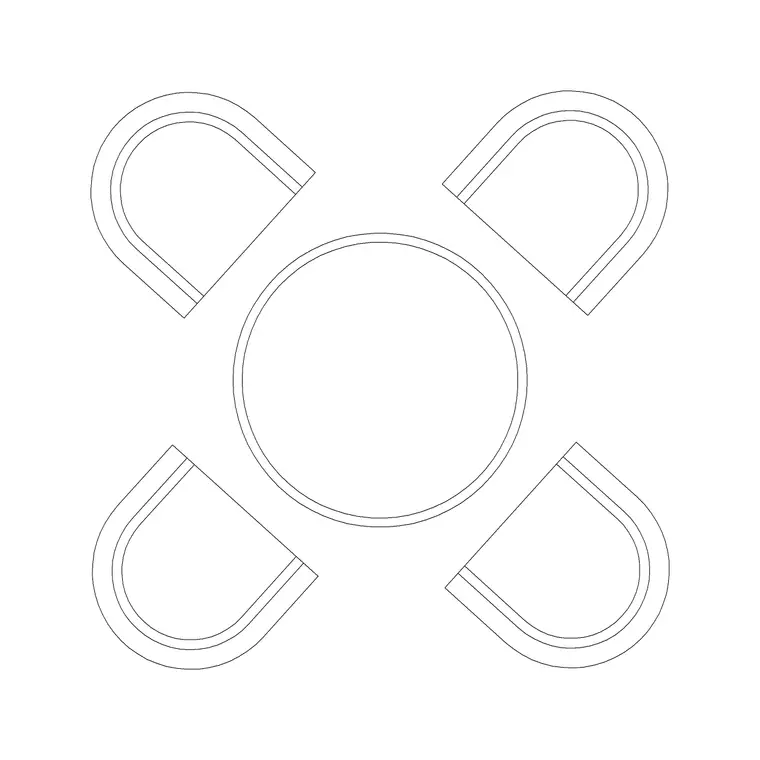
Many bar tables are single-column 'poseur' tables on a weighted disc base, so the plan view often shows two circles: a small top and a slightly different base disc. Others are four-leg or trestle types. The blocks here are drawn on tidy layers so you can freeze the base detail and keep just the top outline when you are checking how many tables fit a floor.
Views and what's included
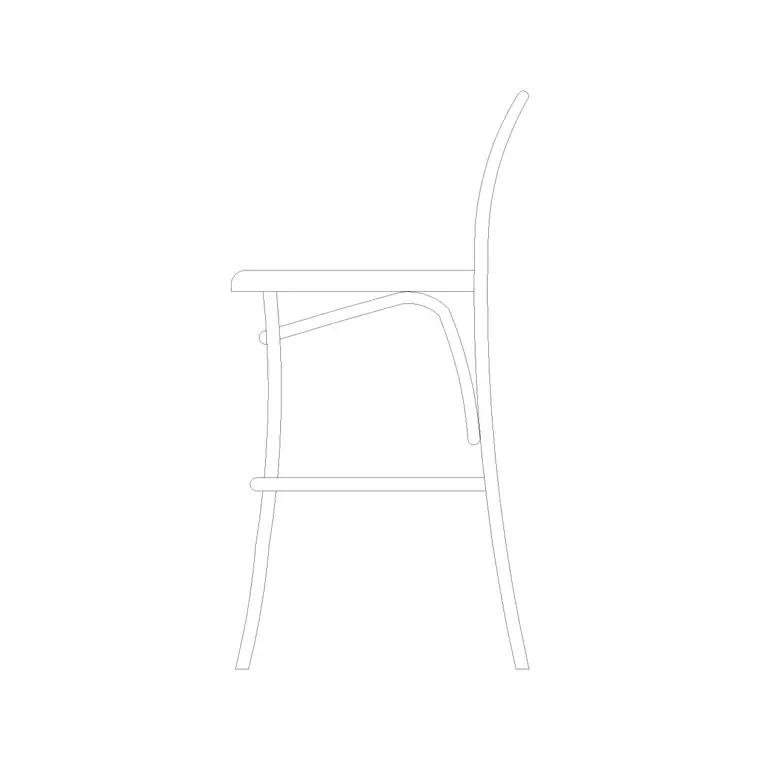
Bar table downloads here typically ship a plan view and a front elevation, and some include a side view where the top and base profiles differ. Use the plan to lay tables out and check circulation; use the elevation for interior elevations, bar joinery drawings and presentation sheets where you want the standing-height table shown against the bar counter and stools.
Because a bar table is almost always paired with stools, it is worth inserting the matching stool block at the same time so the elevation reads as a usable setting rather than a lone table. Where a file carries multiple views in one DWG, insert the one you need and freeze or explode the rest.
Typical bar table sizing to design around
Reach for these ranges when you check a layout. Standing/bar height: 1050–1100 mm to the top. Round top diameter: 600–700 mm for a two-to-three person poseur, 800 mm for a busier sharing table. Square top: 600 × 600 mm to 700 × 700 mm. Rectangular counter table: 1200–1800 mm long and 400–600 mm deep where it runs against a wall or window.
For spacing, allow roughly 600–700 mm of width per standing person at a shared table, and keep at least 900 mm of clear floor between tables so people can stand back and pass. Against a window rail, a 400 mm deep top is enough to hold a drink without eating into the walkway.
How to insert and scale the block
These blocks are drawn full size in millimetres. In a millimetre drawing, insert at scale 1 and the table lands at true size; in a metre template insert at 0.001, or set INSUNITS to millimetres so AutoCAD rescales automatically on insertion and you avoid the 'tiny table' units mismatch.
Run INSERT (or drag the DWG from a tool palette), snap the insertion point to the centre of the top for a round table or a corner for a rectangular one, then rotate to suit the bar or window line. Because the table is a single block reference, copy it along a window rail or array it across a terrace, and a later edit to the definition updates every instance at once. Put the tables on a dedicated furniture layer so you can freeze them for a clean structural plan.
Where bar tables are used
Bar table blocks suit hospitality and workplace drawings: cafe and bar floor layouts, hotel lounges and lobby bars, rooftop and terrace plans, brewery taprooms, event spaces and trade-stand designs, and office breakout or 'town-hall' zones where standing tables encourage quick informal meetings. They also appear in retail, as standing point-of-sale or sampling tables.
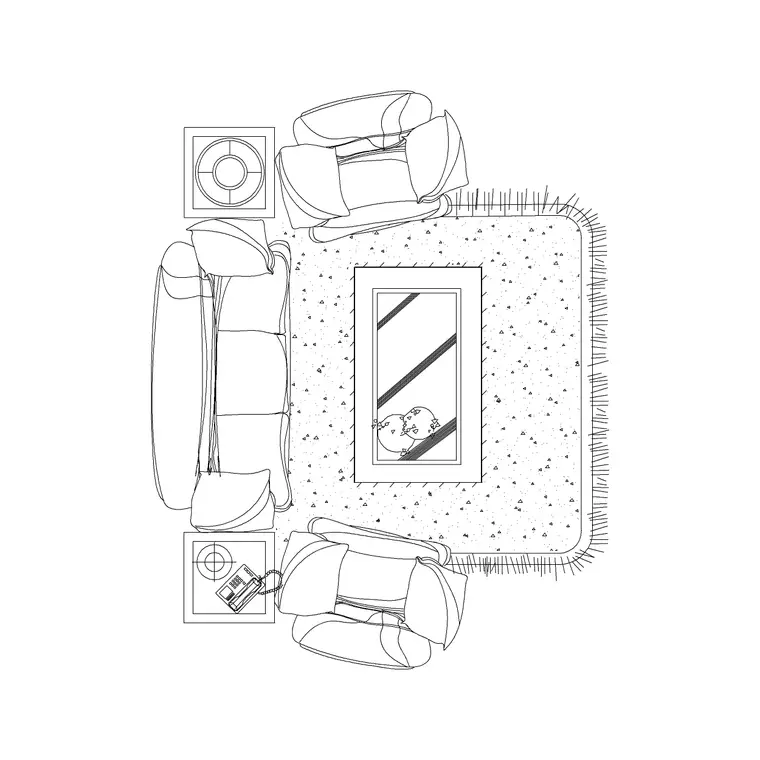
Pair them with the bar stool block to build a complete standing-height setting, and with sofa and lounge blocks where a venue mixes seated and standing zones. Because they are licence-clear, they carry equally well from an early concept plan to a coordinated FF&E drawing and a client presentation elevation.
Free download
Browse the full library — DWG & DXF, no signup.
Questions
Frequently asked
How tall is a bar table CAD block drawn?+
These blocks are drawn at standing bar height, around 1050–1100 mm to the top, which is the height that pairs with a tall bar stool. The exact figure is shown on each block's download page, and because the block is at true size you can verify it in the elevation.
What's the difference between a bar table and a normal table block?+
Footprint is similar, but height is not. A dining or coffee table sits at roughly 740 mm or lower; a bar table stands at around 1050–1100 mm for standing use or tall stools. Use a bar table block when the seating is bar stools rather than dining chairs.
Are these bar table blocks free for commercial projects?+
Yes. Every bar table block downloads free in DWG and, where available, DXF, with no signup, no watermark and no attribution requirement, and they are cleared for commercial project use.
What scale and units are the blocks drawn at?+
Full size in millimetres. Insert at scale 1 in a millimetre drawing, 0.001 in a metre drawing, or set INSUNITS to millimetres so AutoCAD rescales the block automatically on insertion.
Related downloads
Blocks for this guide
Related categories
Related guides
Block landing
Free Restaurant Table CAD Blocks — DWG Download
Download free restaurant table CAD blocks in DWG and DXF — 2, 4 and 6 cover tables with chairs drawn in plan and elevation for AutoCAD. No signup, commercial-use OK.
Block landing
Free Restaurant Chair CAD Blocks — DWG Download
Download free restaurant chair CAD blocks in DWG and DXF — dining, cafe and side chairs plus baby high chairs in plan and elevation. No signup, commercial-use OK.
Block landing
Free Lounge & Waiting Seating CAD Blocks DWG
Download free lounge and waiting-area seating CAD blocks in DWG and DXF — reception sofas, lounge chairs and tandem bench seating in plan and elevation. No signup.