Block landing · wooden bar stool cad block dwg
Free wooden bar stool CAD block in DWG
By Sumana Kumar · Published 23 Feb 2022 · Updated 20 Mar 2026
A wooden bar stool is the seat you reach for whenever a drawing needs height seating against a raised counter — a home kitchen island, a cafe bar, a bistro rail or a hotel breakfast bar. This free wooden bar stool CAD block ships in DWG with a turned or slatted timber frame so the elevation reads as a genuine wood stool rather than a generic disc on legs. It is drawn at true millimetre dimensions and opens cleanly in AutoCAD 2004 or later, with no signup, no watermark and clearance for commercial project work.
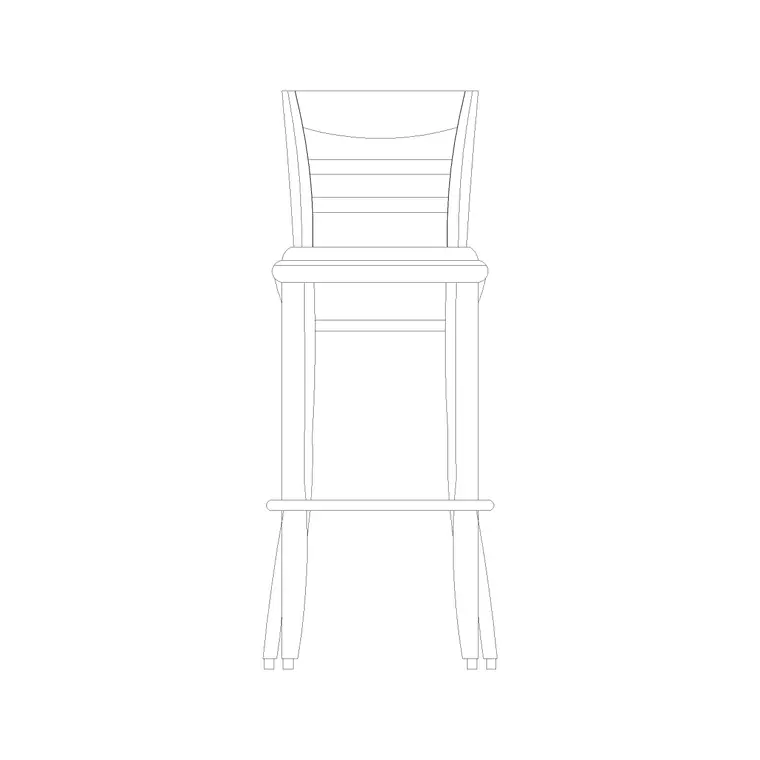
Because a bar stool lives at counter height, the part of the drawing that matters most is the elevation: the seat height relative to the counter, the footrest line, and how the legs splay toward the floor. The block here is built so you can drop it straight beneath a 1050–1100 mm bar counter and immediately see whether the seated knee clears the underside and whether the footrest sits at a comfortable height.
What the wooden bar stool block is
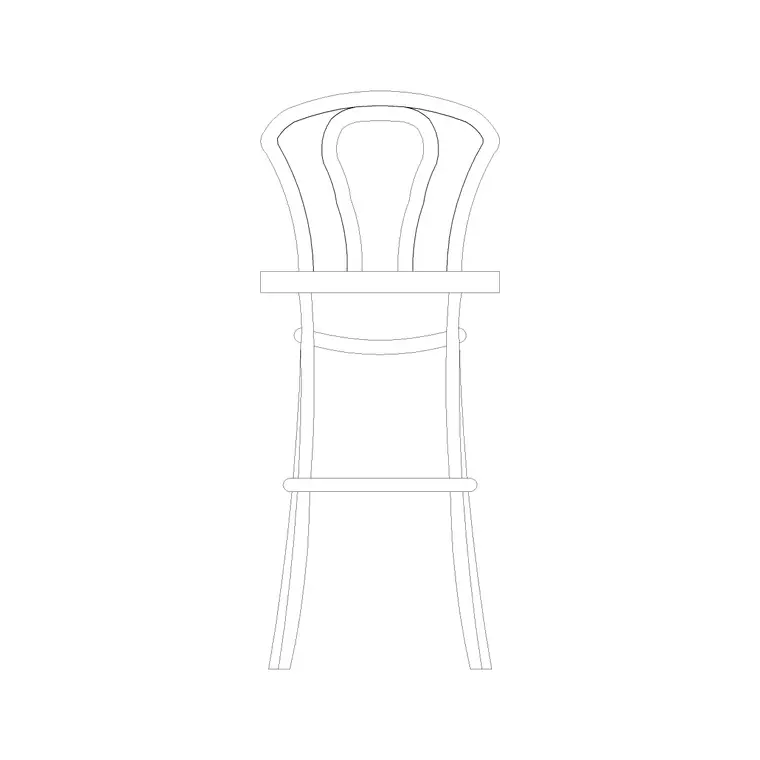
This is a single-object bar stool drawn as a vertical timber frame: four (or sometimes three) splayed legs, a footrest ring or cross-rail roughly a third of the way up, and a round or square wooden seat on top. The timber read comes from the slatted seat edge and the turned-leg profile, so when you place it in an interior elevation it visibly reads as a wood stool and not a metal café stool.
It is built as a block reference, so once it lands you can copy it down a bar run, mirror it, rotate it or array it without exploding the geometry. A later edit to the block definition ripples through every instance at once, which is what you want when a client asks to swap the stool style across a whole scheme.
Views and what's included
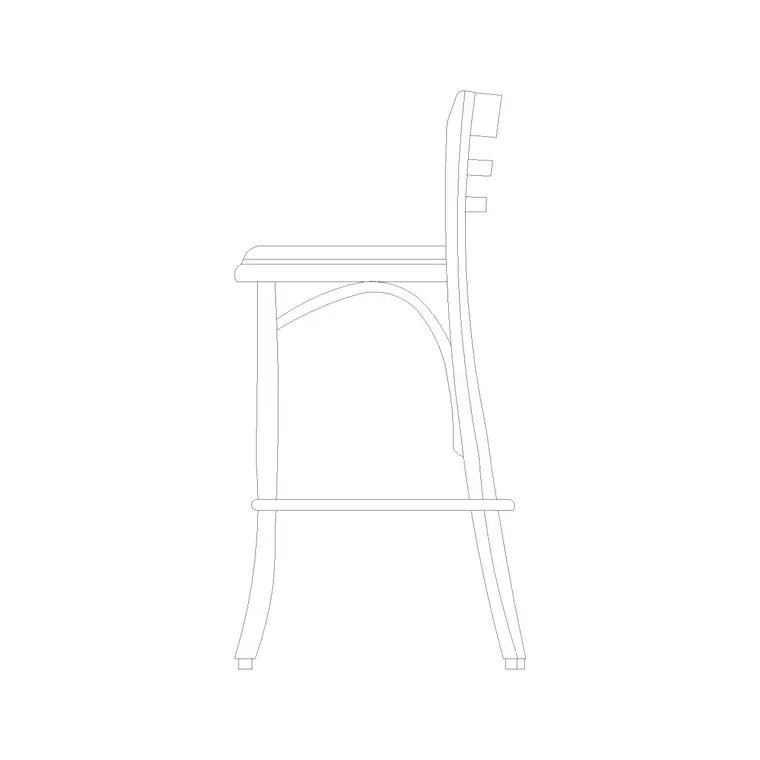
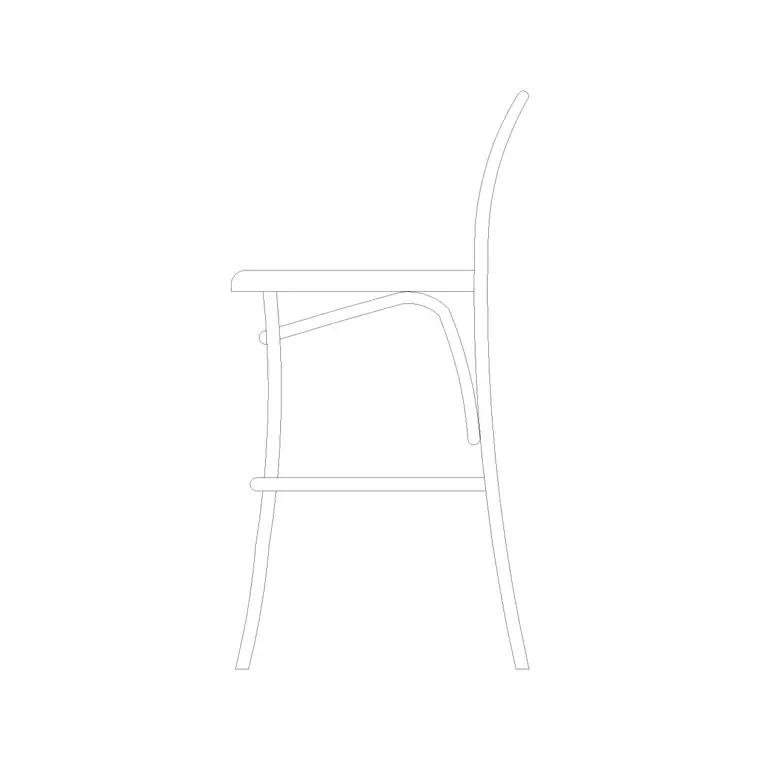
The download centres on a front elevation, the view a bar stool is almost always shown in, because the seat-height-to-counter relationship is what a reviewer checks first. Where a side view is included it shows the leg splay in profile, which is useful when you are drawing a section through the bar and want the stool to read in depth.
The geometry sits on sensible layers so the seat, frame and footrest can be recoloured or frozen independently of each other. That lets you tone the stool back to a light grey on a busy presentation elevation, or pull the footrest line forward when you are dimensioning the seat height.
Typical wooden bar stool dimensions
Use these ranges as a sanity check rather than fixed specs, since timber stools vary by maker. Seat height for a bar stool generally falls in the 650–760 mm band, sized to sit roughly 250–300 mm below the counter surface so a seated person's knees clear the underside. Seat diameter is commonly 300–360 mm for a round wooden top. Overall stool height to the top of any backrest, where one is present, runs around 900–1050 mm.
The footrest rail typically sits 200–250 mm above the floor. When you set the stool under a counter, allow a comfortable 250–300 mm of gap between the seat top and the underside of the worktop so the user is not pinned. Spacing stool to stool along a bar, leave roughly 600–700 mm centre to centre so elbows do not clash.
How to insert and scale it
The block is drawn full size in millimetres. In a millimetre drawing, run INSERT and place at scale 1 and the stool lands at real size. Working in metres, insert at 0.001; on a US imperial template, set INSUNITS to millimetres so AutoCAD rescales on insertion, or use a 0.03937 factor to convert to inches.
Pick the insertion point at the centre of the seat so you can snap the stool to a counter centreline, then rotate to face the bar. To build a row, place one stool, then ARRAY it along the counter at your chosen spacing. Keep all the stools on a dedicated furniture layer so you can freeze them for a clean structural plan and thaw them for the furnished view.
Where wooden bar stools are used
This block earns its keep across residential and hospitality drawings: kitchen-island seating in homes and apartments, breakfast bars, cafe and coffee-shop counters, bistro window rails, pub and bar elevations, and hotel lounge counters. It pairs naturally with the island, counter and bar-rail blocks in the furniture category to build a believable seating zone fast.
Because it is free and licence-clear, it also suits student interior schemes, competition boards and quick concept elevations where you need convincing height seating without licensing fuss. The same stool can carry from an early mood elevation through to a coordinated FF&E drawing without redrawing.
Free download
Browse the full library — DWG & DXF, no signup.
Questions
Frequently asked
Is this wooden bar stool CAD block free to use?+
Yes. It downloads free in DWG with no signup, no watermark and no attribution requirement, and it is cleared for personal and commercial project work.
What height counter does this stool suit?+
A bar stool with a 650–760 mm seat height suits a bar or breakfast counter at roughly 1050–1100 mm. For a lower 900 mm kitchen-island counter, use a counter-height stool instead so the seated user clears the worktop comfortably.
Which view does the file include?+
It centres on a front elevation, the view bar stools are normally shown in, and may include a side view for sections. The exact views are listed on the block's download page.
Will the DWG open in older AutoCAD or free viewers?+
Yes. The file targets AutoCAD 2004 and later, so it opens in current AutoCAD, AutoCAD LT, BricsCAD, DraftSight and free online DWG viewers.
Related downloads
Blocks for this guide
Related categories
Related guides
Block landing
Free Office Chair CAD Blocks — DWG Download
Download free office chair CAD blocks in DWG and DXF — task chairs, swivel chairs and executive seats drawn in plan and elevation, AutoCAD 2004+, no signup.
Block landing
Free Bar Table CAD Blocks — DWG Download
Download free bar table CAD blocks in DWG and DXF — round, square and rectangular high bar tables in plan and elevation for AutoCAD. No signup, commercial-use OK.
Block landing
Free Restaurant Table CAD Blocks — DWG Download
Download free restaurant table CAD blocks in DWG and DXF — 2, 4 and 6 cover tables with chairs drawn in plan and elevation for AutoCAD. No signup, commercial-use OK.