Block landing · wine rack cad block
Free wine rack CAD block in DWG and DXF
By Sumana Kumar · Published 1 Oct 2024 · Updated 12 Jun 2026
A wine rack is the kind of detail that makes a kitchen, bar or dining drawing feel resolved rather than generic, and a ready-made wine rack CAD block lets you drop it in without drawing every bottle pocket from scratch. This page offers a free wine rack CAD block in DWG and DXF, drawn at sensible millimetre dimensions so it sits correctly against a worktop, inside a tall cabinet or along a cellar wall. It downloads free for personal and commercial work, with no signup, no watermark and no attribution.
Designers reach for a wine rack block when they are detailing a kitchen island return, a home bar, a restaurant back-of-house store or a basement cellar conversion. Because the geometry is to scale, you can immediately see how many bottle bays fit in a given run and whether the rack collides with a door swing or a knee space.
What a wine rack CAD block actually contains
A useful wine rack block is built around the bottle module rather than a vague box. The drawing should show the individual bottle bays — usually a grid or diamond lattice of cells — because that lattice is what tells a reader the rack is for wine and not generic shelving. Each cell is sized to hold a standard 750 ml bottle lying on its side, so the cell opening is typically in the 90–110 mm range and the cell depth follows the bottle length.
The block is drawn as clean linework on a single furniture-style layer so you can recolour it, freeze it, or explode it to edit a single bay. Keeping the lattice as a coherent block means a later change to the rack definition can ripple to every copy in the drawing at once.
Views the block ships in and when to use each
Wine racks are most expressive in elevation, because that is where the lattice of bottle bays reads clearly, so the elevation view is the one you will use for joinery drawings, bar elevations and presentation boards. Drop it onto the cabinet or wall elevation and it instantly communicates the storage idea.
A plan-view footprint matters for the layout drawing: it shows how deep the rack projects into the room and how much wall length it consumes, which is what governs circulation and clearances. If you are detailing a freestanding rack, the side view helps you confirm depth against a worktop or a walkway. Use whichever view the drawing calls for and freeze or explode the rest.
Typical wine rack dimensions to design around
Reach for these ranges when you place the block. A single bottle bay is sized for a 750 ml bottle, so each cell opening tends to sit around 90–110 mm and the rack depth follows the roughly 300–350 mm length of a laid-down bottle. A countertop or under-counter rack might be only 2–4 bottles wide and one or two rows tall, while a built-in cabinet column can run a full 600 mm cabinet width with a dozen or more bays.
A floor-standing cellar rack can climb to ceiling height in repeated rows. Treat these as starting figures: confirm the cell size against the specific bottle the client stores, since champagne and burgundy bottles are fatter than a standard claret and need a wider pocket.
How to insert and scale the block in AutoCAD
The wine rack block is drawn full size in millimetres. In a millimetre drawing, run INSERT, browse to the DWG and place it at scale 1 and it lands at real size. Working in metres, insert at scale 0.001; in an imperial template set INSUNITS to millimetres so AutoCAD rescales the rack automatically on insertion and you avoid the 'rack the size of a wardrobe' mistake.
Pick an insertion point at a corner of the rack so it snaps cleanly to a cabinet edge or wall line, then rotate to suit the run. Because the rack is a single block reference, you can copy it along a cellar wall, mirror it for a symmetrical bar, or array it up a tall cabinet in seconds.
Where wine rack blocks get used
Wine rack blocks turn up across residential and hospitality drawings: kitchen island returns and tall larder units, home bars and games rooms, basement cellar conversions, restaurant and wine-bar back-of-house stores, and retail wine-shop fixtures. Pair the rack with the wine glass and bottle blocks in the accessories category to dress a bar elevation convincingly, or with cabinet and worktop blocks to detail a kitchen.
Because the file is free and licence-clear, it suits student kitchen and hospitality projects, competition boards and rapid concept layouts where you want believable storage without licensing fuss. The same block carries from a loose concept sketch through to a coordinated joinery drawing without redrawing the bottle bays.
Keeping the rack tidy on its own layer
Put the wine rack on a dedicated joinery or fittings layer rather than leaving it on layer 0. Giving it its own colour and lineweight lets you freeze the fittings for a clean shell drawing and thaw them for a fully detailed elevation, all from one file. If you are building a fitted bar, consider grouping the rack with its cabinet carcass as a single WBLOCK so the whole unit copies as one.
For a cellar with rows of identical racks, define the single rack once and array it; editing the master block definition then updates every row together. That discipline keeps a wine-storage drawing easy to revise when the bottle count or the cabinet width changes late in a project.
Free download
Browse the full library — DWG & DXF, no signup.
Questions
Frequently asked
Is the wine rack CAD block free for commercial use?+
Yes. The wine rack block downloads free in DWG and, where available, DXF, with no signup, no watermark and no attribution requirement. You can use it on paid client projects.
What size are the bottle bays drawn to?+
Each bay is sized to hold a standard 750 ml bottle on its side, so the cell opening sits in the 90–110 mm range with depth following the bottle length. Check the cell against fatter champagne or burgundy bottles if those are stored.
Does the file include both plan and elevation views?+
The rack reads most clearly in elevation, and where multiple views ship they are in the same DWG so you can insert the elevation for joinery drawings and explode or freeze the plan footprint. The views are listed on the download page.
Will the wine rack block open in older AutoCAD?+
Yes. The DWG targets AutoCAD 2004 and later, so it opens in current AutoCAD, AutoCAD LT, BricsCAD, DraftSight and free DWG viewers.
Related downloads
Blocks for this guide
Popular blocks to download
Related categories
Related guides
Block landing
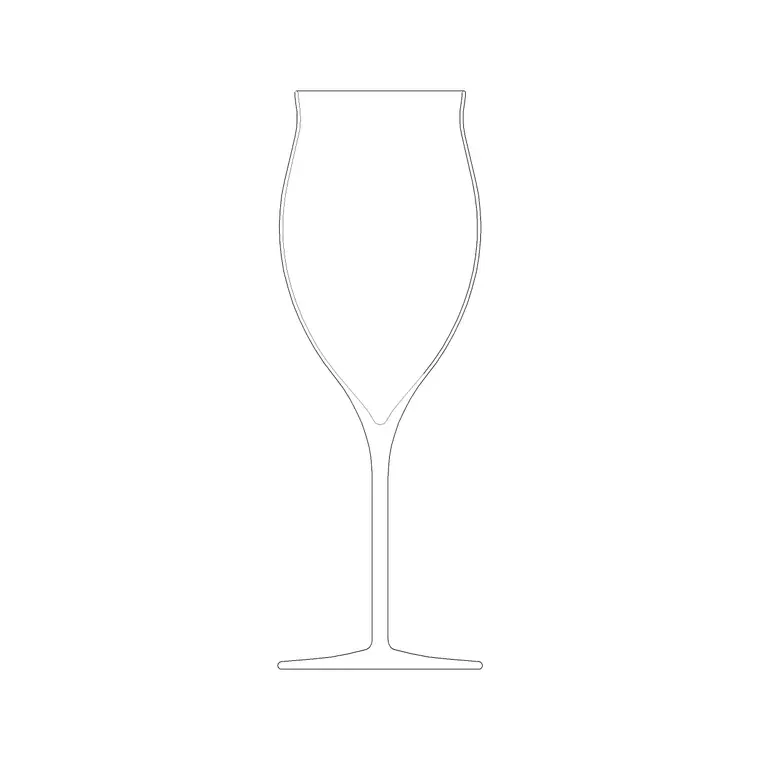
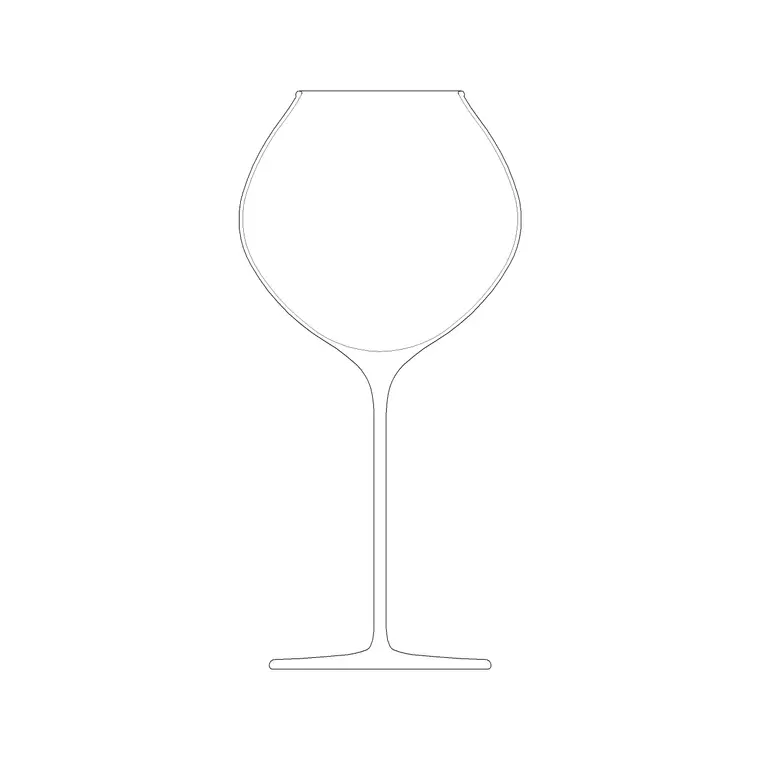
Wine Glass CAD Block DWG — Free Download
Download a free wine glass CAD block in DWG and DXF — red and burgundy stemware in elevation and plan for bar and table settings. AutoCAD 2004+, no signup.
Block landing
Cement Planter Pot CAD Block DWG — Free
Download a free cement planter pot CAD block in DWG and DXF — concrete-finish planter drawn in plan and elevation for interiors and terraces. AutoCAD 2004+.
Block landing
Carved Planter Pot CAD Block DWG — Free
Download a free carved planter pot CAD block in DWG and DXF — decorative carved-finish planter in plan and elevation for interiors and entrances. AutoCAD 2004+.