Block landing · carved planter pot cad block
Free carved planter pot CAD block in DWG and DXF
By Sumana Kumar · Published 21 Jan 2023 · Updated 29 Jan 2026
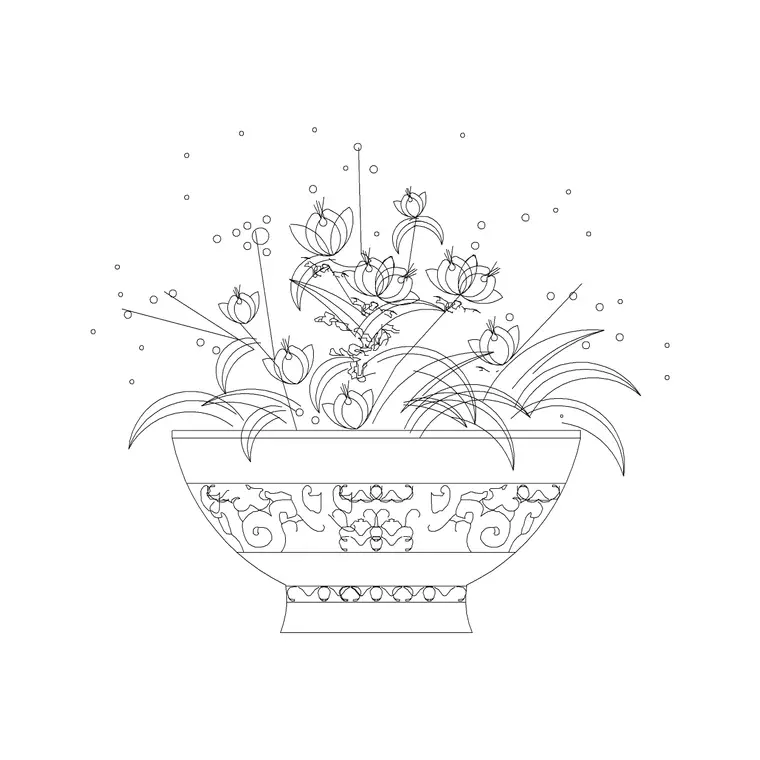
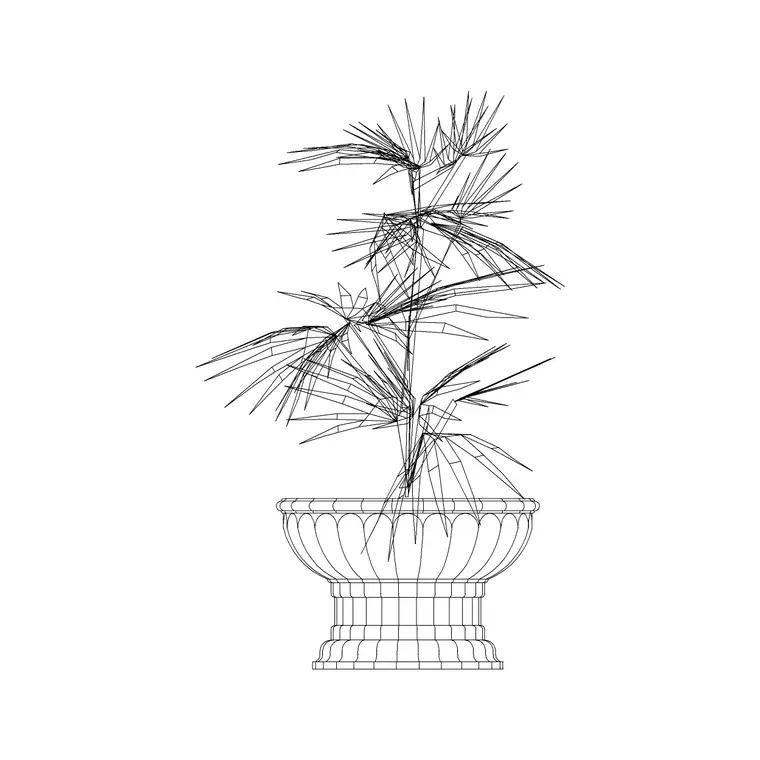
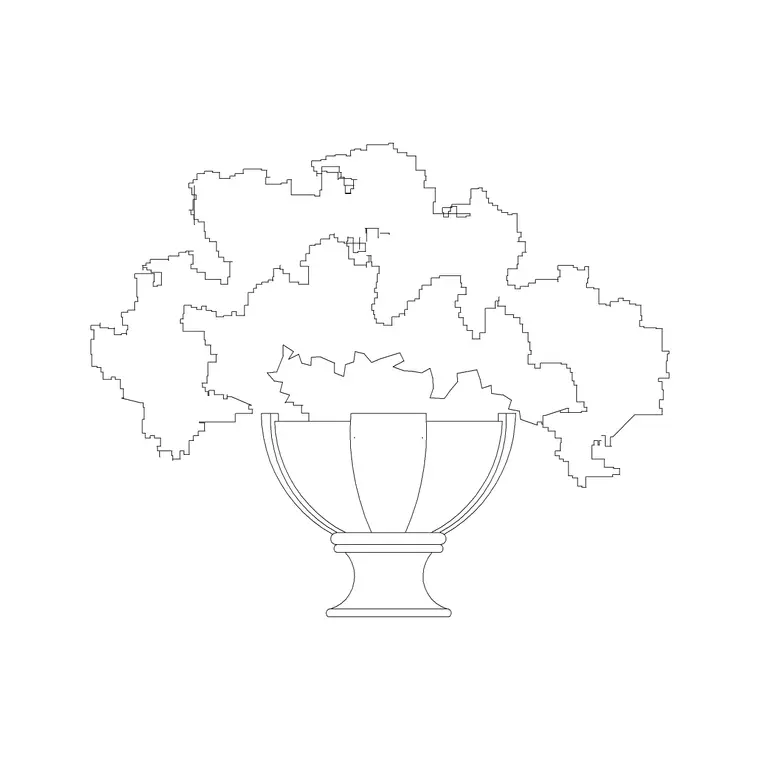
A carved planter pot brings ornament to a scheme that a plain vessel cannot, and a ready-made carved pot CAD block lets you place that decorative detail without redrawing the relief every time. This page offers a free carved planter pot CAD block in DWG and DXF, drawn with the patterned, textured surface that distinguishes a carved or moulded pot from a smooth cement one. It is free for personal and commercial work, with no signup, watermark or attribution.
Carved planters suit traditional, classical and boutique interiors — hotel lobbies, restaurant entrances, residential foyers — where a decorative vessel reinforces the styling. Because the block is drawn to scale, you can judge how it reads beside a console, a column or a doorway, and whether its ornament holds up at the drawing's plot scale.
What sets a carved pot block apart
Where a cement planter is all mass and plain sides, a carved planter block carries surface decoration: bands of relief, fluting, scrollwork or a repeating motif worked into the body. The elevation is where this detail lives, with the carved pattern drawn as fine linework over the vessel profile. The plan shows the footprint and, often, a hint of the rim decoration.
The block is organised so the decorative linework can be kept or simplified: at a small plot scale a busy carving turns to mud, so the geometry is drawn cleanly enough that you can freeze or thin the ornament layer when the drawing is reduced. Explode it if you need to adapt the motif for a specific piece. Because the carved relief is the whole reason to choose this pot over a plain one, the block keeps that ornament crisp at large scale while still reading as a solid vessel at a glance, which is the balance a decorative planter has to strike on a presentation sheet.
Views and when to use them
The elevation is the star for a carved planter, because the ornament is the whole point and it only reads from the side. Use it on interior elevations, entrance and lobby presentation drawings, and styling boards where the decorative vessel sells the scheme. The plan footprint does the practical work on the floor layout, marking how much space the pot takes and where it sits relative to furniture and circulation.
On a traditional interior you often pair a plan layout with a matching elevation to show the carved pots flanking a doorway or punctuating a console run. Many downloads ship both views in a single DWG so the layout and elevation stay consistent.
Typical carved planter dimensions
Use these as guide ranges. A decorative floor planter commonly sits in the 300–500 mm width and 400–650 mm height band, sized to flank an entrance or anchor a corner without overwhelming the space. Tabletop or console-top carved pots are smaller, in the 150–300 mm range, where the carving is viewed close up.
The key layout figures are the footprint width and the height relative to the surface it stands on. A carved pot on a console wants to sit proud enough to be seen but not so tall it blocks a mirror or artwork above. As always, match the vessel volume to the plant — a clipped topiary and a trailing fern need different pots.
How to insert and scale the carved pot
The block is drawn full size in millimetres. INSERT it at scale 1 in a millimetre drawing for real size; insert at 0.001 in a metre template; in an imperial drawing set INSUNITS to millimetres so AutoCAD rescales it on insertion. That avoids the units mismatch that delivers a pot the size of a coin or a column.
Pick the centre of the footprint as the insertion point so the pot snaps to its position beside a door or console, then mirror it to create a symmetrical pair. Because the pot is a single block reference, a flanking pair or a punctuating run copies cleanly, and a later edit to the block definition updates every instance together.
Where carved planter blocks are used
Carved planters appear in hotel and restaurant entrances, boutique retail interiors, classical and traditional residential foyers, function and event spaces, and any scheme that leans decorative rather than minimal. Pair the carved pot with the cement planter, cone-shape pot and hanging planter blocks in the accessories category so the planting vocabulary has range, and with console, mirror and artwork blocks to build a styled vignette.
Because the file is free and licence-clear, it suits interior and landscape student projects, mood boards and concept presentations. The same block carries from a styling sketch to a finished elevation without the ornament being redrawn each time.
Handling the ornament at plot scale
The one care point with a carved pot is plot scale. Fine carving that looks crisp on screen can clog into a black blob when the drawing is plotted at a small scale, so keep the decorative linework on a layer you can thin or freeze for reduced drawings, and reserve the full detail for large-scale elevations and presentation sheets.
For styled scenes, vary a flanking pair only slightly — a small rotation or a different plant — so the pair feels placed rather than mirrored mechanically. Keep all decorative pots on a dressing layer above the furniture so you can switch between a clean technical plan and a fully styled presentation from the same drawing.
Free download
Browse the full library — DWG & DXF, no signup.
Questions
Frequently asked
Is the carved planter CAD block free to use commercially?+
Yes. It downloads free in DWG and, where available, DXF, with no signup, watermark or attribution, and is cleared for paid client projects.
Will the carved detail plot well at small scale?+
Fine carving can clog when plotted small, so keep the decorative linework on a layer you can thin or freeze for reduced drawings and reserve full detail for large-scale elevations.
How big is a typical carved planter?+
Decorative floor planters commonly sit in the 300–500 mm width and 400–650 mm height range, with smaller 150–300 mm console pots viewed close up. Match the vessel to the plant it holds.
Does the file open in older AutoCAD?+
Yes. The DWG targets AutoCAD 2004 and later, so it opens in AutoCAD, AutoCAD LT, BricsCAD, DraftSight and free DWG viewers.
Related downloads
Blocks for this guide
Related categories
Related guides
Block landing
Wine Rack CAD Block DWG — Free Download
Download a free wine rack CAD block in DWG and DXF — bottle storage drawn in plan and elevation for kitchens, bars and cellars. AutoCAD 2004+, no signup.
Block landing
Wine Glass CAD Block DWG — Free Download
Download a free wine glass CAD block in DWG and DXF — red and burgundy stemware in elevation and plan for bar and table settings. AutoCAD 2004+, no signup.
Block landing
Cement Planter Pot CAD Block DWG — Free
Download a free cement planter pot CAD block in DWG and DXF — concrete-finish planter drawn in plan and elevation for interiors and terraces. AutoCAD 2004+.