Block landing · wheelchair accessible sign cad block
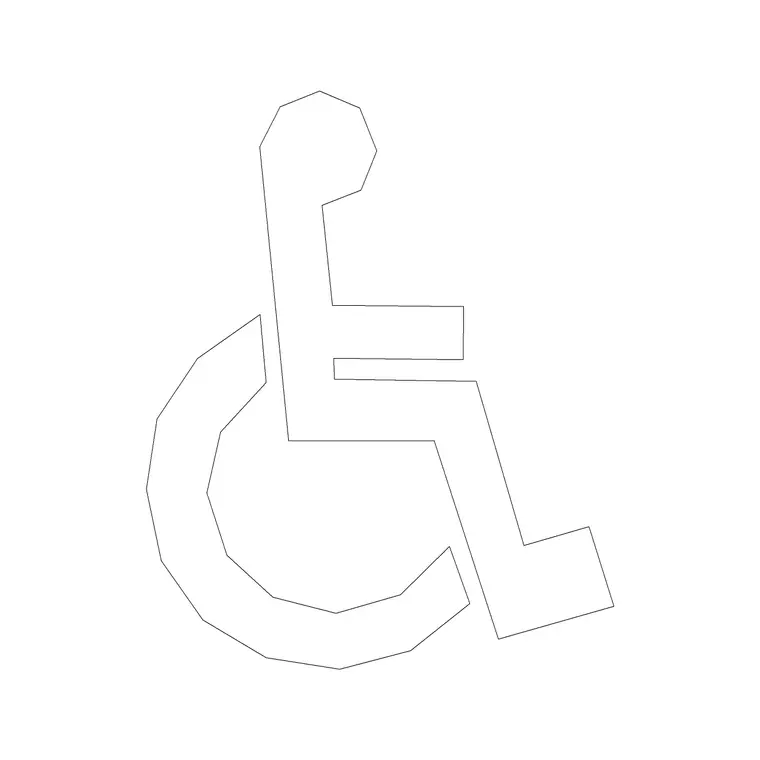
Wheelchair accessible sign CAD block in DWG
By Saumyajit Maity · Published 19 Jul 2025 · Updated 5 May 2026
The wheelchair accessible sign is the international symbol of access, used to mark accessible toilets, parking bays, entrances, lifts and routes throughout a building. This page offers a free wheelchair accessible sign CAD block in DWG, drawn as the familiar seated-figure pictogram and ready for accessibility layouts, signage schedules and wayfinding drawings. It is line work only, free for personal and commercial use, with no signup and no watermark.
Accessibility signage is more than a courtesy — it is woven through building regulations and design standards, and the symbol shows up wherever an accessible facility needs to be identified. Used consistently, the same pictogram labels the accessible WC on the plan, marks the disabled parking bay in the car park layout, and specifies the door sign in the schedule. The sections below cover what the block contains, where it belongs, and how to size and place it.
What the accessibility symbol shows
The block is the internationally recognised seated wheelchair figure, drawn as a clean silhouette with its insertion point at the base so it sits square in a sign panel, a parking bay or a room label. The symbol is standardised precisely so it is recognised everywhere, so the block keeps the familiar proportions rather than reinterpreting them.
Holding it as a single block means every accessible facility in the project is marked with an identical symbol — the same figure on the toilet door, the parking bay and the lift lobby. That consistency is what makes the symbol do its job: instant, unambiguous recognition by the people who rely on it.
Where accessibility signage is required
The wheelchair symbol marks a wide range of accessible features: accessible toilets and changing facilities, designated disabled parking bays, accessible building entrances, lifts and platform lifts, ramps and accessible routes, and refuge points. On a plan it labels each of these so the accessibility provision can be read and checked at a glance.
Because accessibility is regulated, these symbols often need to align with the specific standards in force for the project's location and building type. Use the symbol to mark the facility on the drawing, and let the project's accessibility specification govern the exact sign sizes, contrast and mounting heights for the physical signs.
Sizing the symbol for plans and signs
On a plan, treat the pictogram as annotation and scale it to read clearly at the plot scale — a small badge in the accessible WC, a marking centred in the disabled parking bay, a tag at the accessible entrance. In a 1:100 drawing that means a model-space size that plots at a few millimetres, or place it in paper space to hold true paper size.
For parking-bay markings painted on the ground, the symbol is drawn much larger — a bay marking is sized to be read from a moving vehicle and follows the parking standard in force. For door and wall signs, scale to the physical panel the signage specification calls for. As always, set the size deliberately for each use.
How to insert the block
Run INSERT or drag the DWG from a tool palette, place the insertion point in the room label, parking bay or sign panel, and scale to suit. The symbol is graphic, so control its size with the insertion scale or a later SCALE command rather than relying on INSUNITS.
Keep accessibility symbols on a signage or accessibility layer so they isolate cleanly for an access-strategy drawing or a signage schedule. Storing the wheelchair symbol alongside the toilet pictograms on one palette lets you label accessible facilities and standard washrooms together in a few clicks.
Pairing with toilet and route symbols
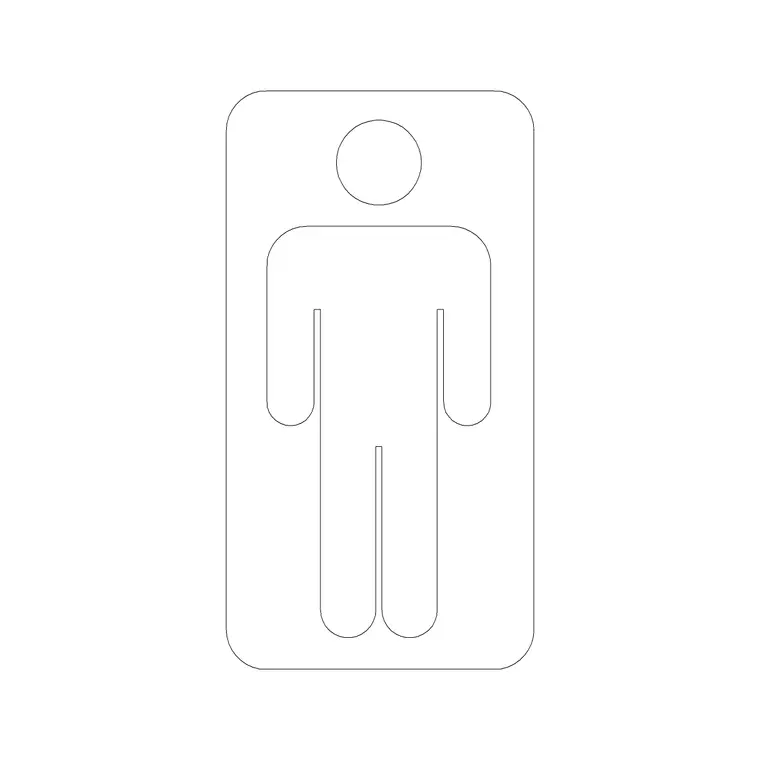
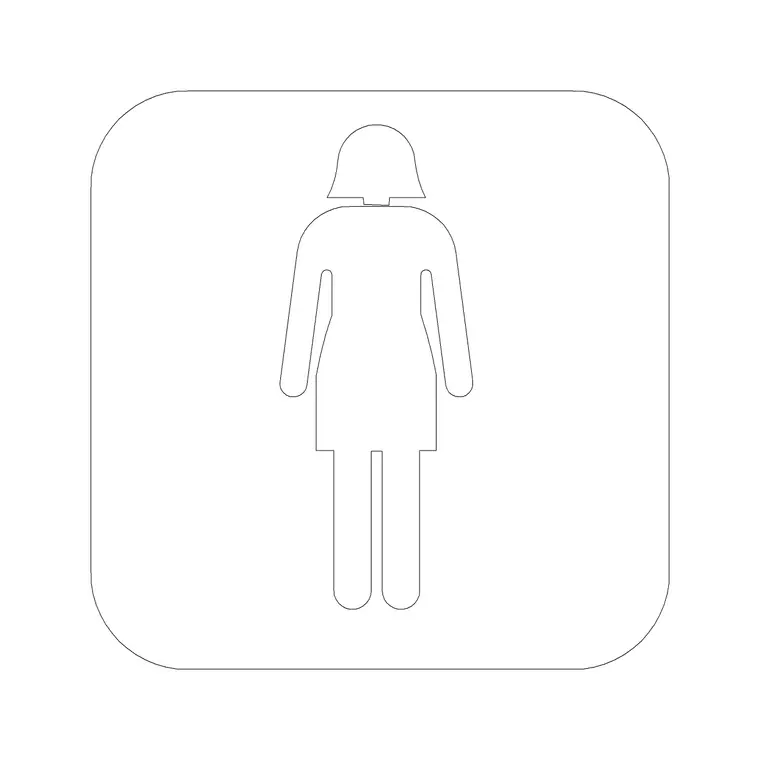
The accessibility symbol rarely works alone. At an accessible WC it sits beside or in place of the male and female toilet pictograms; along an accessible route it pairs with direction arrows; at a parking bay it combines with the bay outline and any reserved-bay text. Sourcing all of these from the same building-symbols set keeps the line weight and style consistent.
A coordinated set of signs is what an accessibility audit looks for: the same symbol, used the same way, at every accessible feature. Keeping the wheelchair, toilet and arrow symbols together makes that coordination almost automatic rather than something you have to police sheet by sheet.
Where it is used in practice
You will place the wheelchair accessible symbol on accessibility and access-strategy drawings, sanitary plans, car park and external works layouts, signage and wayfinding schedules, and fit-out drawings for public, commercial, education and healthcare buildings. It is one of the most-checked symbols in a regulated drawing set because it directly evidences accessible provision.
Architects, access consultants, interior designers and signage specialists all use it. Because the block is free and licence-clear, it suits everything from a concept access review to a fully coordinated accessibility and signage package, with one symbol carrying through every stage.
Marking accessible parking bays
One of the most common uses of the symbol is the designated accessible parking bay. In a car park layout you outline the bay, add the symbol as a ground marking, and often add hatching to the adjacent transfer or access zone that gives a wheelchair user room to get in and out beside the vehicle. The bay marking is drawn much larger than a sign pictogram because it has to be read from a moving car.
The number, size and position of accessible bays — and the access zones beside them — are governed by the parking and accessibility standards in force for the project, so use the symbol to mark the provision and let those standards set the dimensions. Keeping the bay markings on the same accessibility layer as the building's other accessible features lets you present the whole access strategy on one coordinated drawing for review.
Free download
Browse the full library — DWG & DXF, no signup.
Questions
Frequently asked
Is the wheelchair accessible sign CAD block free to use?+
Yes. It downloads free in DWG with no signup, no watermark and no attribution requirement, and is cleared for commercial project use.
Does the symbol meet accessibility regulations?+
The block is the internationally recognised accessibility pictogram for use on drawings. The exact sign sizes, contrast and mounting heights of the physical signs must follow the accessibility standards in force for your project's location and building type.
Where should I place the accessibility symbol?+
Use it to mark accessible toilets, disabled parking bays, accessible entrances, lifts, ramps and accessible routes — anywhere an accessible facility needs to be identified on the plan or in the signage schedule.
Will the DWG open in AutoCAD LT and free viewers?+
Yes. The file targets AutoCAD 2004 and later, so it opens in current AutoCAD, AutoCAD LT, BricsCAD, DraftSight and free DWG viewers.
Related downloads
Blocks for this guide
Related categories
Related guides
Block landing
North Arrow Symbol CAD Block — DWG Download
Download a free north arrow symbol CAD block in DWG — a scalable compass-point marker for site plans, floor plans and title blocks. AutoCAD 2004+, no signup.
Block landing
North Mark CAD Block — Free DWG Download
Download a free north mark CAD block in DWG — a compact orientation symbol for plans and title blocks, scalable to any plot scale. AutoCAD 2004+, no signup.
Block landing
North Direction Symbol CAD Block — DWG
Download a free north direction symbol CAD block in DWG — an orientation pointer for plans, showing true north or project north. AutoCAD 2004+, no signup.