Block landing · north mark cad block
North mark CAD block in DWG
By Saumyajit Maity · Published 1 Mar 2022 · Updated 26 Apr 2026
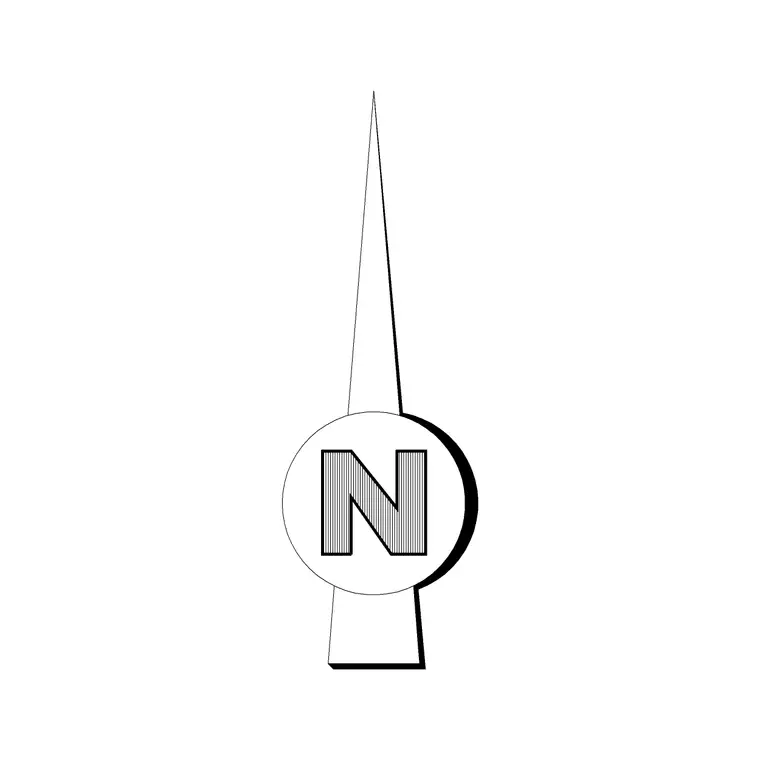
A north mark is the small orientation symbol that fixes which way north points on a plan, often drawn as a tidy circle with an arrow or a half-shaded disc rather than a long arrow stem. This page gives you a free north mark CAD block in DWG that you can place once and reuse across a whole drawing set. It is annotation line work only, free for commercial and personal use, with no signup and no watermark.
The north mark differs from a tall north arrow mainly in footprint: it is designed to sit neatly inside a title block or a corner of the sheet without dominating it. That makes it a good default for drawings that are already busy, where you want orientation present but understated. Below you will find what the mark contains, how to size it against the plot scale, and how to rotate it so it agrees with your survey bearing or project grid.
What is a north mark
A north mark is a compact orientation glyph — commonly a circle with a north-pointing arrow inside it, a half-filled diamond, or a disc split light and dark with an N at the top. Its job is identical to a north arrow's: tell the reader which way is north. The difference is shape and proportion. A north mark reads as a small badge rather than a long pointer, so it tucks into tight sheet corners cleanly.
The block here is built as a single object with its insertion base at the centre of the mark, so you can place it, rotate it about its own centre to set the bearing, and scale it without any part drifting. It is drawn with clean geometry and simple text that prints reliably at any plot scale.
Sizing the mark for the sheet
Like all orientation symbols, a north mark has no real-world dimension — you size it to the printed page. Aim for the mark to read about 12 to 25 mm across when plotted. In a 1:100 model-space drawing that means scaling the block to roughly 1200 to 2500 mm; halve those figures at 1:50 and double them at 1:200.
If you annotate in paper space, place the mark there and it stays at true paper size whatever the viewport scale, which removes the per-scale arithmetic entirely. The test is simple: plot a check sheet and confirm the mark is large enough to notice but small enough that it never competes with the plan or the title block text beside it.
Setting the bearing
To make the mark honest, rotate it to your sheet's north. If the plan is drawn to project north (building squared up the page), the mark usually points straight up and you may not rotate it at all. If you are showing true north, insert the mark and ROTATE it by the survey bearing, typing the angle or picking two points along a known site boundary.
Using the same north mark block on every sheet means the orientation is identical from the location plan through to the details — readers learn the symbol once and trust it everywhere. Keep a note of the bearing you used in the project so a colleague can match it on a later drawing.
How to insert the north mark
Type INSERT (or drag the DWG in from a tool palette), click the insertion point inside the title block or in a sheet corner, then set rotation to suit your north. Because the symbol is unitless, the INSUNITS setting does not change its appearance — its size is governed by the insertion scale or a later SCALE.
Put the mark on an annotation layer alongside titles and labels rather than on the building layers, so it travels with the sheet furniture and is never frozen by accident when you isolate the plan. Once sized and rotated, save the mark into your template or tool palette so it is one click away on the next job.
North mark versus north arrow
Both symbols answer the same question, so the choice is mostly about graphic weight. A tall north arrow is bold and easy to spot from across a drawing board, which suits large site plans and presentation sheets. A north mark is quieter and more contained, which suits dense floor plans, services drawings and small title blocks where space is tight.
Many offices standardise on one or the other for consistency. If yours uses both, keep them as separate blocks so each sheet gets the symbol that fits its layout, and never stretch one into the other — pick the block that already reads correctly at the size you need.
Where the north mark is used
You will place a north mark on architectural floor plans, site and location plans, landscape layouts, roof and drainage plans, fit-out drawings and survey sheets. It is the orientation half of the title-area trio — north mark, scale bar and title block — that every coordinated sheet should carry so a reader can relate the drawing to the real world at a glance.
Architects, interior designers, civil engineers and surveyors all use it. Because it is free and licence-clear, it is equally at home in student work, competition boards and quick concept plans where you want professional sheet furniture without any licensing fuss.
Free download
Browse the full library — DWG & DXF, no signup.
Questions
Frequently asked
What is the difference between a north mark and a north arrow?+
They serve the same purpose — showing which way is north. A north mark is a compact badge-like symbol that tucks into a title block, while a north arrow is a taller, bolder pointer better suited to large site or presentation sheets.
Is the north mark CAD block free for commercial work?+
Yes. It downloads free in DWG with no signup, no watermark and no attribution required, and is cleared for commercial project use.
How big should the north mark be on the page?+
Aim for about 12 to 25 mm across when plotted. Scale it in model space to suit the plot scale, or place it in paper space where it stays at true paper size regardless of viewport scale.
Will the DWG open in AutoCAD LT and free viewers?+
Yes. The file targets AutoCAD 2004 and later, so it opens in current AutoCAD, AutoCAD LT, BricsCAD, DraftSight and free DWG viewers.
Related downloads
Blocks for this guide
Related categories
Related guides
Block landing
North Arrow Symbol CAD Block — DWG Download
Download a free north arrow symbol CAD block in DWG — a scalable compass-point marker for site plans, floor plans and title blocks. AutoCAD 2004+, no signup.
Block landing
North Direction Symbol CAD Block — DWG
Download a free north direction symbol CAD block in DWG — an orientation pointer for plans, showing true north or project north. AutoCAD 2004+, no signup.
Block landing
Direction Arrow Symbol CAD Block — DWG
Download a free direction arrow symbol CAD block in DWG — a flow and circulation arrow for plans, parking, egress routes and signage. AutoCAD 2004+, no signup.