Block landing · north direction symbol cad block
North direction symbol CAD block in DWG
By Sumana Kumar · Published 10 May 2022 · Updated 6 Jan 2026
A north direction symbol is the pointer that establishes orientation on a plan, telling the reader where north lies so they can relate the drawing to the real site. This page provides a free north direction symbol CAD block in DWG, ready to place on any site plan, floor plan or landscape sheet. It is annotation geometry only — free for personal and commercial use, no signup, no watermark, no credit needed.
The symbol carries no physical dimension; it is a graphic sized to the printed sheet and rotated to the correct bearing. Getting orientation right matters more than it looks: the same plan reads completely differently once a viewer knows which façade faces the street or which way the garden gets sun. The sections below explain what the symbol contains, how to size it for your plot scale, and how to set it to true north or project north.
What the north direction symbol shows
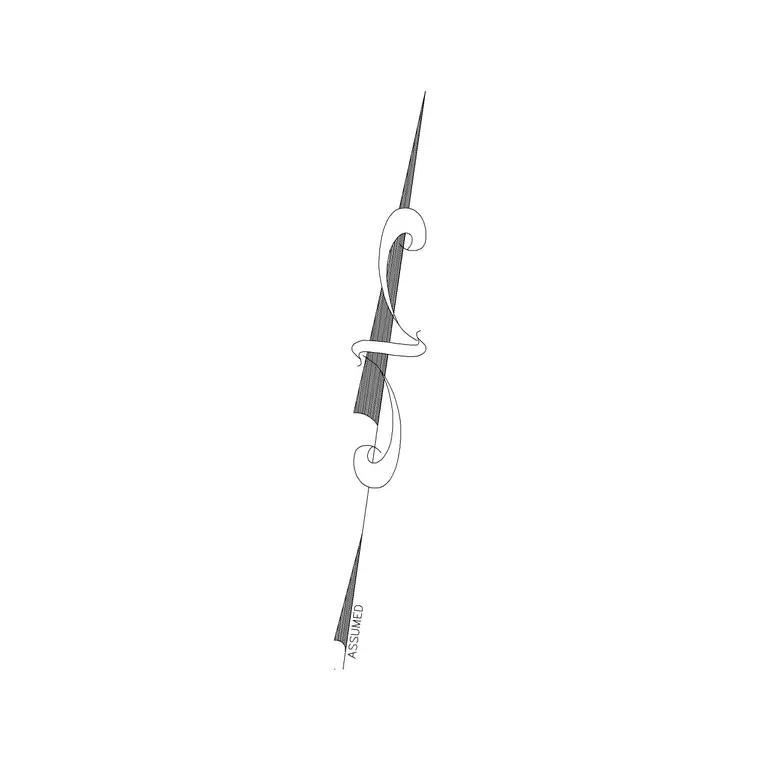
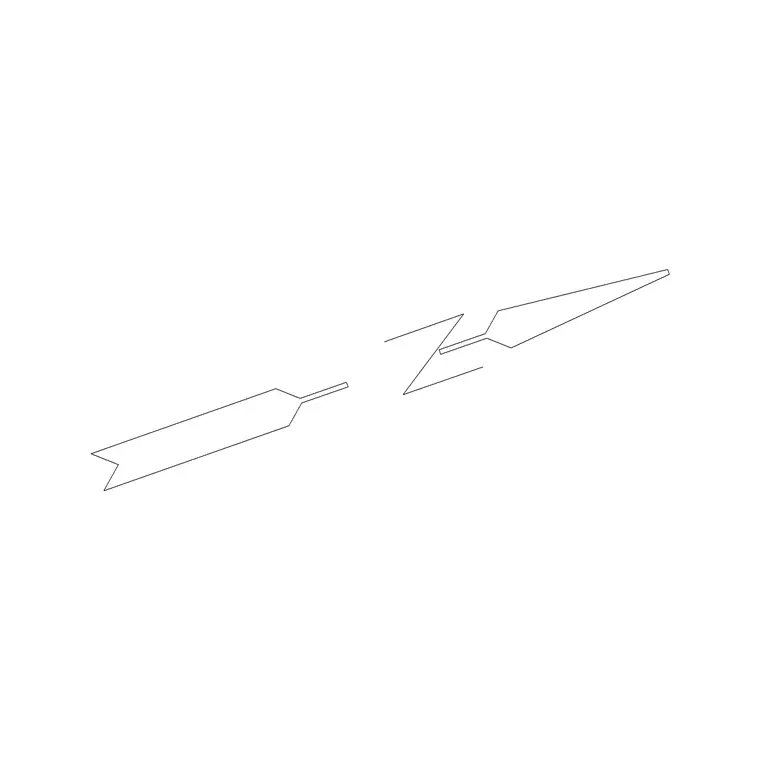
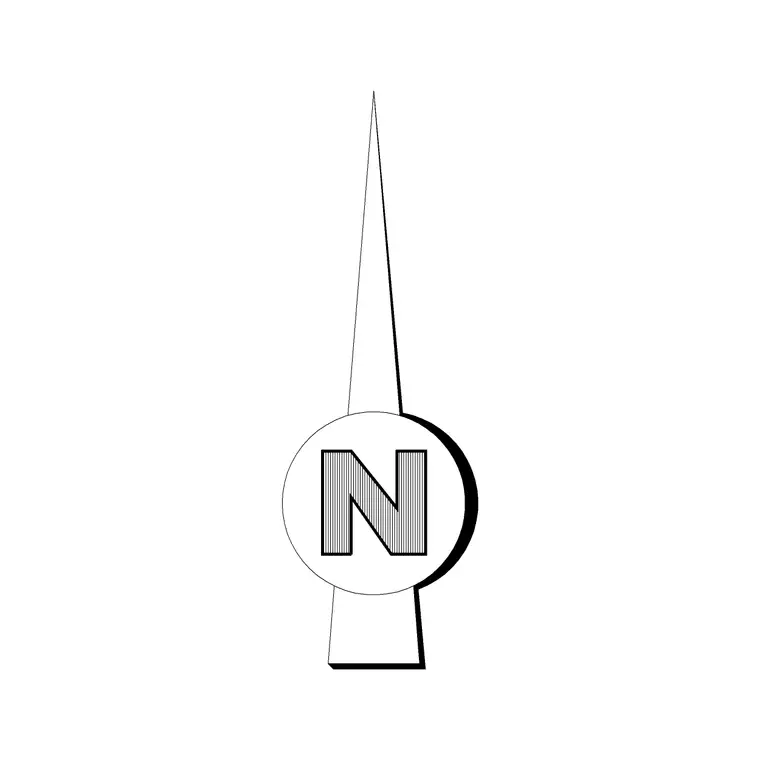
At its core the symbol is an arrow or pointer with the letter N, indicating the direction of north on the sheet. Some variants add tick marks for the cardinal points or a small disc behind the arrow for emphasis. The block here is a single self-contained object with its insertion point at the base, so it places, rotates and scales cleanly as one unit.
The value of a dedicated direction symbol is consistency. Drawing one freehand on each sheet invites slight differences in angle, weight and label position; inserting the same block guarantees the orientation reads identically across the whole set, from the wide location plan to the close detail sheets.
True north versus project north
Every set of drawings has to decide which north it shows. True north is the geographic bearing taken from the survey. Project north is the convenient up-the-page direction the building is squared to so the plan is easy to read. Many sheets show project north on the plan and note the angle to true north separately; some show both symbols.
Decide your convention before placing the symbol, then rotate the block accordingly. If you are pointing at true north, ROTATE the symbol by the survey bearing — type the angle or pick two points along a known boundary. If you are pointing at project north, the arrow usually sits straight up the page. Document the choice so colleagues match it on later drawings.
Sizing the symbol to the plot scale
Because the symbol is unitless, you size it to the page rather than the world. Aim for it to read about 15 to 30 mm tall when plotted. In a 1:100 model-space drawing that means scaling to roughly 1500 to 3000 mm; adjust proportionally for other scales — smaller at 1:50, larger at 1:200.
The simplest route is to annotate in paper space, where the symbol holds true paper size no matter the viewport scale. Whichever space you use, plot a quick check and confirm the symbol is easy to spot yet never dominates the plan or crowds the title block.
How to insert and standardise it
Run INSERT or drag the DWG from a tool palette, place the insertion point near the plan or inside the title block, and rotate to your chosen north. The INSUNITS setting has no effect here because the symbol carries no real units — set its size with the insertion scale or a later SCALE command.
Keep the symbol on a dedicated annotation layer with your other sheet furniture so it is never frozen by accident when you isolate the building geometry. Once it is sized and rotated to taste, save it into your office template or a tool palette so the next sheet starts with the correct orientation symbol already in place.
Where orientation symbols are used
A north direction symbol belongs on site and location plans, general arrangement floor plans, landscape and external works layouts, roof plans, drainage and services drawings, and survey sheets. It works alongside a scale bar and title block as the orientation set that lets a reader tie the drawing to the real world — checking solar aspect, prevailing wind, street frontage and access.
Architects, civil and structural engineers, landscape architects and surveyors all depend on a clear orientation symbol. Because this one is free and licence-clear it suits professional project sheets and student or competition work equally.
Common mistakes with orientation symbols
The most frequent error is a symbol that no longer agrees with the geometry. If you rotate the plan to fit the sheet but forget to rotate the orientation symbol with it, the arrow now points at the wrong direction and the whole drawing misleads. Always rotate the symbol whenever you reorient the plan, and check it against a known site feature.
A second pitfall is copying a sheet from a previous project and leaving its old orientation symbol in place, so the bearing belongs to a different site entirely. Treat the orientation symbol as live data: confirm its angle against the current survey every time you reuse a template. A third, smaller issue is a symbol drawn so faintly or so small that a reader misses it; give it enough weight to be noticed but not so much that it competes with the plan.
Keeping orientation consistent across a set
The cardinal rule is that orientation must be identical on every sheet that shows the plan. A reader who learns north from the location plan should not have to relearn it on the floor plans. The easiest way to guarantee that is to insert the same direction symbol, at the same rotation, on each sheet — ideally by carrying it in the title-block template.
If a particular sheet is rotated for layout reasons — say a long site turned on the page to fit — rotate the orientation symbol to match so it still points at real north. Never leave a stale symbol behind; an orientation marker that disagrees with the geometry is worse than none at all.
Free download
Browse the full library — DWG & DXF, no signup.
Questions
Frequently asked
What is the difference between true north and project north?+
True north is the geographic bearing from the survey. Project north is the convenient up-the-page direction the building is squared to. Decide which your sheet shows, then rotate the symbol to match.
Is the north direction symbol free to download?+
Yes. It downloads free in DWG with no signup, no watermark and no attribution requirement, and is cleared for commercial use.
How do I rotate the symbol to the right bearing?+
Insert it, then use ROTATE and either type the north bearing angle or pick two points along a known site boundary so the arrow aligns with the real direction.
Does the block open in free DWG viewers?+
Yes. The DWG targets AutoCAD 2004 and later, so it opens in current AutoCAD, AutoCAD LT, BricsCAD, DraftSight and free online DWG viewers.
Related downloads
Blocks for this guide
Related categories
Related guides
Block landing
North Arrow Symbol CAD Block — DWG Download
Download a free north arrow symbol CAD block in DWG — a scalable compass-point marker for site plans, floor plans and title blocks. AutoCAD 2004+, no signup.
Block landing
North Mark CAD Block — Free DWG Download
Download a free north mark CAD block in DWG — a compact orientation symbol for plans and title blocks, scalable to any plot scale. AutoCAD 2004+, no signup.
Block landing
Direction Arrow Symbol CAD Block — DWG
Download a free direction arrow symbol CAD block in DWG — a flow and circulation arrow for plans, parking, egress routes and signage. AutoCAD 2004+, no signup.