Block landing · wall hung commode cad block dwg
Wall hung commode CAD blocks in DWG
By Saumyajit Maity · Published 17 Apr 2024 · Updated 31 May 2026
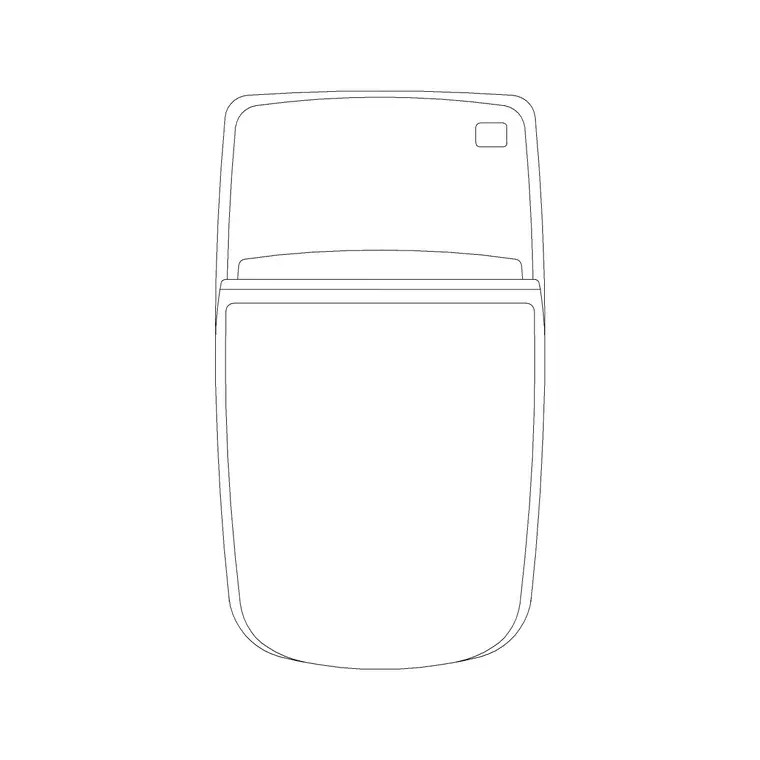
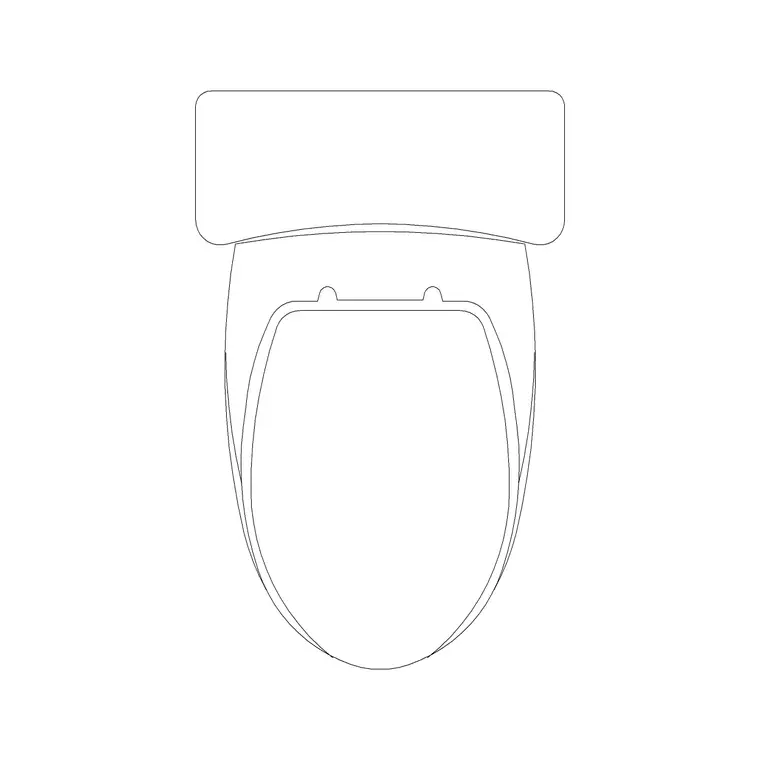
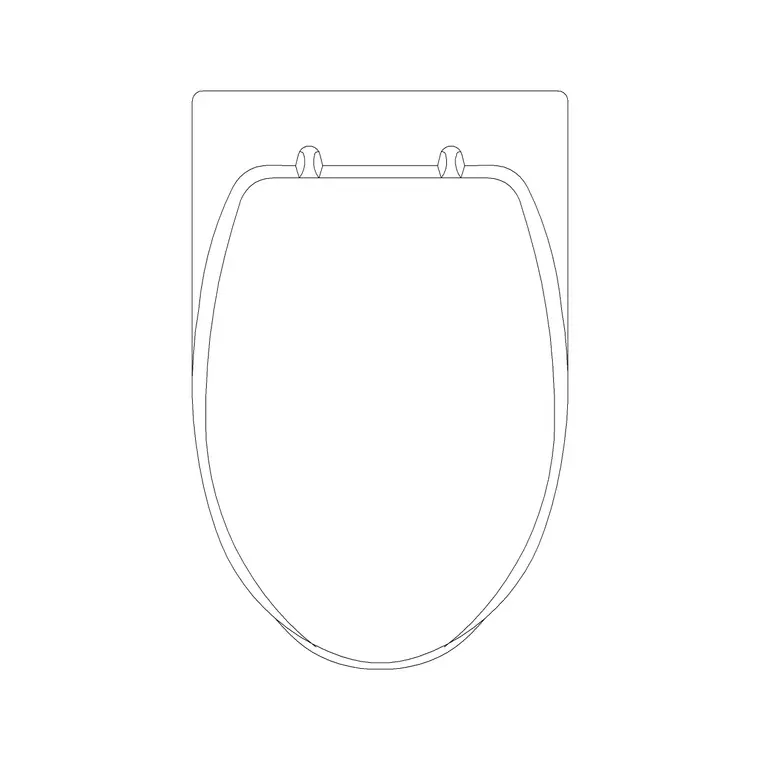
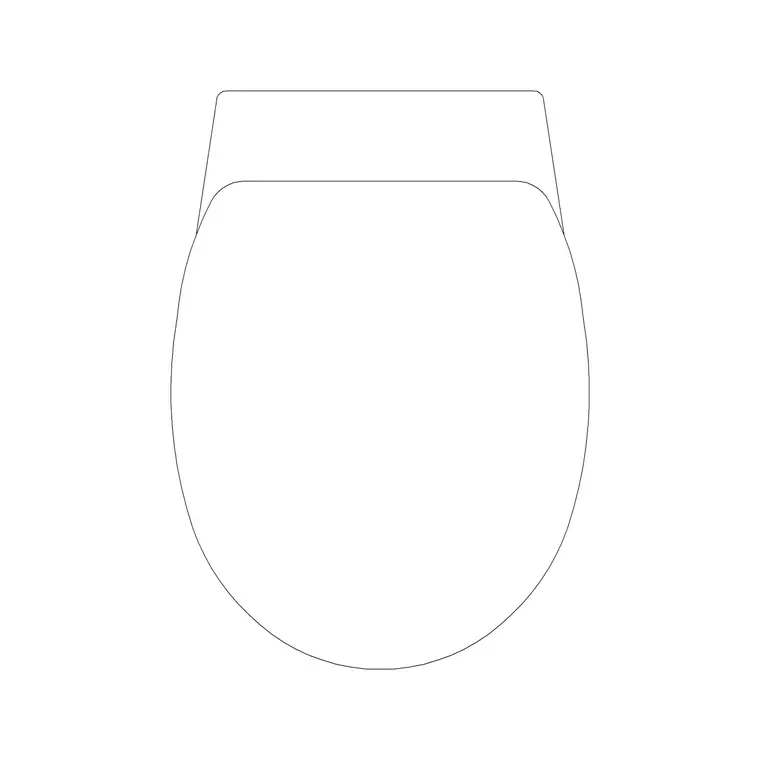
A wall-hung commode bolts to the wall and floats clear of the floor, with its cistern hidden inside the wall frame behind it. That changes the drawing in two ways a floor-mounted WC never does: the floor runs clean underneath the pan, and the visible fixture is just the bowl, because the cistern is concealed in the partition. This page collects free wall hung commode CAD blocks in DWG — the wall-mounted WC drawn at true millimetre dimensions in plan and elevation, ready to insert into AutoCAD 2004 or later. Every file is free for personal and commercial work, with no signup, no watermark and no credit required.
Wall-hung pans are specified for contemporary bathrooms and accessible designs because the clear floor beneath makes cleaning easy and lets the seat height be set during installation. Drawing them from a correct block means your elevations show the floating pan and flush plate properly and your sections account for the concealed frame the pan hangs from — the part that is easy to forget until coordination.
What a wall-hung commode block must show
The defining features of a wall-hung WC are that the pan floats clear of the floor and the cistern is concealed in the wall. In plan, the pan projects from the wall with clear floor beneath, and the soil and supply connect into the wall behind rather than down through the floor. In elevation, you see the pan and the flush plate set into the wall above it — no visible cistern box.
The blocks here draw the floating pan, the flush-plate position and the clear floor line on sensible layers, so your bathroom elevation reads as the contemporary floating fixture it is. The concealed frame the pan bolts to lives inside the wall build-up, which the section needs to allow for even though it does not appear on the finished elevation.
Plan and elevation views
Use the plan for the layout: the floating pan against the wall with the floor running unbroken beneath, which is exactly the clear-floor benefit that justifies the fixture. The plan is what you position, check clearances around and reference from the sanitaryware schedule, and it makes the easy-clean floor immediately visible.
The elevation is where the wall-hung character shows — the pan hanging proud of a clean floor, the flush plate set flush into the tiled wall above, and the seat height you can set during installation. Many downloads here include the plan and a matching elevation in the same DWG, so you can build the layout and the tiled wall from one file with the flush plate landing on a sensible tile joint.
Typical sizing and the seat-height advantage
Reach for these ranges when placing a wall-hung commode. Pan projection from the finished wall: commonly 480–600 mm. Pan width: roughly 350–400 mm. Clear floor beneath the pan: the underside typically sits well above the floor, leaving the slab clear to clean. Seat height: a particular advantage of wall-hung pans is that it is set during installation — usually around 400–450 mm, but adjustable to suit the user, which is why they suit accessible designs.
These are planning envelopes, not fixed figures — wall-hung models and their frames vary, so confirm against the specified product before dimensioning. The flush plate position and the concealed-frame depth must also be coordinated with the wall build-up, which the elevation and section help you set out.
How to insert the block
These blocks are drawn full size in millimetres. Insert at scale 1 in a millimetre drawing, 0.001 in a metre template, or set INSUNITS to millimetres so AutoCAD rescales on insertion. Run INSERT or drag the DWG from a tool palette, snap the back of the pan to your finished-wall line, and rotate to suit the wall it hangs on.
In elevation, set the pan at the chosen seat height above the finished floor and position the flush plate on a sensible tile joint above it. Remember to allow for the concealed frame inside the wall in your section and partition detail. Because the WC is a single block reference, you can mirror it for a back-to-back arrangement or copy it along a row of cubicles, with edits flowing to every instance.
Where wall-hung commodes are used
Wall-hung commode blocks suit contemporary residential bathrooms and en-suites, hotel rooms, accessible WCs where a set seat height matters, and commercial and public toilet blocks where the clear floor speeds cleaning. The floating pan reads strongly on presentation elevations, and the concealed cistern gives a clean tiled wall that designers favour.
Pair them with the basin, shower and accessory blocks in the bathroom category to assemble a complete sanitaryware wall, and use the plan blocks to confirm the pan clears the door and leaves activity space. Because the files are free and licence-clear, they carry from a concept elevation through to coordinated tiling and partition drawings, keeping the same fixture across the whole bathroom set.
Free download
Browse the full library — DWG & DXF, no signup.
Questions
Frequently asked
Where does the cistern go on a wall-hung commode?+
The cistern is concealed inside the wall frame behind the pan, so only the flush plate shows on the finished wall. Your section and partition detail need to allow for the concealed frame even though it does not appear on the elevation.
Why are wall-hung toilets good for accessible bathrooms?+
Because the pan bolts to the wall and floats clear of the floor, the seat height is set during installation rather than fixed by the pan, so it can be tuned to the user. The clear floor beneath also makes cleaning and wheelchair access easier.
Do the files include plan and elevation views?+
Many do. Where a block ships multiple views they are in the same DWG, so you can use the plan for the layout and the elevation for the tiled wall and flush plate. Each download page lists its views.
Are the wall-hung commode blocks free for commercial use?+
Yes. Every wall-hung commode block here downloads free in DWG with no signup, no watermark and no attribution requirement, and is cleared for commercial project use.
Related downloads
Blocks for this guide
Related categories
Related guides
Block landing
Free Bathroom Fixtures CAD Blocks — DWG Download
Download free bathroom fixtures CAD blocks in DWG and DXF — toilets, wash basins, bathtubs, showers and vanities drawn in plan and elevation. No signup, commercial OK.
Block landing
Free Sanitary Fixtures CAD Blocks — DWG Download
Download free sanitary fixtures CAD blocks in DWG and DXF — WCs, wash basins, urinals and sinks in plan and section for AutoCAD sanitary plans.
Block landing
Free Toilet / WC CAD Blocks — DWG Download
Download free toilet / WC CAD blocks in DWG and DXF — close-coupled, back-to-wall and commode pans in plan and elevation for AutoCAD. No signup, commercial OK.