Room guide · waiting area cad blocks
Free waiting area CAD blocks for AutoCAD
By Sumana Kumar · Published 18 Apr 2025 · Updated 13 Jun 2026
A waiting area is where people sit between arriving and being seen, and a good one is planned around comfort, dignity and clear circulation rather than packing in the maximum seats. In a health and wellness setting it carries extra demands: a pram or wheelchair must fit, an unwell person needs an accessible seat near the door, and the route from entrance to reception to seating to the consulting rooms must stay legible and unobstructed. These free waiting area CAD blocks give you the sofas, chairs, low tables and scale figures to lay that out in DWG and DXF for AutoCAD 2004 or later, free for personal and commercial use with no signup and no watermark.
The design problem in a waiting area is the tension between seat count and comfort: it is easy to line walls with chairs and claim a capacity, but a real waiting room needs knee room in front of every seat, gaps for wheelchairs and prams, and a circulation route that does not force people to squeeze past seated patients. Drawing the seating and the clearances at true scale shows the honest, comfortable capacity instead of the optimistic one.
Use the set for clinic and hospital waiting rooms, GP and dental reception waiting, gym and studio lounges, and the waiting areas inside any reception or front-of-house plan. Set the seating clusters first, protect circulation and accessible spaces, then check the flow to where people go next.
What a waiting area has to do
A waiting area links the entrance, the reception desk and the rooms beyond, and holds people comfortably while they wait. Plan it as seating clusters with clear circulation between them, an accessible zone with space for wheelchairs and prams, and a legible route on to reception and the consulting or treatment rooms.
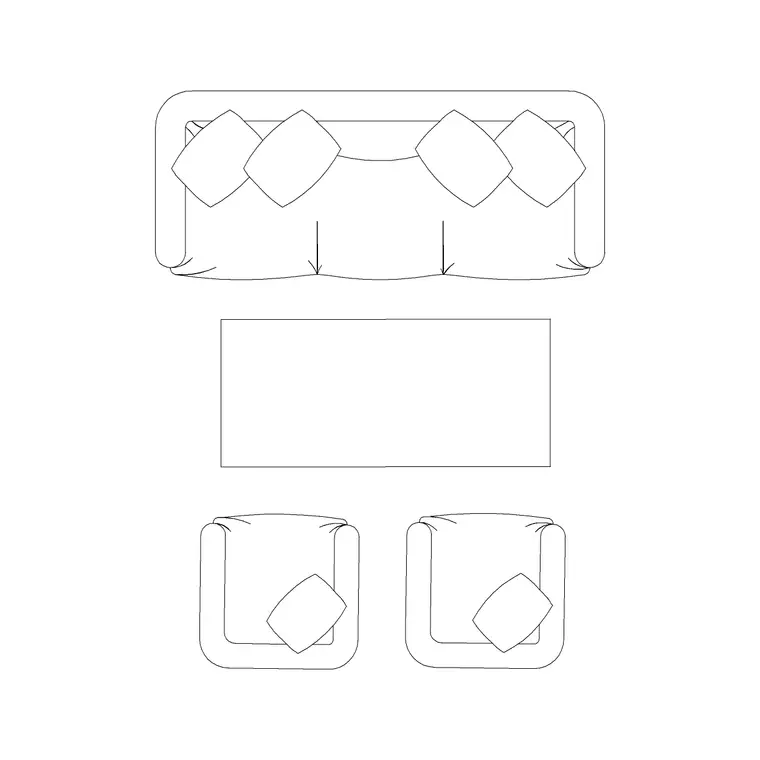
The core blocks are sofas and lounge or waiting chairs for the seating, low tables for the clusters, and scale figures to test knee room and circulation. In a health setting, mix fixed bench-style and individual seating so the space suits families, single patients and people who need an accessible seat near the door.
Seating dimensions and circulation clearances
Hold these as ranges. A waiting chair is roughly 500–600 mm wide and 600–700 mm deep; a two- or three-seat sofa scales from there. The clearances are what matter: leave knee room in front of every seat — about 450–600 mm of clear space before a coffee table or a facing seat — so people can sit and stand without clashing knees.
Keep a clear circulation route through the area of at least 1100–1200 mm, wider on the main path, so a wheelchair or pram passes without disturbing seated people. Reserve dedicated clear floor for one or more wheelchair spaces — roughly 900 × 1400 mm each — ideally near the door and the reception sightline. Draw these clearances around the seating blocks and the comfortable capacity is the one the plan shows, not the wall-lined maximum.
Laying out the waiting area in AutoCAD
Start by fixing the entrance, the reception desk and the doors to the rooms beyond, because the seating fills the space between them. Place seating in clusters — a sofa with chairs around a low table reads more welcoming than a single line of chairs — and leave knee room in front of each seat.
Thread the circulation route through the clusters at 1100–1200 mm and keep it clear of seat fronts, then reserve wheelchair and pram spaces near the door and within the reception's line of sight. Use scale figures in the seats and on the route to prove both comfort and passing space. Keep seating, tables, accessible spaces and circulation on separate layers so you can issue a clean FF&E layout and read the true seat count from the plan.
Accessibility, sightlines and dignity
A health-setting waiting area carries dignity and access requirements a generic lounge does not. Reserve accessible seats and wheelchair spaces near the entrance so someone unwell or with limited mobility does not have to cross the room; keep a clear sightline from the seating to the reception desk and the call point so people see when they are called; and avoid forcing anyone to squeeze past a row of knees to reach a seat.
Mix the seating types so families with prams, single patients and people who need armrests to stand all have a suitable place. Drawing the accessible spaces and the sightlines explicitly — not just the chairs — is what turns a seat plan into a waiting area that genuinely works for the people who use a clinic.
Per-item notes for waiting area blocks
Sofa (plan) — anchors a seating cluster and reads as welcoming; place it with a low table in front and chairs around to make a group.
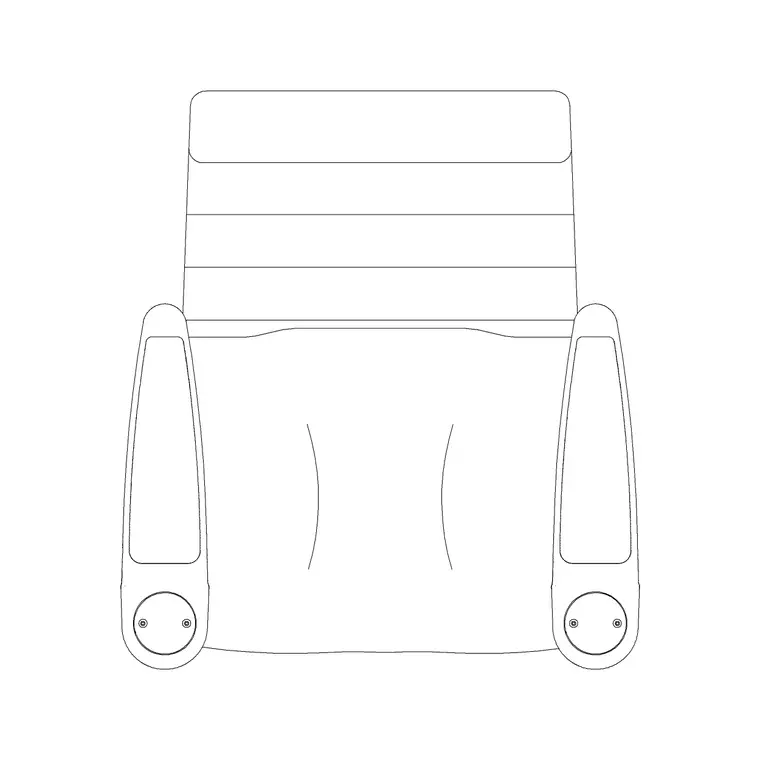
Waiting / lounge chair — for individual seats and accessible seating near the door; leave knee room in front of each.
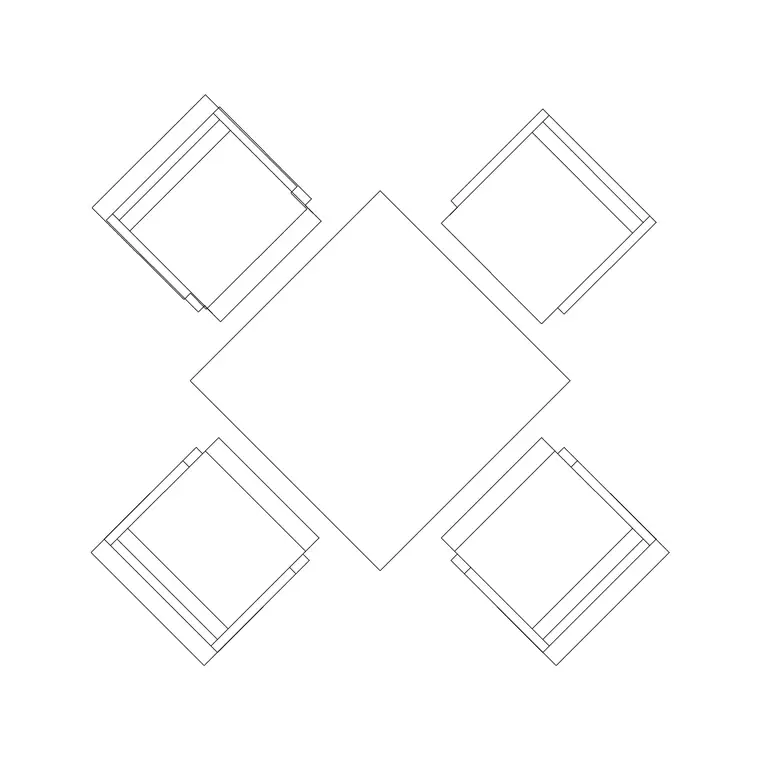
Low table — at the centre of each cluster, set far enough from seats to keep the knee-room clearance.
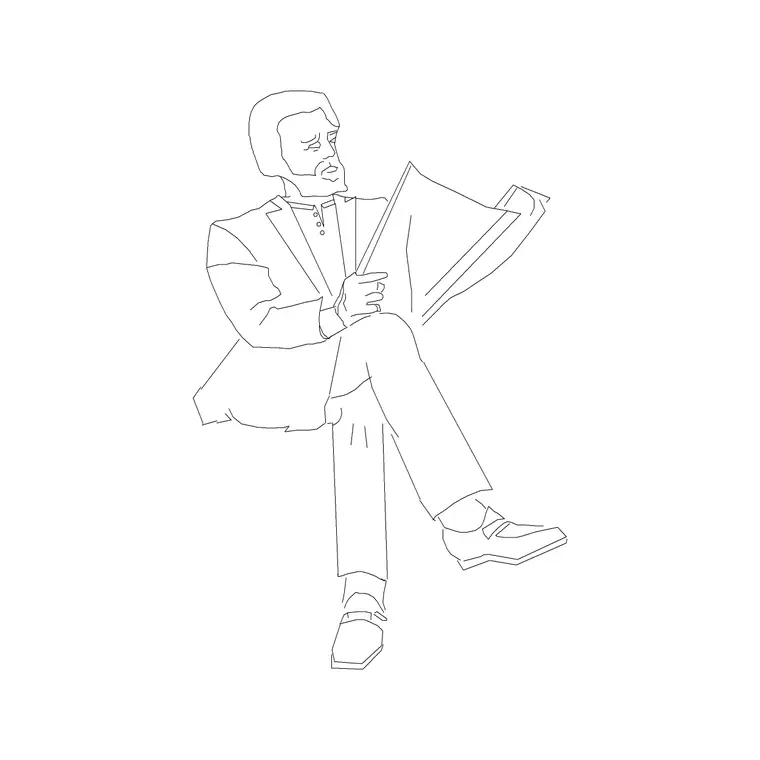
Human figures (sitting/plan) — seat them in the clusters and stand one on the circulation route to prove both comfort and passing space, and place one in a wheelchair space to check the accessible zone.
Why plan view suits the waiting area
A waiting area is laid out in plan — seating clusters, knee room, circulation, accessible spaces and sightlines to reception all read from above, which is what the FF&E layout and the accessibility check need. The seating and figure blocks insert at true size for that work, so the chairs and sofas you place are the items on the schedule and the seat count is the real one.
Because seating clusters repeat, a resolved cluster — sofa, table, chairs and clearances — copies cleanly across a larger waiting room, and the accessible spaces drop in where the entrance and reception dictate. That lets you fill a space with comfortable, genuinely usable seating quickly, and prove the circulation and access work from a single reusable layout.
Free download
Browse the full library — DWG & DXF, no signup.
Questions
Frequently asked
How much knee room should a waiting area seat have?+
Leave about 450–600 mm of clear space in front of each seat before a table or a facing seat, so people can sit and stand without clashing knees. Draw it as a clearance in front of each seating block.
What CAD blocks do I need for a waiting area?+
Sofas and waiting chairs for the seating, low tables for the clusters, and scale figures to test knee room and circulation. All download free in DWG and DXF.
How do I make a waiting area accessible?+
Reserve clear wheelchair spaces of roughly 900 × 1400 mm near the entrance and reception sightline, keep a circulation route of at least 1100–1200 mm, and provide accessible seats near the door. Draw the spaces explicitly on the plan.
Are the waiting area blocks free for commercial use?+
Yes. Every block downloads free in DWG and DXF with no signup, no watermark and no attribution requirement, and is cleared for commercial project use.
Related downloads
Blocks for this guide
Related categories
Related guides
Room guide
Free Classroom CAD Blocks — DWG Download
Free classroom CAD blocks in DWG and DXF — student desks, chairs, teacher tables and figures to lay out a teaching room in AutoCAD. No signup.
Room guide
Free Lecture Hall CAD Blocks — DWG Download
Free lecture hall CAD blocks in DWG and DXF — tiered seats, lectern, figures and exit symbols to plan a raked university theatre in AutoCAD. No signup.
Room guide
Free School Library CAD Blocks — DWG Download
Free school library CAD blocks in DWG and DXF — reading tables, chairs, a circulation desk and figures to plan a library in AutoCAD. No signup.