Room guide · school library cad blocks
Free school library CAD blocks for AutoCAD
By Saumyajit Maity · Published 9 Oct 2022 · Updated 29 May 2026
A school library is a layered room: noisy at the entrance, quiet at the back, and threaded with the shelving that gives it its character and its constraints. The shelf runs aren't just furniture — they steer how children move, where the light reaches, and where a librarian can or can't see. Designing the library well means treating the stacks, the reading tables and the staff desk as one connected system, not three separate furniture groups.
This page collects free school library CAD blocks in DWG and DXF — reading and study tables, chairs, a circulation/issue desk and human figures — drawn to scale and ready for AutoCAD 2004 or later. All free for personal and commercial work, no signup, no watermark.
Use the blocks to lay out a primary or secondary school library, a reading room, or a resource centre with study and group-work zones. Because the tables, chairs and aisles are scaled, you can test how many readers fit, whether wheelchair access is clear, and whether the librarian at the desk can supervise the whole floor.
What a school library is for
A school library does several jobs in one room. It stores and displays a collection, it gives students quiet places to read and study, it hosts class visits and group work, and it puts a librarian at a control point who issues, returns and supervises. The layout has to let all four coexist without the loud activities bleeding into the quiet ones.
The usual answer is a gradient. The circulation desk and browsing displays sit near the entrance where activity is expected; reading and study tables sit deeper in, away from the door; and the quietest individual-study spots go furthest back. The shelving fills the space between and defines the routes. Get the gradient right and the room manages its own noise.
Zoning: entrance, stacks, reading, quiet study
Map the library as four overlapping zones. The entrance and issue zone holds the circulation desk, returns, new-book display and often the catalogue terminals — busy and visible. The stacks are the shelf runs, set out as aisles wide enough for two children to pass and for a trolley to restock. The reading zone holds shared tables for class work and casual reading. The quiet-study zone, often by a window, holds individual carrels or small tables.
The circulation desk should command the room: place it so the librarian's natural sightline covers the entrance, the main aisles between stacks, and the study area. Avoid tall shelving that creates blind alleys the desk can't see into. Lay the desk and the sightlines first, then arrange the stacks and tables to respect them.
The furniture blocks a library needs
Library furniture mixes a few repeated pieces with one or two anchors.
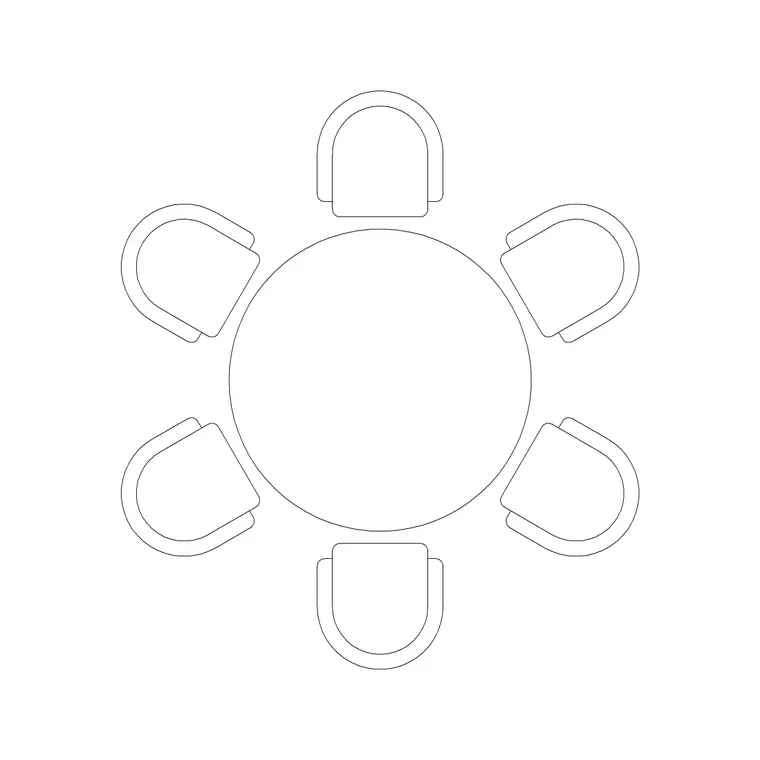
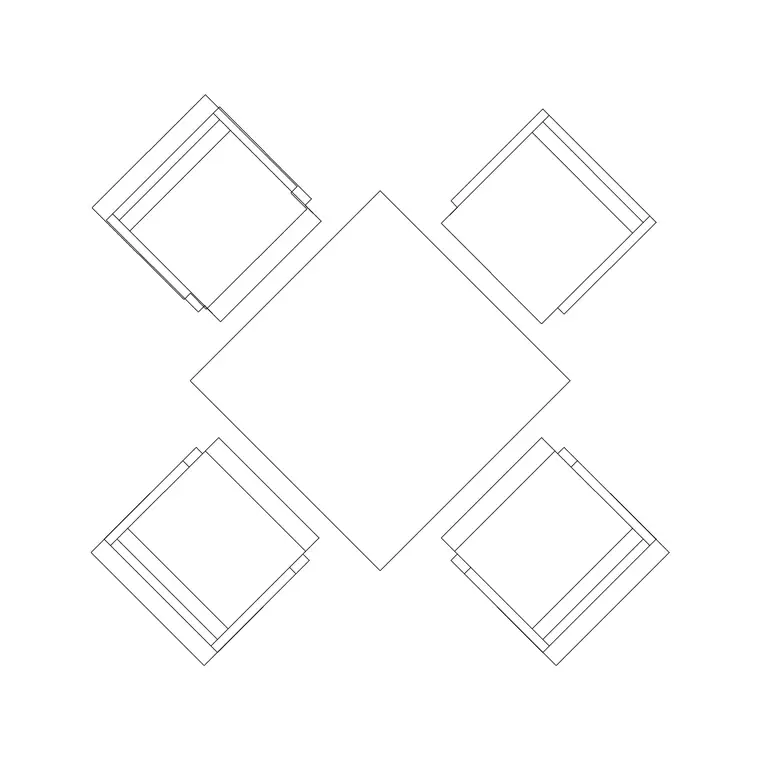
- Reading and study tables — round and rectangular tables for group reading and individual work. A 1200mm Dia Table 6P suits group reading, while smaller 800mm or 1000mm 4-person tables suit study clusters. - Chairs — pulled up to the tables, one per place, on their own layer for clean shell plans. - Circulation desk — a reception-style counter as the issue/returns point and the librarian's base. - Human figures — seated readers to check table capacity and standing figures to walk the stack aisles and confirm passing widths.
Shelving runs are usually drawn as simple rectangles set out on a grid; the tables and the desk are where the catalogue blocks save time. Keep tables, chairs, the desk, shelving and figures on separate layers.
Dimensions and clearances to work to
Use these as design ranges, not fixed rules. Reading-table place width: around 600–700 mm per reader so books and elbows fit. Round 6-person table: roughly 1200 mm diameter. Chair pull-out behind a seat: about 500 mm to sit and stand. Between shelving runs, allow an aisle of around 900–1100 mm so two students can pass and a book trolley can move; make at least one main route wider for wheelchair access — often 1200 mm or more.
Around the circulation desk, leave a clear queuing and approach space on the public side, and a working zone behind for the librarian, returns trolley and a computer. Keep a clear path from the entrance to the desk and on to the main stacks. Drop scaled figures into seats and aisles and these clearances become visible rather than theoretical.
Building the library plan from blocks
Draw the room shell and the entrance, then place the circulation desk where it can supervise the floor. Set out the shelving grid as rectangles, leaving your chosen aisle widths and one wider accessible route. In the reading zone, insert one table, pull chairs up to it, and array or copy the cluster across the available floor.
Walk a standing figure down each stack aisle and a wheelchair-accessibility symbol along the main route to confirm widths. Seat figures at a couple of tables to check capacity and spacing. With tables, chairs, shelving, the desk and figures each on a layer, you can issue a furniture plan, a clean shell, and a supervision-sightline diagram from one file. WBLOCK a table-and-chairs cluster once it reads well so it repeats cleanly across the room.
Common school library mistakes
The biggest is blind shelving: tall stacks arranged so the circulation desk can't see down the aisles, which is both a supervision and a safety failure in a children's space — keep sightlines from the desk open. The second is mixing zones, so a class-visit table sits next to a quiet-study carrel and neither works. The third is forgetting accessibility: every stack aisle narrow and no clear wheelchair route through the collection.
Other traps include tables jammed too close to leave any pull-out space, a circulation desk shoved against a wall where it can't watch the entrance, and ignoring the restocking trolley, which needs to reach every aisle. Placing figures — seated readers and someone moving through the stacks — catches these before the furniture order goes out.
Free download
Browse the full library — DWG & DXF, no signup.
Questions
Frequently asked
How wide should the aisles between library shelves be?+
As a design range, allow roughly 900–1100 mm so two students can pass and a restocking trolley can move, with at least one main route widened (often 1200 mm or more) for wheelchair access. Walk a figure and an accessibility symbol down each aisle to confirm the widths read correctly.
Where should the circulation desk go in a school library?+
Place it where the librarian's natural sightline covers the entrance, the main stack aisles and the reading area — usually near the door but angled into the room. Lay the desk and its sightlines first, then arrange shelving and tables so nothing creates a blind alley the desk can't see into.
Which tables work best for a library reading zone?+
Round tables suit group reading and discussion, while rectangular 4-person tables suit study clusters and individual work. The catalogue includes both, so you can mix a 6-person round table for class visits with smaller tables for quiet study and array them to fill the floor.
Can I show shelving and furniture on separate layers?+
Yes, and you should. Keep shelving, tables, chairs, the circulation desk and figures each on its own layer so you can issue a furniture plan, a clean architectural shell, and a supervision-sightline diagram from the same drawing without redrawing anything.
Related downloads
Blocks for this guide

Related categories
Related guides
Room guide
Free Classroom CAD Blocks — DWG Download
Free classroom CAD blocks in DWG and DXF — student desks, chairs, teacher tables and figures to lay out a teaching room in AutoCAD. No signup.
Room guide
Free Bank Branch CAD Blocks — DWG Download
Free bank branch CAD blocks in DWG and DXF — teller counters, advisory desks, seating and figures to plan a branch interior in AutoCAD. No signup.
Room guide
Free Co-Working Hub CAD Blocks — DWG Download
Free co-working hub CAD blocks in DWG and DXF — hot desks, workstations, meeting tables, sofas and figures to plan a shared office in AutoCAD.