Block landing · undermount sink cad block
Undermount sink CAD block in DWG and DXF
By Sumana Kumar · Published 20 Mar 2026 · Updated 8 Apr 2026
An undermount sink is fixed beneath the worktop so the basin opening sits below a clean, uninterrupted surface, with no rim sitting proud on top. That detail changes how the sink is drawn: in plan you set out the worktop cut-out and the bowl edge below it, and in section the bowl hangs under the worktop slab rather than dropping in with a top rim. This page gives you a free undermount sink CAD block in DWG and DXF, drawn at true millimetre dimensions for AutoCAD 2004 or later, free for personal and commercial work with no signup or watermark.
Undermount sinks are common in solid-surface, stone and engineered-stone worktops where the slab can carry the weight and the edge can be polished. Drop the block onto a plan and you can read the worktop opening, the bowl position under it and the tap deck behind, which is exactly the information a worktop fabricator needs to template the cut-out.
What makes an undermount sink block different
Unlike a top-mount sink, an undermount has no rim resting on the worktop. The block therefore shows the worktop cut-out line and the bowl edge beneath it, with the worktop edge often drawn as a clean reveal around the bowl. In plan you see the basin opening and the tap deck; the key detail is that the worktop, not a sink rim, frames the bowl.
It is built as a single block reference so the bowl and tap move together. On a section, the bowl is shown clamped under the underside of the worktop slab, which is the view that communicates the undermount detail most clearly. Keep the bowl outline and the worktop cut-out on sensible sub-elements so the fabrication line reads clearly on a joinery or stone-templating drawing.
Views and what's included
The plan view sets out the worktop opening and the bowl below it for layout and fabrication. The section or elevation, where supplied, is especially useful for an undermount because it shows the bowl hung beneath the slab rather than dropped in from above — the defining undermount detail that a top-mount block cannot convey.
Use the plan to position the sink on the run and the section to communicate the fixing to the worktop supplier. The tap is drawn behind the bowl, mounted through the worktop deck or a back ledge; keep it as a separate element so you can specify a deck-mounted mixer from the faucet category to suit the stone or solid-surface top.
Typical undermount sink sizes
Treat these as ranges. Undermount sinks come in the same broad family of sizes as top-mount basins: a single undermount bowl might span the region of 450–600 mm to suit a 600 mm cabinet, while a larger or double undermount runs wider. Bowl depth is similar to other kitchen sinks, often about 150–220 mm below the worktop underside.
The difference is in the detail rather than the overall size: the worktop reveal around the bowl is a small, deliberate dimension the fabricator sets, and the slab must be thick and strong enough to carry an undermounted bowl. Draw the worktop at its conventional 600 mm depth and 900 mm height, and set the bowl back to leave a tap-deck strip for the through-worktop faucet.
How to insert, scale and detail the block
The block is drawn full size in millimetres. Insert at scale 1 in a millimetre drawing, 0.001 in a metre drawing, or set INSUNITS to millimetres so AutoCAD rescales an imperial template on insertion. Use INSERT or drag the DWG from a tool palette.
Snap the insertion to a point you can register against the worktop run, then rotate to align with the cabinet. Because the undermount detail lives in the section, make sure the section block is on the sheet where the worktop is detailed, not just the plan. Put the sink and worktop cut-out on appropriate joinery and sanitary-ware layers, and use BEDIT once if you adjust the bowl or reveal so every instance follows.
Where undermount sinks are used
Undermount sinks suit kitchens and utility rooms with stone, quartz, granite or solid-surface worktops, premium residential fit-outs, and any scheme where a seamless wipe-down surface is wanted because there is no rim to trap dirt. They appear in high-end domestic kitchens, boutique hospitality, and commercial settings that specify solid-surface tops.
Plan the undermount with the worktop material and the cabinet run, and coordinate the section with the worktop fabricator who templates the cut-out. Pair the block with the hob, oven, dishwasher and cabinet blocks in the kitchen set, and keep the joinery and sanitary-ware on layered drawings so the fabrication detail stays clear of the general plan.
Free download
Browse the full library — DWG & DXF, no signup.
Questions
Frequently asked
What is an undermount sink?+
It is a sink fixed beneath the worktop so the bowl opening sits below a clean, uninterrupted surface with no rim on top. The block sets out the worktop cut-out and the bowl hung beneath the slab.
Which view best shows the undermount detail?+
The section. Because the bowl hangs under the worktop slab rather than dropping in from above, the section communicates the undermount fixing in a way the plan cannot, and it is what a worktop fabricator wants.
Does an undermount sink need a special worktop?+
Undermount sinks suit stone, quartz, granite and solid-surface worktops that can carry the bowl and take a polished edge. The block draws the cut-out and reveal so you can coordinate with the fabricator.
Is the undermount sink block free for commercial use?+
Yes. It downloads free in DWG and, where available, DXF, with no signup, watermark or attribution, and it is cleared for commercial project drawings.
Related downloads
Blocks for this guide
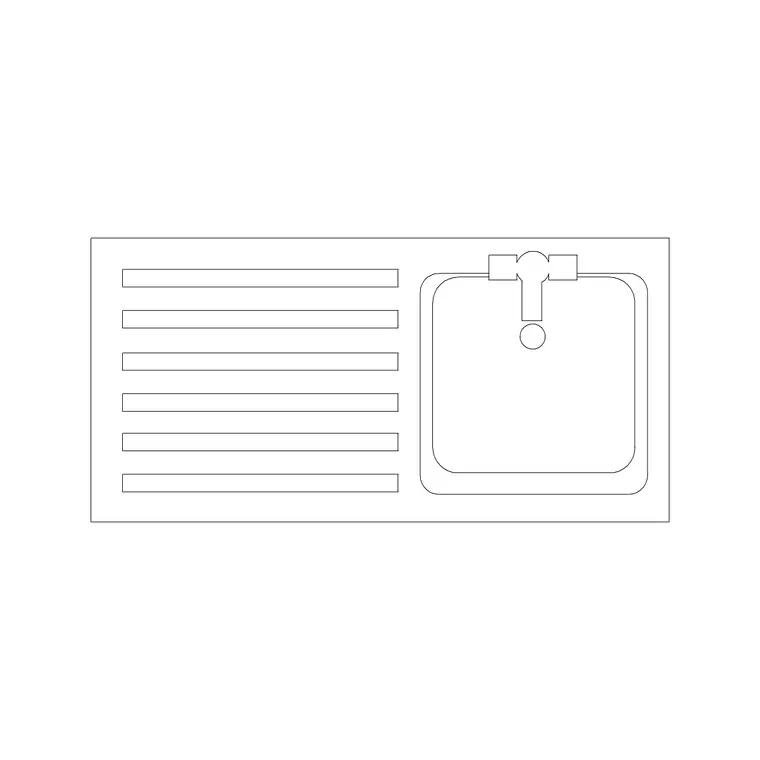
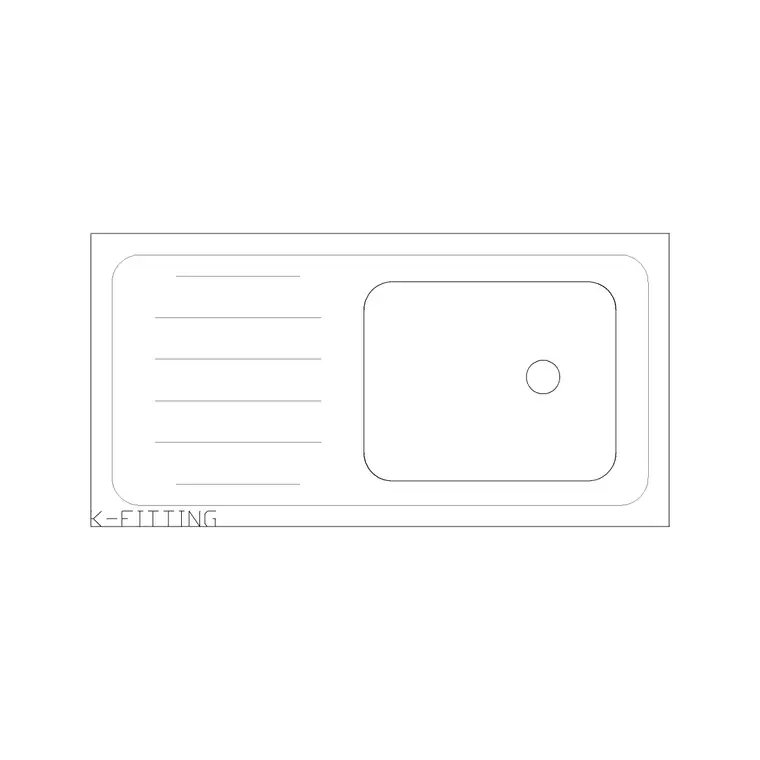
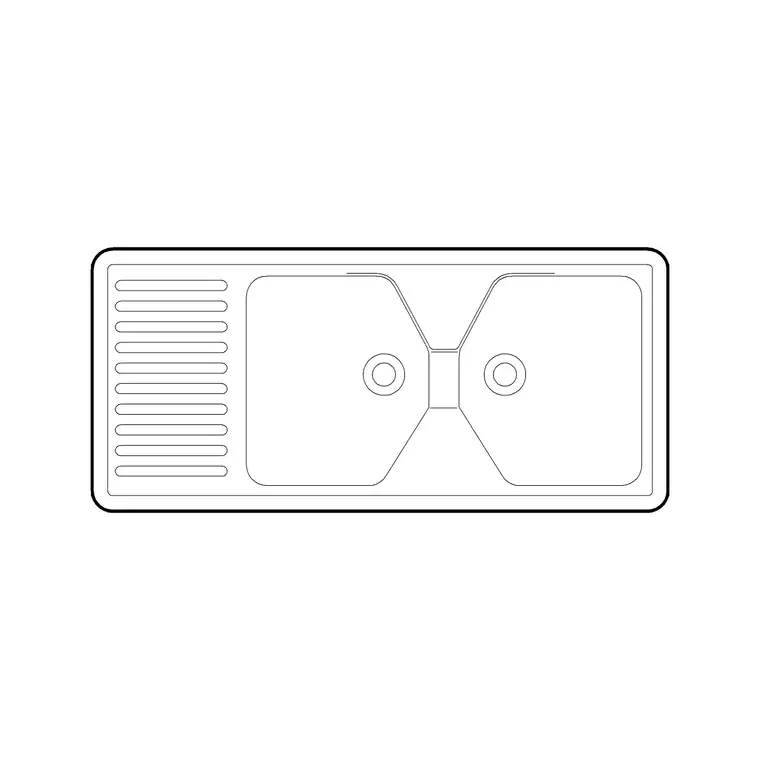
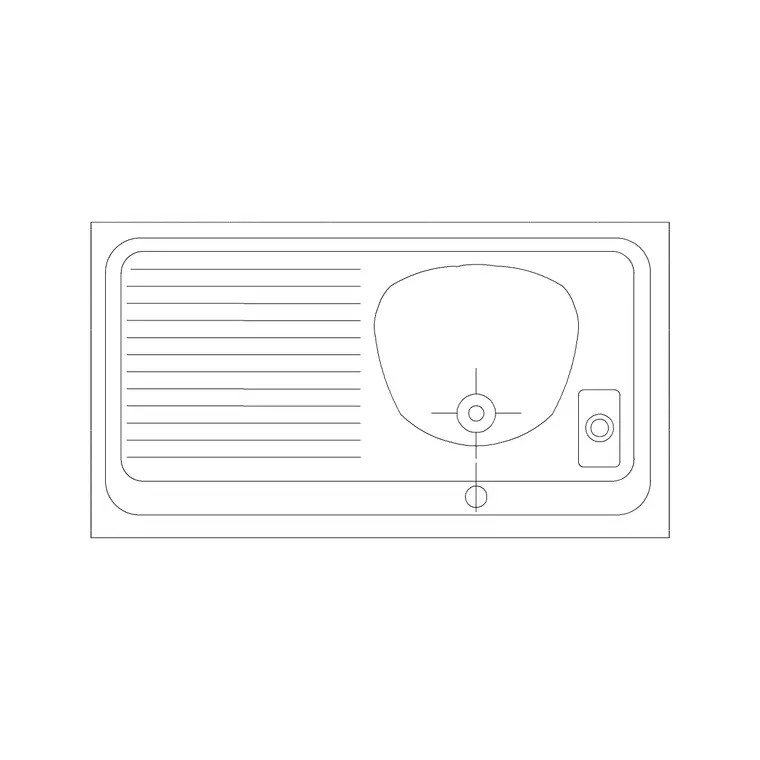
Related categories
Related guides
Block landing
Free Sanitary Fixtures CAD Blocks — DWG Download
Download free sanitary fixtures CAD blocks in DWG and DXF — WCs, wash basins, urinals and sinks in plan and section for AutoCAD sanitary plans.
Block landing
Free Kitchen Faucet / Mixer Tap CAD Block — DWG
Download free kitchen faucet and mixer tap CAD blocks in DWG and DXF — monobloc and pull-out mixers in plan and elevation. No signup, commercial OK.
Block landing
Free Kitchen Sink Unit CAD Block — DWG Download
Download free kitchen sink unit CAD blocks in DWG and DXF — single, double and 1.5-bowl sinks with drainers in plan and section. AutoCAD 2004+, no signup.