Block landing · toaster cad block
Toaster CAD blocks for kitchen worktops in AutoCAD
By Sumana Kumar · Published 30 Jan 2026 · Updated 18 Jun 2026
A toaster is a small countertop appliance, but on a kitchen drawing it does real work: it is one of the props that turns a bare worktop into a lived-in, believable kitchen, and it marks out the small-appliance zone where the sockets and the prep space have to be. This page collects free toaster CAD blocks in DWG and DXF, drawn to true millimetre sizes for AutoCAD 2004 or later, free for personal and commercial use with no signup and no watermark.
Nobody builds a kitchen around a toaster, but a worktop drawn without one reads as empty and clinical. Drawn to scale, the toaster block dresses the elevation and the plan, claims a realistic patch of worktop, and reminds you to put a socket where the small appliances actually cluster.
What a toaster block is for
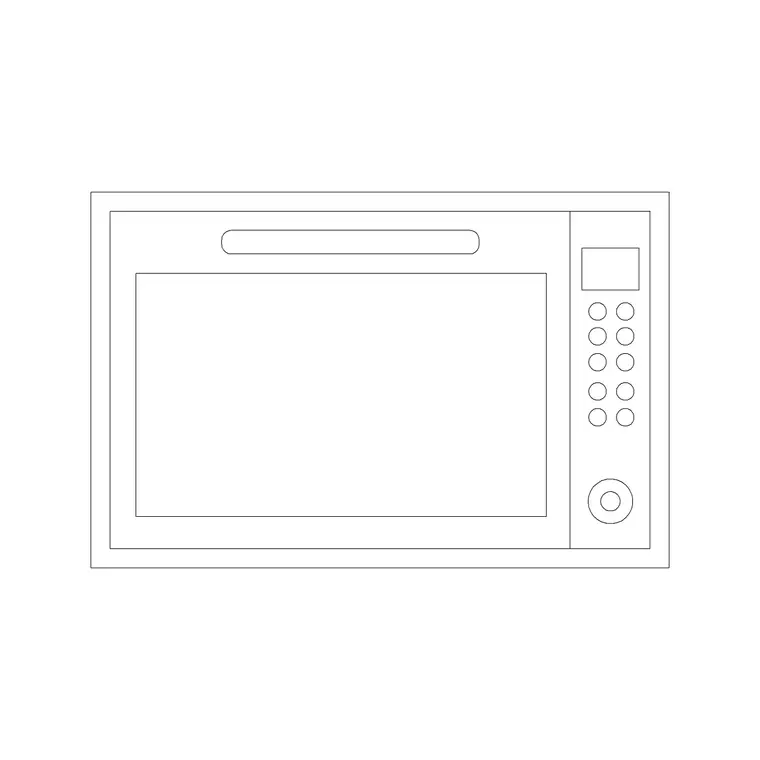
A toaster block is a worktop dressing and zoning element rather than a fitted appliance. The plan view shows the small footprint on the worktop, and the elevation draws the toaster face-on — the slots, the lever and the body — at its real height, which is what makes a kitchen elevation read as occupied rather than bare.
Its quieter job is to mark the small-appliance zone. A toaster rarely sits alone; it clusters with the kettle, the coffee machine and similar countertop appliances in a corner of the worktop near the sockets. Dropping the toaster block in flags that zone on the plan, which is a useful prompt to put a socket bank there. The body and slots sit on their own layer so the prop can be toggled off for a clean technical plan.
Plan and elevation for dressing the kitchen
For the plan you place the toaster on the worktop to claim its patch and mark the small-appliance corner. For the elevation, which is where it earns its keep, you draw it face-on so the kitchen presentation reads as a real, used space rather than empty cabinetry.
Unlike a fitted appliance, the toaster is not coordinated to a cut-out or a housing — it simply sits on the surface — so the views are about presentation and zoning, not setting-out. Keep the toaster on a worktop-accessories or dressing layer so you can show it for a client elevation and freeze it for a technical drawing. Many downloads carry both the plan footprint and the elevation in one DWG.
Typical toaster sizes
Design around these and confirm against the model if it matters. A two-slice toaster is commonly around 250 to 300 mm wide, 150 to 200 mm deep and 180 to 220 mm tall. A four-slice toaster is wider, roughly 350 to 450 mm, and may be a square four-slot or a long four-slice format. These are small enough that the exact figure rarely changes a layout, but a believable footprint keeps the dressing honest.
What matters more than the precise size is the space around it: leave a clear patch of worktop for the toaster and its neighbours, and keep the appliance away from the sink and the hob — both for safety and because the small-appliance zone wants its own dry, socketed corner of the worktop.
Inserting and placing the toaster
The blocks are full size in millimetres. Insert at scale 1 in a millimetre drawing, 0.001 in a metre template, or set INSUNITS to millimetres so AutoCAD rescales on insertion. Run INSERT, snap to a point on the worktop, and rotate so the slots face the way a user would stand.
Place the toaster in the small-appliance corner, near the socket bank and clear of the sink and hob. Because it is a dressing prop, the main discipline is layer management: keep it on an accessories or dressing layer so it appears on presentation drawings and disappears from technical ones. Copy it alongside a kettle and a coffee-machine block to build a believable small-appliance cluster.
Where toaster blocks are used
Toaster blocks appear in kitchen presentation drawings, interior visuals and rendered plans, show-home and marketing drawings, and any layout where a worktop needs to read as lived-in. Interior designers use them to dress elevations and mark the small-appliance zone; architects use them to bring a kitchen plan to life on a presentation sheet; students use them on portfolio boards where a believable, occupied kitchen carries more weight than a bare one.
Pair the toaster with the kettle, coffee-machine, juicer and mixer blocks in the kitchen category to build a complete small-appliance cluster, and with the sink and hob blocks so the dressing sits sensibly clear of the wet and hot zones.
Using small-appliance props well
Worktop props like a toaster are easy to overdo, so the trick is restraint and placement. A kitchen elevation reads best with a small, plausible cluster of appliances in one corner — a toaster beside a kettle, perhaps a coffee machine — rather than a worktop crowded end to end with gadgets. The scaled block lets you place that cluster believably, occupying a realistic patch of the surface and leaving the rest of the worktop as the clear prep space a real kitchen needs.
The practical value beyond presentation is the socket prompt. The small-appliance corner is where the worktop power has to be, so flagging it with a toaster and kettle on the plan is a quiet reminder to the designer and the electrician to put a socket bank there rather than scattering single outlets. Keep these props on their own layer so they enrich the client-facing drawings and vanish from the technical set, and you get the warmth of a lived-in kitchen on the presentation sheet without cluttering the working drawings the trades build from.
Free download
Browse the full library — DWG & DXF, no signup.
Questions
Frequently asked
What size is a toaster CAD block?+
A two-slice toaster is commonly around 250 to 300 mm wide, 150 to 200 mm deep and 180 to 220 mm tall; a four-slice is wider at roughly 350 to 450 mm. The exact size rarely changes a layout, but a believable footprint keeps the worktop dressing honest.
Why put a toaster on a kitchen drawing at all?+
Because a worktop drawn bare reads as empty and clinical, while a small cluster of appliances makes a kitchen elevation feel lived-in. The toaster also flags the small-appliance zone, a useful prompt to put a socket bank in that corner of the worktop.
Should the toaster appear on technical drawings?+
Usually not. Keep it on an accessories or dressing layer so it shows on client presentation drawings and elevations, then freeze that layer for the technical and joinery set, which should stay clean of loose props.
Are these toaster CAD blocks free to download?+
Yes. They download free in DWG and, where available, DXF, with no signup, no watermark and no attribution requirement, and they are cleared for commercial project use.
Related downloads
Blocks for this guide
Popular blocks to download
Related categories
Related guides
Block landing
Free Bathroom Fixtures CAD Blocks — DWG Download
Download free bathroom fixtures CAD blocks in DWG and DXF — toilets, wash basins, bathtubs, showers and vanities drawn in plan and elevation. No signup, commercial OK.
Block landing
Free Gas Stove / Cooktop CAD Blocks — DWG
Free gas stove and cooktop CAD blocks in DWG and DXF — drawn in plan and elevation at true kitchen-module sizes for AutoCAD 2004+. No signup, commercial-use OK.
Block landing
Single Burner Hob CAD Block — Free DWG
Free single burner hob CAD blocks in DWG and DXF for compact kitchens and studios — plan and elevation, true sizing for AutoCAD 2004+. No signup, commercial OK.