Block landing · gas stove cad block
Free gas stove and cooktop CAD blocks for AutoCAD
By Sumana Kumar · Published 9 Dec 2022 · Updated 13 Mar 2026
A gas stove is the heart of almost every kitchen plan, and it is one of the first blocks a drafter drops once the cabinet runs are set. This page collects free gas stove and cooktop CAD blocks in DWG and DXF — drop-in cooktops, freestanding stoves and the burner grates that sit on top — drawn to true millimetre sizes and ready to insert into AutoCAD 2004 or later. Every file is free for personal and commercial work, with no signup, no watermark and no attribution required.
Use these blocks to set the cooking position in a residential kitchen, fix the extract point for the hood above, and check the clearances a gas appliance needs to either side. Because the stove footprint is drawn on the standard kitchen module, it slots cleanly between the base cabinets without leaving an awkward filler gap.
What a gas stove block actually shows
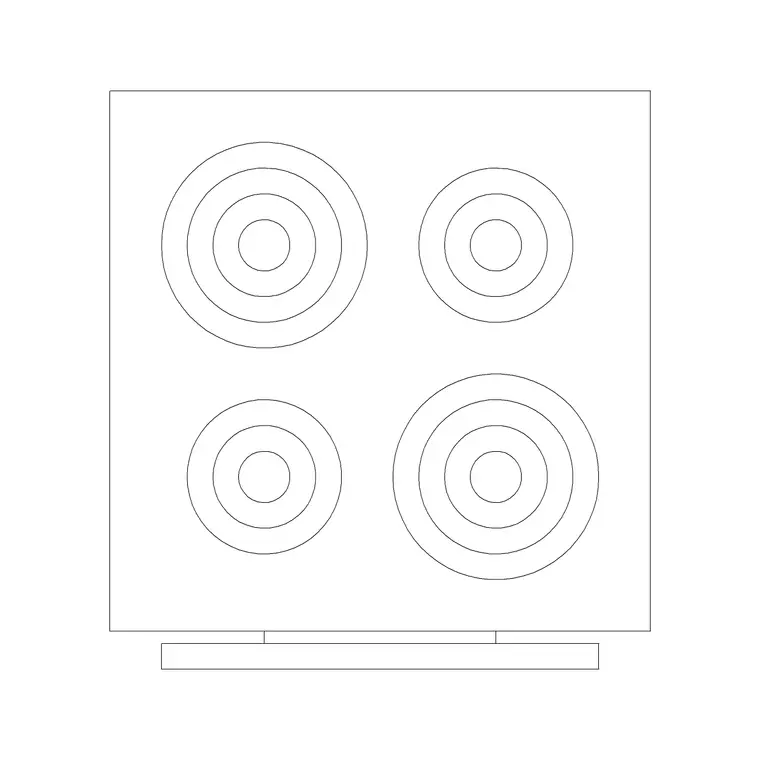
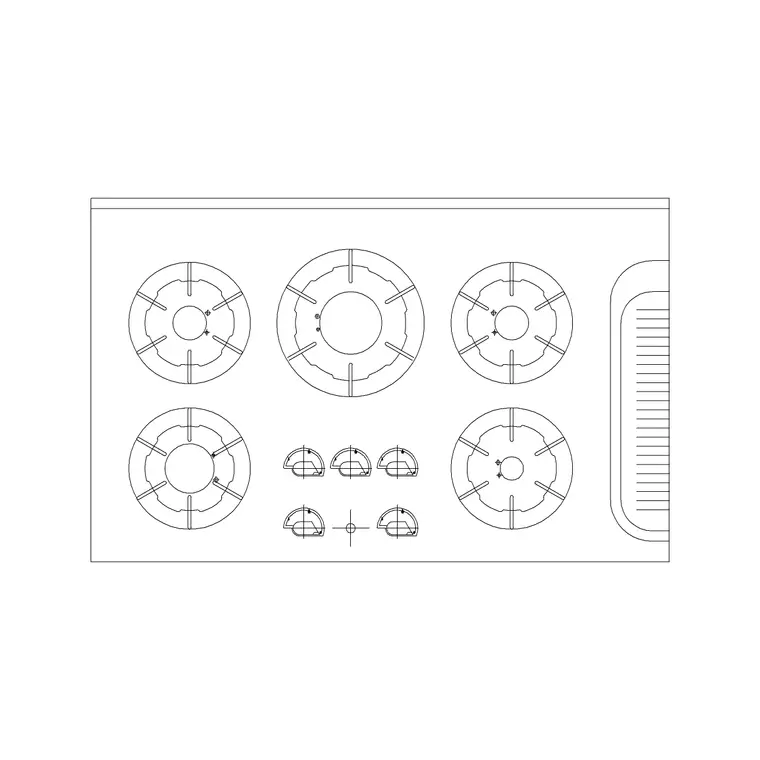
A good gas stove block is more than a rectangle with circles on it. The plan view draws the worktop cut-out, the burner rings with their grate pattern, and the control-knob strip along the front edge, because all three drive how the appliance sits in a run. The burner layout is the part people read first, so a four-ring stove should clearly show the large, medium and simmer burners in their real positions rather than four identical dots.
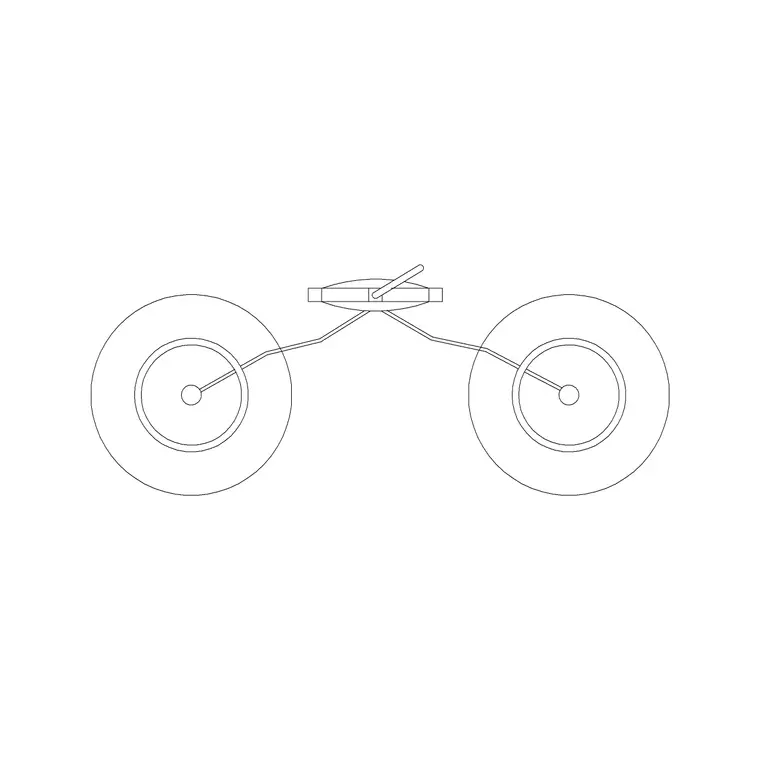
The elevation carries the control fascia, the knob line and the height of the grate above the worktop. When you drop the stove into a kitchen elevation, that grate line is what the hood above is set off — typically 650 to 750 mm of clearance for a gas burner. The blocks here keep the grate, the rings and the knobs on sensible layers so you can simplify the symbol for a small-scale plan without losing the outline.
Plan and elevation views, and when to use each
For laying out the kitchen you work in plan: the cooktop seen from above, set into the worktop line and aligned with the base cabinet below. The plan block is what fixes the cooking position in the work triangle and tells the services engineer where the gas point lands.
For joinery drawings, tiling elevations and client presentations you switch to the elevation, where the stove is drawn face-on with its control knobs and the splashback behind. Many of the downloads here ship both the plan and the elevation in a single DWG, so one file covers the layout and the matching elevation without redrawing the appliance.
Typical gas stove and cooktop sizes
Reach for these ranges when you check a layout — they are typical, not a substitute for the manufacturer's cut-out sheet. A standard built-in gas cooktop sits on the 600 mm module, with the actual worktop cut-out usually a little smaller at around 550 to 560 mm. Compact two-burner cooktops run around 300 mm wide; large five-burner and wok-burner units stretch to 750 to 900 mm. Freestanding gas stoves match the cooker body, commonly 600 mm wide.
Keep at least 300 mm of worktop landing space on each side of the cooking zone so a pan handle has somewhere safe to turn to, and never run the cooktop hard against a tall unit or wall without a clearance gap. Drop the scaled block in and these checks are a glance rather than a calculation.
How to insert and align the stove block
These stove blocks are drawn full size in millimetres. In a millimetre drawing, insert at scale 1 and the cooktop lands at real size; in a metre template insert at 0.001, or set INSUNITS to millimetres so AutoCAD rescales on insertion automatically.
Run INSERT (or drag the DWG from a tool palette), snap the insertion point to the centre of the worktop cut-out, and rotate so the control knobs face the front of the run. Because the stove is a single block reference, you can mirror it for a handed layout and a later edit to the definition updates every instance. Put the appliance on a dedicated kitchen-appliance layer so you can freeze it for a clean cabinet plan.
Where gas stove blocks get used
Gas stove blocks turn up in residential kitchen plans, apartment fit-outs, holiday-let and HMO kitchens, and small commercial kitchenettes. Interior designers use them to lock the cooking position early; architects use them to coordinate the gas supply and the extract; services engineers use the fixed footprint to set the gas point and the hood centreline.
Pair the stove with the hob, oven, range hood and sink blocks in the kitchen category to build the whole cooking wall at once, then snap base cabinets either side to close the run on the 600 mm grid.
Coordinating the stove with gas and extract
Unlike most appliances, a gas stove pulls in two services at once: the gas supply below and the extract above. That makes the stove block a coordination anchor rather than just a piece of furniture. Place it first against the run, snap a centreline through the cooktop, and use that line to set both the gas point in the plinth zone and the centre of the hood or chimney directly overhead.
Keeping the stove as a scaled block also lets you dimension the safe clearances the building control officer looks for — the gap to a side wall, the distance to any combustible tall unit, and the headroom under the hood. Because every instance points back to one definition, if the cooktop width changes from a 600 mm to a 750 mm unit, you edit the block once and the hood centreline, the gas point and the cabinet gaps all move with it.
Free download
Browse the full library — DWG & DXF, no signup.
Questions
Frequently asked
Are these gas stove CAD blocks free for commercial work?+
Yes. Every gas stove and cooktop block downloads free in DWG and, where available, DXF, with no signup, no watermark and no attribution requirement, and they are cleared for commercial project use.
What size should I draw the cooktop cut-out at?+
The blocks are drawn at true size, but always confirm the cut-out against the actual appliance datasheet. As a guide, a 600 mm module cooktop usually needs a worktop opening of about 550 to 560 mm; the manufacturer's cut-out dimension is the one that matters on site.
How much clearance should I leave above a gas stove?+
Allow roughly 650 to 750 mm between the burner grates and the underside of a hood or chimney for a gas appliance. The elevation block carries the grate height so you can set the hood off it directly in the drawing.
Do the stove blocks include the burner grates and knobs?+
Yes. The plan shows the burner rings and grate pattern with the control-knob strip on the front edge, and the elevation shows the knob line and fascia. They sit on separate layers so you can simplify the symbol at small scales.
Related downloads
Blocks for this guide
Related categories
Related guides
Block landing
Free Bathroom Fixtures CAD Blocks — DWG Download
Download free bathroom fixtures CAD blocks in DWG and DXF — toilets, wash basins, bathtubs, showers and vanities drawn in plan and elevation. No signup, commercial OK.
Block landing
Single Burner Hob CAD Block — Free DWG
Free single burner hob CAD blocks in DWG and DXF for compact kitchens and studios — plan and elevation, true sizing for AutoCAD 2004+. No signup, commercial OK.
Block landing
Double Burner Hob CAD Block — Free DWG
Free double burner hob CAD blocks in DWG and DXF — two-ring cooktops in plan and elevation for compact kitchens, true sizing for AutoCAD 2004+. No signup.