Room guide · studio apartment sleeping area cad blocks
Studio apartment sleeping area CAD blocks
By Sumana Kumar · Published 19 Jan 2024 · Updated 25 May 2026
In a studio apartment the sleeping area is not a separate room — it is a zone carved out of one open space that also has to be a living room, a kitchen and an office. That makes it the hardest sleeping space to plan well: there are no walls to lean on, every piece of furniture is visible from everywhere, and the bed competes directly with the sofa and the dining table for the same precious floor. Planning it with scaled blocks is the only reliable way to make a studio feel like a home rather than a crowded room.
The goal is to define the sleeping zone — to give the bed a sense of place — without boxing it in or stealing light from the rest of the studio. That is achieved with careful bed selection, low-profile furniture, and the clever use of storage, rugs or low dividers to suggest a boundary the eye reads but the floor area does not lose.
Every block here is free DWG, drawn full size in millimetres, with no signup or watermark and cleared for commercial work. Insert them, test the open-plan layout, and you can prove the bed sits comfortably alongside the living and working zones before you commit.
Zoning a sleeping area without walls
A studio works by reading as several zones in one space, and the sleeping zone is usually the one people most want to feel separate and calm. Without partitions you create that separation with arrangement: pushing the bed into the quietest corner, furthest from the door and the kitchen, and using furniture rather than walls to imply a boundary.
A wardrobe placed end-on, a low bookcase, a console or even a curtain run can act as a soft divider that hints at a bedroom without closing the space or blocking light. When you lay the blocks down, think about sightlines: what you see of the bed from the sofa and the front door decides whether the studio feels designed or makeshift. Position the bed so the first thing a visitor sees is the living zone, not the pillows.
Choosing a compact, low-profile bed
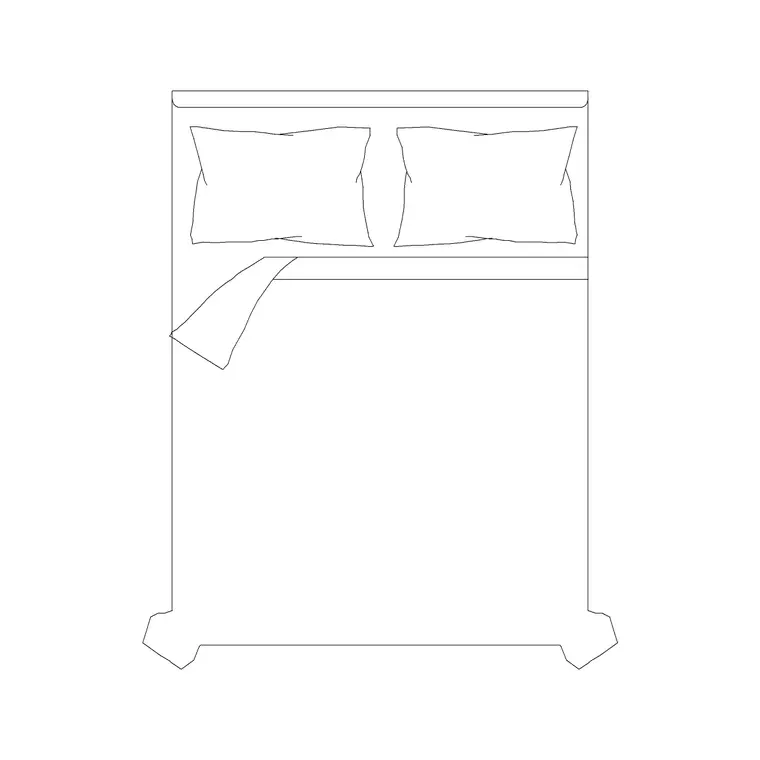
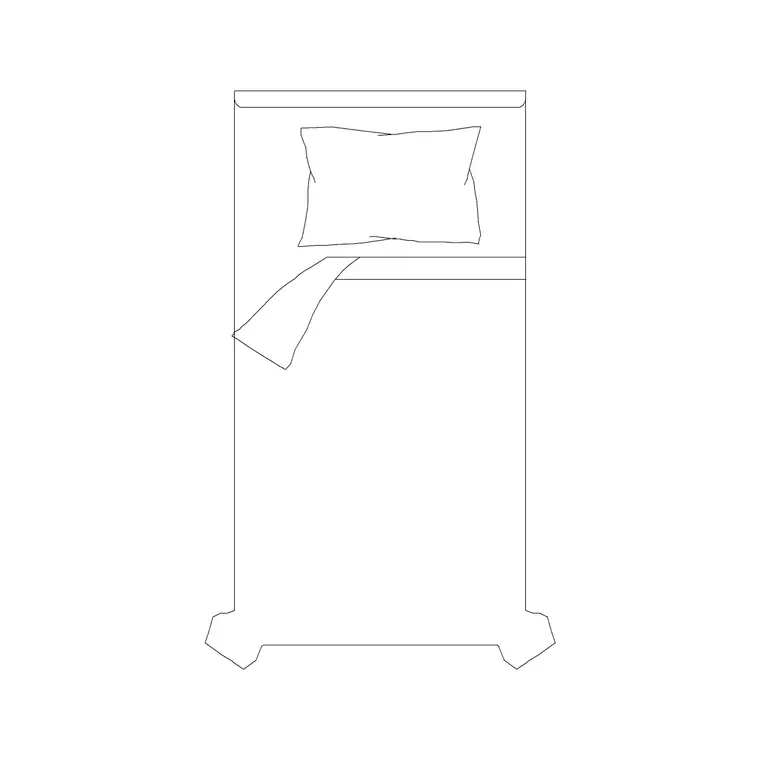
In a studio the bed should take the least floor and the least visual weight that comfort allows. A 1500 x 2000 double without side tables is a sensible double for a studio; where space is tighter, a single such as a 1050 x 2000 keeps the sleeping zone modest and leaves more floor for living.
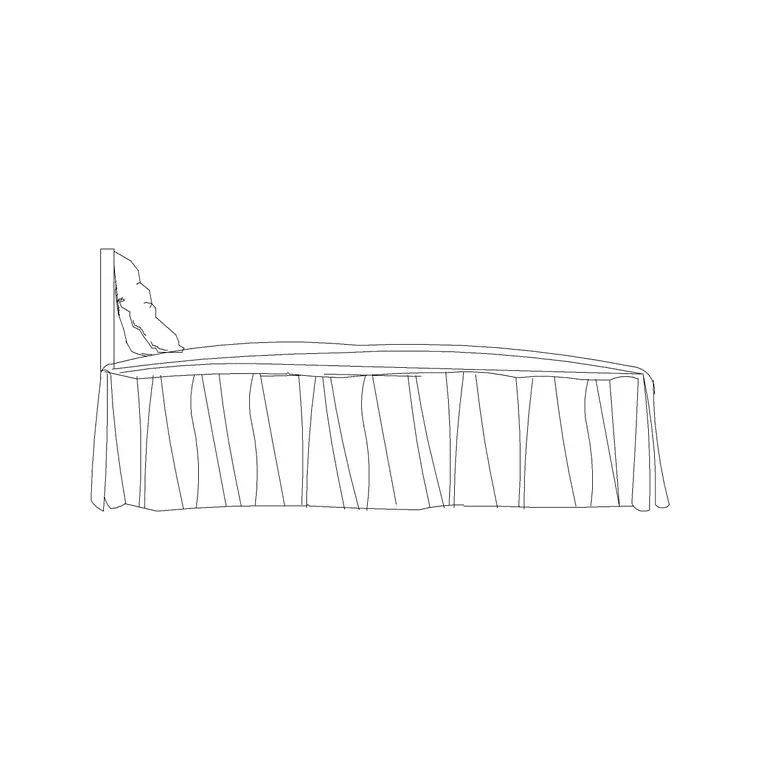
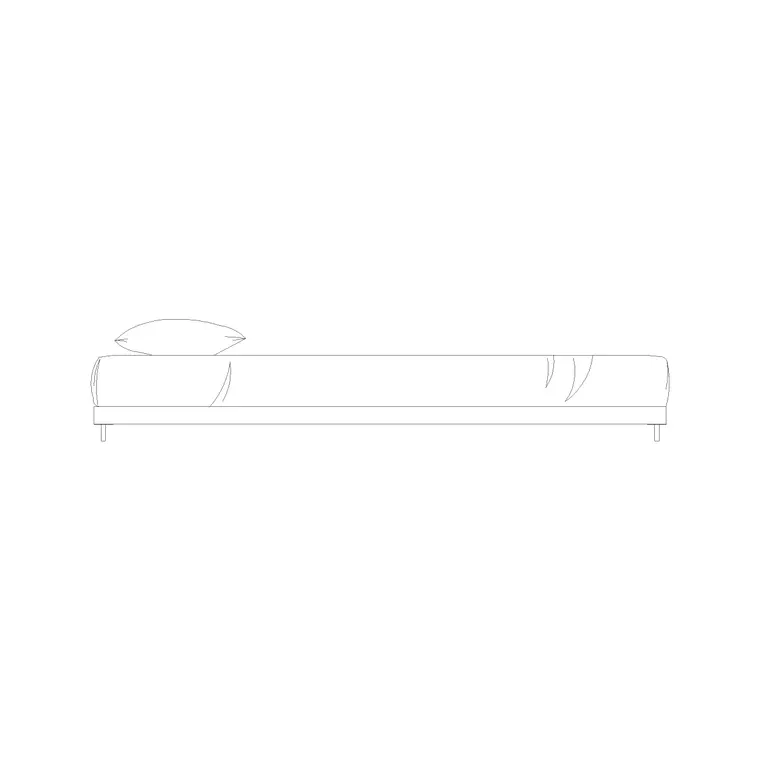
Low-height beds are a studio's friend because a low headboard and frame keep sightlines open across the whole space — a 590 mm high bed side elevation shows just how much lower a low-profile bed sits, which stops the bed dominating the room. Tuck the bed against two walls in a corner to anchor it, keep at least 700 mm of access on the used side, and the sleeping zone reads contained without a single partition.
Slim storage and the divider trick
Storage in a studio works twice as hard: it has to hold a whole home's clothes and also help zone the space. A 2-door small wardrobe is the slim default; a 3-door wardrobe suits a larger studio. Placing the wardrobe end-on between the bed and the living zone turns a storage piece into a low divider that defines the bedroom without a wall.
Think about depth carefully — a wardrobe is around 600 mm deep, and in a studio every wall is contested, so position it where it does double duty. Under-bed drawers, a console behind the headboard, or a low bookcase as a divider all add storage while reinforcing the zone boundary. The studio that stores well and zones with its storage feels twice as large as one with furniture floating loose.
Keeping the bed zone calm and separate
The sleeping zone's job is to feel restful even though it shares a room with the kitchen and the TV. A few moves on the plan achieve that: a rug under the bed to ground the zone, a curtain run that can be drawn across to screen the bed at night, and a bedside wall lamp so the sleeping corner has its own pool of light independent of the main room.
Mark the curtain or screen with a curtain elevation block and the bedside light with a wall lamp on the plan. Keep the bed zone's accessories minimal and personal — an art frame above the bed, a small plant — so the corner reads as a bedroom in miniature. The clearer the visual separation you can suggest with these light moves, the more the whole studio benefits.
Lighting the whole studio honestly
Lighting is how a studio signals which zone is which. Plan separate, switchable layers: a ceiling lamp or two for the living and kitchen zones, and a dedicated bedside wall lamp for the sleeping corner so you can dim the home down to just the bed at night.
Draw every fitting on the plan so the electrical layout, the elevation and the lighting plan all agree — in a studio there is nowhere to hide a forgotten switch. Independent light for the sleeping zone is what lets the space behave like two rooms when it needs to: bright and social by day, calm and contained by night. Treat lighting as a zoning tool, not an afterthought, and the studio works far harder than its square metres suggest.
Assembling the studio sleeping zone in AutoCAD
Lay the sleeping zone into the wider studio plan deliberately:
- Tuck a compact, low-profile bed into the quietest corner, away from the door and kitchen. - Confirm at least 700 mm of access on the used side. - Place a slim wardrobe end-on so it doubles as a divider between bed and living zone. - Add a rug, a drawable curtain or screen, and a bedside wall lamp to define the zone. - Check sightlines from the sofa and front door so the bed is not the first thing seen. - Keep the bed-zone furniture on its own layer so you can study the open plan with and without it.
Insert each block at scale 1 in millimetres so it lands true to size, and the bed will sit honestly against the rest of the studio.
Common studio sleeping-area mistakes
The first mistake is treating the bed like a bedroom bed — choosing a tall, heavy frame that dominates the open space and blocks light and sightlines. Go compact and low-profile so the bed recedes when you are not sleeping.
The second is leaving the bed floating in the open with no boundary, so the studio reads as one cluttered room rather than zones. Use storage, a rug or a curtain to suggest the bedroom. The third is forgetting independent light for the sleeping corner, so you cannot calm the space at night. Plan the zone, the divider and the bedside light with scaled blocks, and the studio lives far larger than its floor area.
Free download
Browse the full library — DWG & DXF, no signup.
Questions
Frequently asked
How do I separate a sleeping area in a studio without walls?+
Push the bed into the quietest corner away from the door and kitchen, then suggest a boundary with furniture rather than walls — a wardrobe placed end-on, a low bookcase, a rug under the bed, or a curtain run that can be drawn across at night.
What bed works best in a studio apartment?+
A compact, low-profile bed that takes the least floor and visual weight. A 1500 x 2000 double suits most studios, a single suits the tightest; low-height beds keep sightlines open across the open-plan space so the bed does not dominate.
Can storage help zone a studio sleeping area?+
Yes — placing a wardrobe end-on between the bed and the living zone turns a storage piece into a low divider that defines the bedroom without a wall. A 2-door small wardrobe is the slim default; allow around 600 mm depth and position it to do double duty.
Are the studio sleeping-area blocks free to use?+
Yes. Every block downloads free in DWG, drawn full size in millimetres, with no signup, no watermark and no attribution requirement, and is cleared for both personal and commercial projects.
Related downloads
Blocks for this guide
Related categories
Related guides
Room guide
Master Bedroom CAD Blocks & Layout — DWG
Free master bedroom CAD blocks in DWG — king and double beds, side tables, wardrobes, seating and lighting to lay out a master suite in AutoCAD.
Room guide
Kids Bedroom CAD Blocks & Plan — DWG
Free kids bedroom CAD blocks in DWG — single beds, wardrobes, desks and play space to plan a child's room in AutoCAD with real clearances.
Room guide
Guest Bedroom CAD Blocks & Layout — DWG
Free guest bedroom CAD blocks in DWG — double and single beds, compact wardrobes and seating to plan a flexible spare room in AutoCAD.