Room guide · guest bedroom cad blocks
Guest bedroom CAD blocks and layout plan
By Saumyajit Maity · Published 10 May 2026 · Updated 4 Jun 2026
A guest bedroom is the room that earns its keep only occasionally, so it has to balance two competing jobs: be genuinely comfortable for visitors when they come, and not waste floor area the rest of the year. The best guest rooms solve this by staying simple and often doubling as a study, a hobby room or extra storage between visits. Planning that flexibility on paper is what the blocks below are for.
The bed sets the tone. A guest room usually takes a comfortable double so couples can stay, but in a tighter spare room a single — or a bed that folds out of the way — keeps the room usable for other things. Whatever you choose, fixing the bed first tells you how much room is left for a wardrobe, a luggage spot and a chair.
Every block here is free DWG, drawn full size in millimetres, with no signup or watermark and cleared for commercial work. Insert them and you can test whether a guest will be comfortable and whether the room still works between visits, all before the walls are fixed.
The two jobs of a guest room
Treat a guest bedroom as a part-time room. When guests are staying it needs a comfortable bed, somewhere to hang a few clothes, somewhere to land a suitcase, and clear floor to dress. The rest of the year it often wants to be something else — a study, a sewing room, a home gym or simply spare storage.
The planning trick is to lay out the visitor layout first, then ask what the room becomes when the bed is not in use. If the bed can sit against a wall and leave a usable strip of floor, the room can carry a desk or a hobby table without fighting the visitor function. Plan both states with the same blocks and you avoid a room that only works for half its life.
Choosing the guest bed
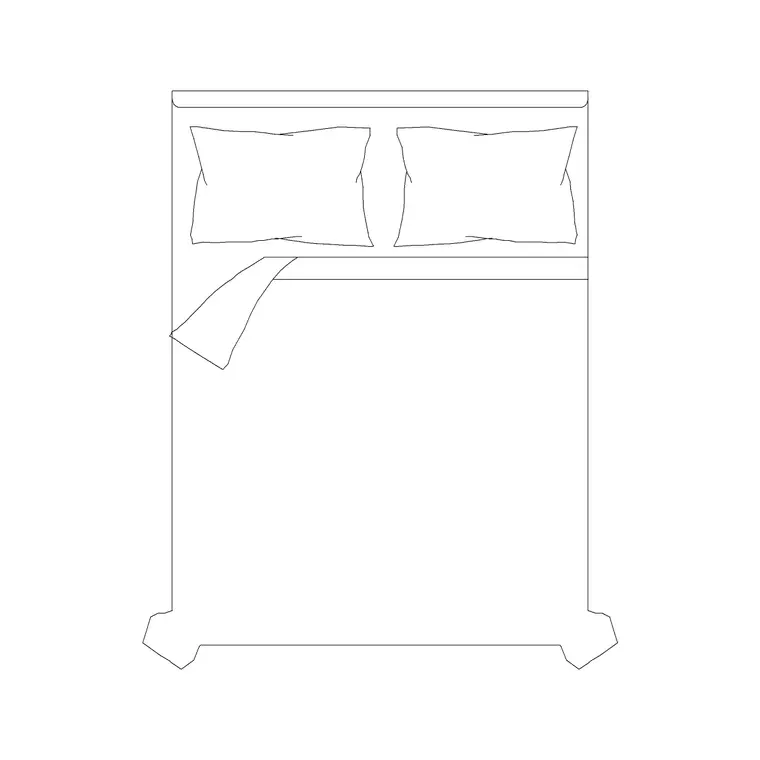
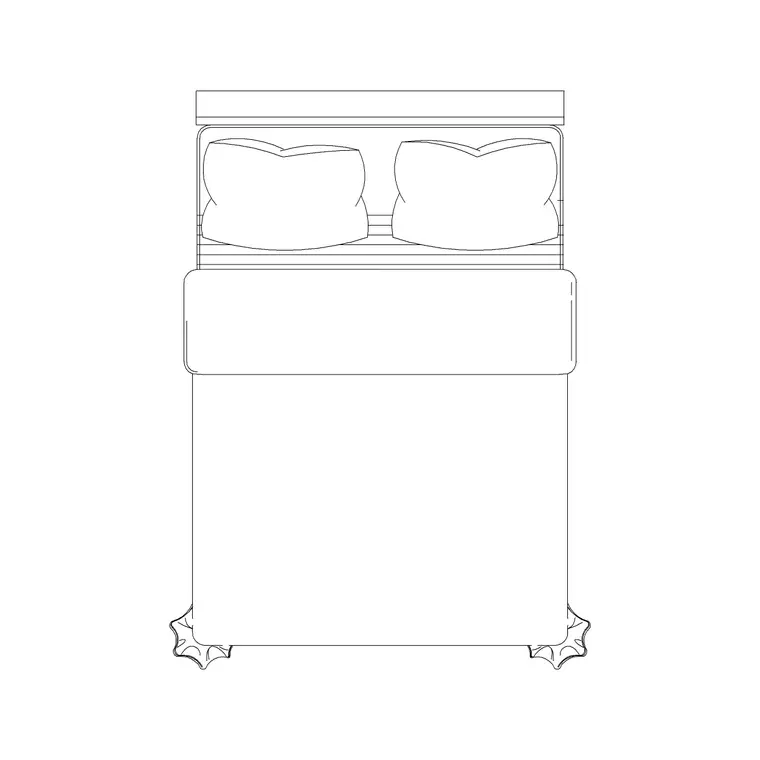
For a true guest room that hosts couples, a comfortable double is the natural choice — a 1500 x 2000 double without side tables is a clean, space-efficient option, and a 1600 x 1950 double with side tables reads more hospitable with a surface each side for a lamp and a glass of water.
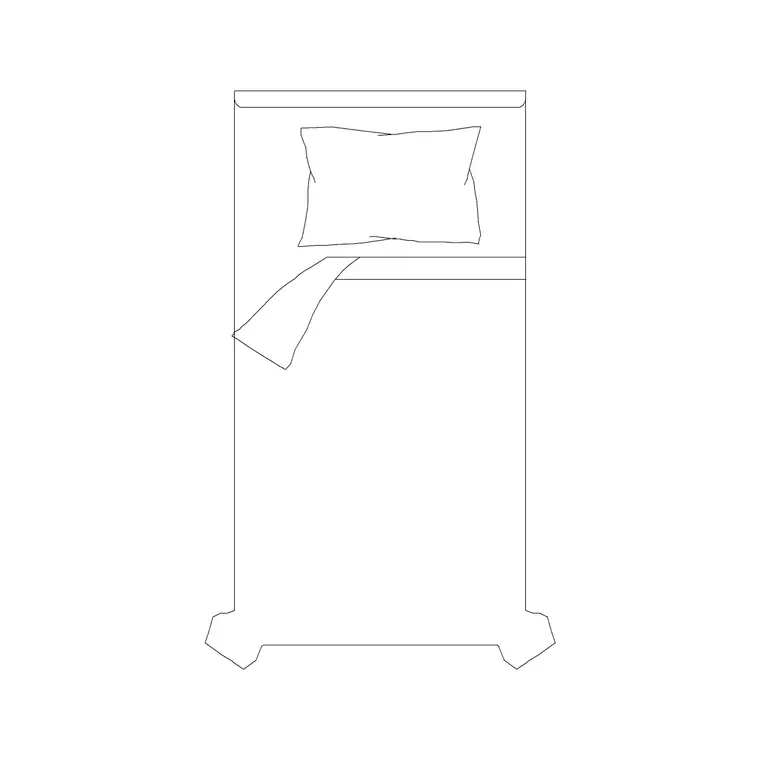
Where the room is tight or doubles heavily as something else, a 1400 x 2110 double gives a slightly leaner footprint, or you drop to a single to free maximum floor. Push the bed against the wall guests will not need to walk behind, and keep at least 700 mm of access on the side they do use. Because each bed block is drawn to its real mattress module, you can see at a glance whether a double leaves enough room to host comfortably or whether a single serves the room better.
Compact storage and luggage space
Guests do not need a wall of wardrobes — they need a place to hang a few things and a clear spot to open a suitcase. A 2-door small wardrobe is usually plenty; a 3-door wardrobe only earns its place in a larger guest room or one that doubles as the household's overflow storage.
Deliberately leave a luggage zone: a clear patch of floor, roughly the footprint of an open suitcase, near the door or at the foot of the bed. It is easy to forget on a plan and sorely missed in reality. Keep the wardrobe shallow against the floor budget — around 600 mm deep — and on a wall that does not block the route from the door to the bed.
Seating, surfaces and the dual-use layer
A chair or a small bench in a guest room does real work: it is where a visitor sets a bag down, lays out tomorrow's clothes, or sits to put shoes on. A back-elevation stool or a compact seat in a corner covers this without crowding the room.
If the room doubles as a study or hobby space, draw that furniture as a second, toggleable layer: a desk against the window, a stool that tucks under it, the wardrobe doing double duty for supplies. Keep the guest furniture and the dual-use furniture on separate layers so you can show a client both versions of the room from one drawing — the welcoming guest layout and the everyday working layout.
Lighting, curtains and comfort cues
Guests appreciate a well-lit room they can control. Put a ceiling lamp on the centre for general light and a wall lamp beside the bed so a visitor can read and reach the switch without crossing the room. Draw both on the plan so the elevation and the electrical layout agree.
Mark the curtain run with a curtain elevation block — guest rooms benefit from curtains that actually block morning light. Finish with the cues that make a guest feel hosted: an art frame on the wall, a clock by the bed, a plant by the window. These small accessory blocks are what lift a guest-room drawing from a bare box to a room someone would be glad to stay in.
Assembling the guest room in AutoCAD
Lay the room out for the guest first, then prove the second use:
- Place the bed against the wall guests will not walk behind, and confirm at least 700 mm of access on the used side. - Add a compact wardrobe on a wall clear of the door-to-bed route. - Reserve a luggage zone the size of an open suitcase near the door or bed foot. - Add a chair or stool in a corner for bags and clothes. - Add ceiling and bedside lighting and the window curtain. - On a separate layer, lay in the desk or hobby furniture for the room's everyday use.
Insert every block at scale 1 in millimetres so it lands true, and keep guest and dual-use furniture on distinct layers so either version of the room prints cleanly.
Common guest-room mistakes
The most common mistake is forcing a double into a room that wanted a single, then losing the access and the luggage space that actually make a guest comfortable. Draw the bed at true size and let the clearances decide.
The second is planning only the visitor state and ignoring what the room does the other fifty weeks of the year — a guest room that is a dead box between visits wastes valuable floor. The third is forgetting the luggage zone and the bedside light, the two small things guests notice most. Plan both states with scaled blocks and the room works hard all year.
Free download
Browse the full library — DWG & DXF, no signup.
Questions
Frequently asked
Should a guest bedroom have a double or single bed?+
Use a double if the room genuinely hosts couples and has the floor for it — a 1500 x 2000 double is space-efficient, a 1600 x 1950 double with side tables reads more hospitable. Choose a single where the room is tight or doubles heavily as a study or hobby room, to keep more floor free.
How do I plan a guest room that doubles as a study?+
Lay out the guest layout first with the bed against a wall, then draw the desk and hobby furniture on a separate, toggleable layer so the same plan shows both the visitor version and the everyday working version of the room.
What storage does a guest room need?+
Far less than a master — a 2-door small wardrobe is usually enough to hang a few clothes. Always reserve a clear luggage zone roughly the size of an open suitcase near the door or the foot of the bed, which is easy to miss on a plan.
Are the guest bedroom blocks free for commercial work?+
Yes. Every block downloads free in DWG, drawn full size in millimetres, with no signup, no watermark and no attribution requirement, and is cleared for both personal and commercial projects.
Related downloads
Blocks for this guide

Related categories
Related guides
Room guide
Master Bedroom CAD Blocks & Layout — DWG
Free master bedroom CAD blocks in DWG — king and double beds, side tables, wardrobes, seating and lighting to lay out a master suite in AutoCAD.
Room guide
Kids Bedroom CAD Blocks & Plan — DWG
Free kids bedroom CAD blocks in DWG — single beds, wardrobes, desks and play space to plan a child's room in AutoCAD with real clearances.
Room guide
Nursery CAD Blocks & Baby Room Plan — DWG
Free nursery CAD blocks in DWG — plan a baby room with cot, changing zone, feeding chair and storage at real clearances in AutoCAD.