Room guide · kids bedroom cad blocks
Kids bedroom CAD blocks for AutoCAD plans
By Sumana Kumar · Published 6 Oct 2023 · Updated 23 Jan 2026
A kids' bedroom is a small room asked to do a surprisingly large number of jobs. It is a place to sleep, a place to store clothes and toys, a place to do homework as the child gets older, and — for younger kids — a place to play on the floor. The room rarely gets the floor area a master does, so the layout has to be tighter and smarter, and that is exactly where planning it with scaled CAD blocks pays off.
The defining block is usually a single bed rather than a double, which frees up floor for everything else a child needs. Whether you are drawing one bed or two for a shared room, fixing the bed positions first tells you immediately how much floor is left for a desk, a wardrobe and an open play strip.
Every block on this page is free DWG, drawn full size in millimetres, with no signup and no watermark, and cleared for commercial work. Insert them, fit the room around the bed, and you can see whether a child actually has room to live and play before you commit the walls.
What a kids' room has to fit
Plan a child's bedroom around four needs that change as they grow: a bed to sleep, a wardrobe and drawers to store, a desk for homework, and clear floor to play. In a small room you cannot give all four generous space, so the skill is deciding which one wins the largest share at the child's current age — floor play for a toddler, desk space for a teenager-in-waiting.
Keeping the bed compact is what makes the rest possible. A single bed leaves far more usable floor than a double, and that floor is the most valuable thing in a kids' room. When you lay the blocks down, treat the open floor as a real element of the plan, not just leftover space.
Beds: single, with or without a side table
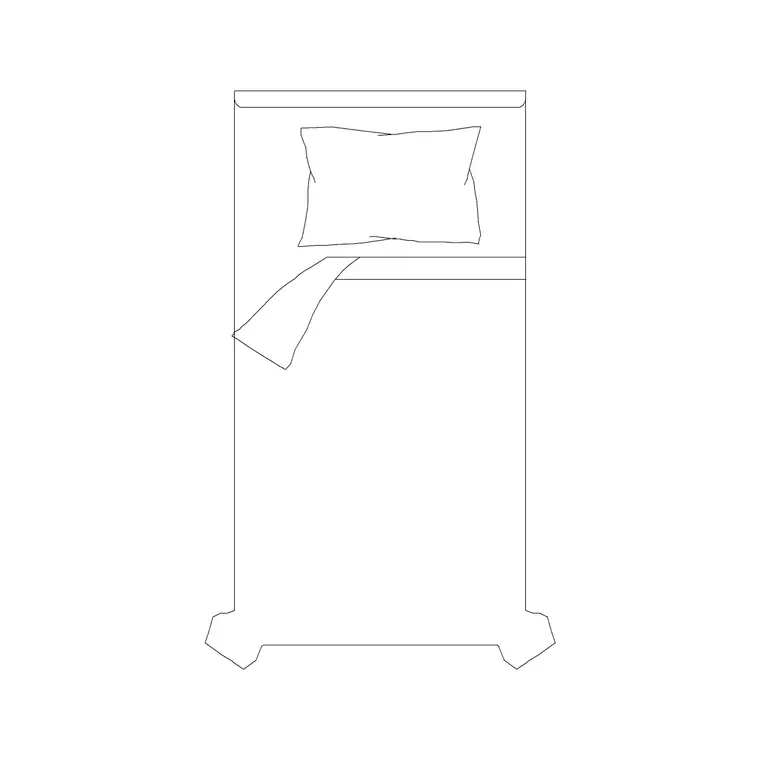
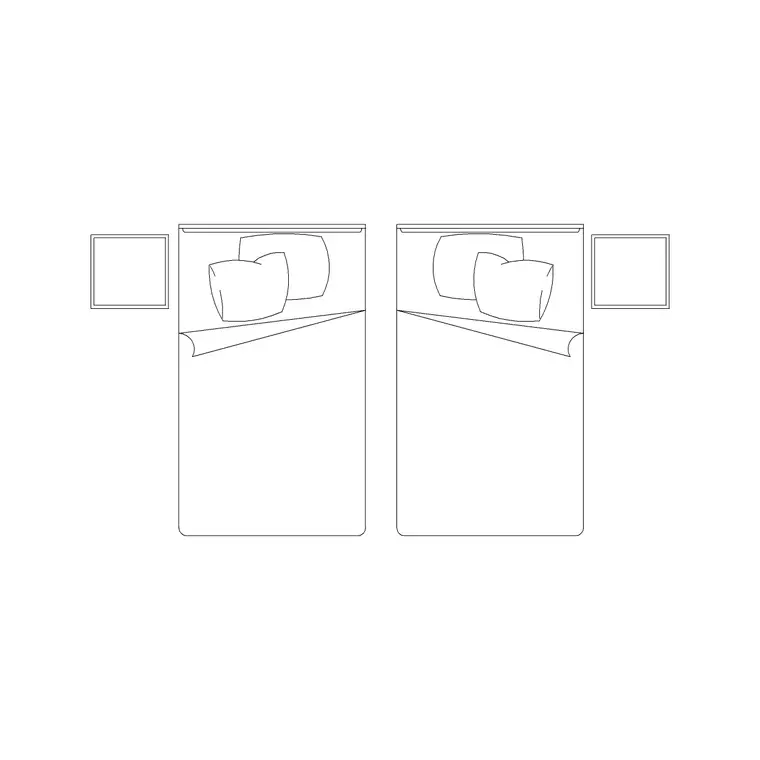
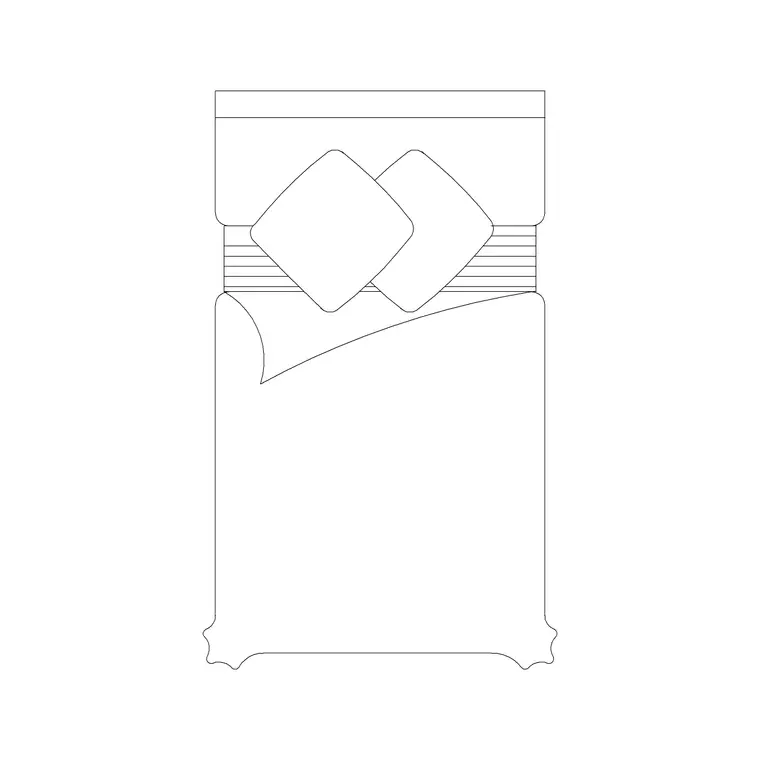
The workhorse is the single bed. A 1050 x 2000 single without a side table is the leanest option for a tight room and keeps the maximum floor clear; a 1200 x 2000 single with two side tables suits a slightly larger room or a child who wants a bedside surface for a lamp and books, and a 1220 x 2080 single gives a touch more length for a growing child.
Push the bed into a corner or against the long wall rather than floating it — children's rooms almost always work better with the bed tucked to free a continuous play strip. Keep at least 700 mm of walking space on the access side, and if the room takes two beds for siblings, you can place them parallel with a shared aisle or in an L against two walls; mirror one block to make the second bed without redrawing.
Storage that grows with the child
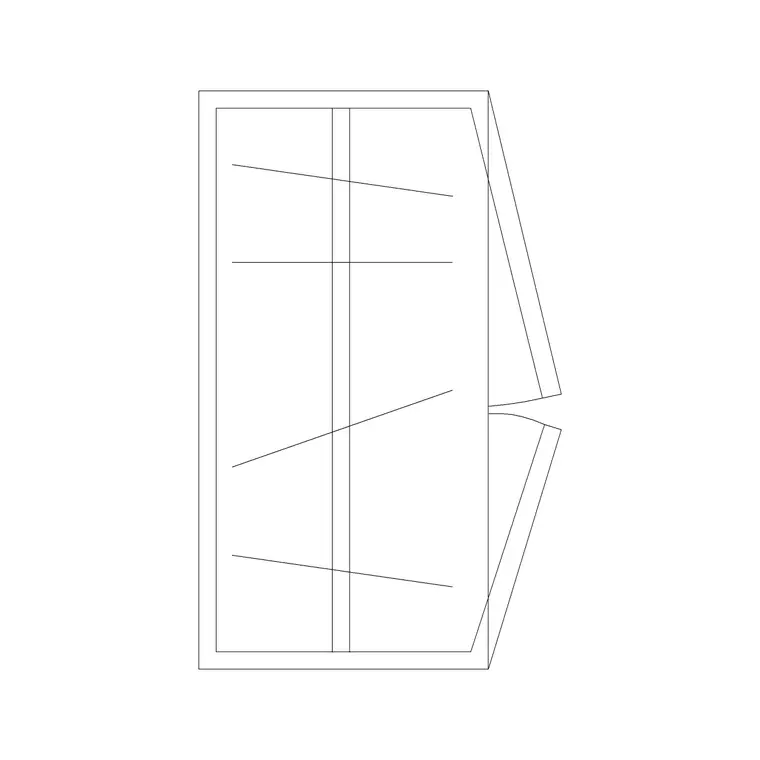
Storage in a kids' room has to hold clothes, toys and, later, books and kit. A 2-door small wardrobe is often the right scale — it stores without dominating a small room — while a 3-door wardrobe suits a larger or shared room with two children's clothes to hold.
Run the wardrobe on a short wall so it does not eat the long wall the bed or desk wants, and remember the roughly 600 mm depth when you check the remaining floor. Draw the door swing on the plan; in a small room hinged doors can clip the play strip, which is a good reason to consider sliding shutters. Low drawer units and toy storage can sit under a window or beside the bed to keep frequently used things within a child's reach.
Desk, play strip and circulation
As a child gets older the desk becomes the second most important block after the bed. Place it against a wall, ideally near the window for daylight, and leave room for a chair to pull out without hitting the bed. A stool block works for a younger child and is easy to tuck away.
The play strip is the open floor you deliberately protect. Lay the bed, wardrobe and desk around the room's edges and keep a clear rectangle of floor in the middle or along one side for floor play, a rug, or a future change of furniture. A children's room that keeps that open strip stays usable as the child grows; one that fills every corner with furniture feels cramped within a year.
Lighting, curtains and the fun layer
Light a kids' room with a central ceiling lamp for general light and a wall lamp by the bed for reading, drawn on the plan so the electrician and the elevation agree. Mark the curtain run across the window with a curtain elevation block — blackout curtains are common in children's rooms, and showing the run helps the elevation read correctly.
The finishing layer is what makes the room feel like a child's: an art frame or poster on the wall, a friendly clock such as a cuckoo clock, a potted plant out of reach on a shelf. These small blocks cost nothing on the plan but they communicate the room's purpose and make a presentation drawing far more convincing to parents.
Building the kids' room in AutoCAD
Lay the room out edge-first so the centre stays open:
- Tuck the single bed into a corner or along the long wall and check the access-side clearance. - For a shared room, mirror the bed block for the second bed and confirm the shared aisle. - Place the wardrobe on a short wall and draw the door swing. - Add the desk near the window with pull-out room for the chair or stool. - Protect a clear play strip of open floor and keep it block-free. - Add the ceiling lamp, bedside wall lamp, curtains and a couple of accessory blocks.
Insert every block at scale 1 in millimetres so it lands true to size, and keep the furniture on its own layer so you can freeze it and print the bare structural plan.
Common kids' room mistakes
The biggest mistake is over-furnishing — filling a small room with adult-scale furniture until there is no floor left for a child to actually play on. Keep the bed a single, keep the wardrobe modest, and protect the open floor.
The second is forgetting that the room has to evolve: a layout that only suits a five-year-old's toys ignores the desk the ten-year-old will need. Leave a wall free for a future desk. The third is hinged wardrobe doors swinging into the play strip; check the swing on the plan, or switch to sliding doors, before the layout is fixed.
Free download
Browse the full library — DWG & DXF, no signup.
Questions
Frequently asked
What bed size should a kids' bedroom use?+
A single bed is almost always right for a child's room because it keeps the maximum floor clear. Use a 1050 x 2000 single without a side table for the tightest rooms, or a 1200 x 2000 single with side tables or a 1220 x 2080 single where there is a little more space.
How do I plan a shared kids' room with two beds?+
Place the two single beds either parallel with a shared walking aisle of at least 700 mm between or against them, or in an L against two walls to free a central play area. Mirror one bed block to create the second so the geometry stays identical.
Which wardrobe suits a child's bedroom?+
A 2-door small wardrobe is usually the right scale for one child without dominating a small room; step up to a 3-door wardrobe for a larger or shared room. Run it on a short wall, allow around 600 mm depth, and watch the door swing against the play strip.
Are these kids' bedroom blocks free to use?+
Yes. Every block downloads free in DWG, drawn full size in millimetres, with no signup, no watermark and no attribution requirement, and is cleared for personal and commercial projects.
Related downloads
Blocks for this guide
Related categories
Related guides
Room guide
Master Bedroom CAD Blocks & Layout — DWG
Free master bedroom CAD blocks in DWG — king and double beds, side tables, wardrobes, seating and lighting to lay out a master suite in AutoCAD.
Room guide
Guest Bedroom CAD Blocks & Layout — DWG
Free guest bedroom CAD blocks in DWG — double and single beds, compact wardrobes and seating to plan a flexible spare room in AutoCAD.
Room guide
Nursery CAD Blocks & Baby Room Plan — DWG
Free nursery CAD blocks in DWG — plan a baby room with cot, changing zone, feeding chair and storage at real clearances in AutoCAD.