Room guide · master bedroom cad blocks
Master bedroom CAD blocks and layout plan
By Saumyajit Maity · Published 29 Jun 2025 · Updated 12 Apr 2026
A master bedroom is the largest private room in most homes, and it carries more than a bed. It usually has to hold a generous bed with two access sides, a wardrobe run or walk-in entry, a seating or reading corner, and often a dressing zone or an ensuite door — all without the room feeling like a furniture showroom. Getting that balance right on paper is what this page is for. The CAD blocks below let you build a believable master-bedroom plan in AutoCAD where every clearance is real before a single wall is finalised.
The block that decides the room is the bed. In a master you are usually working with a king or a full double, and once it lands against the head wall the circulation, the wardrobe wall and the seating zone all fall into place around it. Drawing the bed at its true mattress module — not a rough rectangle — is the difference between a plan that works and one that looks fine until the furniture arrives.
Every block here is free DWG, drawn full size in millimetres, with no signup or watermark and cleared for commercial work. Insert them, arrange the room against real gaps, and the plan reads the way the finished suite will feel.
What a master bedroom has to do
Unlike a guest room or a child's room, a master is a multi-zone space. It is a sleeping room, a storage room and usually a small sitting room rolled into one, and the better masters give each of those a defined corner rather than letting them bleed into each other.
Think of the room in four jobs: the bed zone on the head wall, the storage zone (a wardrobe run or the door into a walk-in), a soft zone for a bench, chaise or reading chair, and the circulation that links them and the ensuite. When you plan with blocks you are really laying out those four zones and then checking that the gaps between them are wide enough to walk, dress and open doors without collisions.
Choosing and placing the bed block
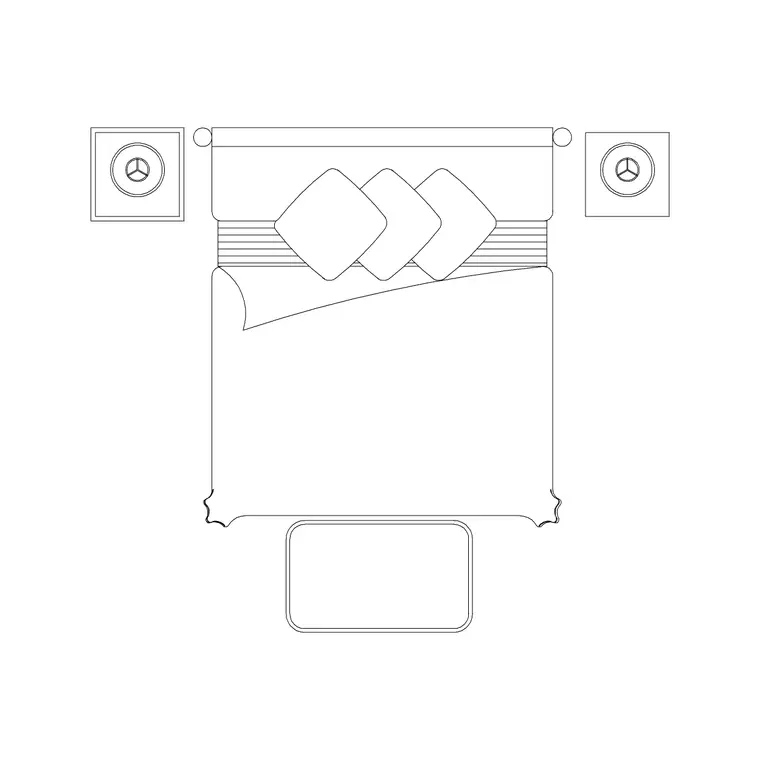
Start with the bed because it fixes everything else. A king-size block such as the 3200 x 2095 king-size bed suits a true master where you want two full bedside zones and a commanding head wall; a 1830 x 2080 double with an ottoman gives you a slightly leaner footprint that still reads generous and adds storage at the foot.
Push the bed against the head wall and centre it deliberately — on the wall, on a window, or on a feature panel. Then check the two clearances a master lives or dies by: keep at least 700 mm of walking space down each side that someone actually uses (750 mm or more reads comfortable), and leave roughly 700 to 900 mm at the foot so you can pass and open a blanket box. Because the bed block is drawn to the real mattress module, those gaps are honest the moment it lands.
Side tables, wardrobes and the storage wall
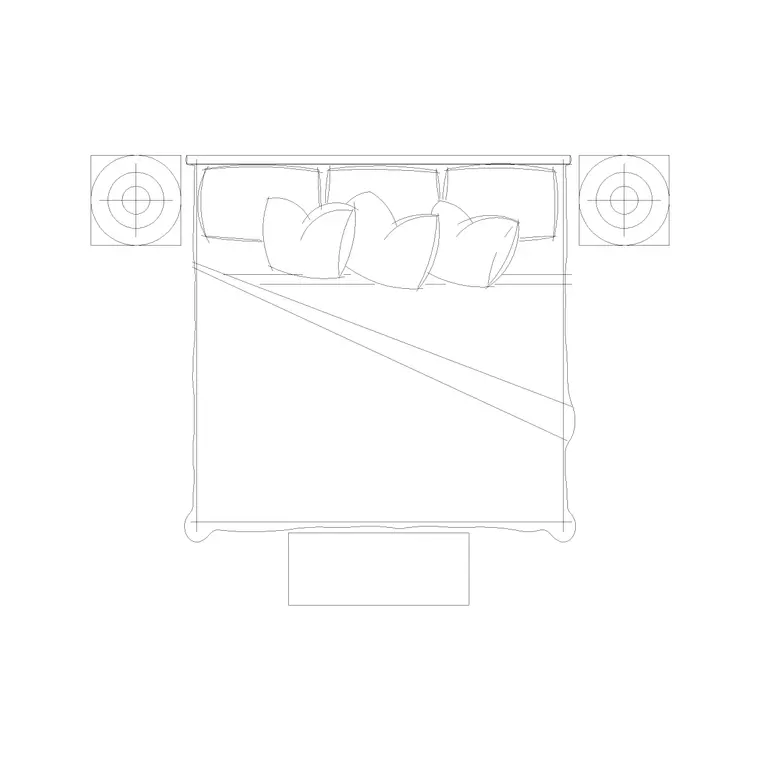
Master bedrooms usually have a bedside table on each side. Keep them as separate blocks rather than baking them into the bed: it lets you drop a slim table where a wall is tight and a wider one where there is room, without redrawing the bed. A 1600 x 1950 double with side tables shows how the table-bed relationship reads in plan.
The storage wall is the second biggest decision. A wardrobe is the deepest piece in the room — typically around 600 mm deep — so it eats wall and floor faster than people expect. Run it along the longest free wall. A 4-door wardrobe or a 4-door louvre-shutter wardrobe suits a master; the 3-door is the fallback when wall length is short. Remember on the elevation that hinged doors need swing space drawn on the plan, while sliding doors do not — in a narrow master that single choice can free up the whole walking aisle.
The seating and reading corner
What separates a master from a large bedroom is usually a soft zone the owners actually use. A bench or stool at the foot of the bed, a chaise under a window, or a reading chair with a wall lamp in a corner all turn a furnished plan into a designed room.
Use a back-elevation stool or a small seat block to claim the dead corner a large bed always leaves, and pair it with a wall lamp on the wall behind. Keep this furniture on the same furniture layer as the bed so it freezes and thaws together when you toggle the furnishing on and off from the structural plan. If the room has a bay or a window wall, the seating almost always wants to go there rather than floating in the middle of the floor.
Lighting and finishing touches
Master bedrooms read flat in plan until you add the layers that make them feel lived-in. Drop a ceiling lamp or a suspended chandelier on the centre of the bed zone for the general light, add wall lamps either side of the headboard for reading, and mark curtain runs across the window wall with a curtain elevation block so the elevation matches the plan.
Finish with the accessories that scale the room: an art frame on the head wall, an indoor plant in the seating corner, a clock on a side wall. These are small blocks but they tell anyone reading the drawing how the room is meant to be used, and they make the elevation believable rather than bare.
Assembling the master plan in AutoCAD
Work in a sensible order so the room resolves itself:
- Insert the bed first, centred on the head wall, and confirm the side and foot clearances. - Add the two side tables hard against the bed. - Place the wardrobe run on the longest free wall and draw the door swing (or note sliding doors). - Drop the seating into the corner or window bay the bed leaves free. - Add lighting over the bed zone and beside the headboard, then curtains on the window wall. - Keep everything on a dedicated furniture layer so you can freeze it to print the bare structural plan.
Insert each block at scale 1 with millimetre units and it will land at its true size. Mirror the whole arrangement if the suite is a handed twin of another bedroom, and your dimensions carry across untouched.
Common master-bedroom mistakes
The most frequent error is choosing a bed that is too big for the room and losing the side clearances — a king in a room that wanted a double leaves you squeezing past the mattress every night. Draw the bed at true size first and let the gaps tell you whether it fits.
The second is forgetting wardrobe door swing on the plan, then discovering the doors foul the bed or the walking aisle. The third is leaving the seating zone as an afterthought floating in the middle of the floor instead of anchoring it to a corner or a window. Plan the four zones deliberately, check the gaps with the scaled blocks, and the master comes together the way it should.
Free download
Browse the full library — DWG & DXF, no signup.
Questions
Frequently asked
What size bed should a master bedroom plan use?+
Most masters are planned around a king or a full double. Use a king block such as the 3200 x 2095 king-size bed when you want two full bedside zones, or a 1830 x 2080 double with ottoman for a leaner footprint that still reads generous. Always check you keep at least 700 mm of walking space down each used side.
How much clearance do I need around a master bed?+
Aim for at least 700 mm — ideally 750 mm or more — of walking space down each side someone uses, and roughly 700 to 900 mm at the foot to pass and open a blanket box. Because the bed blocks are drawn to true mattress modules, those gaps are accurate as soon as the block lands on the plan.
Which wardrobe block suits a master bedroom?+
A 4-door wardrobe or a 4-door louvre-shutter wardrobe suits most masters; drop to a 3-door wardrobe when wall length is short. Run it along the longest free wall, allow around 600 mm depth, and draw the hinge swing on the plan (sliding doors need no swing).
Are the master bedroom blocks free for commercial use?+
Yes. Every block downloads free in DWG, drawn full size in millimetres, with no signup, no watermark and no attribution requirement, cleared for both personal and commercial projects.
Related downloads
Blocks for this guide

Related categories
Related guides
Room guide
Kids Bedroom CAD Blocks & Plan — DWG
Free kids bedroom CAD blocks in DWG — single beds, wardrobes, desks and play space to plan a child's room in AutoCAD with real clearances.
Room guide
Guest Bedroom CAD Blocks & Layout — DWG
Free guest bedroom CAD blocks in DWG — double and single beds, compact wardrobes and seating to plan a flexible spare room in AutoCAD.
Room guide
Nursery CAD Blocks & Baby Room Plan — DWG
Free nursery CAD blocks in DWG — plan a baby room with cot, changing zone, feeding chair and storage at real clearances in AutoCAD.