Block landing · stainless steel railing cad block
Free stainless steel railing CAD block in DWG and DXF
By Sumana Kumar · Published 9 Apr 2023 · Updated 23 Feb 2026
A stainless steel railing is the clean, contemporary balustrade: tubular posts, a round or flat handrail, and an infill of horizontal rails, vertical bars or tensioned wire. This page offers a free stainless steel railing CAD block in DWG and DXF, drawn in elevation with its posts, handrail and infill so you can place a believable SS balustrade without building the assembly from scratch. It is free for personal and commercial use, with no signup, no watermark and no credit required.
Stainless balustrade is worth keeping as a block because its components repeat with precision — the post spacing, the infill rail pitch and the handrail line all read as a regular rhythm, and that regularity is exactly what a hand-drawn run gets wrong. Drop the block into an elevation for a stair, balcony or ramp, and into section to show the post fixing.
Because it is licence-clear, the same SS railing carries from a concept stair study to a planning elevation and into a coordinated balustrade detail for the fabricator.
What the stainless steel railing block contains
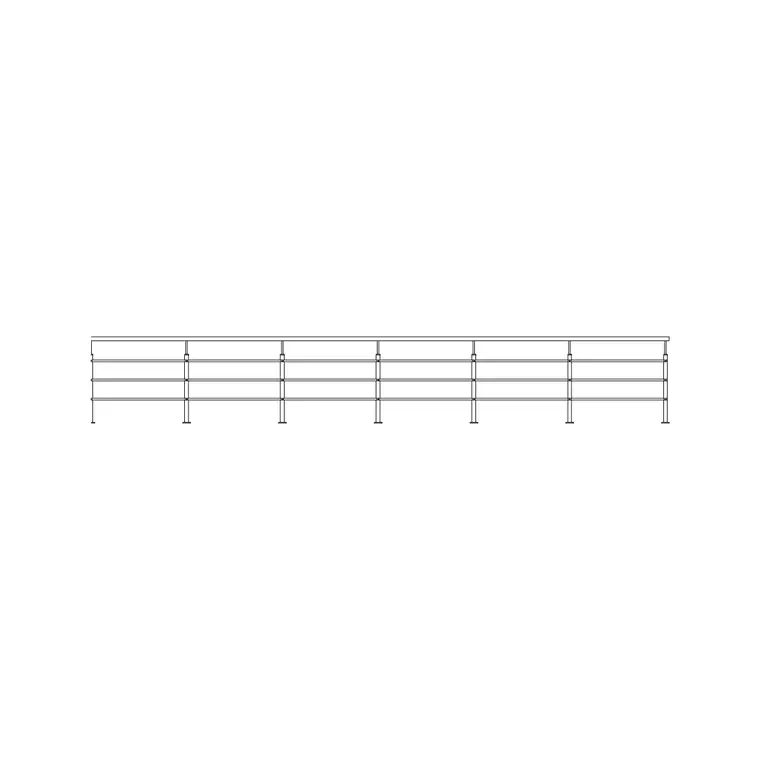
The block is drawn as one bay: a tubular post at each end, the handrail along the top, and the infill between — horizontal rails, vertical bars or tensioned wire. Posts, handrail and infill sit on separate layers so you can isolate the structural posts for setting-out or show only the handrail line on a small-scale plan.
Posts commonly sit at around 1.0–1.5 m centres for a wire or rail infill; the handrail and guarding height usually sit around 900–1100 mm. Where the infill is horizontal rails or wires, a typical run carries several evenly spaced lines. Because the bay is a block, the post pitch and infill spacing stay even down the whole balustrade.
Infill options: bars, rails and wire
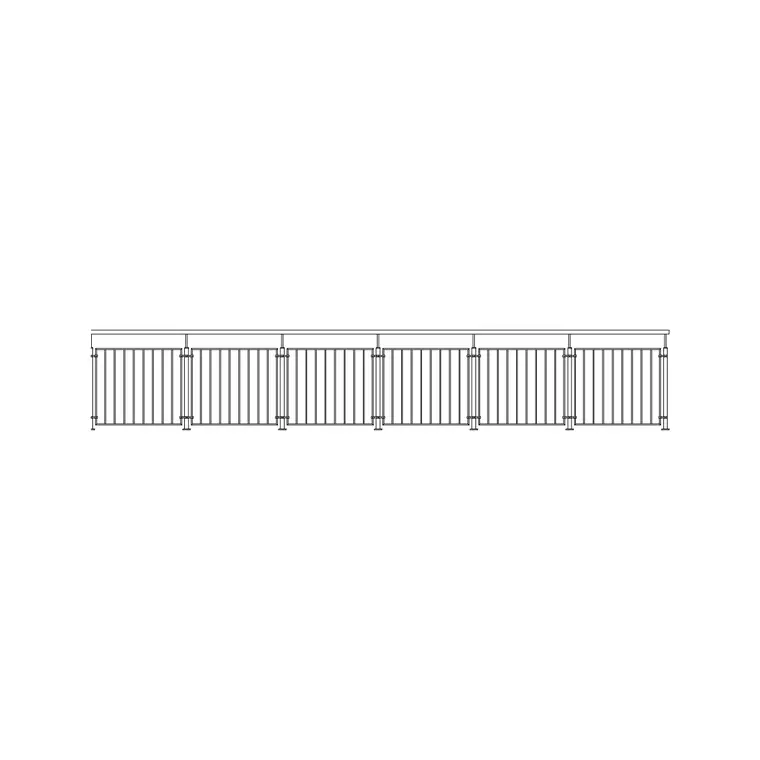
The look of a stainless railing is set by its infill. Vertical bar infill is the traditional balustrade, with bars at a close pitch to meet guarding gap rules. Horizontal rail or tensioned-wire infill gives the contemporary, near-transparent look favoured on terraces and stairs, with several evenly spaced lines between posts.
The block keeps the infill on its own layer so you can swap one style for another — bars for wires, say — and have every bay update. On a stair, the infill and handrail rake with the flight while the posts stay vertical, so the bay is drawn to follow the pitch when you place it on the rake.
Typical stainless steel railing dimensions
Use these as planning ranges. Guarding and handrail height commonly sits around 900–1100 mm; post centres around 1.0–1.5 m for wire or rail infill, closer for heavy bar infill; handrail tube usually a round or flat section. Where a guarding gap rule applies, the bar or wire pitch is set to suit it.
These are sketching ranges, not a spec — the tube sizes, the loading, the fixing and the applicable guarding rules set the real figures. The block lets you test the post rhythm and the infill look at a realistic size before the balustrade is detailed and engineered.
Inserting and repeating the railing
The block is drawn full size in millimetres: insert at scale 1 in a millimetre drawing, 0.001 in a metre drawing, or set INSUNITS to millimetres for automatic rescaling. Snap the insertion point to a post centre along the balustrade line and step the bay along the run.
For a straight balcony or ramp, place one bay and use a measured COPY or rectangular ARRAY at the post spacing so the posts and infill line up. On a stair, place the bays on the rake so the handrail and infill follow the flight pitch while the posts read vertical — the transition from rake to level landing is where you draw a special bay by hand.
Where stainless steel railing is used
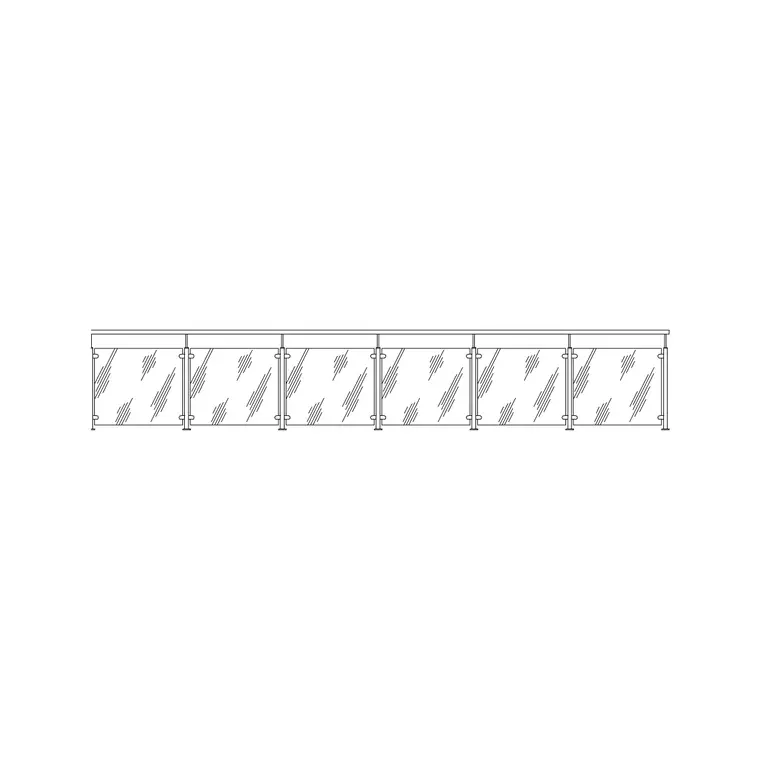
SS balustrade suits internal and external stairs, balconies and terraces, ramps and access routes, mezzanines and walkways, pool and spa surrounds, and reception and retail edges where a clean modern line is wanted. Pair it with the glass and metal railing blocks in the outdoor set when a project mixes systems, and with the stair and ramp blocks to complete the assembly.
The file is licence-clear, so it carries from a concept stair to a planning elevation and into a fabrication drawing for the metalworker without a redraw. It suits residential, commercial and student work alike.
Layering and scheduling the railing
Put the SS railing on its own balustrade layer rather than layer 0 so a structural drawing can fade it and a finishes drawing can pull it forward, from the same geometry. Keep the posts, handrail and infill on distinct layers so a fabrication drawing can show the structural posts and handrail run for setting-out while a presentation elevation shows the full infill. Tag each bay as a block and an attribute extraction returns a quick count of posts and bays — a lightweight balustrade take-off straight from the drawing.
Free download
Browse the full library — DWG & DXF, no signup.
Questions
Frequently asked
Is the stainless steel railing block free to use commercially?+
Yes. It downloads free in DWG and, where available, DXF, with no signup, no watermark and no attribution clause, cleared for commercial project work.
Can I switch between bar, rail and wire infill?+
Yes. The infill sits on its own layer, so editing the bay definition once — swapping bars for wires, say — updates every bay you have placed along the run.
What handrail height is it drawn at?+
Commonly around 900–1100 mm. Treat that as a planning range — the actual guarding height and infill pitch are set by the applicable safety rules for your project.
What scale should I insert it at?+
Full size in millimetres. Insert at scale 1 in a millimetre drawing, 0.001 in a metre drawing, or set INSUNITS to millimetres for automatic rescaling on insertion.
Which programs open the DWG?+
It targets AutoCAD 2004 and later and opens in current AutoCAD, AutoCAD LT, BricsCAD, DraftSight and free online DWG viewers.
Related downloads
Blocks for this guide
Related categories
Related guides
Block landing
Free Bar Table CAD Blocks — DWG Download
Download free bar table CAD blocks in DWG and DXF — round, square and rectangular high bar tables in plan and elevation for AutoCAD. No signup, commercial-use OK.
Block landing
Free Restaurant Table CAD Blocks — DWG Download
Download free restaurant table CAD blocks in DWG and DXF — 2, 4 and 6 cover tables with chairs drawn in plan and elevation for AutoCAD. No signup, commercial-use OK.
Block landing
Free Restaurant Chair CAD Blocks — DWG Download
Download free restaurant chair CAD blocks in DWG and DXF — dining, cafe and side chairs plus baby high chairs in plan and elevation. No signup, commercial-use OK.