Block landing · square sink cad block
Square sink CAD block in DWG and DXF
By Saumyajit Maity · Published 23 May 2023 · Updated 10 Jun 2026
A square sink has a square or near-square bowl with crisp corners, giving a clean, modern cut-out that suits compact runs and design-led kitchens and bathrooms. Its tight footprint makes it a favourite where a long rectangular sink will not fit but a round bowl feels too small, and the square geometry sets out simply from four corners. This page gives you a free square sink CAD block in DWG and DXF, drawn at true millimetre dimensions for AutoCAD 2004 or later, free for personal and commercial work with no signup or watermark.
Drop the square sink onto a plan and you can read immediately how the bowl sits within the worktop depth, how much landing space remains on each side and where the tap stands behind it. Because the bowl is square, the cut-out is easy to dimension and easy to centre on a narrow cabinet, which is part of why this shape is so widely used in small kitchens and cloakrooms.
What a square sink block is
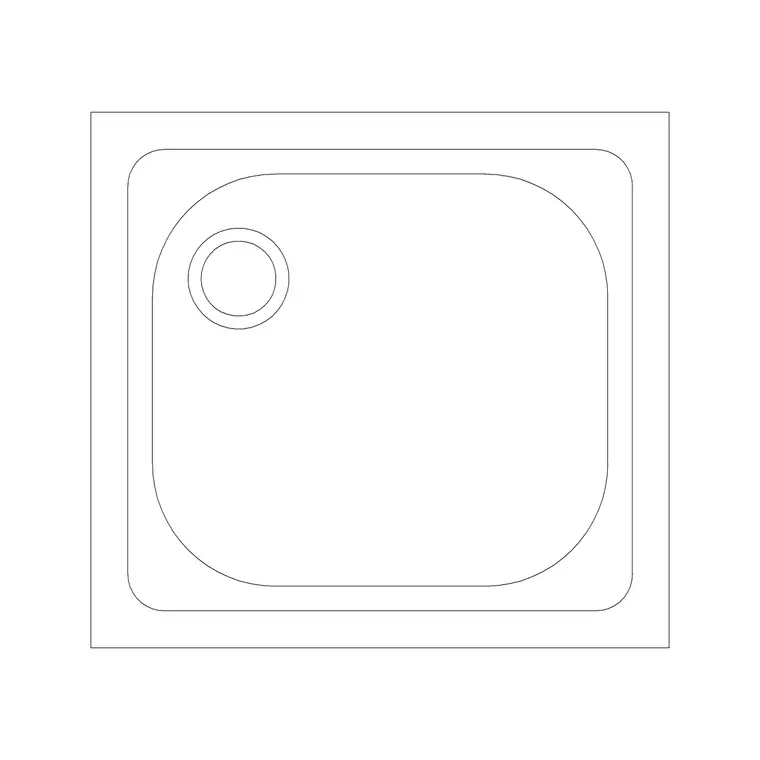
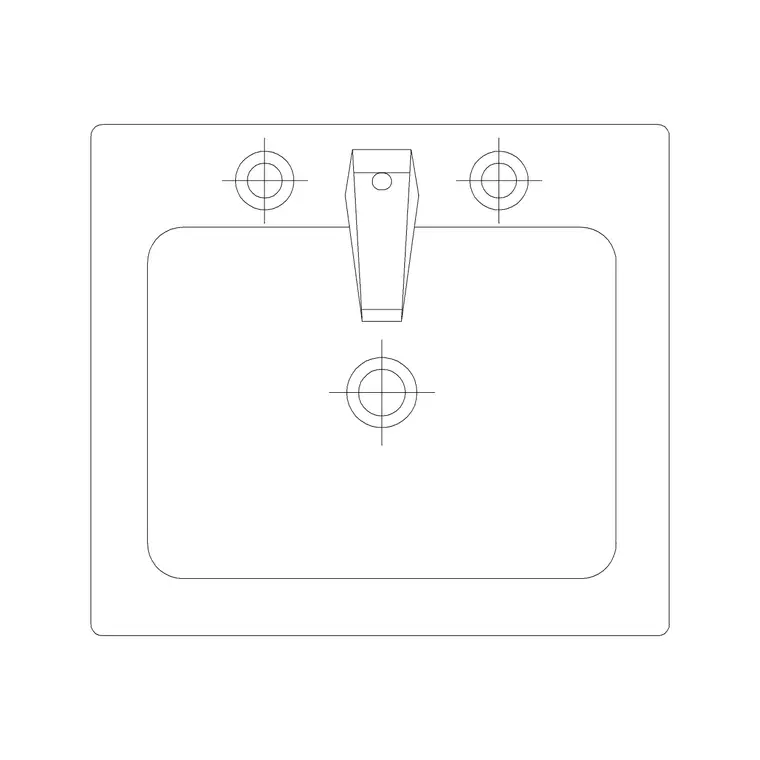
A square sink block represents a single square or near-square bowl set into a worktop, with a tap deck behind it. In plan you see the square rim, the square bowl line inside it and the tap position; the squared-off corners are the defining feature and are what distinguish it from a wide rectangular sink or a round basin. It is typically a single-bowl unit, compact and efficient.
The block is a single block reference so the bowl and tap move together. The square geometry sets out cleanly from corners, which makes it quick to centre on a cabinet and easy for a fabricator to template. Keep the rim, bowl line and tap as sensible sub-elements so you can recolour the cut-out on a joinery drawing or simplify it on a general plan.
Views and what's included
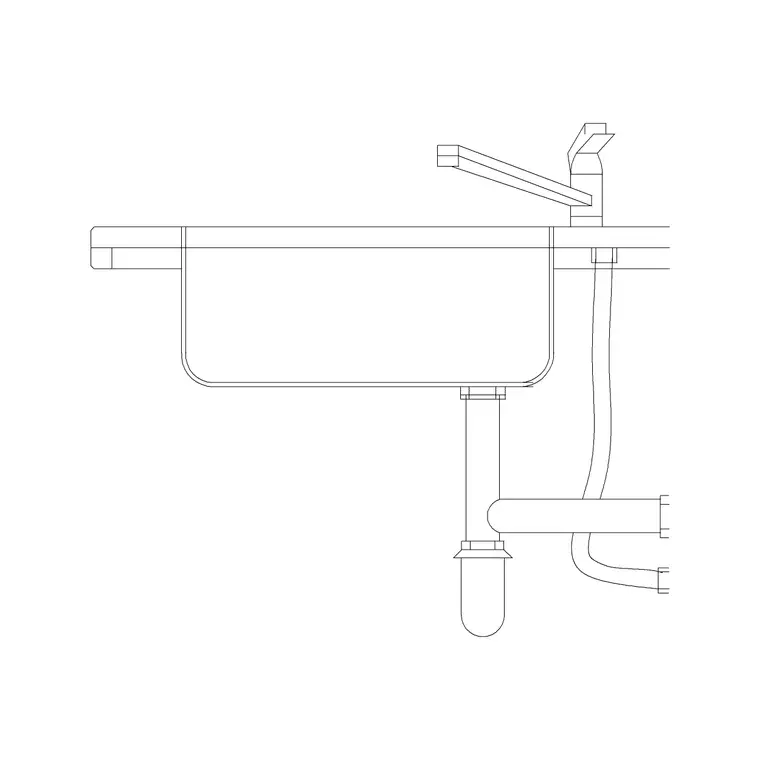
The plan view is the working view for layouts, showing the square bowl from above on the worktop run. Where an elevation is supplied it shows the bowl depth dropped below the worktop and the tap profile, which helps on a kitchen or vanity elevation.
Because the bowl is square, it is near-symmetrical, so orientation is mostly about the tap side and aligning the bowl square to the run. Insert the block, rotate to align it, and snap the tap behind the bowl. Keep the tap separate so you can choose a compact mixer that suits a small square basin from the faucet category — important when the bowl is tight and a large spout would overhang awkwardly.
Typical square sink sizes to design around
Use these as ranges. A square sink is compact: the bowl commonly measures in the region of 300–450 mm on a side, with the rim a little larger, sized to drop into a narrow base cabinet — often a 450 mm unit — or a vanity top. Bowl depth is similar to other sinks, often about 150–220 mm below the worktop, though some compact square bowls are shallower.
Draw the worktop at its conventional 600 mm depth and 900 mm height for a kitchen, or the appropriate vanity height for a bathroom. Because the bowl is small and square, leave usable landing space to each side for prep or for setting things down, and centre the bowl on the cabinet so the cut-out clears the carcass sides evenly.
How to insert and scale the block
The block is drawn full size in millimetres. Insert at scale 1 in a millimetre drawing, 0.001 in a metre drawing, or set INSUNITS to millimetres so AutoCAD rescales an imperial template on insertion. Use INSERT or drag the DWG from a tool palette.
Snap the insertion to the bowl centre or a rim corner so you can centre the square cut-out on the cabinet, then rotate to align the bowl square with the run. Put the sink on a sanitary-ware layer so it can be frozen for a shell plan and thawed for a fitted plan. Because the cut-out is square, it dimensions neatly from its corners on a setting-out drawing. Edit the block once with BEDIT if you change the bowl size or tap.
Where square sinks are used
Square sinks suit compact kitchens, kitchenettes, utility rooms, cloakrooms and bathroom vanities, and any design-led scheme that wants the crisp lines of a squared-off bowl. Their small, efficient footprint makes them ideal for narrow runs and secondary prep points, and the modern look fits contemporary and minimalist interiors.
Plan the square sink with the narrow cabinet or vanity it sits in, and keep the tap and any waste note coordinated behind the bowl. Pair the block with the cabinet, hob and appliance blocks in the kitchen set or the vanity and WC blocks in the bathroom set, and keep the sanitary-ware on its own layer so the compact cut-out reads cleanly on the general plan.
Free download
Browse the full library — DWG & DXF, no signup.
Questions
Frequently asked
What is a square sink?+
It is a sink with a square or near-square bowl and crisp corners, giving a clean modern cut-out. Its compact footprint suits narrow cabinets, kitchenettes, cloakrooms and vanity tops.
What size cabinet does a square sink need?+
Compact square bowls, often around 300–450 mm on a side, frequently drop into a narrow base cabinet such as a 450 mm unit or a vanity top. The block is true-scale, so check it against your cabinet.
Is a square sink easy to set out?+
Yes. The square cut-out dimensions cleanly from its four corners, which makes it quick to centre on a cabinet and easy for a worktop fabricator to template from a setting-out drawing.
Is the square sink CAD block free for commercial use?+
Yes. It downloads free in DWG and, where available, DXF, with no signup, watermark or attribution, and it is cleared for commercial project drawings.
Related downloads
Blocks for this guide
Related categories
Related guides
Block landing
Free Sanitary Fixtures CAD Blocks — DWG Download
Download free sanitary fixtures CAD blocks in DWG and DXF — WCs, wash basins, urinals and sinks in plan and section for AutoCAD sanitary plans.
Block landing
Free Kitchen Faucet / Mixer Tap CAD Block — DWG
Download free kitchen faucet and mixer tap CAD blocks in DWG and DXF — monobloc and pull-out mixers in plan and elevation. No signup, commercial OK.
Block landing
Free Kitchen Sink Unit CAD Block — DWG Download
Download free kitchen sink unit CAD blocks in DWG and DXF — single, double and 1.5-bowl sinks with drainers in plan and section. AutoCAD 2004+, no signup.